> For the complete documentation index, see [llms.txt](https://hacking-notes.jord4n.pro/llms.txt). Markdown versions of documentation pages are available by appending `.md` to page URLs; this page is available as [Markdown](https://hacking-notes.jord4n.pro/de/hacking-tools/enumeration/dns-enumeration.md).

# DNS-Enumeration

Notizen zu DNS-Enumeration-Tools für passive DNS-Erkennung, Subdomain-Enumeration, DNS-Records, Zone-Transfer-Prüfungen, dnsrecon, dnsenum, DNSDumpster, Brute-Forcing, Host-Erkennung und Reconnaissance-Workflows.

Die DNS-Enumeration identifiziert Domains, Subdomains, Einträge, Nameserver, offengelegte Zonen und Hinweise auf die Infrastruktur, bevor tiefere Scans durchgeführt werden. Nutzen Sie zuerst passive Quellen und validieren Sie die Ergebnisse dann mit aktiven DNS-Abfragen und kontrolliertem Brute-Forcing, wenn der Testumfang dies zulässt.

## DNS-Enumerierungs-Workflow

1. Sammeln Sie passive DNS-Daten aus öffentlichen Quellen und Certificate-Transparency-Datensätzen.
2. Fragen Sie gängige Einträge wie A, AAAA, CNAME, MX, TXT, NS, SOA und SRV ab.
3. Prüfen Sie mit autorisierten Nameservern auf mögliche Zonenübertragungen.
4. Bruteforcen Sie Subdomains nur, wenn die Einsatzregeln eine aktive Erkundung erlauben.
5. Lösen Sie entdeckte Hosts auf und übergeben Sie bestätigte Ziele an den Portscan und das Web-Profiling.

## DNS-Tools

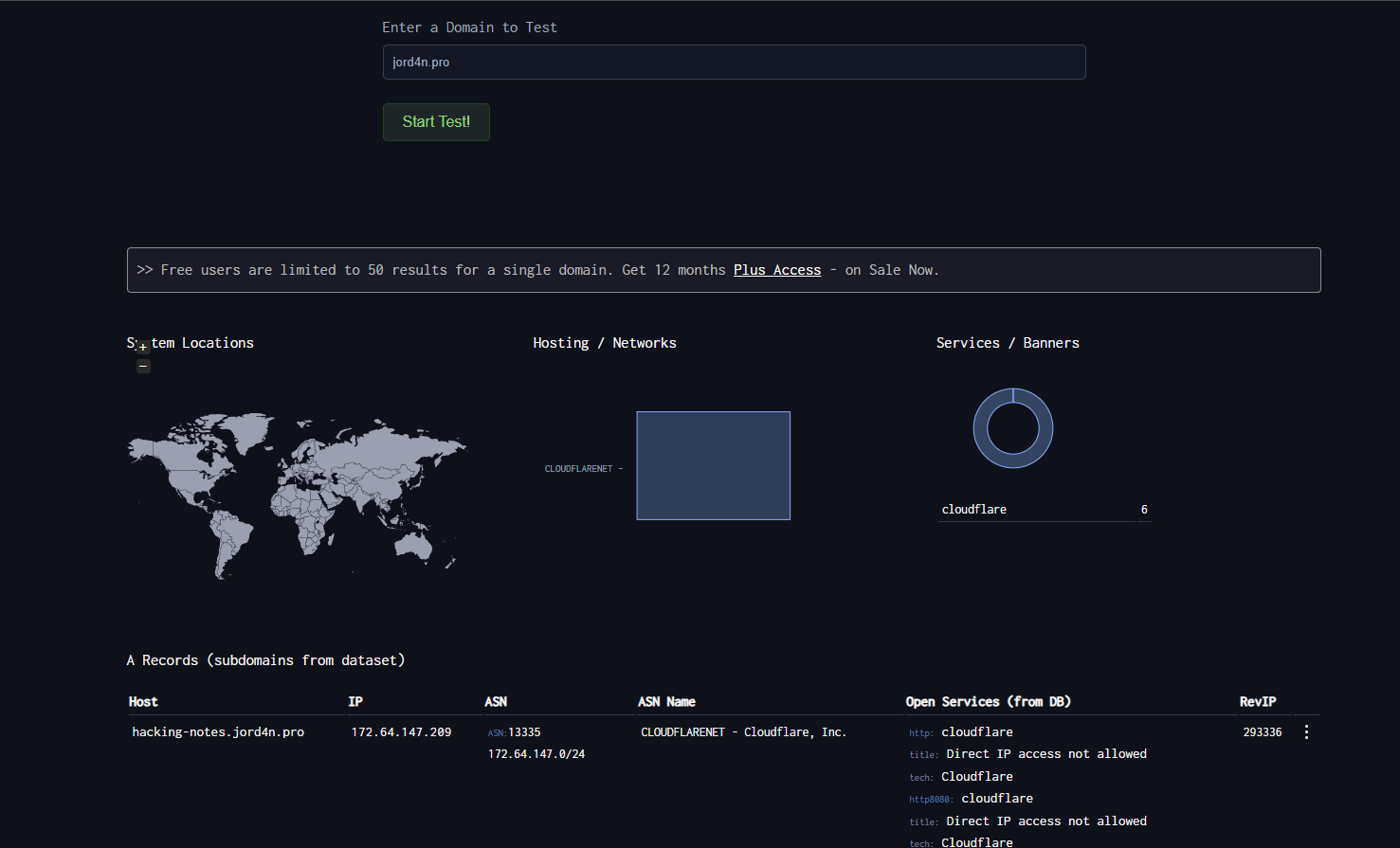
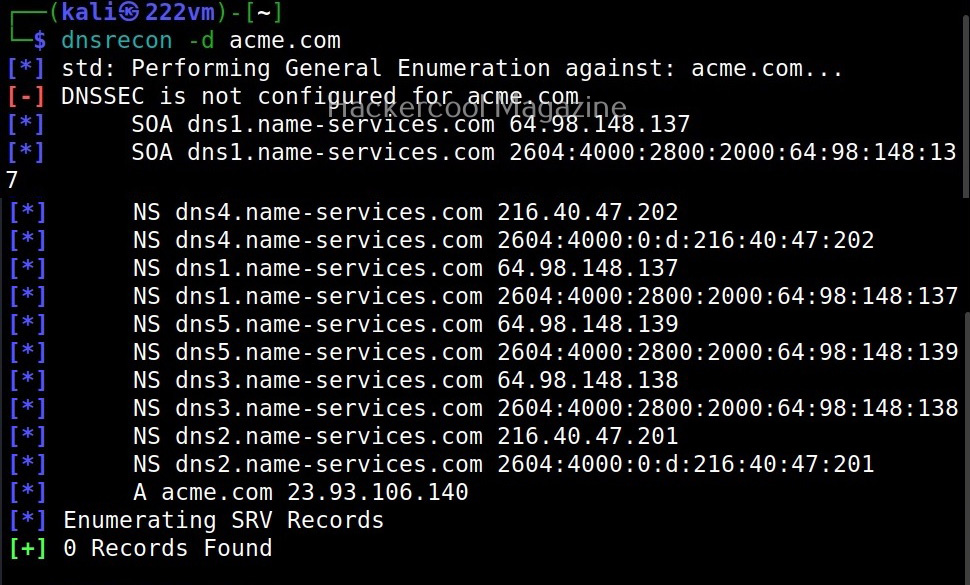
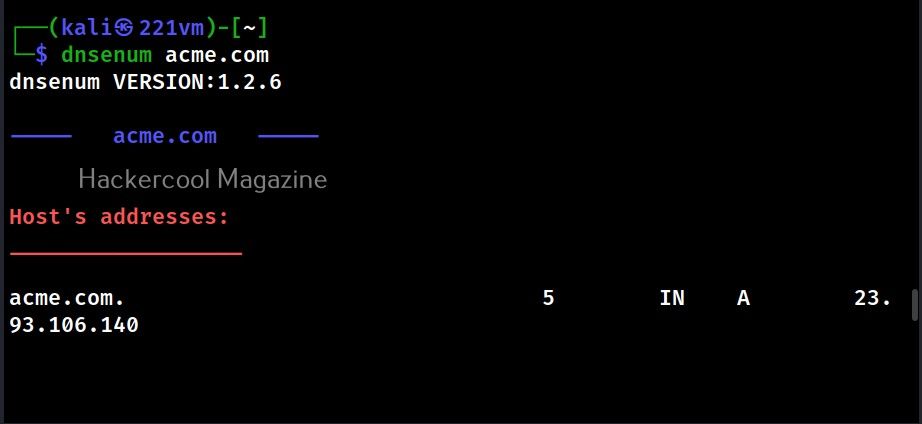
<table data-card-size="large" data-column-title-hidden data-view="cards" data-full-width="false" data-search="false"><thead><tr><th>Name</th><th>Beschreibung</th><th>Offizieller Link</th><th data-hidden data-card-cover data-type="image">Titelbild</th></tr></thead><tbody><tr><td><strong>DNSDumpster</strong></td><td>Passive Erkennung von DNS-Einträgen und Subdomains.</td><td><a href="https://dnsdumpster.com/">https://dnsdumpster.com/</a></td><td><a href="https://2955439919-files.gitbook.io/~/files/v0/b/gitbook-x-prod.appspot.com/o/spaces%2Fl4EVJpcOrsgjSGsLI7p2%2Fuploads%2Fgit-blob-075a81b392cd7f201128689be1c5e50c045253ed%2Fimage.png?alt=media">image.png</a></td></tr><tr><td><strong>dnsrecon</strong></td><td>DNS-Enumeration, Zonenübertragungen und Brute-Forcing von Subdomains.</td><td><a href="https://github.com/darkoperator/dnsrecon">https://github.com/darkoperator/dnsrecon</a></td><td><a href="https://2955439919-files.gitbook.io/~/files/v0/b/gitbook-x-prod.appspot.com/o/spaces%2Fl4EVJpcOrsgjSGsLI7p2%2Fuploads%2Fgit-blob-18b7d6e02adf179685d2cf2621e75ebbb098ca40%2Fimage.png?alt=media">image.png</a></td></tr><tr><td><strong>dnsenum</strong></td><td>DNS-Brute-Forcing und Erfassung von Domäneninformationen.</td><td><a href="https://github.com/fwaeytens/dnsenum">https://github.com/fwaeytens/dnsenum</a></td><td><a href="https://2955439919-files.gitbook.io/~/files/v0/b/gitbook-x-prod.appspot.com/o/spaces%2Fl4EVJpcOrsgjSGsLI7p2%2Fuploads%2Fgit-blob-6253d171f4c3d5591956eea6b99351a2ea5635a1%2Fimage.png?alt=media">image.png</a></td></tr></tbody></table>

## Passive Quellen

| Ressource                                             | Beschreibung                                                                             |
| ----------------------------------------------------- | ---------------------------------------------------------------------------------------- |
| [VirusTotal](https://www.virustotal.com/)             | Analyse der Beziehungen zwischen URLs, Domains, passivem DNS und der Infrastruktur.      |
| [Censys](https://search.censys.io/)                   | Suchmaschine für mit dem Internet verbundene Hosts, Zertifikate und exponierte Dienste.  |
| [crt.sh](https://crt.sh/)                             | Certificate-Transparency-Suche zum Auffinden von Namen in öffentlichen TLS-Zertifikaten. |
| [Project Sonar](https://sonar.omnisint.io/)           | Öffentliche Endpunkte für Subdomain-, TLD- und Reverse-DNS-Lookups.                      |
| [Netcraft SearchDNS](https://searchdns.netcraft.com/) | Öffentliche Suche nach Hostnamen und DNS-Intelligence.                                   |


---

# Agent Instructions
This documentation is published with GitBook. GitBook is the documentation platform designed so that both humans and AI agents can read, navigate, and reason over technical content effectively. Learn more at gitbook.com.

## Querying This Documentation
If you need additional information that is not directly available in this page, you can query the documentation by asking a question.

Perform an HTTP GET request on the following URL with the `ask` and `goal` query parameters:

```
GET https://hacking-notes.jord4n.pro/de/hacking-tools/enumeration/dns-enumeration.md?ask=<question>&goal=<user_goal>
```

`ask` is the immediate question: it should be specific, self-contained, and written in natural language.
`goal` is what the user is ultimately trying to achieve, the reason they need the answer. Sharing it helps GitBook give you a better, more relevant answer. A goal is most helpful when it describes the outcome the user wants rather than restating the question. For example, with `ask=how do I create an API token`, a goal like `automate deployments from our CI pipeline` lets GitBook tailor the answer to that use case.

The response will contain a direct answer to the question and relevant excerpts and sources from the documentation.

Use this mechanism when the answer is not explicitly present in the current page, you need clarification or additional context, or you want to retrieve related documentation sections.