> For the complete documentation index, see [llms.txt](https://hacking-notes.jord4n.pro/llms.txt). Markdown versions of documentation pages are available by appending `.md` to page URLs; this page is available as [Markdown](https://hacking-notes.jord4n.pro/de/web/authentication/password-brute-force-via-password-change.md).
# Passwort-Brute-Force über die Passwortänderungsfunktion
Notizen zum Passwort-Brute-Force über die Passwortänderungsfunktion für die Labs der PortSwigger Web Security Academy, einschließlich Ausnutzungsablauf, Payload-Tests, Burp-Suite-Validierung und Behebungskontext
### Passwort-Brute-Force über Passwortänderung
Dieses Labor präsentiert eine Schwachstelle in der Funktionalität von **Passwortänderung**, wodurch ein Angriff durch **Brute Force**. / Das Ziel ist es, das Passwort von **Carlos**, dann auf seine Seite \*\* zuzugreifen
**Bereitgestellte Zugangsdaten:**
* Benutzer: `wiener`
* Passwort: `peter`
**Zielbenutzer:**
* `carlos`
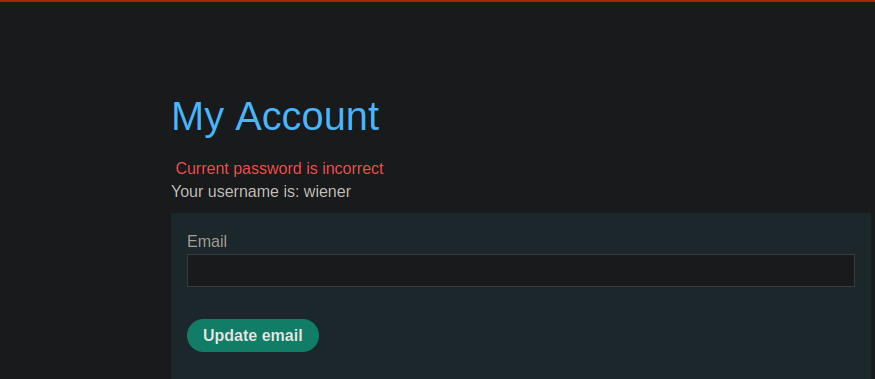
Ein Abschnitt ermöglicht es Ihnen, das Passwort nach der Authentifizierung zu ändern. / Wenn ein falscher **aktuelles Passwort** eingegeben wird, gibt die Anwendung eine bestimmte Fehlermeldung zurück.
Beispiel für eine von der Anwendung gesendete Anfrage:
{% code overflow="wrap" %}
```bash
username=wiener¤t-password=test&new-password-1=test1234&new-password-2=test123
```
{% endcode %}
Wenn das `current-password` Feld ungültig ist, zeigt die angezeigte Fehlermeldung an, dass das aktuelle Passwort falsch ist.
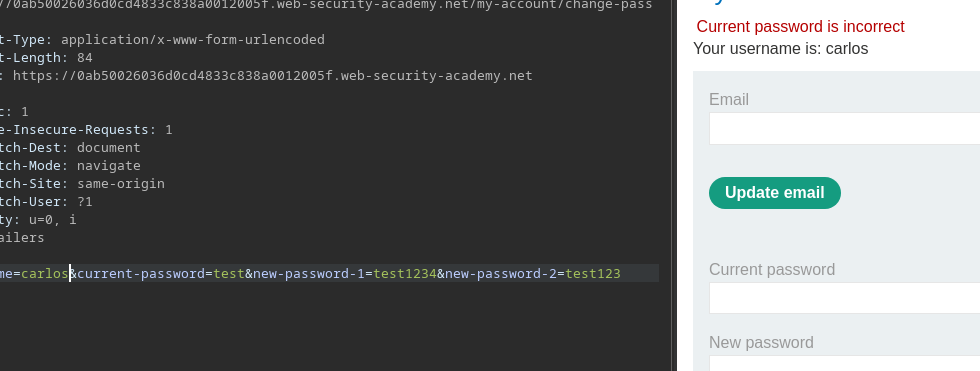
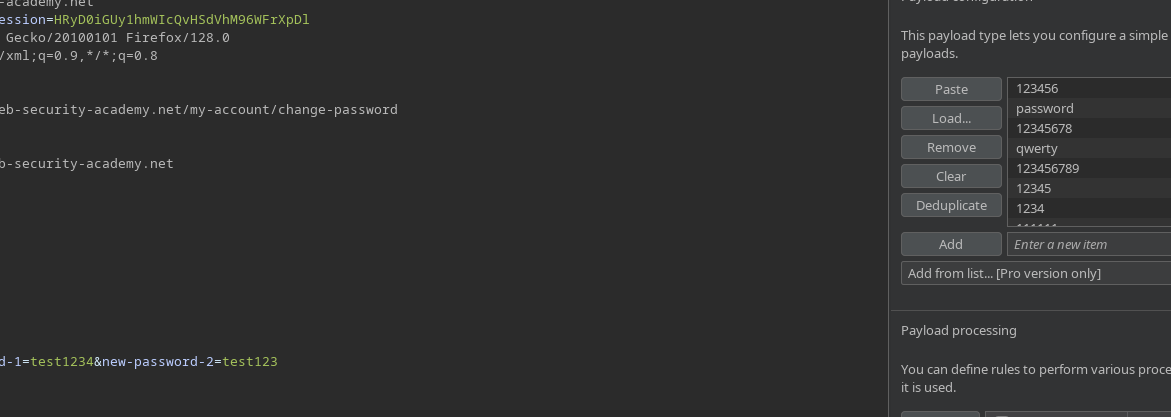
Beim Ersetzen von `wiener` durch `carlos` in der Abfrage, **bleibt die Fehlermeldung gleich**, solange das getestete Passwort nicht das richtige ist. Konfigurieren Sie einen Burp-Intruder-Angriff
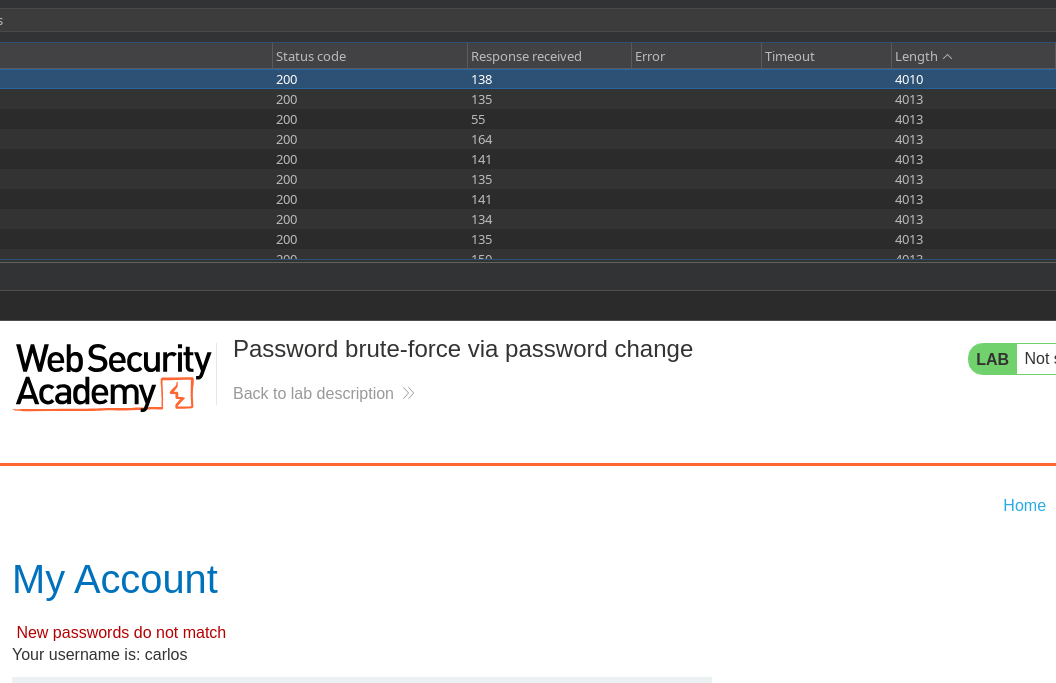
Allerdings für **das richtige Passwort**, ändert sich die Fehlermeldung:/ statt des falschen Passworts zeigt die Anwendung an, dass **die Anmeldeinformationen nicht übereinstimmen**.
Dieser Unterschied in der Antwort ermöglicht es uns, zu **ein gültiges Passwort von einem ungültigen zu unterscheiden**.
---
# Agent Instructions
This documentation is published with GitBook. GitBook is the documentation platform designed so that both humans and AI agents can read, navigate, and reason over technical content effectively. Learn more at gitbook.com.
## Querying This Documentation
If you need additional information that is not directly available in this page, you can query the documentation by asking a question.
Perform an HTTP GET request on the following URL with the `ask` and `goal` query parameters:
```
GET https://hacking-notes.jord4n.pro/de/web/authentication/password-brute-force-via-password-change.md?ask=&goal=
```
`ask` is the immediate question: it should be specific, self-contained, and written in natural language.
`goal` is what the user is ultimately trying to achieve, the reason they need the answer. Sharing it helps GitBook give you a better, more relevant answer. A goal is most helpful when it describes the outcome the user wants rather than restating the question. For example, with `ask=how do I create an API token`, a goal like `automate deployments from our CI pipeline` lets GitBook tailor the answer to that use case.
The response will contain a direct answer to the question and relevant excerpts and sources from the documentation.
Use this mechanism when the answer is not explicitly present in the current page, you need clarification or additional context, or you want to retrieve related documentation sections.