> For the complete documentation index, see [llms.txt](https://hacking-notes.jord4n.pro/llms.txt). Markdown versions of documentation pages are available by appending `.md` to page URLs; this page is available as [Markdown](https://hacking-notes.jord4n.pro/es/web/business-logic/inconsistent-handling-of-exceptional-input.md).
# Manejo inconsistente de entradas excepcionales
Notas sobre Manejo inconsistente de entradas excepcionales para los laboratorios de PortSwigger Web Security Academy, incluido el flujo de explotación, pruebas de payload, validación en Burp Suite y contexto de mitigación.
### Gestión inconsistente de entradas excepcionales
**Descripción del laboratorio**
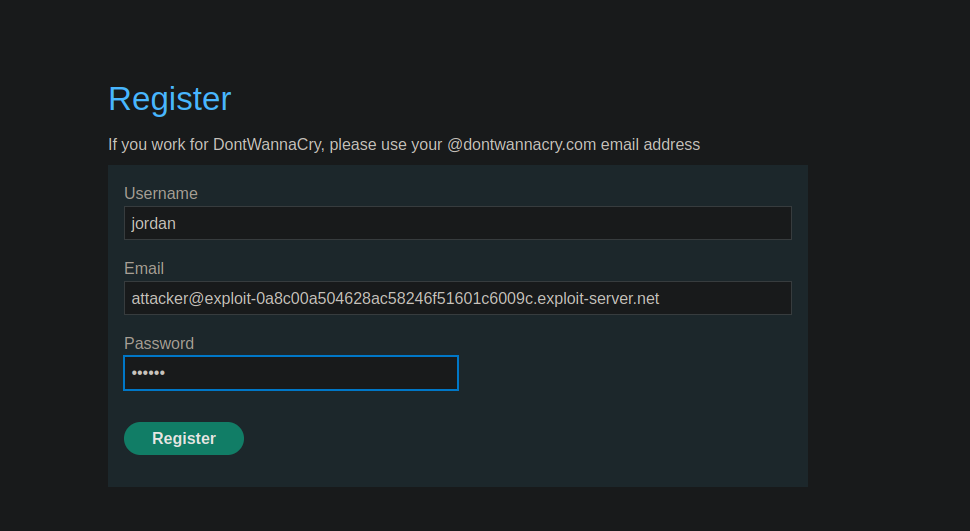
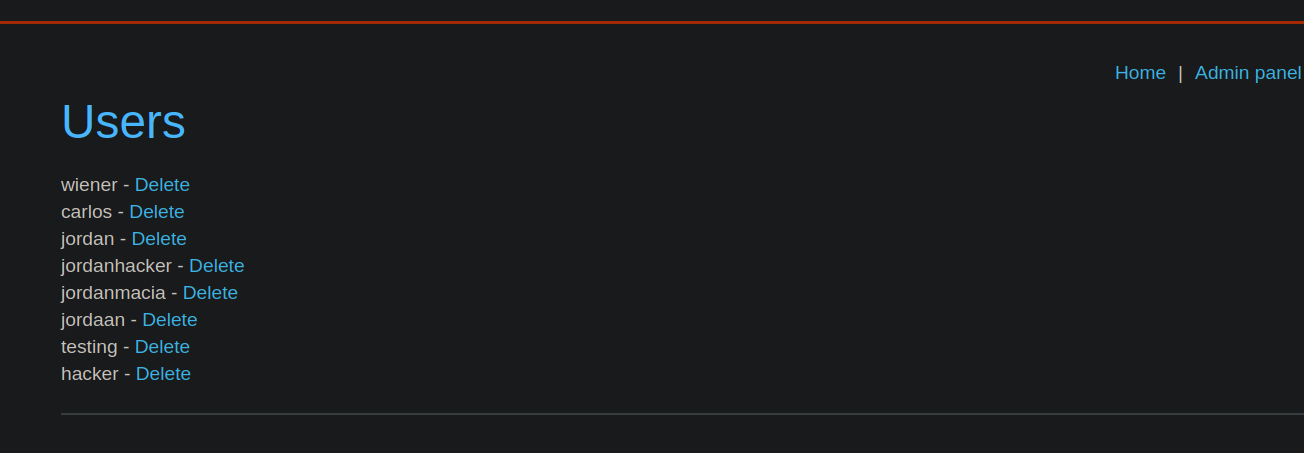
Este laboratorio muestra una mala validación de las entradas de usuario en el proceso de registro. Este fallo lógico permite acceder a funciones administrativas normalmente reservadas a los empleados. / Objetivo: acceder al panel de administración y eliminar usuario **carlos**.
**Observación inicial**
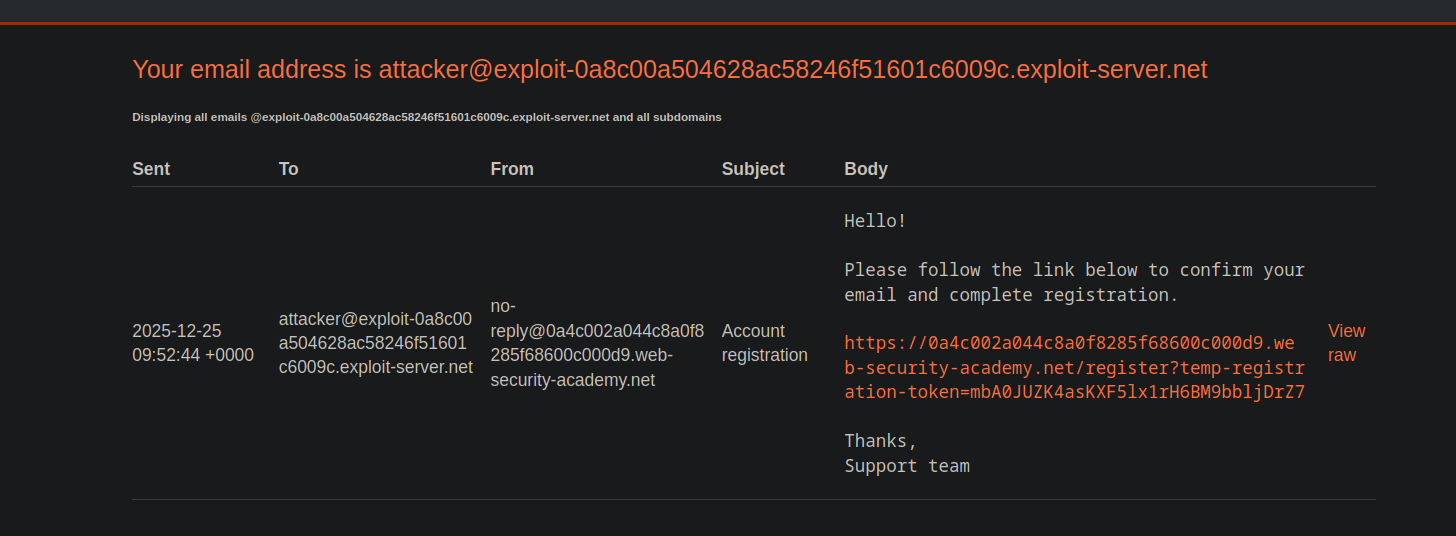
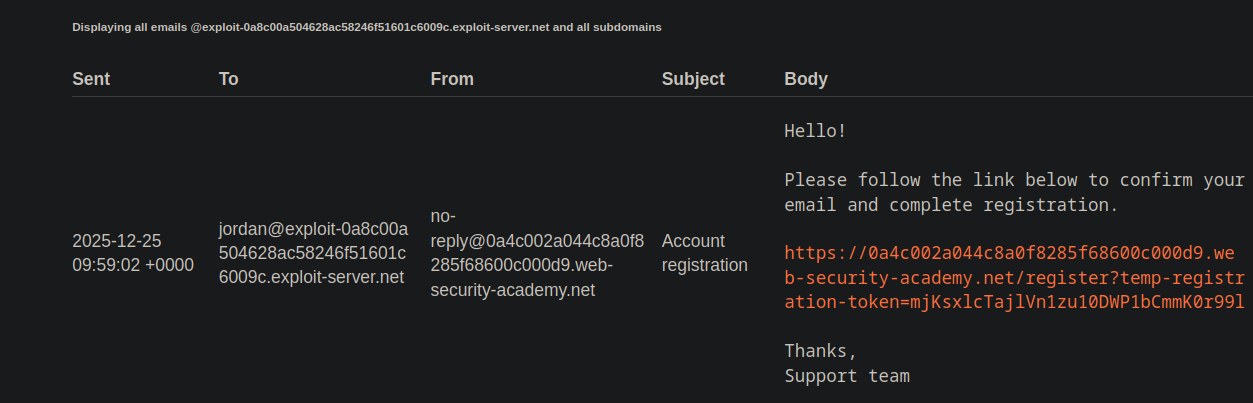
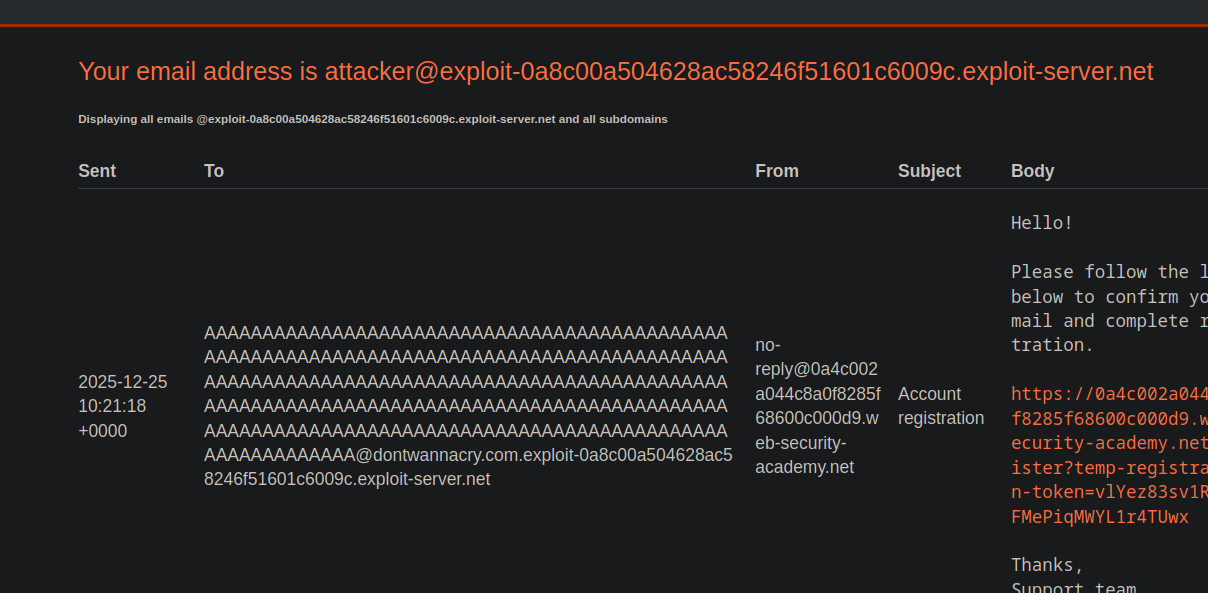
Al registrarse, se envía un correo electrónico de validación a la dirección proporcionada. / El servidor operativo recibe \*\*todos los correos electrónicos\*\* asociados al dominio y a sus subdominios:
```bash
@exploit-0a8c00a504628ac58246f51601c6009c.exploit-server.net
```
Por lo tanto, cualquier dirección creada con este dominio o sus subdominios es admisible.
**Comportamiento anómalo identificado**
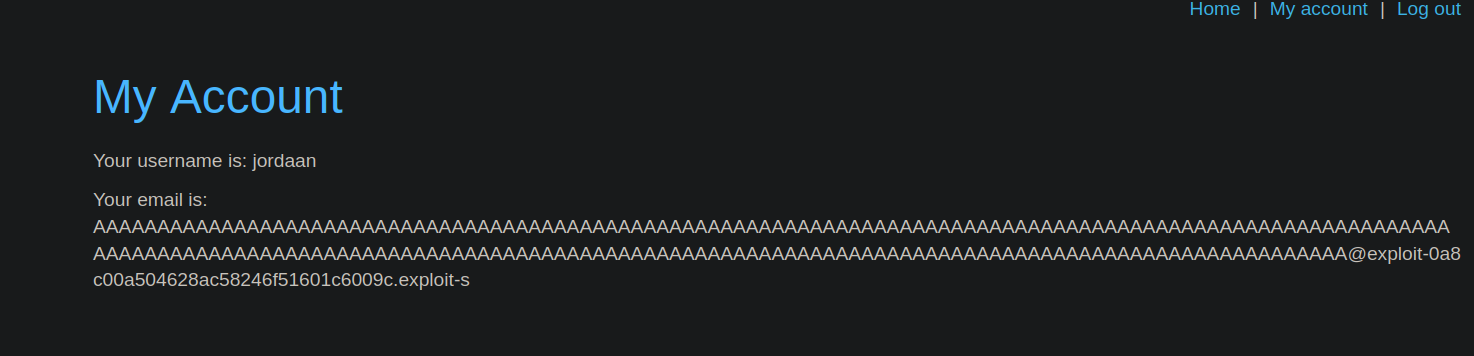
Al crear una dirección de correo electrónico que contiene un número muy grande de caracteres antes de la `@` símbolo, encontramos que el campo \*\*
{% code overflow="wrap" %}
```bash
AAAAAAAAAAAAAAAAAAAAAAAAAAAAAAAAAAAAAAAAAAAAAAAAAAAAAAAAAAAAAAAAAAAAAAAAAAAAAAAAAAAAAAAAAAAAAAAAAAAAAAAAAAAAAAAAAAAAAAAAAAAAAAAAAAAAAAAAAAAAAAAAAAAAAAAAAAAAAAAAAAAAAAAAAAAAAAAAAAAAAAAAAAAAAAAAAAAAAAAAAAAA@exploit-0a8c00a504628ac58246f51601c6009c.exploit-server.net
```
{% endcode %}
Este límite provoca una inconsistencia entre el valor realmente almacenado y el mostrado o utilizado para las comprobaciones de seguridad.
**Funcionamiento de la falla**
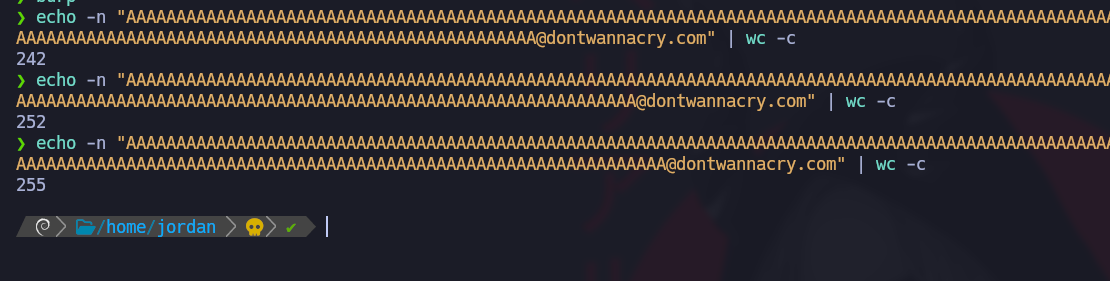
El objetivo es forzar la truncación para que el correo electrónico registrado termine exactamente con el `dontwannacry.com` área de confianza.
Verificación de longitud:
{% code overflow="wrap" %}
```bash
eecho -n "AAAAAAAAAAAAAAAAAAAAAAAAAAAAAAAAAAAAAAAAAAAAAAAAAAAAAAAAAAAAAAAAAAAAAAAAAAAAAAAAAAAAAAAAAAAAAAAAAAAAAAAAAAAAAAAAAAAAAAAAAAAAAAAAAAAAAAAAAAAAAAAAAAAAAAAAAAAAAAAAAAAAAAAAAAAAAAAAAAAAAAAAAAAAAAAAAAAAAAAAAAAAAAAAAAAAAAAAAAAAAAAAAAAAAAAAAAAAAA@dontwannacry.com" | wc -c
```
{% endcode %}
Una vez alcanzados los 255 caracteres, la dirección final se construye de esta manera:
{% code overflow="wrap" %}
```bash
AAAAAAAAAAAAAAAAAAAAAAAAAAAAAAAAAAAAAAAAAAAAAAAAAAAAAAAAAAAAAAAAAAAAAAAAAAAAAAAAAAAAAAAAAAAAAAAAAAAAAAAAAAAAAAAAAAAAAAAAAAAAAAAAAAAAAAAAAAAAAAAAAAAAAAAAAAAAAAAAAAAAAAAAAAAAAAAAAAAAAAAAAAAAAAAAAAAAAAAAAAAAAAAAAAAAAAAAAAAAAAAAAAAAAAAAAAAAAA@dontwannacry.com.exploit-0a8c00a504628ac58246f51601c6009c.exploit-server.net
```
{% endcode %}
El servidor operativo recibe bien el correo electrónico, ya que acepta todos los subdominios.
La aplicación, después del truncamiento, interpreta la dirección como perteneciente al `dontwannacry.com` dominio.
La cuenta se considera interna o de confianza. / Una vez conectado, se permite el acceso al **Panel de Administración** sin control adicional.
---
# Agent Instructions
This documentation is published with GitBook. GitBook is the documentation platform designed so that both humans and AI agents can read, navigate, and reason over technical content effectively. Learn more at gitbook.com.
## Querying This Documentation
If you need additional information that is not directly available in this page, you can query the documentation by asking a question.
Perform an HTTP GET request on the following URL with the `ask` and `goal` query parameters:
```
GET https://hacking-notes.jord4n.pro/es/web/business-logic/inconsistent-handling-of-exceptional-input.md?ask=&goal=
```
`ask` is the immediate question: it should be specific, self-contained, and written in natural language.
`goal` is what the user is ultimately trying to achieve, the reason they need the answer. Sharing it helps GitBook give you a better, more relevant answer. A goal is most helpful when it describes the outcome the user wants rather than restating the question. For example, with `ask=how do I create an API token`, a goal like `automate deployments from our CI pipeline` lets GitBook tailor the answer to that use case.
The response will contain a direct answer to the question and relevant excerpts and sources from the documentation.
Use this mechanism when the answer is not explicitly present in the current page, you need clarification or additional context, or you want to retrieve related documentation sections.