> For the complete documentation index, see [llms.txt](https://hacking-notes.jord4n.pro/llms.txt). Markdown versions of documentation pages are available by appending `.md` to page URLs; this page is available as [Markdown](https://hacking-notes.jord4n.pro/fr/web/authentication/brute-forcing-a-stay-logged-in-cookie.md).
# Attaque par force brute sur un cookie de session persistant
Notes sur l’attaque par force brute sur un cookie de session persistant pour les laboratoires de la PortSwigger Web Security Academy, incluant le workflow d’exploitation, les tests de payloads, la validation dans Burp Suite et le contexte de remédiation.
### Attaque par force brute d’un cookie « stay-logged-in »
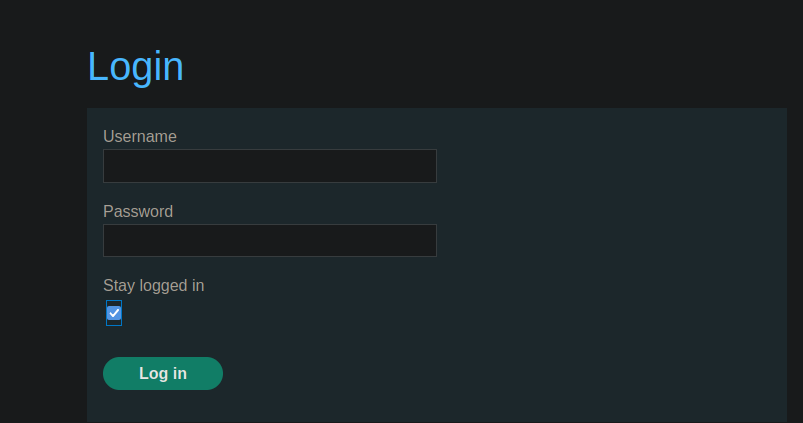
Ce laboratoire permet aux utilisateurs de rester connectés même après avoir fermé leur navigateur. Le cookie utilisé pour cette fonctionnalité est vulnérable à une attaque par force brute. / Pour résoudre le laboratoire, vous devez forcer par brute le cookie de Carlos afin d’accéder à sa page Mon compte.
**Identifiants fournis :** `wiener:peter`/ \*\* Nom de la victime :\*\* `carlos`
### \*\*Analyse du mécanisme
Lorsque vous cochez l’option de reconnexion automatique, la requête suivante est envoyée :
```bash
username=wiener&password=peter&stay-logged-in=on
```
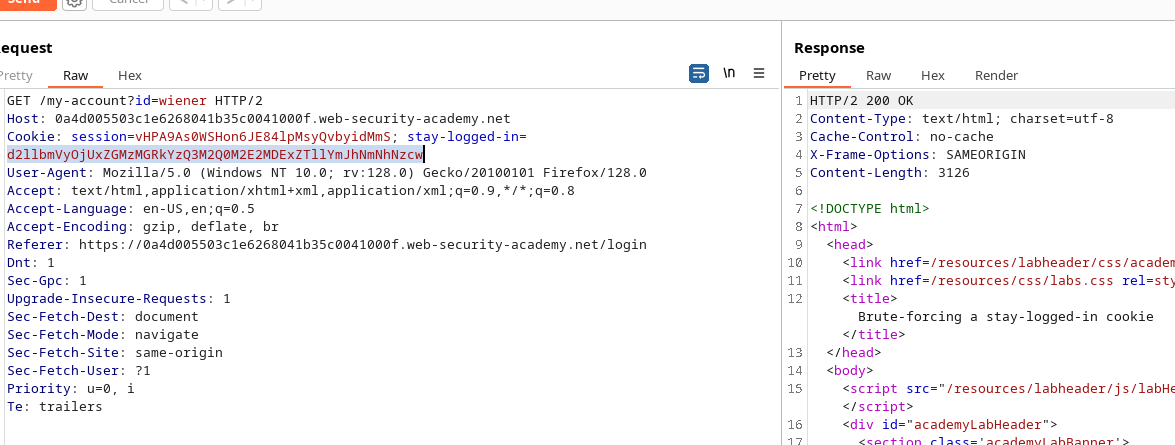
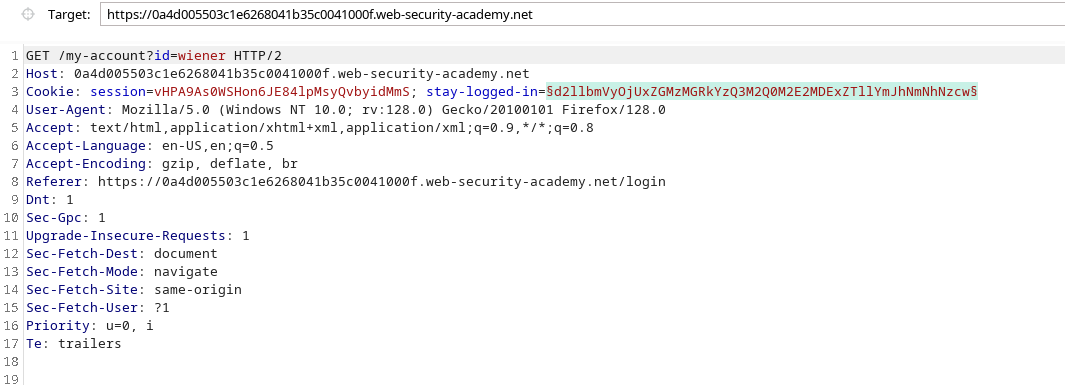
Le serveur renvoie alors un cookie nommé **stay-logged-in**, dont le contenu est encodé en Base64 :
```bash
d2llbmVyOjUxZGMzMGRkYzQ3M2Q0M2E2MDExZTllYmJhNmNhNzcw
```
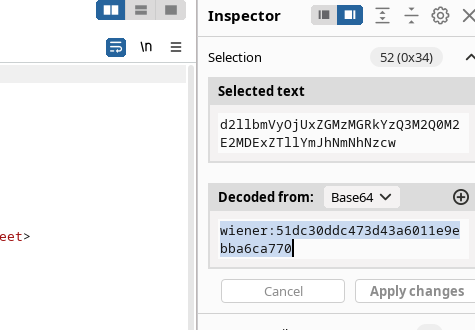
Après décodage, on obtient :
```bash
wiener:51dc30ddc473d43a6011e9ebba6ca770
```
La structure du cookie est donc :
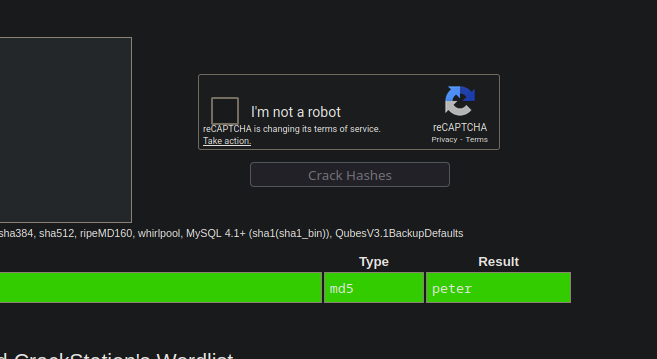
En vérifiant le hachage via CrackStation, nous découvrons qu’il correspond à la valeur **peter** en MD5.
### **Configuration de l’attaque par force brute**
1. Envoyez la requête de cookie à **Burp Intruder** et sélectionnez la valeur du cookie comme zone d’injection.
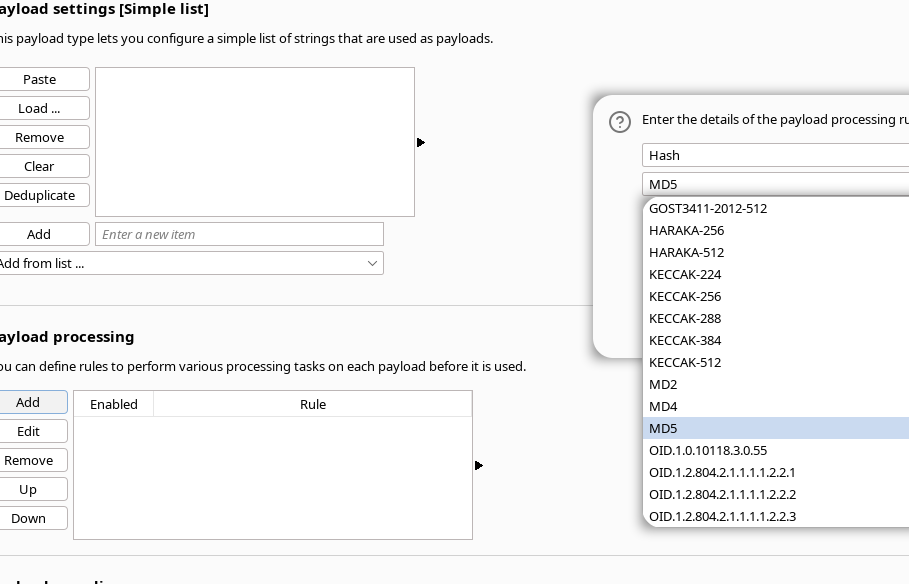
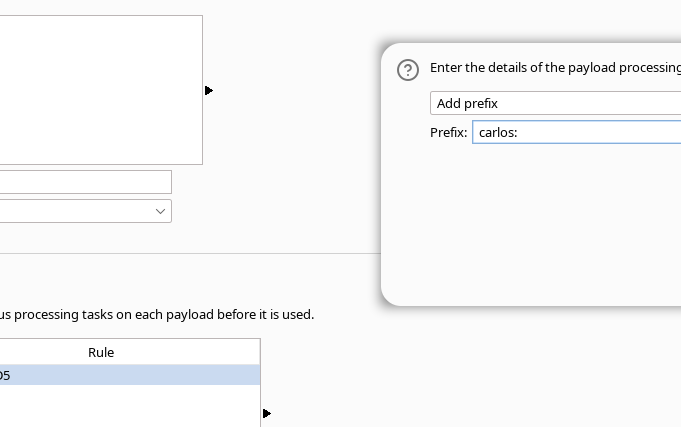
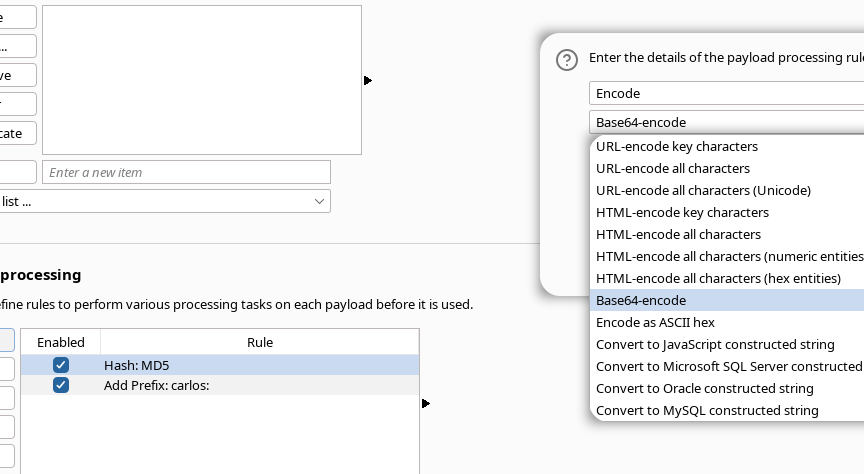
Dans le traitement des charges utiles :
* ajoutez une transformation générant un hachage **MD5**;
* ajoutez un préfixe : `carlos:`
* encodez le tout en **Base64**.
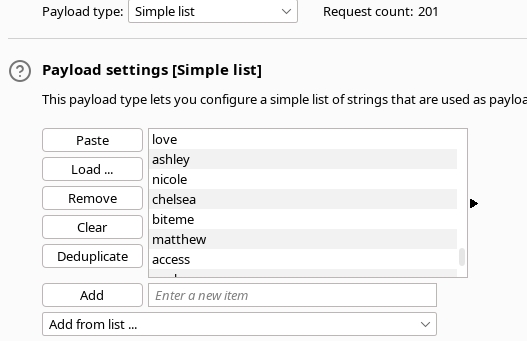
1. Chargez la liste de mots de passe dans les paramètres des charges utiles.
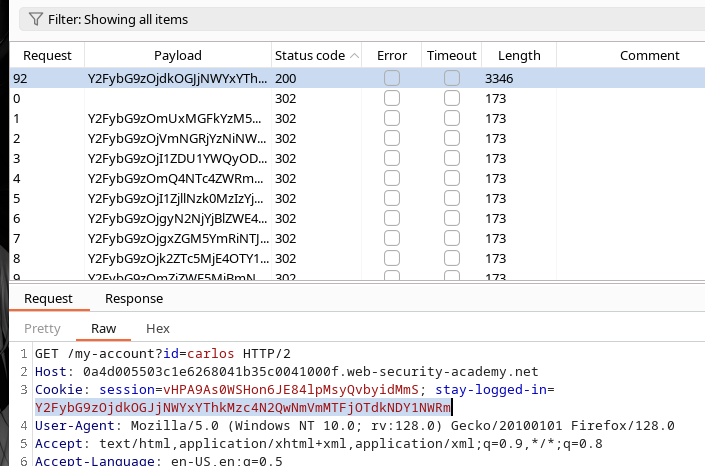
Pendant l’attaque, une réponse **200** indique le bon cookie pour Carlos.
Le cookie obtenu est :
```bash
Y2FybG9zOjdkOGJjNWYxYThkMzc4N2QwNmVmMTFjOTdkNDY1NWRm
```
Décodage
{% code overflow="wrap" %}
```bash
echo -n "Y2FybG9zOjdkOGJjNWYxYThkMzc4N2QwNmVmMTFjOTdkNDY1NWRm" | base64 -d ;echo
```
{% endcode %}
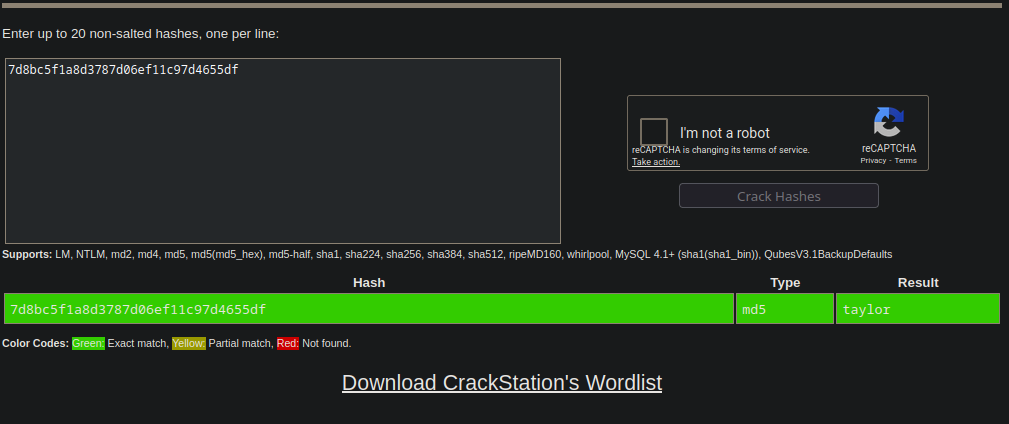
* carlos:7d8bc5f1a8d3787d06ef11c97d4655df
En vérifiant ce hachage sur CrackStation, nous constatons que le mot de passe associé est **taylor**.
---
# Agent Instructions
This documentation is published with GitBook. GitBook is the documentation platform designed so that both humans and AI agents can read, navigate, and reason over technical content effectively. Learn more at gitbook.com.
## Querying This Documentation
If you need additional information that is not directly available in this page, you can query the documentation by asking a question.
Perform an HTTP GET request on the following URL with the `ask` and `goal` query parameters:
```
GET https://hacking-notes.jord4n.pro/fr/web/authentication/brute-forcing-a-stay-logged-in-cookie.md?ask=&goal=
```
`ask` is the immediate question: it should be specific, self-contained, and written in natural language.
`goal` is what the user is ultimately trying to achieve, the reason they need the answer. Sharing it helps GitBook give you a better, more relevant answer. A goal is most helpful when it describes the outcome the user wants rather than restating the question. For example, with `ask=how do I create an API token`, a goal like `automate deployments from our CI pipeline` lets GitBook tailor the answer to that use case.
The response will contain a direct answer to the question and relevant excerpts and sources from the documentation.
Use this mechanism when the answer is not explicitly present in the current page, you need clarification or additional context, or you want to retrieve related documentation sections.