> For the complete documentation index, see [llms.txt](https://hacking-notes.jord4n.pro/llms.txt). Markdown versions of documentation pages are available by appending `.md` to page URLs; this page is available as [Markdown](https://hacking-notes.jord4n.pro/hacking-tools/enumeration/dns-enumeration.md).

# DNS Enumeration

DNS enumeration tooling notes for passive DNS discovery, subdomain enumeration, DNS records, zone transfer checks, dnsrecon, dnsenum, DNSDumpster, brute forcing, host discovery, and reconnaissance wor

DNS enumeration identifies domains, subdomains, records, name servers, exposed zones, and infrastructure hints before deeper scanning. Use passive sources first, then validate findings with active DNS queries and controlled brute force when the test scope allows it.

## DNS Enumeration Workflow

1. Collect passive DNS data from public sources and certificate transparency datasets.
2. Query common records such as A, AAAA, CNAME, MX, TXT, NS, SOA, and SRV.
3. Check for zone transfer exposure with authorized name servers.
4. Brute force subdomains only when the rules of engagement allow active discovery.
5. Resolve discovered hosts and feed confirmed targets into port scanning and web profiling.

## DNS Tools

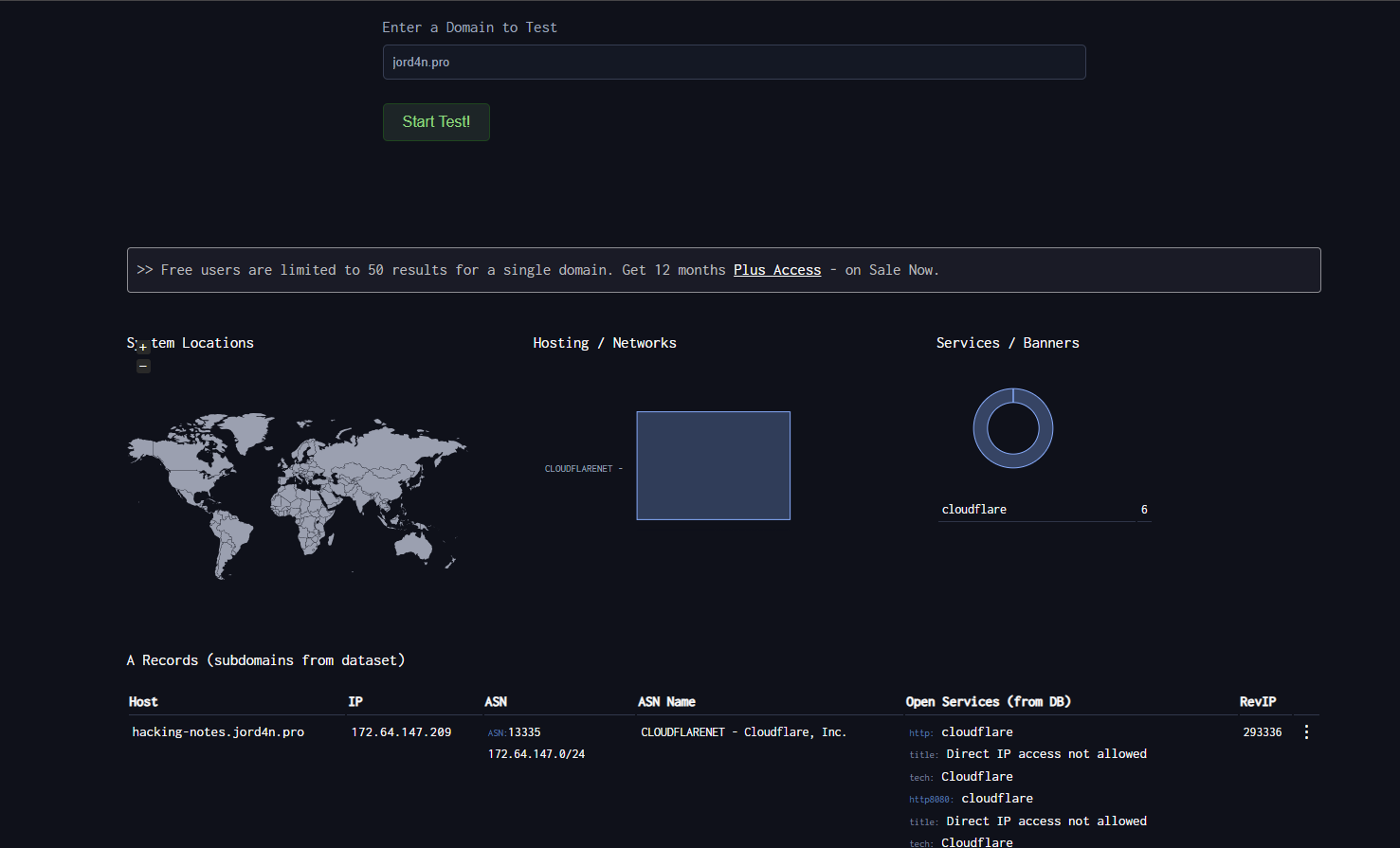
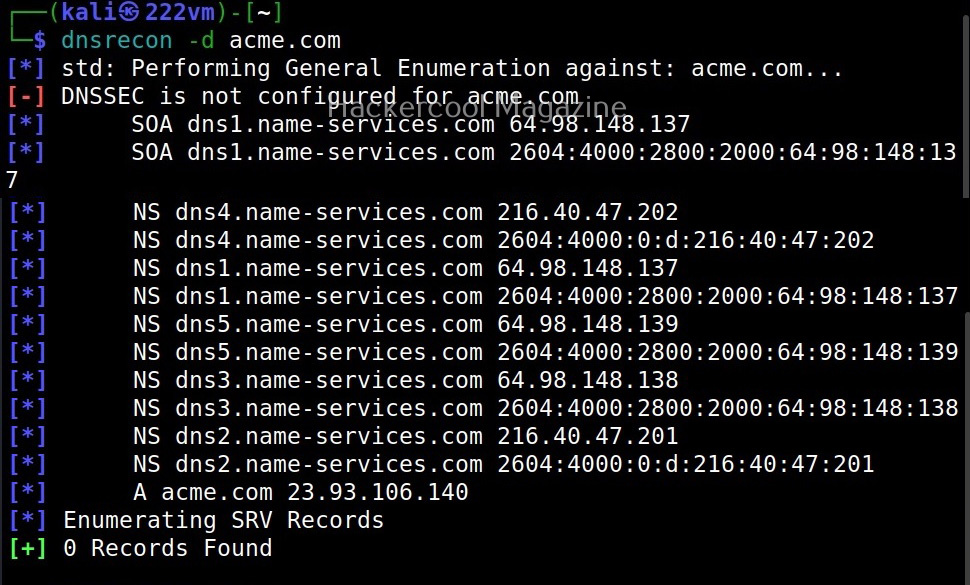
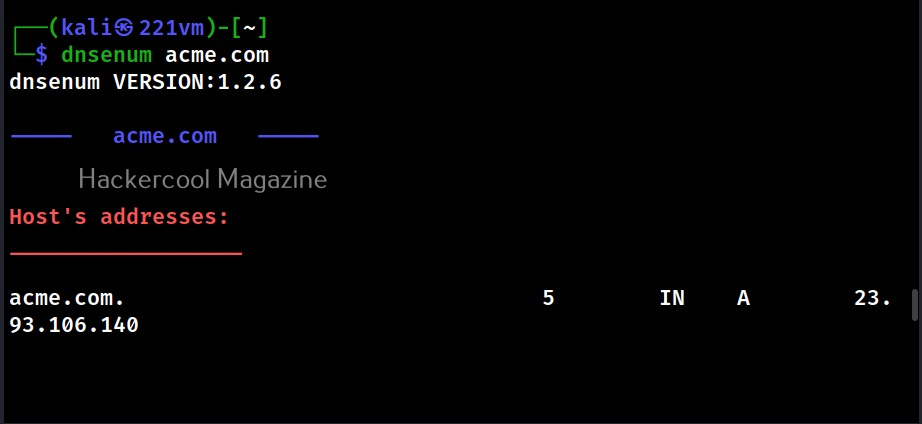
<table data-card-size="large" data-column-title-hidden data-view="cards" data-full-width="false" data-search="false"><thead><tr><th>Name</th><th>Description</th><th>Official Link</th><th data-hidden data-card-cover data-type="image">Cover image</th></tr></thead><tbody><tr><td><strong>DNSDumpster</strong></td><td>Passive DNS record and subdomain discovery.</td><td><a href="https://dnsdumpster.com/">https://dnsdumpster.com/</a></td><td><a href="https://131707722-files.gitbook.io/~/files/v0/b/gitbook-x-prod.appspot.com/o/spaces%2Fl4EVJpcOrsgjSGsLI7p2%2Fuploads%2Fgit-blob-075a81b392cd7f201128689be1c5e50c045253ed%2Fimage.png?alt=media">image.png</a></td></tr><tr><td><strong>dnsrecon</strong></td><td>DNS enumeration, zone transfers, and subdomain brute forcing.</td><td><a href="https://github.com/darkoperator/dnsrecon">https://github.com/darkoperator/dnsrecon</a></td><td><a href="https://131707722-files.gitbook.io/~/files/v0/b/gitbook-x-prod.appspot.com/o/spaces%2Fl4EVJpcOrsgjSGsLI7p2%2Fuploads%2Fgit-blob-18b7d6e02adf179685d2cf2621e75ebbb098ca40%2Fimage.png?alt=media">image.png</a></td></tr><tr><td><strong>dnsenum</strong></td><td>DNS brute forcing and domain information gathering.</td><td><a href="https://github.com/fwaeytens/dnsenum">https://github.com/fwaeytens/dnsenum</a></td><td><a href="https://131707722-files.gitbook.io/~/files/v0/b/gitbook-x-prod.appspot.com/o/spaces%2Fl4EVJpcOrsgjSGsLI7p2%2Fuploads%2Fgit-blob-6253d171f4c3d5591956eea6b99351a2ea5635a1%2Fimage.png?alt=media">image.png</a></td></tr></tbody></table>

## Passive Sources

| Resource                                              | Description                                                                               |
| ----------------------------------------------------- | ----------------------------------------------------------------------------------------- |
| [VirusTotal](https://www.virustotal.com/)             | URL, domain, passive DNS, and infrastructure relationship analysis.                       |
| [Censys](https://search.censys.io/)                   | Search engine for internet-connected hosts, certificates, and exposed services.           |
| [crt.sh](https://crt.sh/)                             | Certificate Transparency search for discovering names present in public TLS certificates. |
| [Project Sonar](https://sonar.omnisint.io/)           | Public subdomain, TLD, and reverse DNS lookup endpoints.                                  |
| [Netcraft SearchDNS](https://searchdns.netcraft.com/) | Public hostname and DNS intelligence search.                                              |


---

# Agent Instructions
This documentation is published with GitBook. GitBook is the documentation platform designed so that both humans and AI agents can read, navigate, and reason over technical content effectively. Learn more at gitbook.com.

## Querying This Documentation
If you need additional information that is not directly available in this page, you can query the documentation by asking a question.

Perform an HTTP GET request on the following URL with the `ask` and `goal` query parameters:

```
GET https://hacking-notes.jord4n.pro/hacking-tools/enumeration/dns-enumeration.md?ask=<question>&goal=<user_goal>
```

`ask` is the immediate question: it should be specific, self-contained, and written in natural language.
`goal` is what the user is ultimately trying to achieve, the reason they need the answer. Sharing it helps GitBook give you a better, more relevant answer. A goal is most helpful when it describes the outcome the user wants rather than restating the question. For example, with `ask=how do I create an API token`, a goal like `automate deployments from our CI pipeline` lets GitBook tailor the answer to that use case.

The response will contain a direct answer to the question and relevant excerpts and sources from the documentation.

Use this mechanism when the answer is not explicitly present in the current page, you need clarification or additional context, or you want to retrieve related documentation sections.