> For the complete documentation index, see [llms.txt](https://hacking-notes.jord4n.pro/llms.txt). Markdown versions of documentation pages are available by appending `.md` to page URLs; this page is available as [Markdown](https://hacking-notes.jord4n.pro/hacking-tools/linux.md).

# Linux Tools

Linux offensive tooling catalog for local enumeration, privilege escalation checks, GTFOBins validation, LinPEAS, LinEnum, Smart Enumeration, kernel CVE research, SUID and sudo review, capabilities, c

Linux Tools is the main catalog for Linux local enumeration and privilege escalation support. The goal is to keep tool references separated from exploitation notes: tools live here, while detailed exploitation procedures stay in the Linux privilege escalation pages.

Use this section to choose the right helper, then validate every finding manually before treating it as an escalation path.

## Linux Workflow

1. Confirm the current user, groups, hostname, kernel, distribution, shell quality, and available binaries.
2. Run broad enumeration with LinPEAS, LinEnum, or Smart Enumeration to collect high-signal leads.
3. Validate sudo rules, SUID binaries, capabilities, writable paths, cron jobs, services, and environment variables manually.
4. Use GTFOBins for confirmed binary abuse patterns and Linux Exploit Suggester only as a starting point for kernel CVE research.
5. Save exact commands, tool versions, output snippets, and proof of impact for reporting and retesting.

## Tool Categories

* **Automated enumeration:** LinPEAS, LinEnum, and Smart Enumeration for broad local discovery.
* **Privilege primitive validation:** GTFOBins for sudo, SUID, capabilities, file reads, file writes, and shell escapes.
* **Kernel research:** Linux Exploit Suggester for mapping kernel and distribution versions to possible CVEs.
* **Manual confirmation:** sudo review, SUID checks, writable files, cron monitoring, capabilities, service review, and environment inspection.

## Recommended Linux Tools

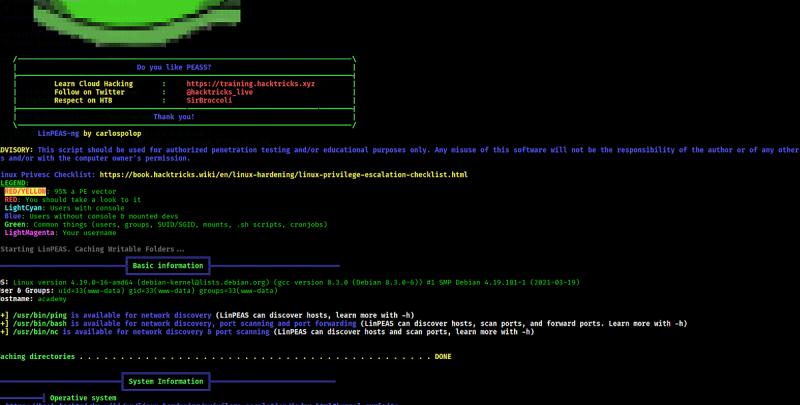
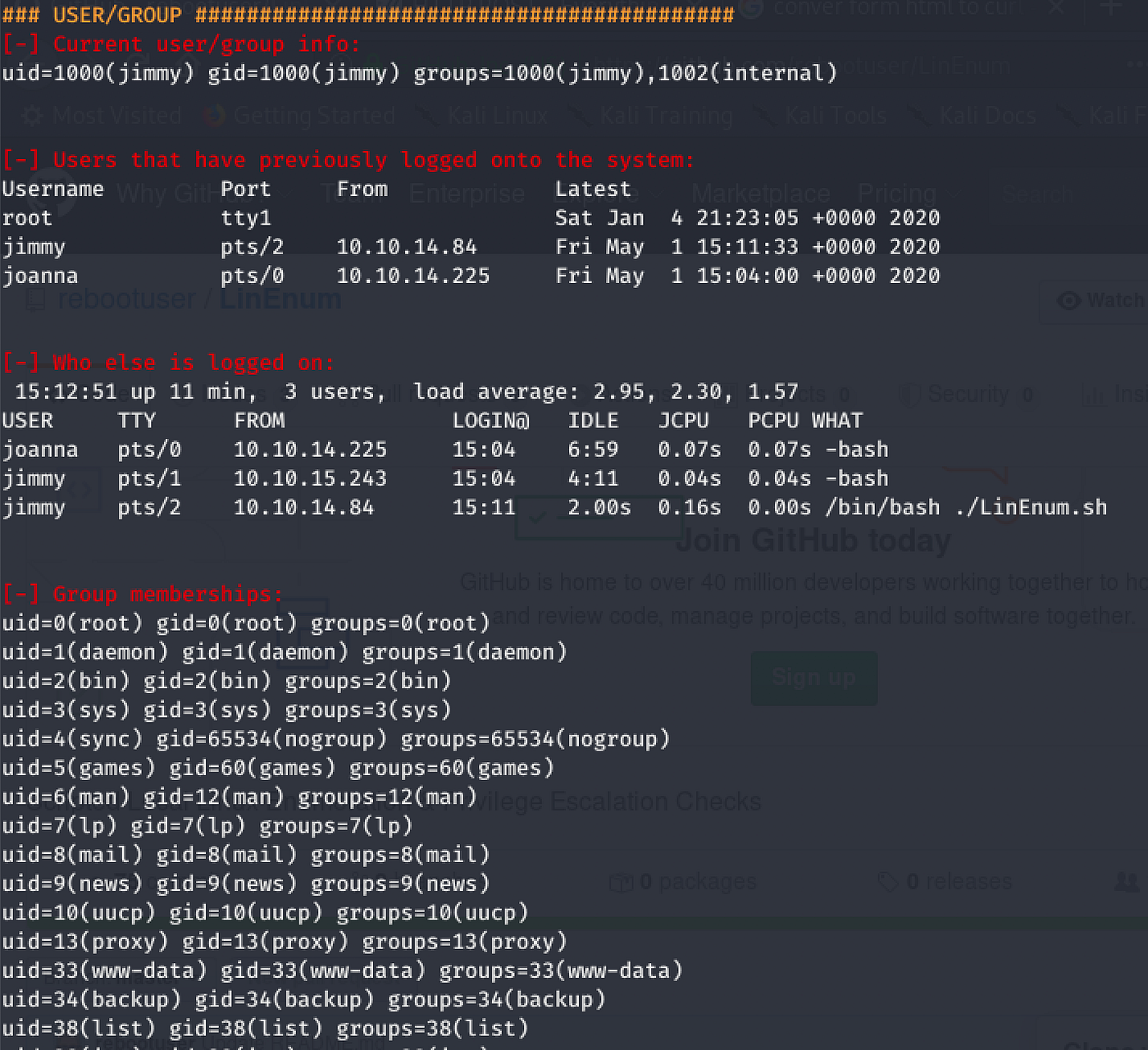
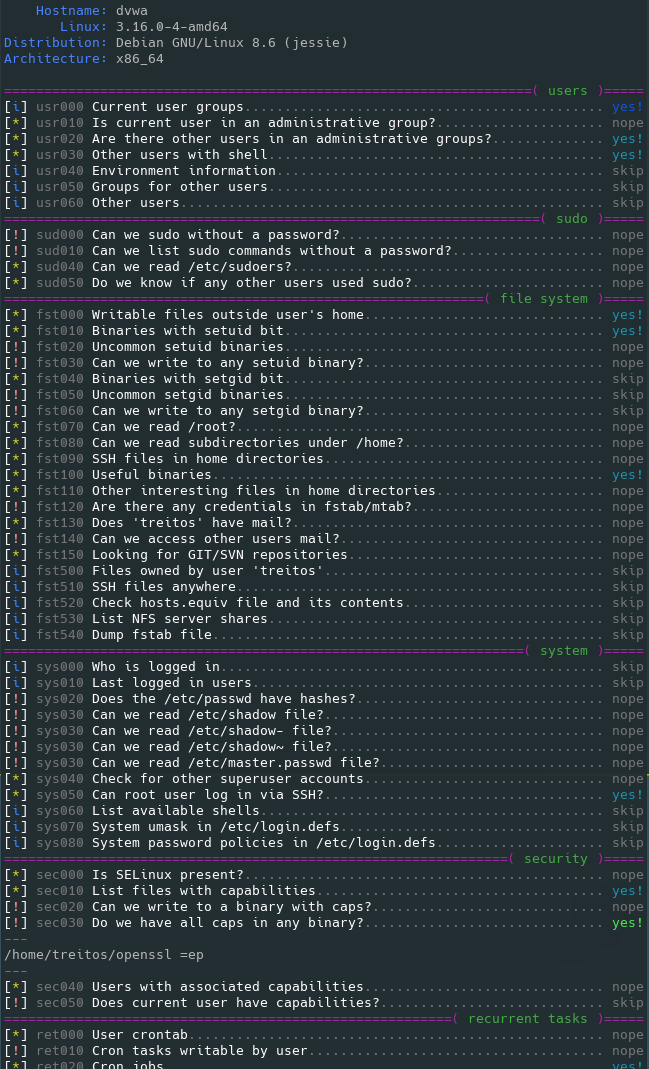
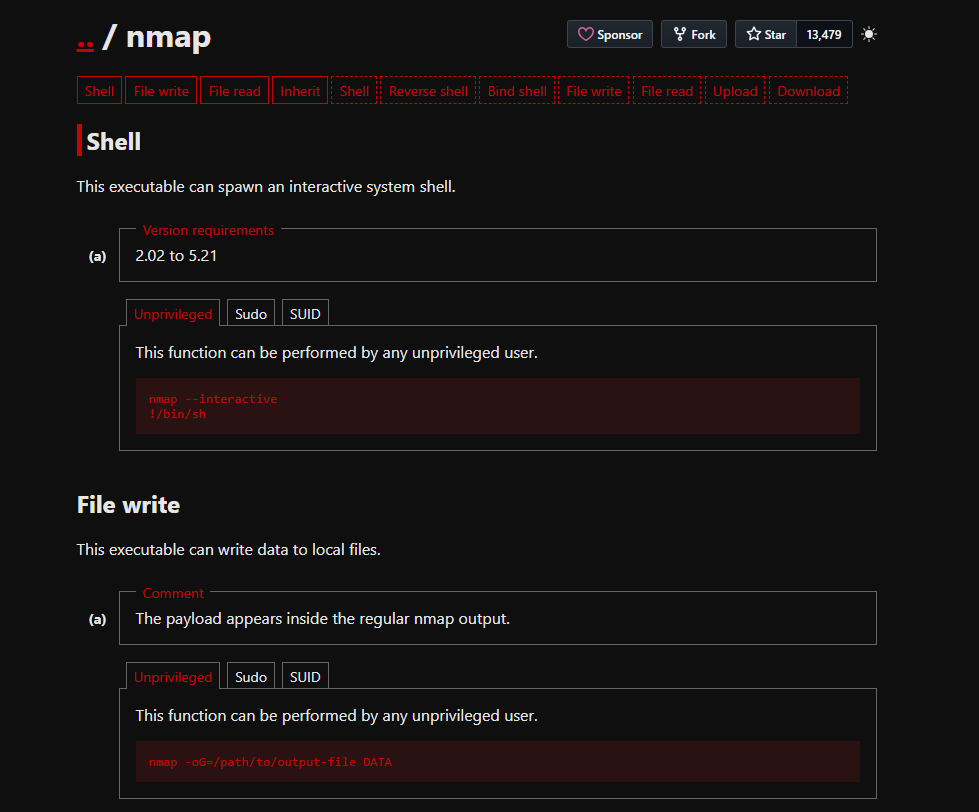
<table data-card-size="large" data-column-title-hidden data-view="cards" data-full-width="false" data-search="false"><thead><tr><th>Name</th><th>Description</th><th>Official Link</th><th data-hidden data-card-cover data-type="image">Cover image</th></tr></thead><tbody><tr><td><strong>LinPEAS</strong></td><td>Automated Linux enumeration for common misconfigurations, exposed secrets, services, permissions, and privilege escalation leads.</td><td><a href="https://github.com/peass-ng/PEASS-ng/releases">https://github.com/peass-ng/PEASS-ng/releases</a></td><td><a href="https://131707722-files.gitbook.io/~/files/v0/b/gitbook-x-prod.appspot.com/o/spaces%2Fl4EVJpcOrsgjSGsLI7p2%2Fuploads%2Fgit-blob-670b64218e4f2ad1fea2f008d8d1af45fd4c915e%2Fimage.png?alt=media">image.png</a></td></tr><tr><td><strong>LinEnum</strong></td><td>Local enumeration script for collecting Linux privilege escalation indicators.</td><td><a href="https://github.com/rebootuser/LinEnum">https://github.com/rebootuser/LinEnum</a></td><td><a href="https://131707722-files.gitbook.io/~/files/v0/b/gitbook-x-prod.appspot.com/o/spaces%2Fl4EVJpcOrsgjSGsLI7p2%2Fuploads%2Fgit-blob-bc44689e095bfb4f50b6007382d38f2a485c9b53%2Fimage.png?alt=media">image.png</a></td></tr><tr><td><strong>Smart Enumeration</strong></td><td>Structured Linux enumeration tool that prioritizes findings and reduces noisy output.</td><td><a href="https://github.com/diego-treitos/linux-smart-enumeration">https://github.com/diego-treitos/linux-smart-enumeration</a></td><td><a href="https://131707722-files.gitbook.io/~/files/v0/b/gitbook-x-prod.appspot.com/o/spaces%2Fl4EVJpcOrsgjSGsLI7p2%2Fuploads%2Fgit-blob-c95e775cc54f7a5581cc0a8e0dbfc6b575b3b98c%2Fimage.png?alt=media">image.png</a></td></tr><tr><td><strong>GTFOBins</strong></td><td>Reference for abusing Unix binaries in privileged contexts such as sudo, SUID, capabilities, and restricted shells.</td><td><a href="https://gtfobins.github.io/">https://gtfobins.github.io/</a></td><td><a href="https://131707722-files.gitbook.io/~/files/v0/b/gitbook-x-prod.appspot.com/o/spaces%2Fl4EVJpcOrsgjSGsLI7p2%2Fuploads%2Fgit-blob-fb4f53c3d31a5899baae051fb99be71660787600%2Fimage.png?alt=media">image.png</a></td></tr><tr><td><strong>Linux Exploit Suggester</strong></td><td>Local exploit discovery helper based on kernel, distribution, and known CVE conditions.</td><td><a href="/hacking-tools/linux/linux-exploit-suggester.md">linux-exploit-suggester</a></td><td></td></tr></tbody></table>

### Related Notes

* [Linux Exploit Suggester](/hacking-tools/linux/linux-exploit-suggester.md) keeps the dedicated command workflow for kernel exploit suggestion.
* [Linux Privilege Escalation](/privesc.md) contains the exploitation methodology, sudo paths, SUID paths, capabilities, cron jobs, writable files, Docker escapes, and kernel exploitation notes.
* [Hacking Tools](/hacking-tools.md) keeps the broader cross-platform catalog for web, network, credential, OSINT, Windows, and research tooling.


---

# Agent Instructions
This documentation is published with GitBook. GitBook is the documentation platform designed so that both humans and AI agents can read, navigate, and reason over technical content effectively. Learn more at gitbook.com.

## Querying This Documentation
If you need additional information that is not directly available in this page, you can query the documentation by asking a question.

Perform an HTTP GET request on the following URL with the `ask` and `goal` query parameters:

```
GET https://hacking-notes.jord4n.pro/hacking-tools/linux.md?ask=<question>&goal=<user_goal>
```

`ask` is the immediate question: it should be specific, self-contained, and written in natural language.
`goal` is what the user is ultimately trying to achieve, the reason they need the answer. Sharing it helps GitBook give you a better, more relevant answer. A goal is most helpful when it describes the outcome the user wants rather than restating the question. For example, with `ask=how do I create an API token`, a goal like `automate deployments from our CI pipeline` lets GitBook tailor the answer to that use case.

The response will contain a direct answer to the question and relevant excerpts and sources from the documentation.

Use this mechanism when the answer is not explicitly present in the current page, you need clarification or additional context, or you want to retrieve related documentation sections.