> For the complete documentation index, see [llms.txt](https://hacking-notes.jord4n.pro/llms.txt). Markdown versions of documentation pages are available by appending `.md` to page URLs; this page is available as [Markdown](https://hacking-notes.jord4n.pro/hacking-tools/osint/image-and-video-analysis.md).

# Image and Video Analysis

Image and video analysis resources for reverse image search, facial comparison, metadata review, visual verification, and image forensics.

Use these tools to identify image origins, compare faces, inspect metadata, detect manipulation indicators, and support visual verification workflows.

## Reverse Image Search

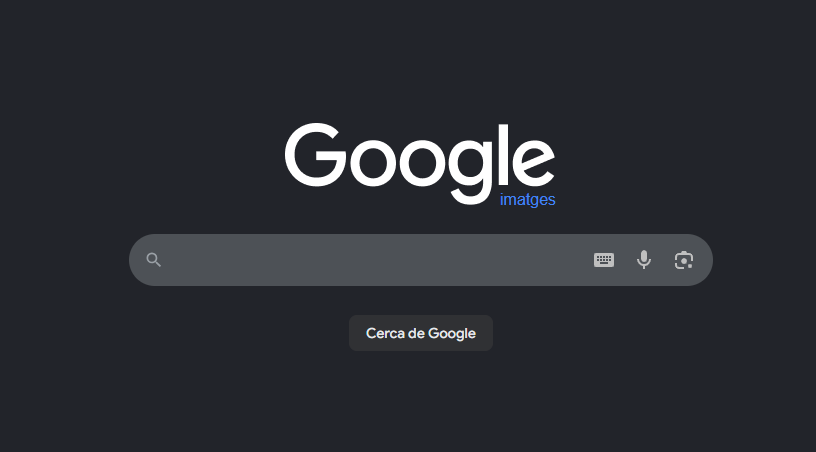
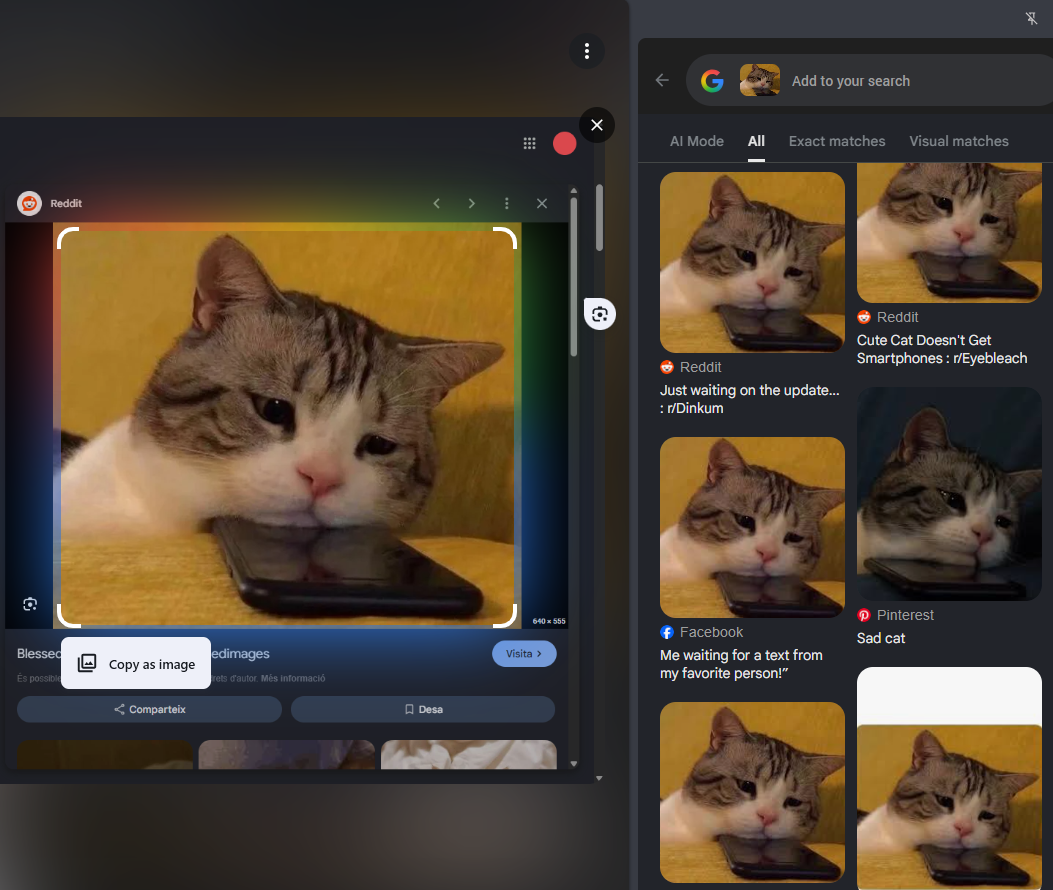
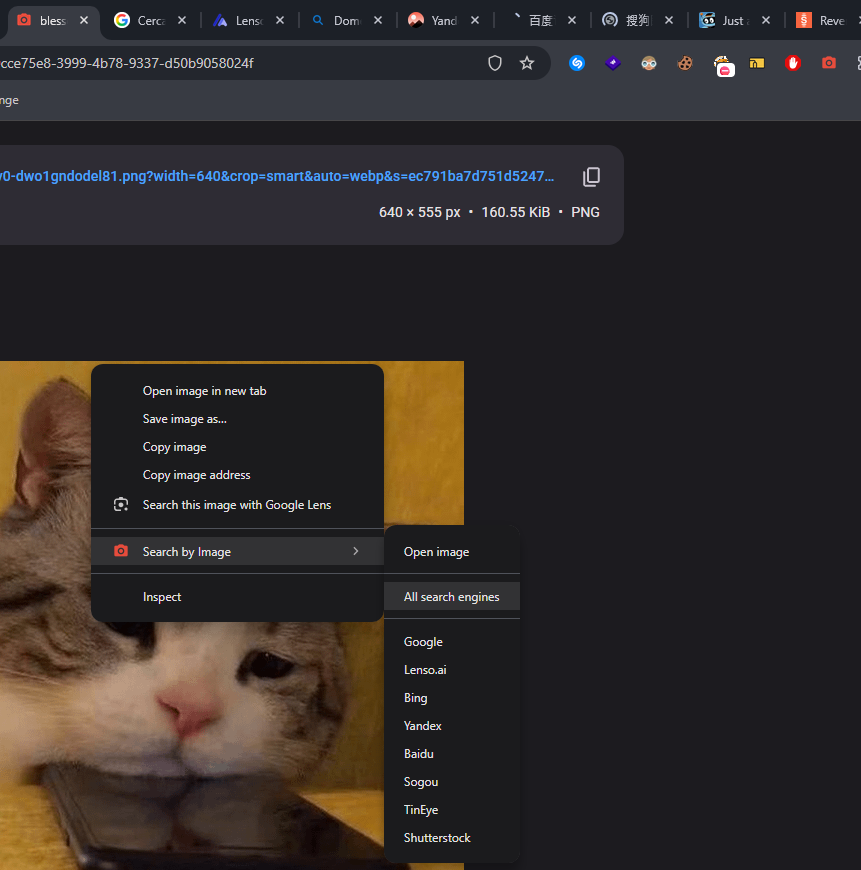
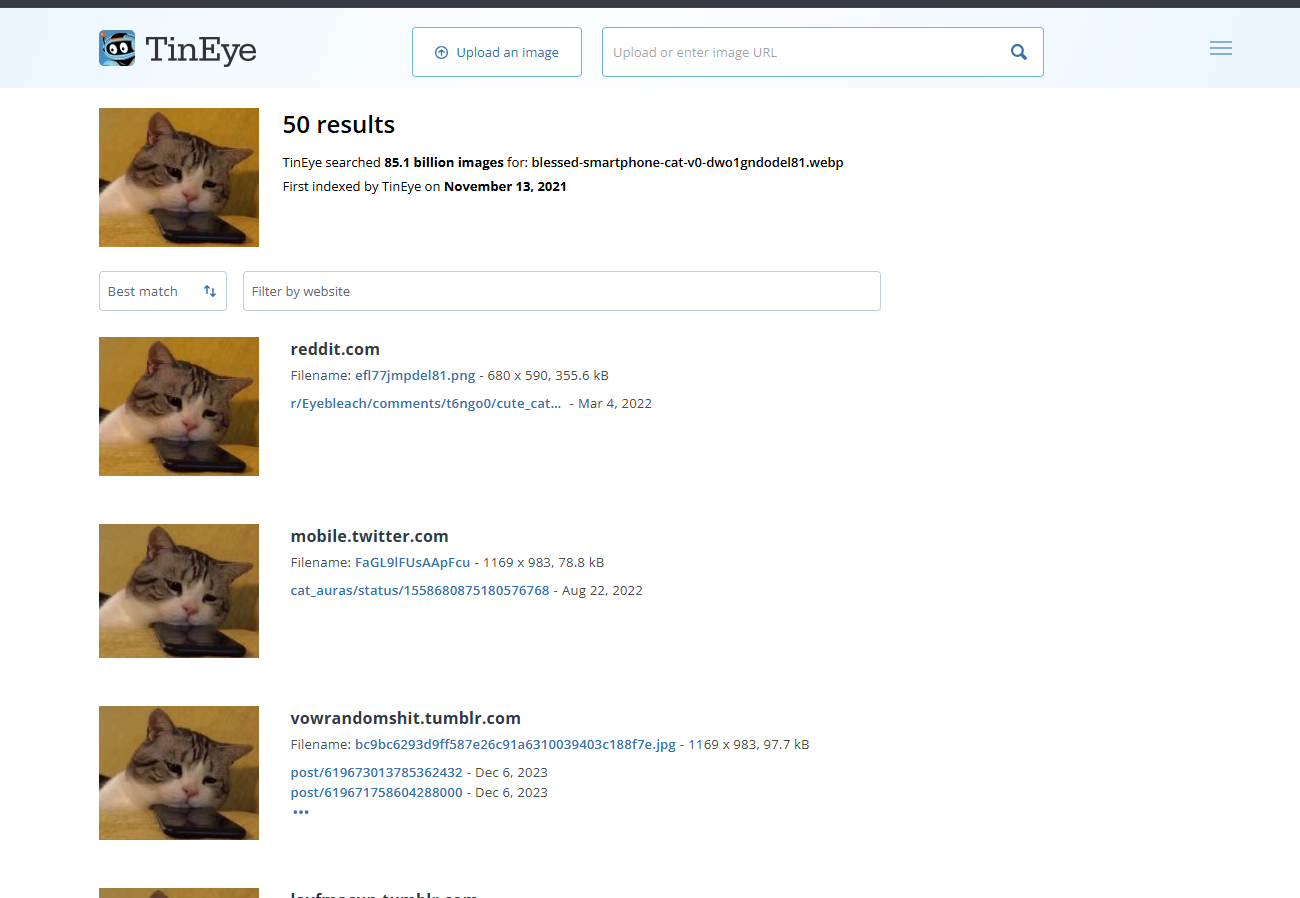
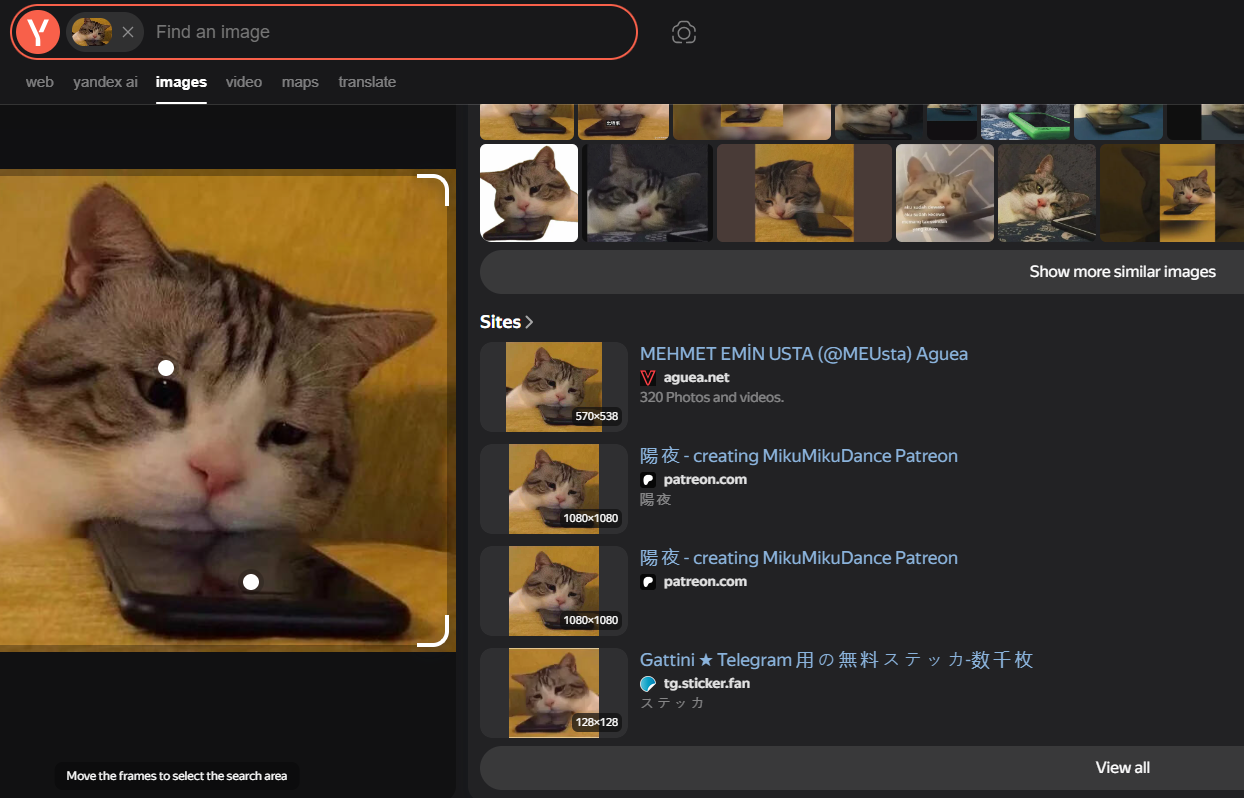
<table data-card-size="large" data-column-title-hidden data-view="cards" data-full-width="false" data-search="false"><thead><tr><th>Name</th><th>Description</th><th>Official Link</th><th data-hidden data-card-cover data-type="image">Cover image</th></tr></thead><tbody><tr><td><strong>Google Images</strong></td><td>Google's image search interface for finding similar images and indexed visual matches.</td><td><a href="https://images.google.com/">https://images.google.com/</a></td><td><a href="https://131707722-files.gitbook.io/~/files/v0/b/gitbook-x-prod.appspot.com/o/spaces%2Fl4EVJpcOrsgjSGsLI7p2%2Fuploads%2Fgit-blob-89e26233fb3352c8baaeeefaba14366f2e2a17fb%2Fimage.png?alt=media">image.png</a></td></tr><tr><td><strong>Google Lens</strong></td><td>Image recognition and visual search tool for identifying places, objects, products, and similar images.</td><td><a href="https://lens.google/">https://lens.google/</a></td><td><a href="https://131707722-files.gitbook.io/~/files/v0/b/gitbook-x-prod.appspot.com/o/spaces%2Fl4EVJpcOrsgjSGsLI7p2%2Fuploads%2Fgit-blob-08b98073d5cf4c6d400e2ed009ea7ecf73e2ca06%2Fimage.png?alt=media">image.png</a></td></tr><tr><td><strong>RootAbout</strong></td><td>Reverse image search over Internet Archive material.</td><td><a href="http://rootabout.com/">http://rootabout.com/</a></td><td><a href="https://131707722-files.gitbook.io/~/files/v0/b/gitbook-x-prod.appspot.com/o/spaces%2Fl4EVJpcOrsgjSGsLI7p2%2Fuploads%2Fgit-blob-c77c83ab879ad97fd287e51a0d8a5acad430e919%2Fimage.png?alt=media">image.png</a></td></tr><tr><td><strong>Search by Image</strong></td><td>Browser extension for reverse-searching an image across multiple search engines.</td><td><a href="https://chromewebstore.google.com/detail/search-by-image/cnojnbdhbhnkbcieeekonklommdnndci">Chrome Web Store</a></td><td><a href="https://131707722-files.gitbook.io/~/files/v0/b/gitbook-x-prod.appspot.com/o/spaces%2Fl4EVJpcOrsgjSGsLI7p2%2Fuploads%2Fgit-blob-741e03eb0e37a33feae73f31f9d8e2597af0d0d7%2Fimage.png?alt=media">image.png</a></td></tr><tr><td><strong>TinEye</strong></td><td>Reverse image search engine for finding where an image appears online.</td><td><a href="https://tineye.com/">https://tineye.com/</a></td><td><a href="https://131707722-files.gitbook.io/~/files/v0/b/gitbook-x-prod.appspot.com/o/spaces%2Fl4EVJpcOrsgjSGsLI7p2%2Fuploads%2Fgit-blob-5312f62e8e6a8bca573771be1c570aeb98241084%2Fimage.png?alt=media">image.png</a></td></tr><tr><td><strong>Yandex Images</strong></td><td>Reverse image search engine useful for finding visually similar images and automatic image descriptions.</td><td><a href="https://yandex.com/images/">https://yandex.com/images/</a></td><td><a href="https://131707722-files.gitbook.io/~/files/v0/b/gitbook-x-prod.appspot.com/o/spaces%2Fl4EVJpcOrsgjSGsLI7p2%2Fuploads%2Fgit-blob-c8ca10f905c96b95ad4e06676a79ab7439b29995%2Fimage.png?alt=media">image.png</a></td></tr></tbody></table>

## Face and Video Analysis

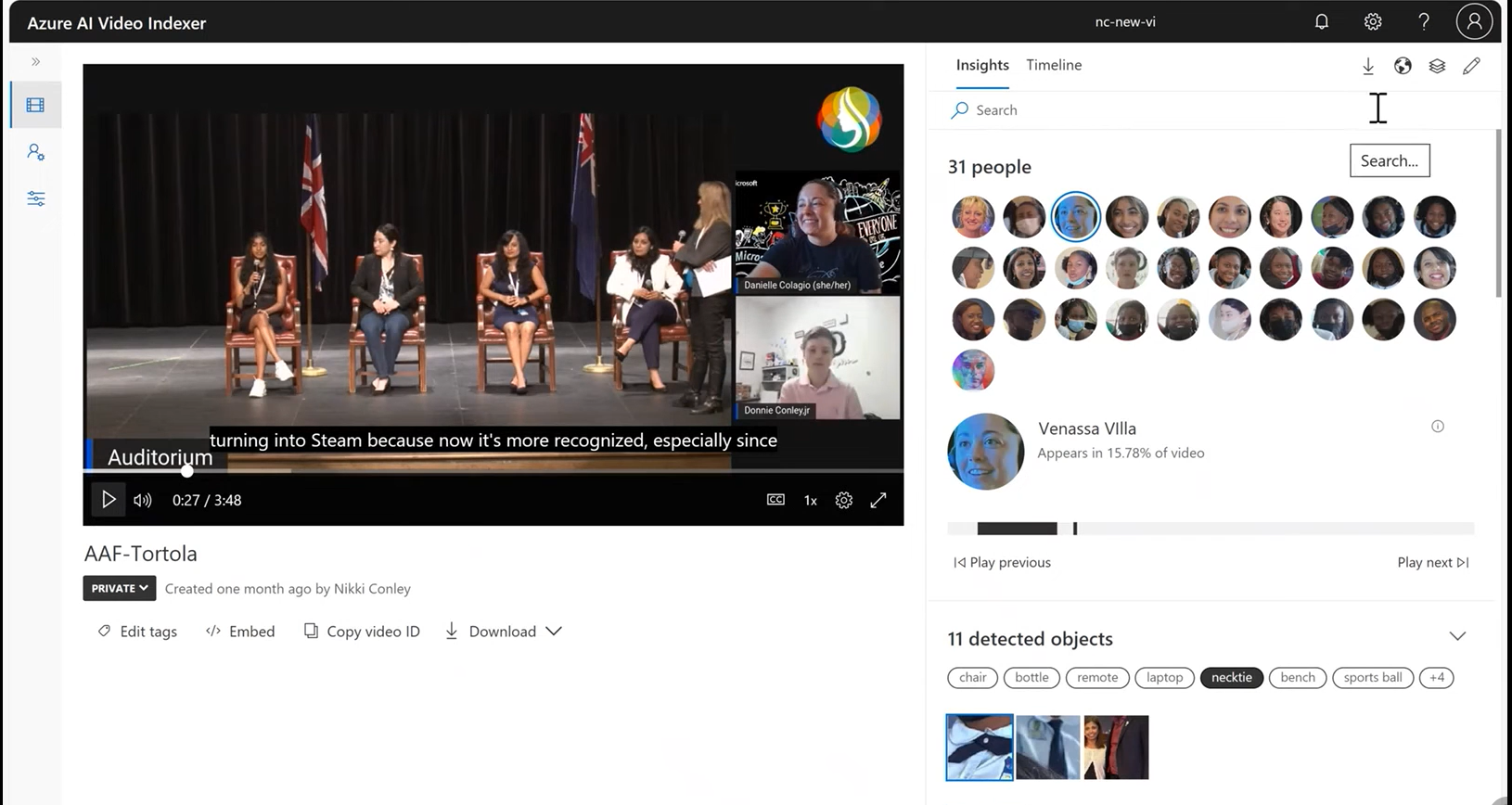
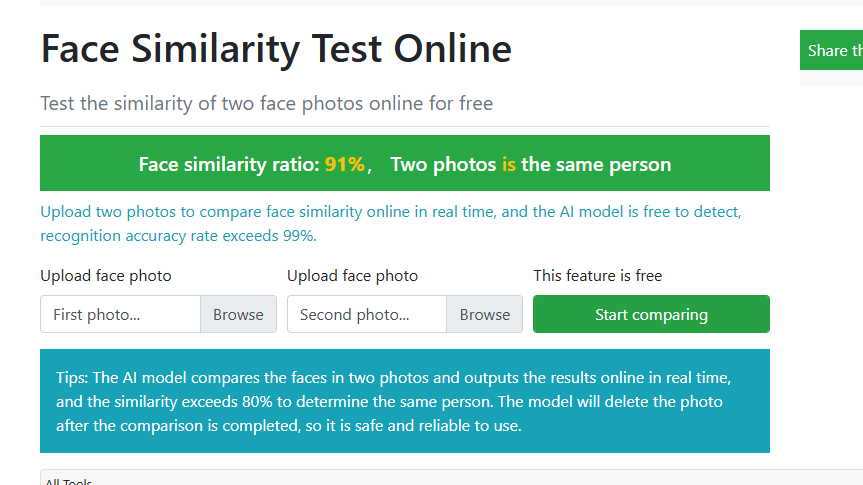
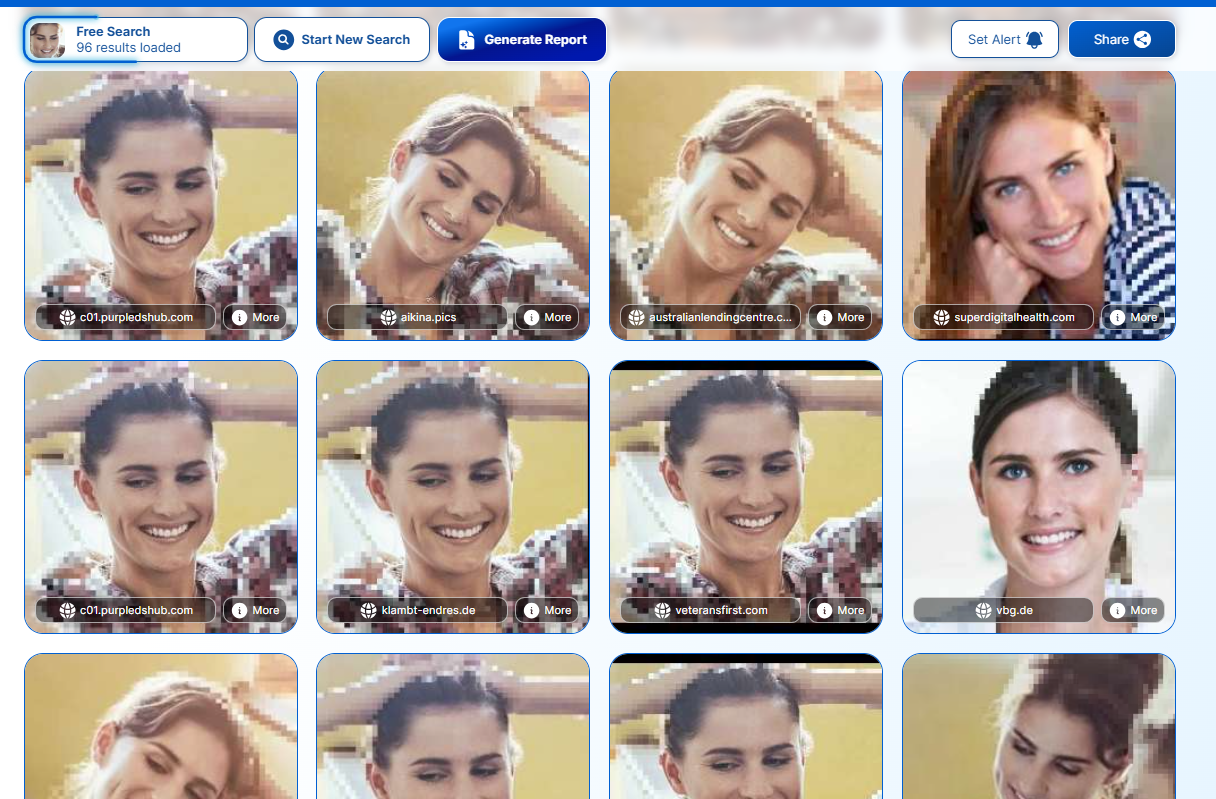
<table data-card-size="large" data-column-title-hidden data-view="cards" data-full-width="false" data-search="false"><thead><tr><th>Name</th><th>Description</th><th>Official Link</th><th data-hidden data-card-cover data-type="image">Cover image</th></tr></thead><tbody><tr><td><strong>Azure AI Video Indexer</strong></td><td>AI video analysis platform for face detection and other media insights.</td><td><a href="https://vi.microsoft.com/en-us">https://vi.microsoft.com/en-us</a></td><td><a href="https://131707722-files.gitbook.io/~/files/v0/b/gitbook-x-prod.appspot.com/o/spaces%2Fl4EVJpcOrsgjSGsLI7p2%2Fuploads%2Fgit-blob-0811b601e15e1fa8a36687a1fd21f101ac30273b%2Fimage.png?alt=media">image.png</a></td></tr><tr><td><strong>Face Comparison by ToolPie</strong></td><td>Compares two human face photos and estimates similarity.</td><td><a href="https://facecomparison.toolpie.com/">https://facecomparison.toolpie.com/</a></td><td><a href="https://131707722-files.gitbook.io/~/files/v0/b/gitbook-x-prod.appspot.com/o/spaces%2Fl4EVJpcOrsgjSGsLI7p2%2Fuploads%2Fgit-blob-6124a5957284023f8db6134297ace34d9040903a%2Fimage.png?alt=media">image.png</a></td></tr><tr><td><strong>PimEyes</strong></td><td>AI-powered face search engine for finding visually similar face images online.</td><td><a href="https://pimeyes.com/en">https://pimeyes.com/en</a></td><td><a href="https://131707722-files.gitbook.io/~/files/v0/b/gitbook-x-prod.appspot.com/o/spaces%2Fl4EVJpcOrsgjSGsLI7p2%2Fuploads%2Fgit-blob-963f57c3cfef2d77a28ec9bcee3cfd3998d25862%2Fimage.png?alt=media">image.png</a></td></tr></tbody></table>

## Metadata and Forensics

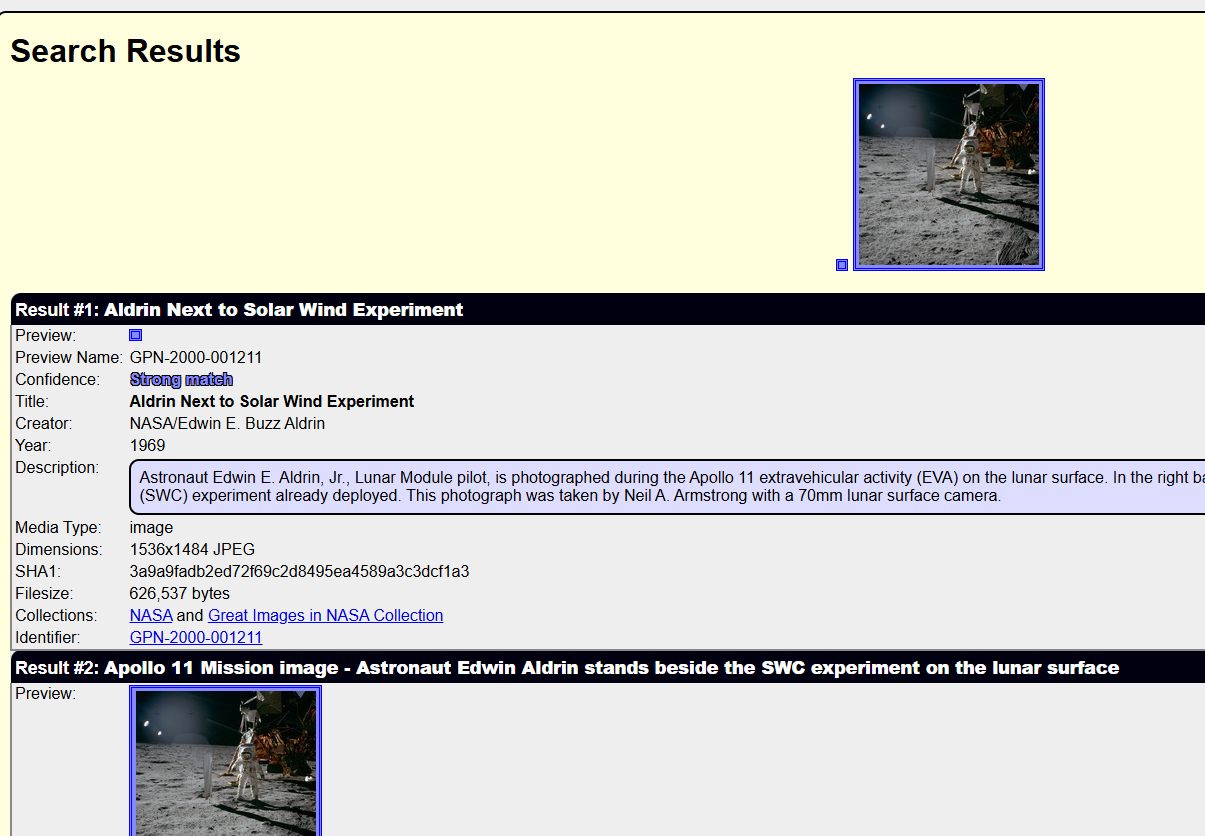
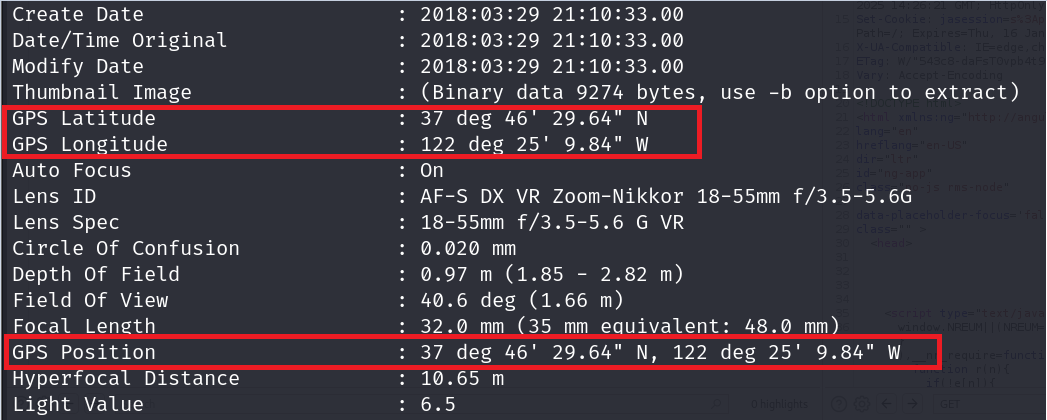
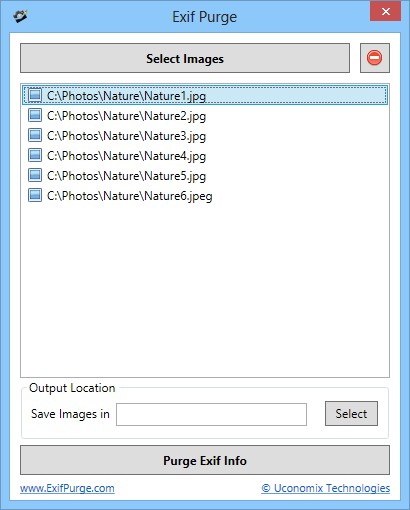
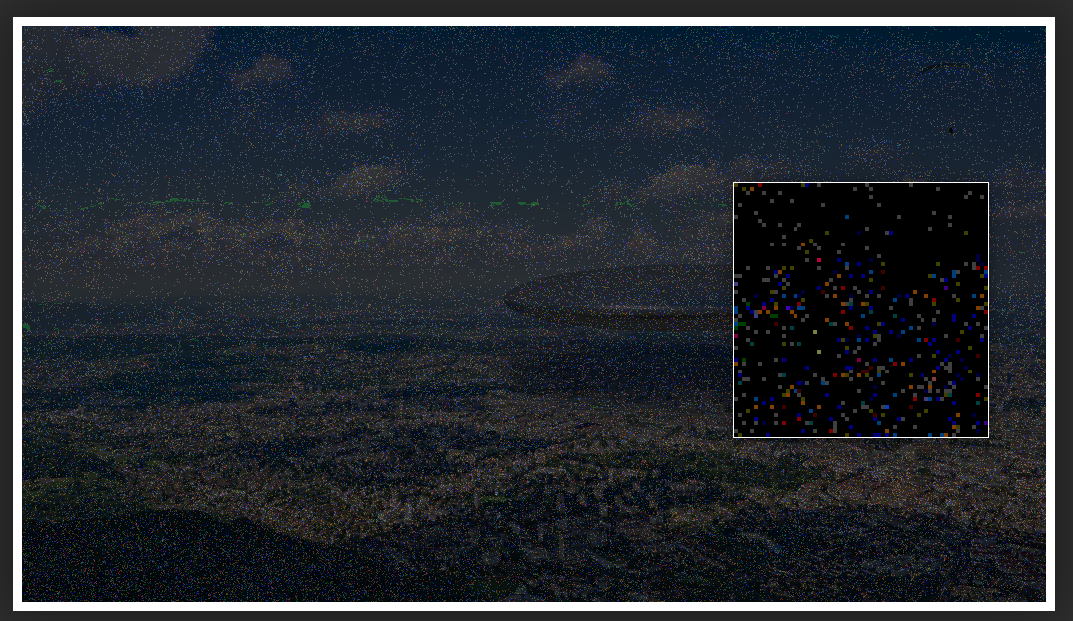
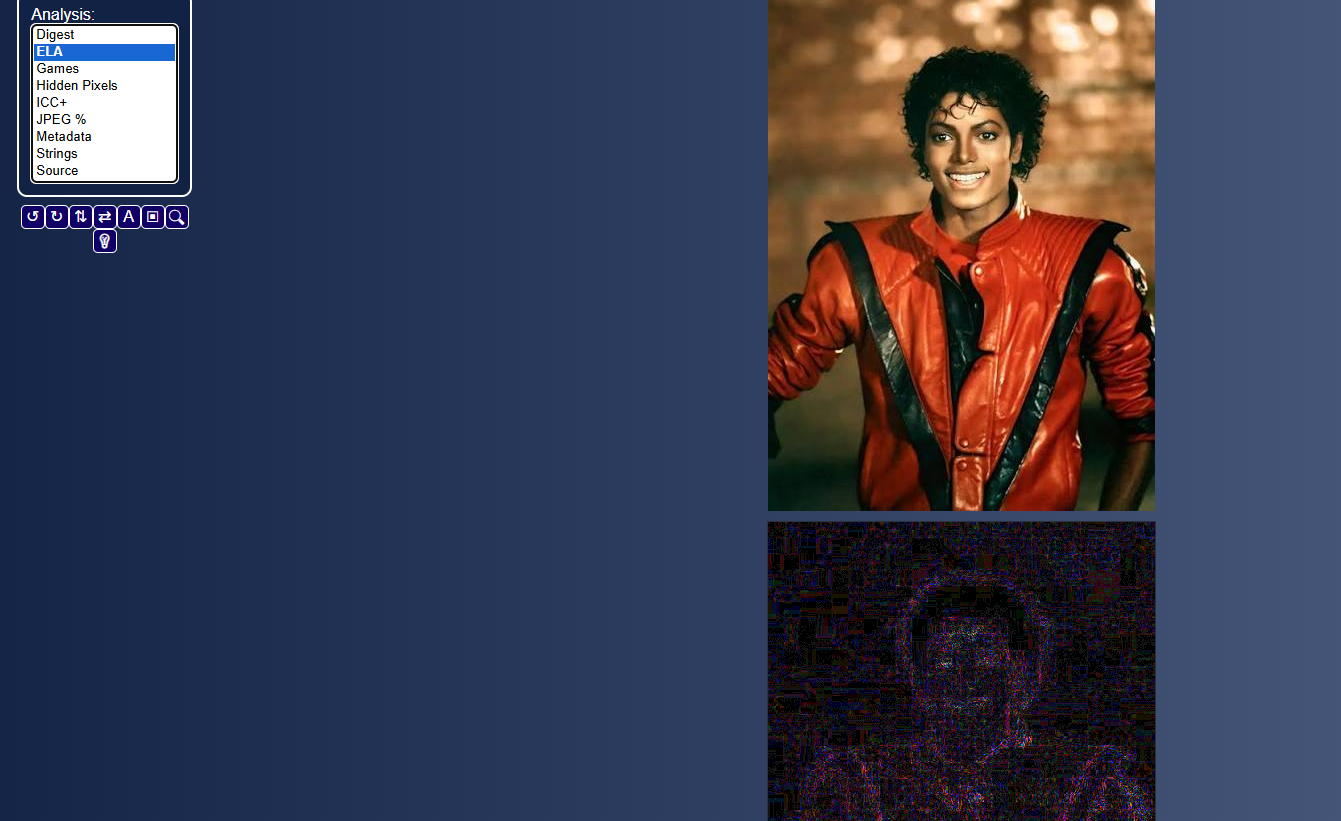
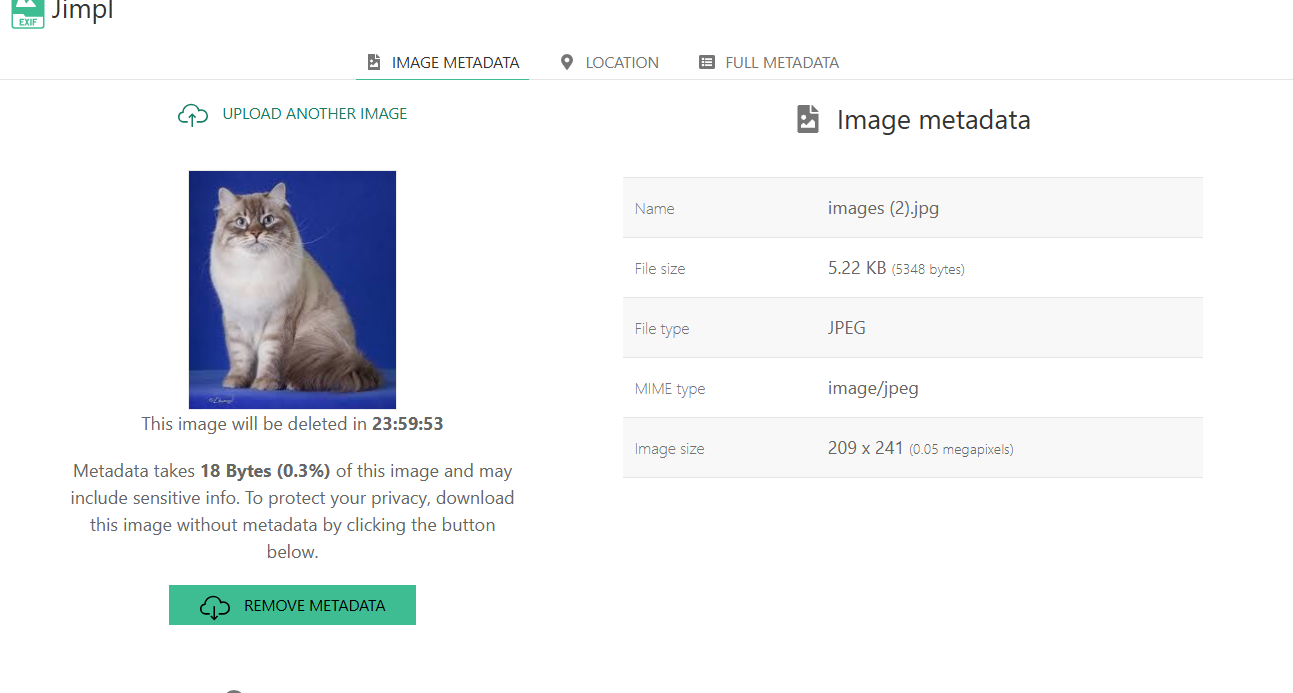
<table data-card-size="large" data-column-title-hidden data-view="cards" data-full-width="false" data-search="false"><thead><tr><th>Name</th><th>Description</th><th>Official Link</th><th data-hidden data-card-cover data-type="image">Cover image</th></tr></thead><tbody><tr><td><strong>ExifTool</strong></td><td>Command-line tool for reading, writing, and extracting metadata from images, documents, and media files.</td><td><a href="https://github.com/exiftool/exiftool">https://github.com/exiftool/exiftool</a></td><td><a href="https://131707722-files.gitbook.io/~/files/v0/b/gitbook-x-prod.appspot.com/o/spaces%2Fl4EVJpcOrsgjSGsLI7p2%2Fuploads%2Fgit-blob-06a3e54ff38539eda192e07b4a2170da185191b7%2Fimage.png?alt=media">image.png</a></td></tr><tr><td><strong>ExifPurge</strong></td><td>Portable application for removing EXIF metadata from multiple images in batch.</td><td><a href="https://www.exifpurge.com/">https://www.exifpurge.com/</a></td><td><a href="https://131707722-files.gitbook.io/~/files/v0/b/gitbook-x-prod.appspot.com/o/spaces%2Fl4EVJpcOrsgjSGsLI7p2%2Fuploads%2Fgit-blob-b68a3975c9ff16fa12f57d37e5e6ee953761fdc2%2FExifPurgeScreenshot.png?alt=media">ExifPurgeScreenshot.png</a></td></tr><tr><td><strong>Forensically</strong></td><td>Web-based image forensics toolkit for analyzing potential edits, clones, noise, and manipulation indicators.</td><td><a href="https://29a.ch/photo-forensics/">https://29a.ch/photo-forensics/</a></td><td><a href="https://131707722-files.gitbook.io/~/files/v0/b/gitbook-x-prod.appspot.com/o/spaces%2Fl4EVJpcOrsgjSGsLI7p2%2Fuploads%2Fgit-blob-1b686b43c6b9fcfef23dae6fdd65e5a2422ee1e0%2Fimage.png?alt=media">image.png</a></td></tr><tr><td><strong>FotoForensics</strong></td><td>Image forensics service for analyzing compression, metadata, and possible manipulation traces.</td><td><a href="https://fotoforensics.com">https://fotoforensics.com</a></td><td><a href="https://131707722-files.gitbook.io/~/files/v0/b/gitbook-x-prod.appspot.com/o/spaces%2Fl4EVJpcOrsgjSGsLI7p2%2Fuploads%2Fgit-blob-a4970ee2721eca3ee12268fd13f74128f470dff3%2Fimage.png?alt=media">image.png</a></td></tr><tr><td><strong>Jimpl</strong></td><td>Online EXIF viewer for inspecting embedded image metadata.</td><td><a href="https://jimpl.com/">https://jimpl.com/</a></td><td><a href="https://131707722-files.gitbook.io/~/files/v0/b/gitbook-x-prod.appspot.com/o/spaces%2Fl4EVJpcOrsgjSGsLI7p2%2Fuploads%2Fgit-blob-c8eace5b7b24230be817c29fd131cb5013597cc2%2Fimage.png?alt=media">image.png</a></td></tr></tbody></table>


---

# Agent Instructions
This documentation is published with GitBook. GitBook is the documentation platform designed so that both humans and AI agents can read, navigate, and reason over technical content effectively. Learn more at gitbook.com.

## Querying This Documentation
If you need additional information that is not directly available in this page, you can query the documentation by asking a question.

Perform an HTTP GET request on the following URL with the `ask` and `goal` query parameters:

```
GET https://hacking-notes.jord4n.pro/hacking-tools/osint/image-and-video-analysis.md?ask=<question>&goal=<user_goal>
```

`ask` is the immediate question: it should be specific, self-contained, and written in natural language.
`goal` is what the user is ultimately trying to achieve, the reason they need the answer. Sharing it helps GitBook give you a better, more relevant answer. A goal is most helpful when it describes the outcome the user wants rather than restating the question. For example, with `ask=how do I create an API token`, a goal like `automate deployments from our CI pipeline` lets GitBook tailor the answer to that use case.

The response will contain a direct answer to the question and relevant excerpts and sources from the documentation.

Use this mechanism when the answer is not explicitly present in the current page, you need clarification or additional context, or you want to retrieve related documentation sections.