> For the complete documentation index, see [llms.txt](https://hacking-notes.jord4n.pro/llms.txt). Markdown versions of documentation pages are available by appending `.md` to page URLs; this page is available as [Markdown](https://hacking-notes.jord4n.pro/hacking-tools/windows.md).

# Windows Tools

Windows offensive security tooling notes for local enumeration, privilege checks, Active Directory attack path mapping, BloodHound, SharpHound, WinPEAS, PrivescCheck, LOLBAS, PowerUp, Invoke-Obfuscati

Windows tooling supports local privilege review, Active Directory relationship mapping, endpoint enumeration, and controlled post-exploitation. Use this section to choose the right tool for the evidence you need: local privileges, weak services, domain relationships, attack paths, or executable bypass references.

## Windows Tooling Workflow

1. Enumerate local identity, privileges, groups, processes, services, sessions, network state, and installed software.
2. Use WinPEAS, PrivescCheck, PowerUp, or manual commands to identify local misconfigurations.
3. Collect Active Directory relationships with SharpHound or BloodHound.py when domain context matters.
4. Analyze BloodHound paths for shortest controlled routes to local admin, high-value groups, or domain compromise.
5. Cross-check LOLBAS and WADCom when a technique depends on built-in Windows binaries or AD command syntax.

## Windows Tool Categories

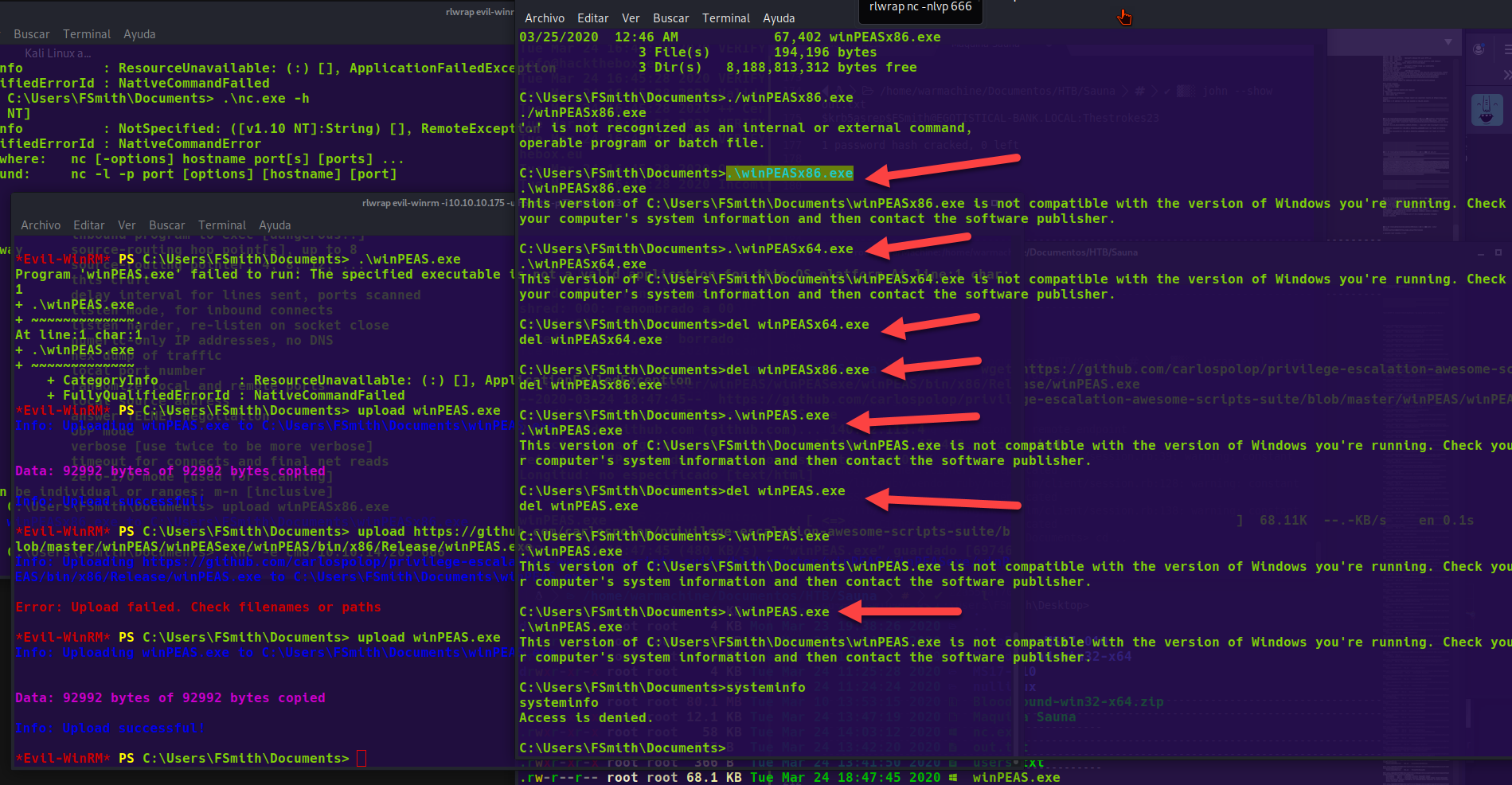
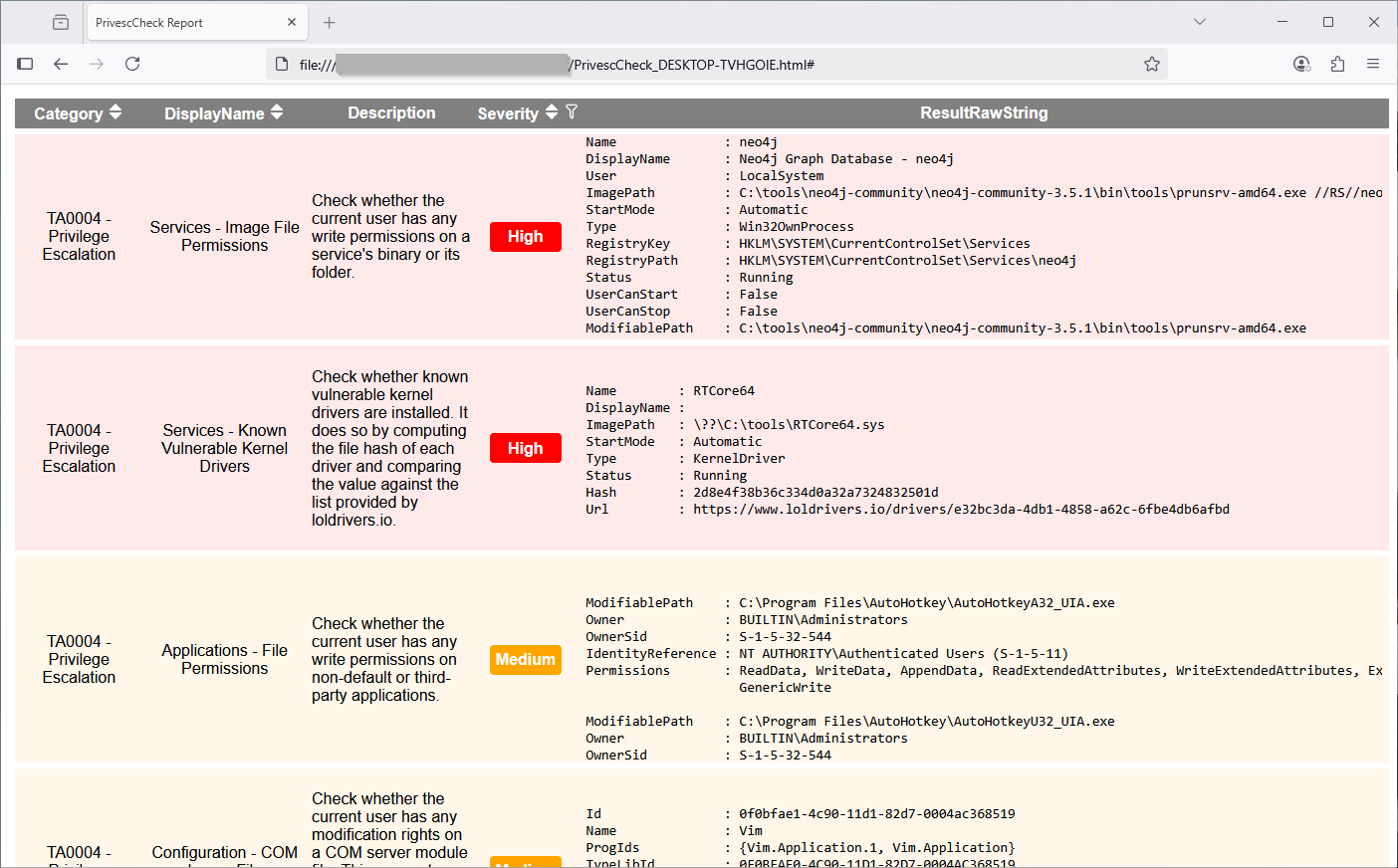
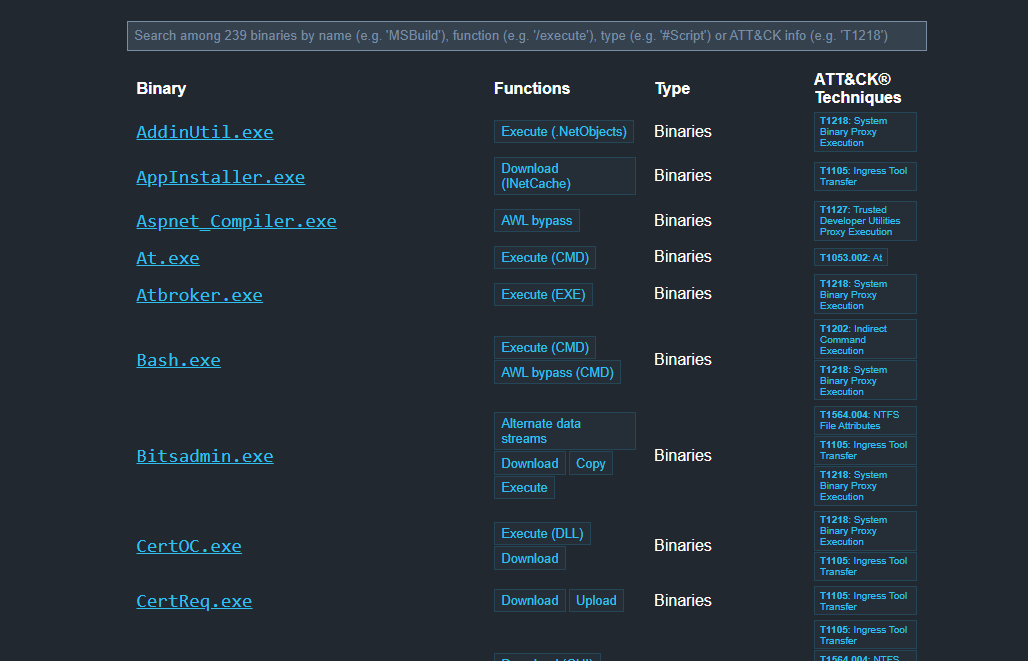
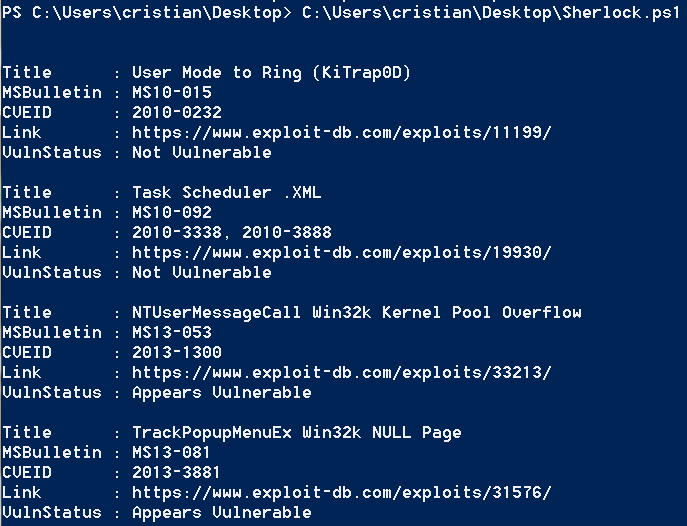
<table data-card-size="large" data-column-title-hidden data-view="cards" data-full-width="false" data-search="false"><thead><tr><th>Name</th><th>Description</th><th>Official Link</th><th data-hidden data-card-cover data-type="image">Cover image</th></tr></thead><tbody><tr><td><strong>Windows Enumeration</strong></td><td>Local commands and checks to identify privileges, groups, and services.</td><td><a href="/hacking-tools/windows/windows-enumeration.md">windows-enumeration</a></td><td></td></tr><tr><td><strong>BloodHound</strong></td><td>Active Directory mapping and attack path discovery.</td><td><a href="/hacking-tools/windows/bloodhound-tool.md">bloodhound-tool</a></td><td></td></tr><tr><td><strong>WinPEAS</strong></td><td>Automated enumeration for Windows privilege escalation.</td><td><a href="https://github.com/peass-ng/PEASS-ng/releases/tag/20241101-6f46e855">https://github.com/peass-ng/PEASS-ng/releases/tag/20241101-6f46e855</a></td><td><a href="https://131707722-files.gitbook.io/~/files/v0/b/gitbook-x-prod.appspot.com/o/spaces%2Fl4EVJpcOrsgjSGsLI7p2%2Fuploads%2Fgit-blob-6e9481e03ce9481535dee569ade2212fae6c6794%2Fimage.png?alt=media">image.png</a></td></tr><tr><td><strong>PrivescCheck</strong></td><td>PowerShell auditing of Windows misconfigurations.</td><td><a href="https://github.com/itm4n/PrivescCheck">https://github.com/itm4n/PrivescCheck</a></td><td><a href="https://131707722-files.gitbook.io/~/files/v0/b/gitbook-x-prod.appspot.com/o/spaces%2Fl4EVJpcOrsgjSGsLI7p2%2Fuploads%2Fgit-blob-86db6e4d02451169c9883f216dde6051f684d851%2Fimage.png?alt=media">image.png</a></td></tr><tr><td><strong>LOLBAS</strong></td><td>Reference for Windows binaries usable for bypasses or execution.</td><td><a href="https://lolbas-project.github.io/">https://lolbas-project.github.io/</a></td><td><a href="https://131707722-files.gitbook.io/~/files/v0/b/gitbook-x-prod.appspot.com/o/spaces%2Fl4EVJpcOrsgjSGsLI7p2%2Fuploads%2Fgit-blob-aa91777110a6898c165b88a516317a3eb8cde4f2%2Fimage.png?alt=media">image.png</a></td></tr><tr><td><strong>Sherlock</strong></td><td>Known local Windows vulnerability discovery.</td><td><a href="https://github.com/rasta-mouse/Sherlock">https://github.com/rasta-mouse/Sherlock</a></td><td><a href="https://131707722-files.gitbook.io/~/files/v0/b/gitbook-x-prod.appspot.com/o/spaces%2Fl4EVJpcOrsgjSGsLI7p2%2Fuploads%2Fgit-blob-fbcca3b2396274fea4a41da1ab0b8e0992ba3cfe%2Fimage.png?alt=media">image.png</a></td></tr></tbody></table>


---

# Agent Instructions
This documentation is published with GitBook. GitBook is the documentation platform designed so that both humans and AI agents can read, navigate, and reason over technical content effectively. Learn more at gitbook.com.

## Querying This Documentation
If you need additional information that is not directly available in this page, you can query the documentation by asking a question.

Perform an HTTP GET request on the following URL with the `ask` and `goal` query parameters:

```
GET https://hacking-notes.jord4n.pro/hacking-tools/windows.md?ask=<question>&goal=<user_goal>
```

`ask` is the immediate question: it should be specific, self-contained, and written in natural language.
`goal` is what the user is ultimately trying to achieve, the reason they need the answer. Sharing it helps GitBook give you a better, more relevant answer. A goal is most helpful when it describes the outcome the user wants rather than restating the question. For example, with `ask=how do I create an API token`, a goal like `automate deployments from our CI pipeline` lets GitBook tailor the answer to that use case.

The response will contain a direct answer to the question and relevant excerpts and sources from the documentation.

Use this mechanism when the answer is not explicitly present in the current page, you need clarification or additional context, or you want to retrieve related documentation sections.