> For the complete documentation index, see [llms.txt](https://hacking-notes.jord4n.pro/llms.txt). Markdown versions of documentation pages are available by appending `.md` to page URLs; this page is available as [Markdown](https://hacking-notes.jord4n.pro/ja/hacking-tools/credentials.md).

# 認証情報と ID ツール

侵害確認、パスワード強度レビュー、ハッシュ検索、パスワードクラッキング、デフォルト認証情報、ワードリスト、ユーザー名リソースのための認証情報と ID ツール参照。

これらのリソースは、認証情報の露出確認、パスワード強度のレビュー、ハッシュ検索、パスワード解析のワークフロー、デフォルト認証情報の確認、ワードリスト調査、ユーザー名の準備に使用してください。手法やコマンド例は、関連するブルートフォース、OSINT、またはアセスメントのページに記載し、このページは認証情報およびIDツールの中心的なカタログとします。

## ツール

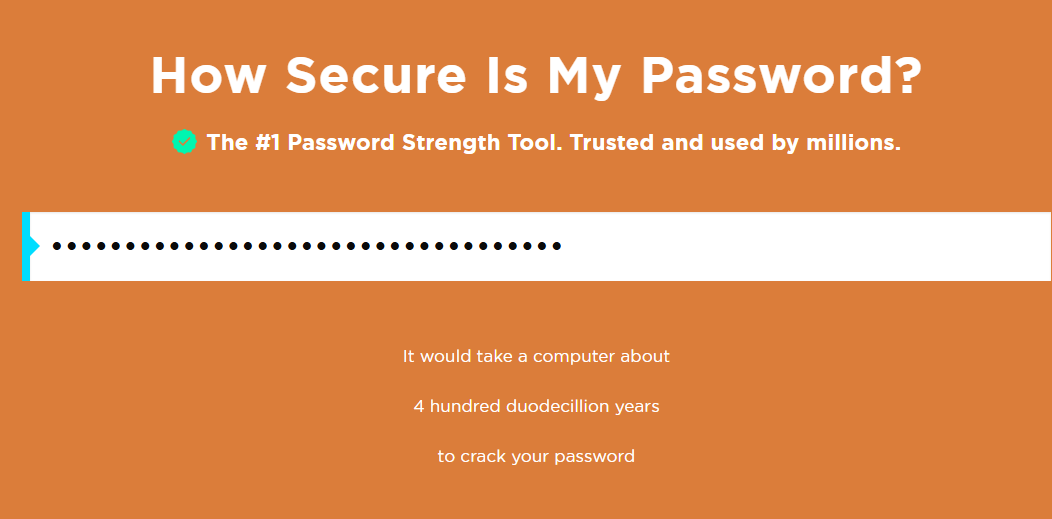
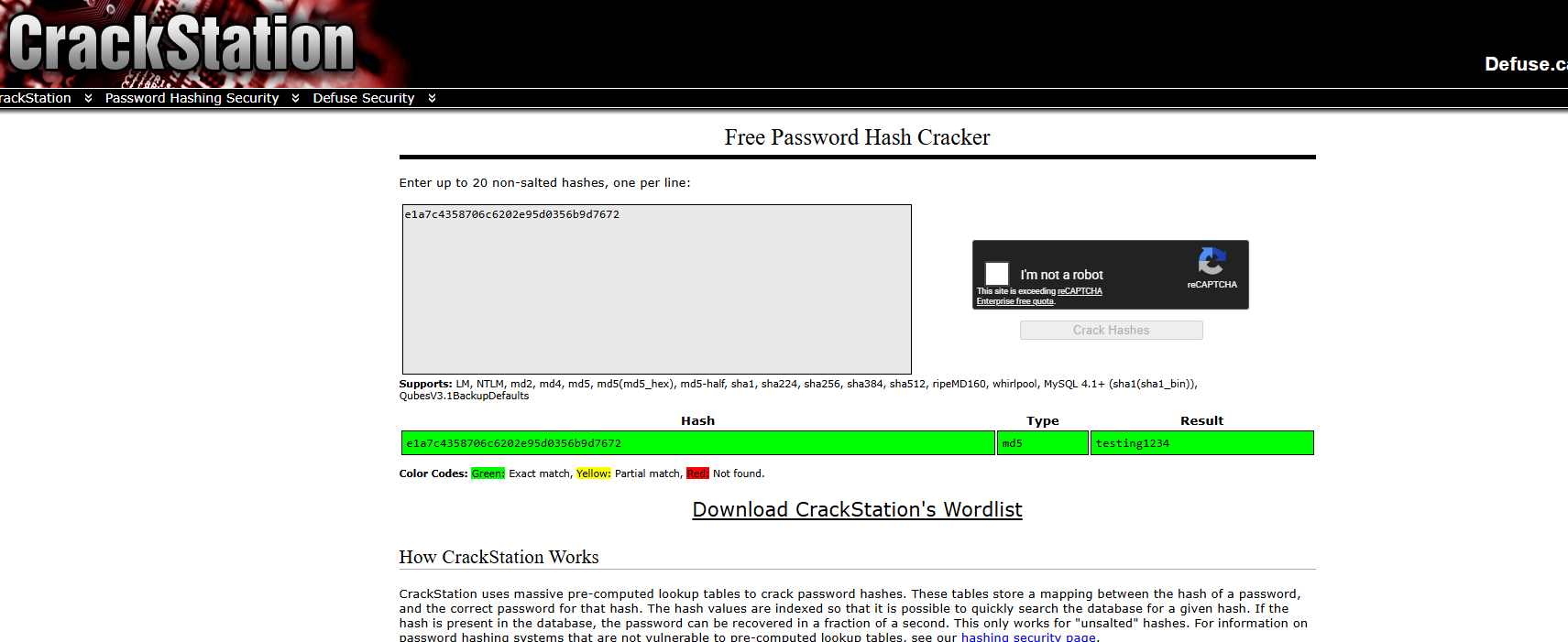
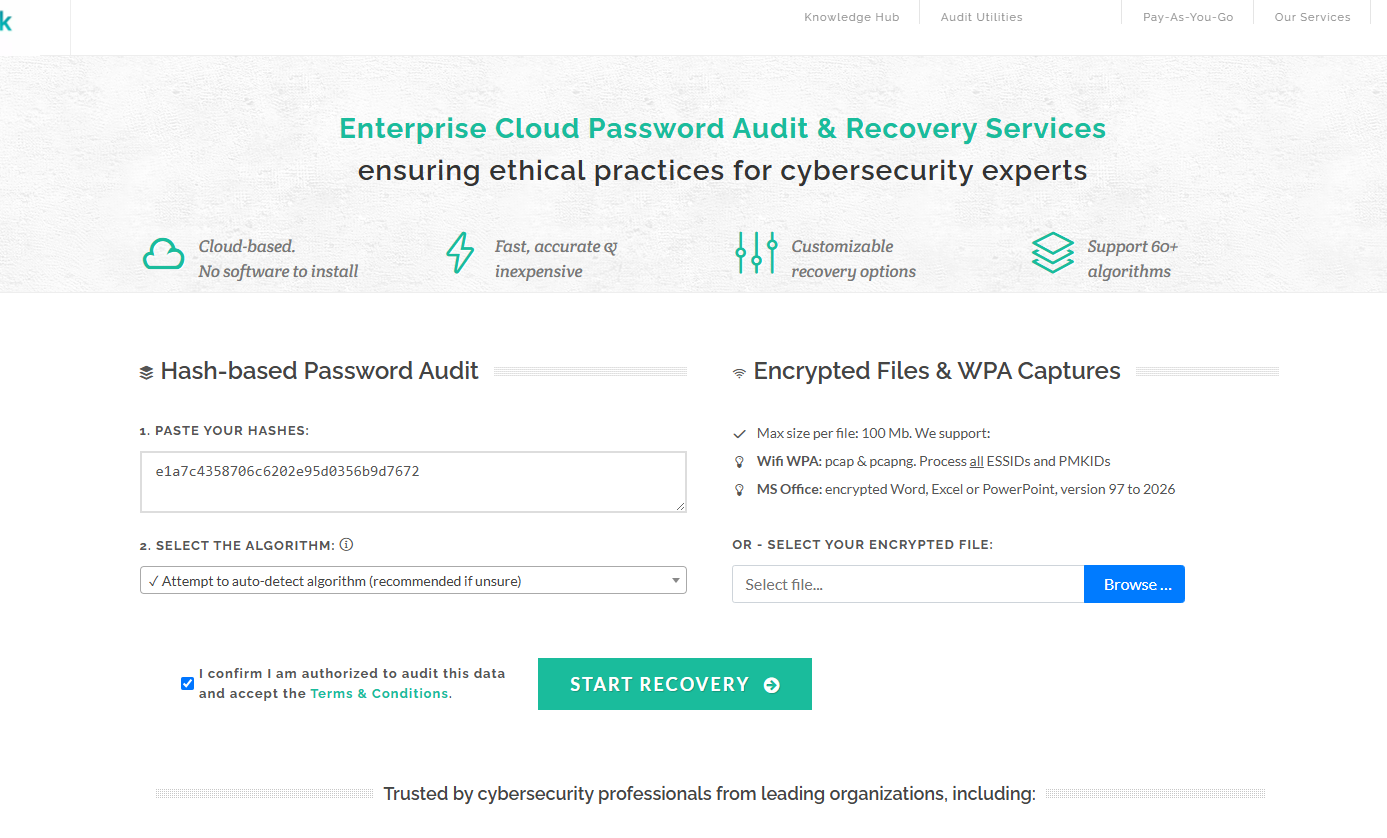
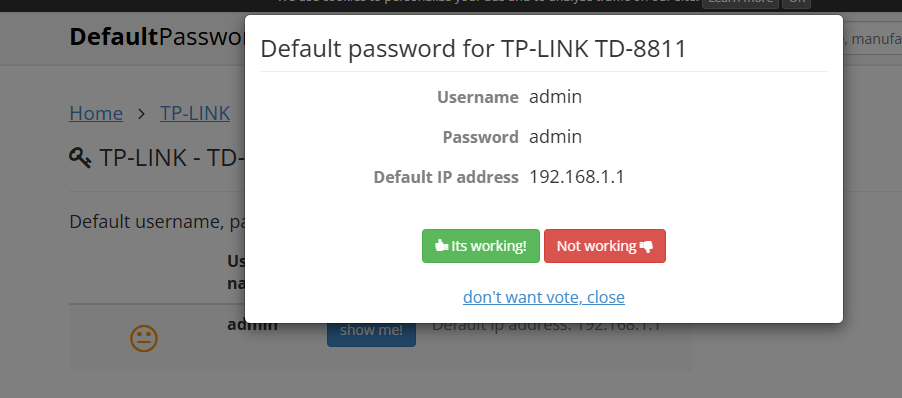
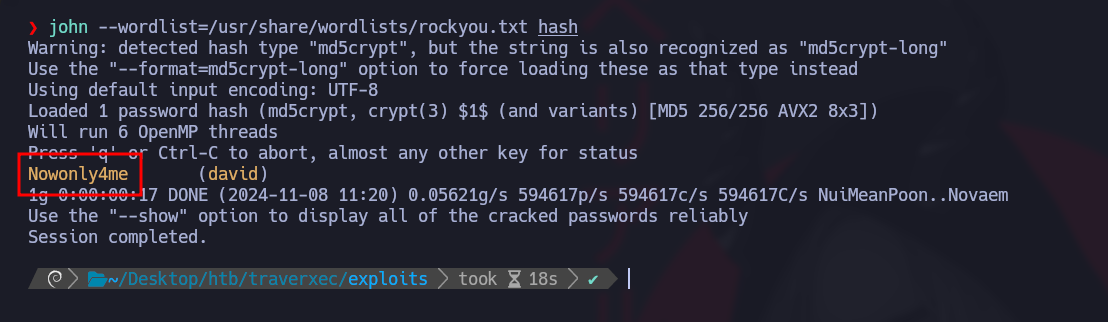
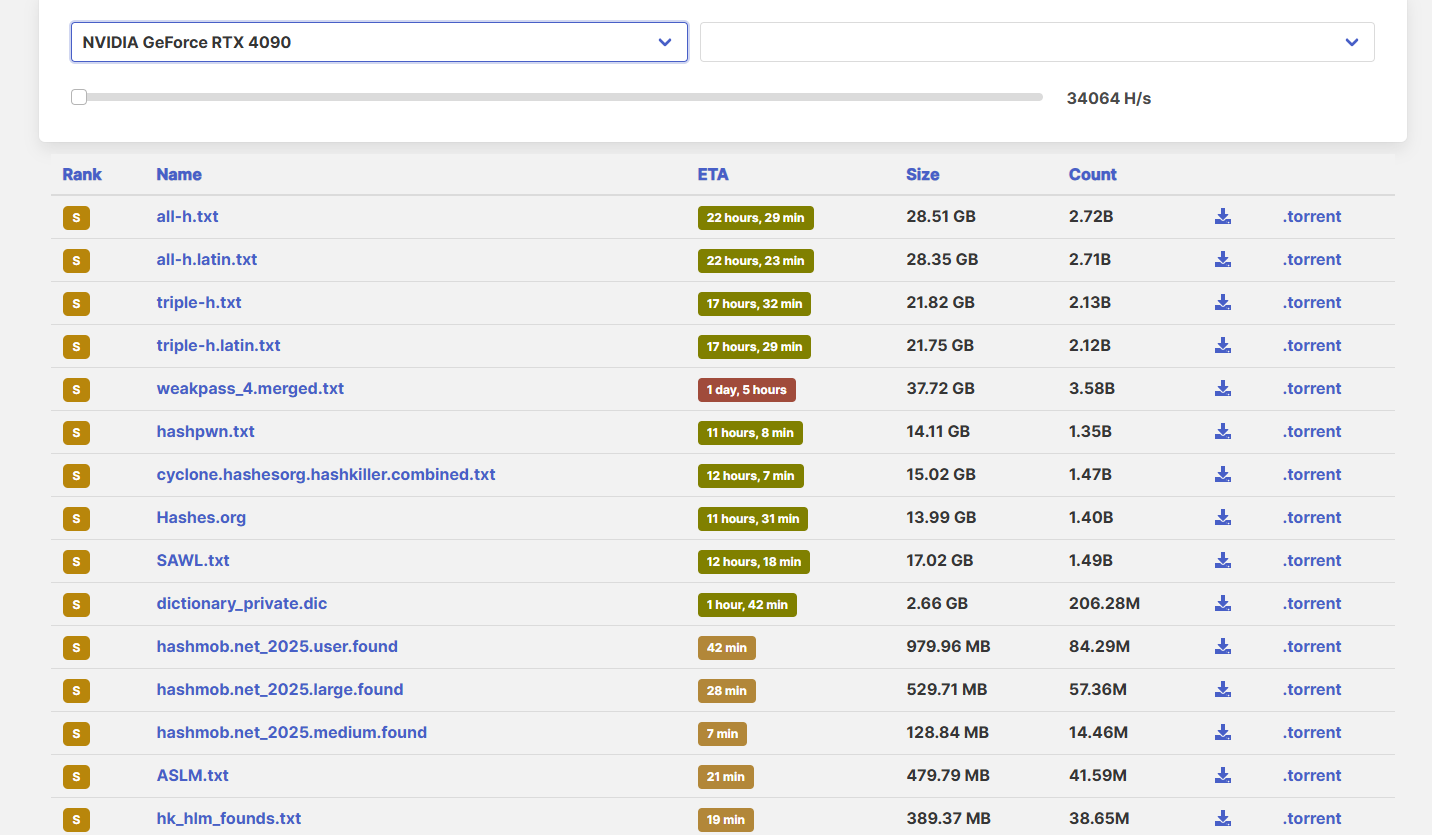
<table data-card-size="large" data-column-title-hidden data-view="cards" data-full-width="false" data-search="false"><thead><tr><th>名前</th><th>説明</th><th>公式リンク</th><th data-hidden data-card-cover data-type="image">カバー画像</th></tr></thead><tbody><tr><td><strong>Security.org パスワードチェッカー</strong></td><td>教育目的のパスワードレビュー向けに、パスワードの強度とおおよその解析時間を推定します。</td><td><a href="https://www.security.org/how-secure-is-my-password/">https://www.security.org/how-secure-is-my-password/</a></td><td><a href="https://2001299964-files.gitbook.io/~/files/v0/b/gitbook-x-prod.appspot.com/o/spaces%2Fl4EVJpcOrsgjSGsLI7p2%2Fuploads%2Fgit-blob-318d6203071841b9710f8ba72e8ec9a722a4fda0%2FScreenshot%202026-07-20%20164824.png?alt=media">Screenshot 2026-07-20 164824.png</a></td></tr><tr><td><strong>CrackStation</strong></td><td>大規模な事前計算済みハッシュデータベースを使用したオンラインハッシュ検索サービス。</td><td><a href="https://crackstation.net/">https://crackstation.net/</a></td><td><a href="https://2001299964-files.gitbook.io/~/files/v0/b/gitbook-x-prod.appspot.com/o/spaces%2Fl4EVJpcOrsgjSGsLI7p2%2Fuploads%2Fgit-blob-fabdff76f5dde82638aff044da3594f5ba265b59%2FScreenshot%202026-07-20%20164938.png?alt=media">Screenshot 2026-07-20 164938.png</a></td></tr><tr><td><strong>OnlineHashCrack</strong></td><td>許可されたパスワード監査のワークフロー向けのオンラインパスワードハッシュ復元サービス。</td><td><a href="https://www.onlinehashcrack.com/">https://www.onlinehashcrack.com/</a></td><td><a href="https://2001299964-files.gitbook.io/~/files/v0/b/gitbook-x-prod.appspot.com/o/spaces%2Fl4EVJpcOrsgjSGsLI7p2%2Fuploads%2Fgit-blob-f24359572d9d05ae546a130e0ba1049893e99b0f%2FScreenshot%202026-07-20%20165058.png?alt=media">Screenshot 2026-07-20 165058.png</a></td></tr><tr><td><strong>デフォルトパスワード</strong></td><td>許可された確認時に、製品・デバイス・サービスのデフォルト認証情報を検索します。</td><td><a href="https://default-password.info/">https://default-password.info/</a></td><td><a href="https://2001299964-files.gitbook.io/~/files/v0/b/gitbook-x-prod.appspot.com/o/spaces%2Fl4EVJpcOrsgjSGsLI7p2%2Fuploads%2Fgit-blob-9f4d298bddd80eb5b973a77774f0916ba5db1a3b%2FScreenshot%202026-07-20%20165233.png?alt=media">Screenshot 2026-07-20 165233.png</a></td></tr><tr><td><strong>John the Ripper</strong></td><td>多くのハッシュ形式、アーカイブ形式、秘密鍵、およびカスタムの解析ワークフローに対応するパスワード解析ツール群。</td><td><a href="https://www.openwall.com/john/">https://www.openwall.com/john/</a></td><td><a href="https://2001299964-files.gitbook.io/~/files/v0/b/gitbook-x-prod.appspot.com/o/spaces%2Fl4EVJpcOrsgjSGsLI7p2%2Fuploads%2Fgit-blob-248f67a825a51252ccf91b1a8762ad71df3a4060%2Fimage.png?alt=media">image.png</a></td></tr><tr><td><strong>Weakpass</strong></td><td>管理されたパスワード監査および解析ワークフロー向けの、大規模なパスワード辞書コレクション。</td><td><a href="https://weakpass.com/">https://weakpass.com/</a></td><td><a href="https://2001299964-files.gitbook.io/~/files/v0/b/gitbook-x-prod.appspot.com/o/spaces%2Fl4EVJpcOrsgjSGsLI7p2%2Fuploads%2Fgit-blob-5c62154e7b7f8f089684a81f8f1c7b4f4431b9f5%2FScreenshot%202026-07-20%20165402.png?alt=media">Screenshot 2026-07-20 165402.png</a></td></tr></tbody></table>


---

# Agent Instructions
This documentation is published with GitBook. GitBook is the documentation platform designed so that both humans and AI agents can read, navigate, and reason over technical content effectively. Learn more at gitbook.com.

## Querying This Documentation
If you need additional information that is not directly available in this page, you can query the documentation by asking a question.

Perform an HTTP GET request on the following URL with the `ask` and `goal` query parameters:

```
GET https://hacking-notes.jord4n.pro/ja/hacking-tools/credentials.md?ask=<question>&goal=<user_goal>
```

`ask` is the immediate question: it should be specific, self-contained, and written in natural language.
`goal` is what the user is ultimately trying to achieve, the reason they need the answer. Sharing it helps GitBook give you a better, more relevant answer. A goal is most helpful when it describes the outcome the user wants rather than restating the question. For example, with `ask=how do I create an API token`, a goal like `automate deployments from our CI pipeline` lets GitBook tailor the answer to that use case.

The response will contain a direct answer to the question and relevant excerpts and sources from the documentation.

Use this mechanism when the answer is not explicitly present in the current page, you need clarification or additional context, or you want to retrieve related documentation sections.