> For the complete documentation index, see [llms.txt](https://hacking-notes.jord4n.pro/llms.txt). Markdown versions of documentation pages are available by appending `.md` to page URLs; this page is available as [Markdown](https://hacking-notes.jord4n.pro/ja/hacking-tools/enumeration/dns-enumeration.md).

# DNS 列挙

受動的 DNS 発見、サブドメイン列挙、DNS レコード、ゾーン転送チェック、dnsrecon、dnsenum、DNSDumpster、ブルートフォース、ホスト発見、調査作業のための DNS 列挙ツールメモ。

DNS列挙は、より深いスキャンの前に、ドメイン、サブドメイン、レコード、ネームサーバー、公開されているゾーン、インフラの手がかりを特定します。まずは受動的な情報源を使用し、テスト範囲で許可されている場合は、アクティブなDNSクエリと制御されたブルートフォースで結果を検証します。

## DNS列挙ワークフロー

1. 公開ソースと証明書透明性データセットから受動的なDNSデータを収集します。
2. A、AAAA、CNAME、MX、TXT、NS、SOA、SRVなどの一般的なレコードを照会します。
3. 許可されたネームサーバーでゾーン転送の公開を確認します。
4. 交戦規定でアクティブな発見が許可されている場合にのみ、サブドメインをブルートフォースします。
5. 発見したホストを解決し、確認済みのターゲットをポートスキャンとWebプロファイリングに渡します。

## DNSツール

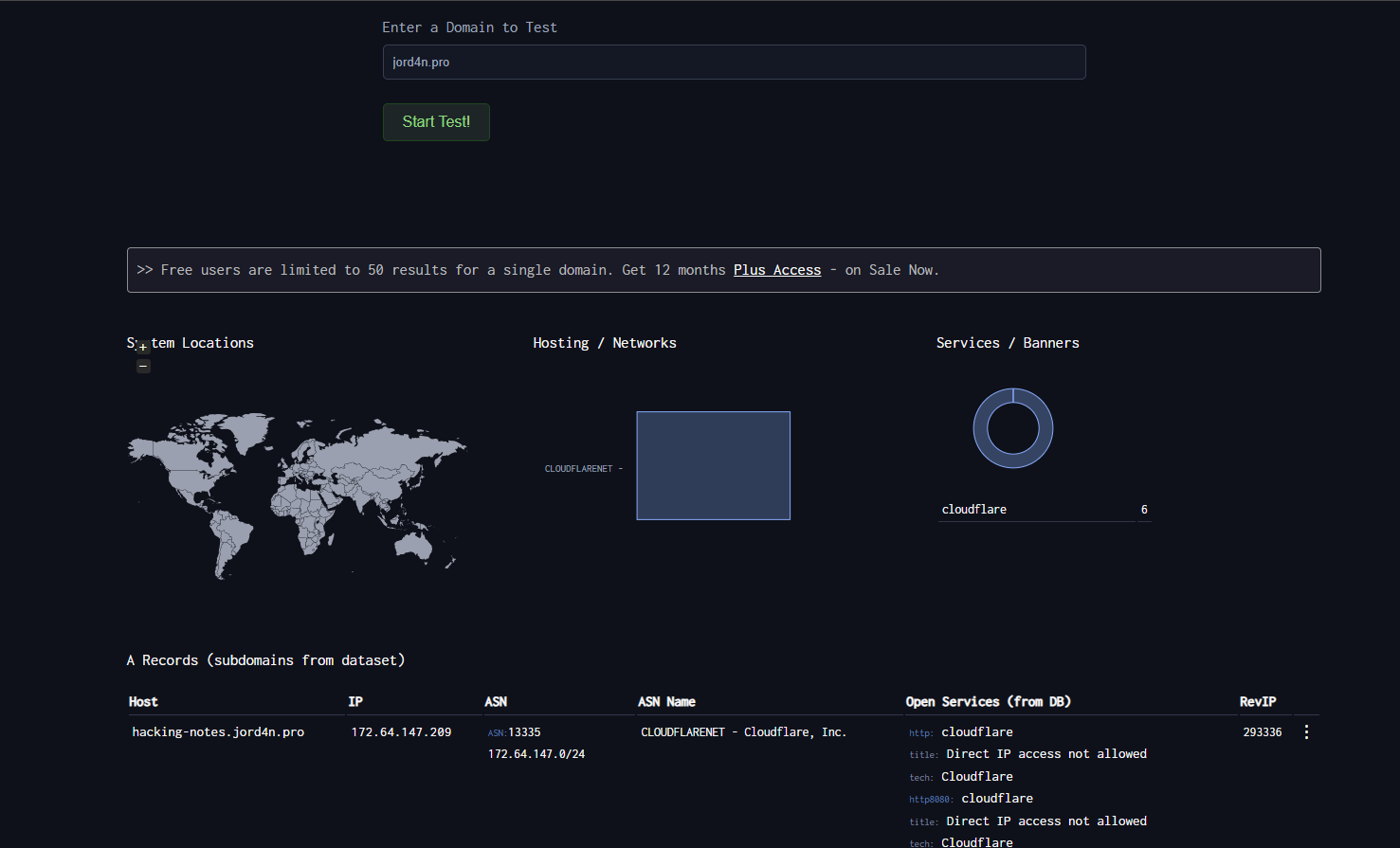
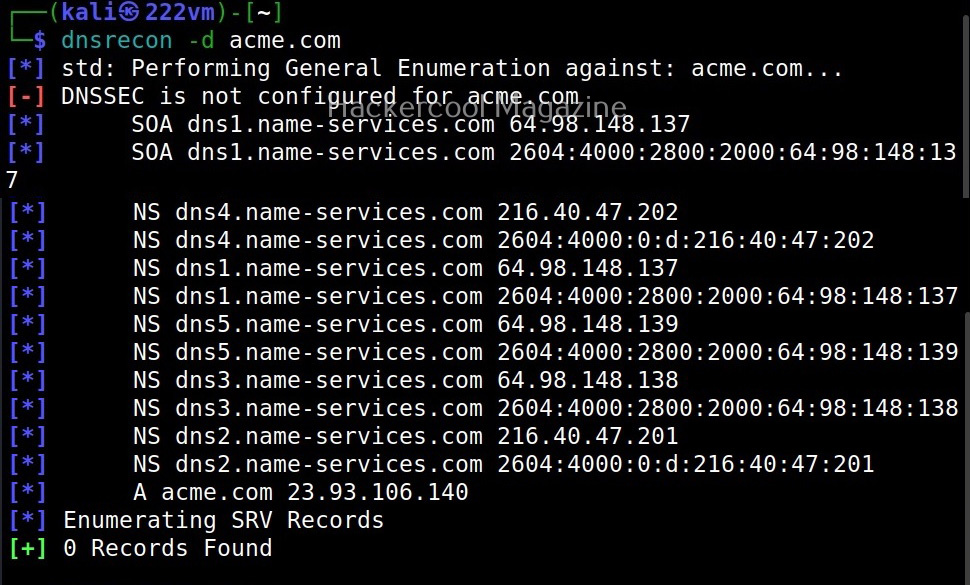
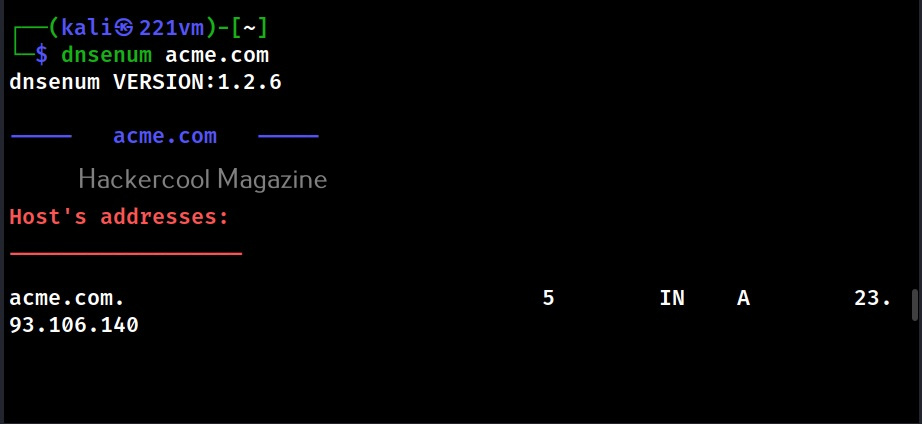
<table data-card-size="large" data-column-title-hidden data-view="cards" data-full-width="false" data-search="false"><thead><tr><th>名前</th><th>説明</th><th>公式リンク</th><th data-hidden data-card-cover data-type="image">カバー画像</th></tr></thead><tbody><tr><td><strong>DNSDumpster</strong></td><td>受動的なDNSレコードとサブドメインの発見。</td><td><a href="https://dnsdumpster.com/">https://dnsdumpster.com/</a></td><td><a href="https://2001299964-files.gitbook.io/~/files/v0/b/gitbook-x-prod.appspot.com/o/spaces%2Fl4EVJpcOrsgjSGsLI7p2%2Fuploads%2Fgit-blob-075a81b392cd7f201128689be1c5e50c045253ed%2Fimage.png?alt=media">image.png</a></td></tr><tr><td><strong>dnsrecon</strong></td><td>DNS列挙、ゾーン転送、サブドメインのブルートフォース。</td><td><a href="https://github.com/darkoperator/dnsrecon">https://github.com/darkoperator/dnsrecon</a></td><td><a href="https://2001299964-files.gitbook.io/~/files/v0/b/gitbook-x-prod.appspot.com/o/spaces%2Fl4EVJpcOrsgjSGsLI7p2%2Fuploads%2Fgit-blob-18b7d6e02adf179685d2cf2621e75ebbb098ca40%2Fimage.png?alt=media">image.png</a></td></tr><tr><td><strong>dnsenum</strong></td><td>DNSのブルートフォースとドメイン情報の収集。</td><td><a href="https://github.com/fwaeytens/dnsenum">https://github.com/fwaeytens/dnsenum</a></td><td><a href="https://2001299964-files.gitbook.io/~/files/v0/b/gitbook-x-prod.appspot.com/o/spaces%2Fl4EVJpcOrsgjSGsLI7p2%2Fuploads%2Fgit-blob-6253d171f4c3d5591956eea6b99351a2ea5635a1%2Fimage.png?alt=media">image.png</a></td></tr></tbody></table>

## 受動的ソース

| リソース                                                  | 説明                                                 |
| ----------------------------------------------------- | -------------------------------------------------- |
| [VirusTotal](https://www.virustotal.com/)             | URL、ドメイン、受動的DNS、インフラの関係分析。                         |
| [Censys](https://search.censys.io/)                   | インターネット接続ホスト、証明書、公開サービスの検索エンジン。                    |
| [crt.sh](https://crt.sh/)                             | 公開TLS証明書に含まれる名前を見つけるためのCertificate Transparency検索。 |
| [Project Sonar](https://sonar.omnisint.io/)           | 公開サブドメイン、TLD、逆引きDNSルックアップのエンドポイント。                 |
| [Netcraft SearchDNS](https://searchdns.netcraft.com/) | 公開ホスト名とDNSインテリジェンスの検索。                             |


---

# Agent Instructions
This documentation is published with GitBook. GitBook is the documentation platform designed so that both humans and AI agents can read, navigate, and reason over technical content effectively. Learn more at gitbook.com.

## Querying This Documentation
If you need additional information that is not directly available in this page, you can query the documentation by asking a question.

Perform an HTTP GET request on the following URL with the `ask` and `goal` query parameters:

```
GET https://hacking-notes.jord4n.pro/ja/hacking-tools/enumeration/dns-enumeration.md?ask=<question>&goal=<user_goal>
```

`ask` is the immediate question: it should be specific, self-contained, and written in natural language.
`goal` is what the user is ultimately trying to achieve, the reason they need the answer. Sharing it helps GitBook give you a better, more relevant answer. A goal is most helpful when it describes the outcome the user wants rather than restating the question. For example, with `ask=how do I create an API token`, a goal like `automate deployments from our CI pipeline` lets GitBook tailor the answer to that use case.

The response will contain a direct answer to the question and relevant excerpts and sources from the documentation.

Use this mechanism when the answer is not explicitly present in the current page, you need clarification or additional context, or you want to retrieve related documentation sections.