> For the complete documentation index, see [llms.txt](https://hacking-notes.jord4n.pro/llms.txt). Markdown versions of documentation pages are available by appending `.md` to page URLs; this page is available as [Markdown](https://hacking-notes.jord4n.pro/ja/hacking-tools/linux.md).

# Linux ツール

ローカル列挙、権限昇格チェック、GTFOBins 検証、LinPEAS、LinEnum、Smart Enumeration、カーネル CVE 調査、SUID と sudo の確認、capabilities、c

Linux Tools は、Linux のローカル列挙と権限昇格の支援のためのメインカタログです。目的は、ツールの参照とエクスプロイトのメモを分けておくことです。つまり、ツールはここに置き、詳細なエクスプロイト手順は Linux の権限昇格ページに残します。

このセクションを使って適切な補助ツールを選び、その後、それを昇格経路として扱う前に、すべての発見事項を手動で検証してください。

## Linux ワークフロー

1. 現在のユーザー、グループ、ホスト名、カーネル、ディストリビューション、シェルの品質、利用可能なバイナリを確認します。
2. LinPEAS、LinEnum、または Smart Enumeration を実行して、広範な列挙を行い、重要度の高い手掛かりを収集します。
3. sudo のルール、SUID バイナリ、権限、書き込み可能なパス、cron ジョブ、サービス、環境変数を手動で検証します。
4. 確認済みのバイナリ悪用パターンには GTFOBins を使用し、Linux Exploit Suggester はカーネル CVE 調査の出発点としてのみ使います。
5. 報告と再テストのために、正確なコマンド、ツールのバージョン、出力の抜粋、影響の証拠を保存します。

## ツールのカテゴリ

* **自動列挙:** 広範なローカル調査のための LinPEAS、LinEnum、Smart Enumeration。
* **権限昇格プリミティブの検証:** sudo、SUID、権限、ファイル読み取り、ファイル書き込み、シェルエスケープ向けの GTFOBins。
* **カーネル調査:** カーネルとディストリビューションのバージョンを既知の CVE に対応付けるための Linux Exploit Suggester。
* **手動確認:** sudo の確認、SUID のチェック、書き込み可能ファイル、cron の監視、権限、サービスの確認、環境の調査。

## 推奨 Linux ツール

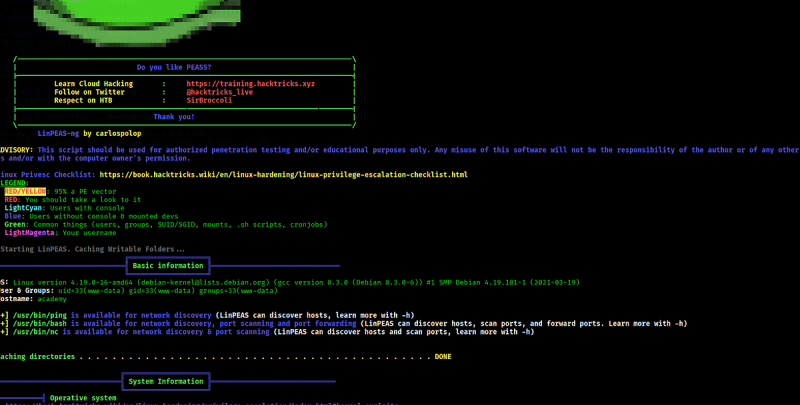
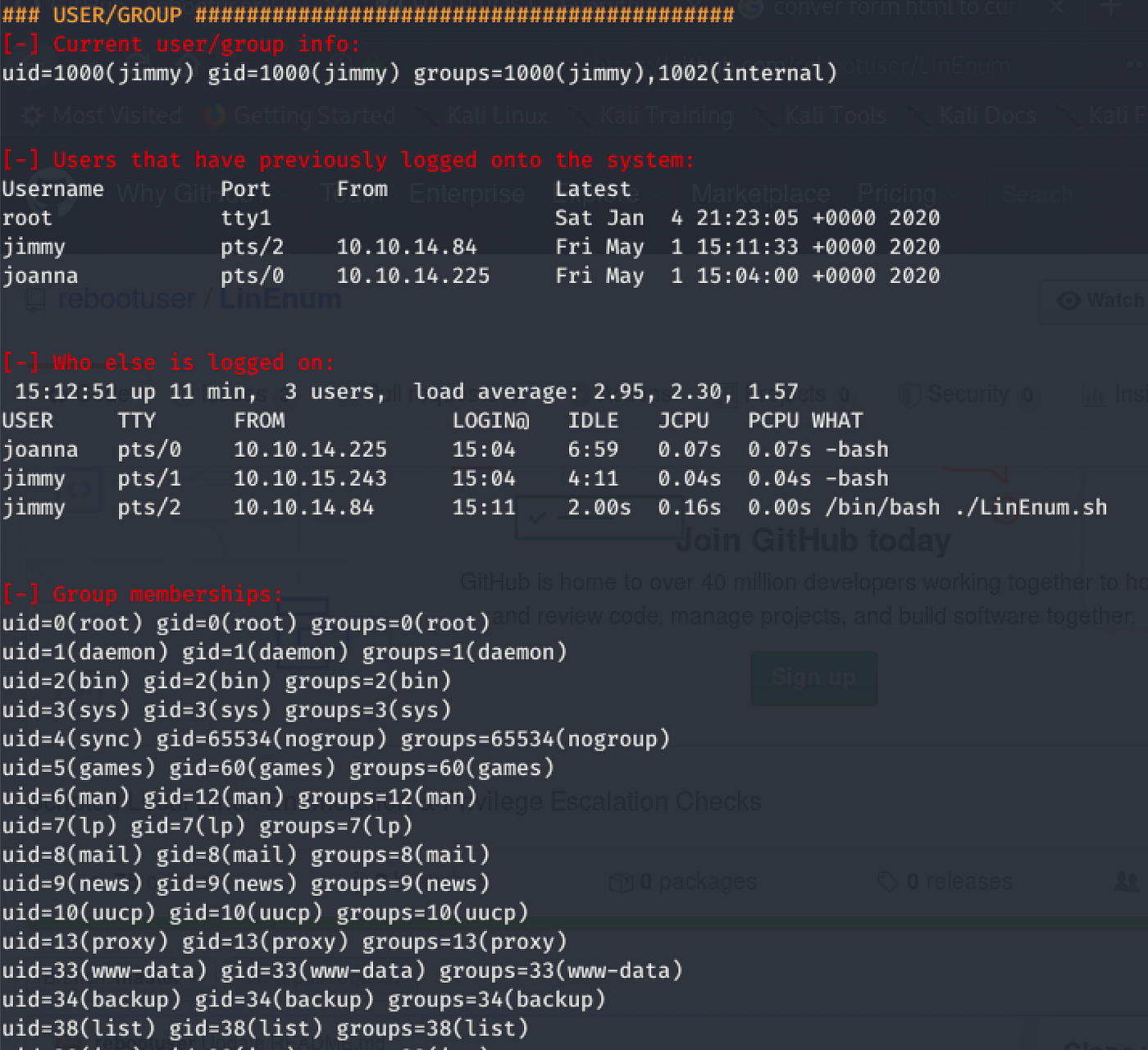
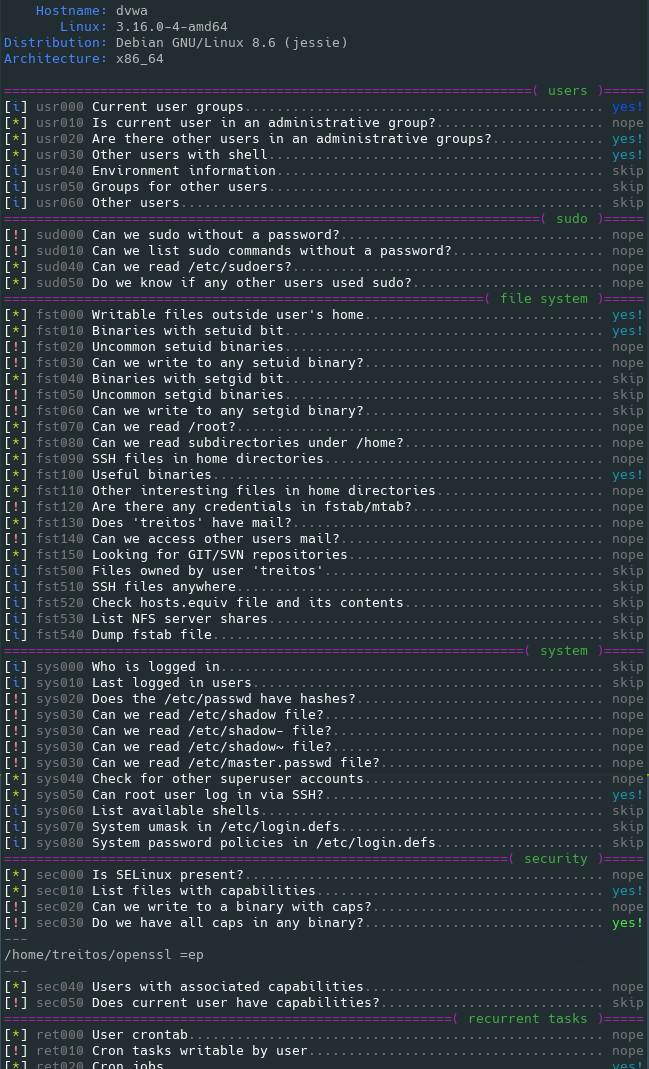
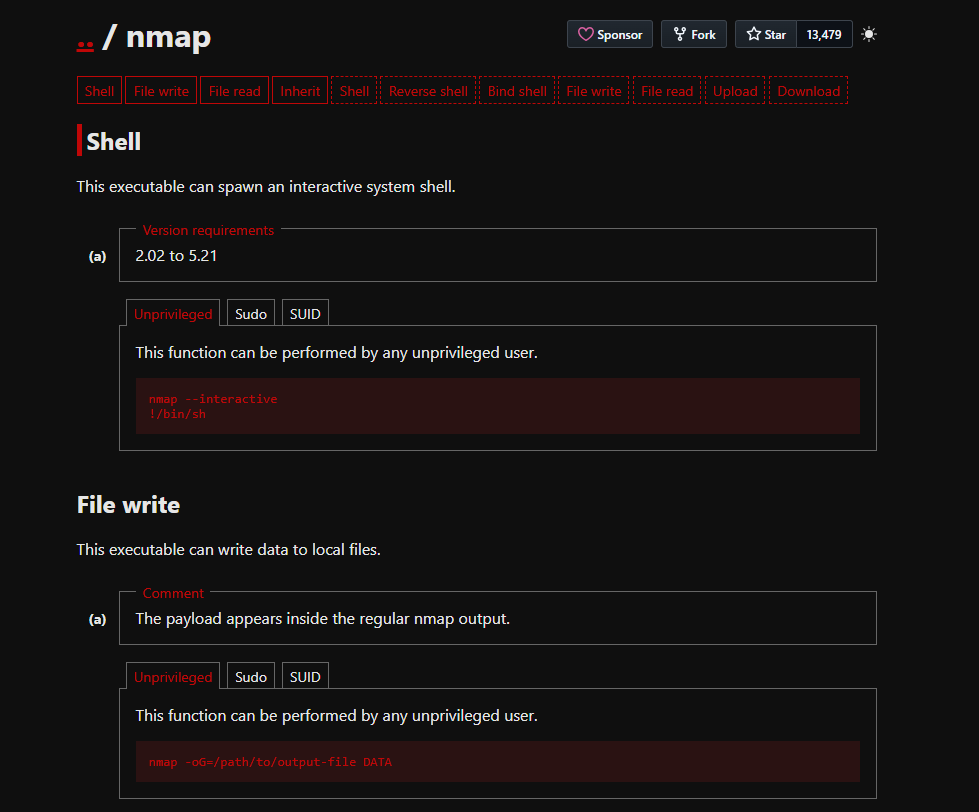
<table data-card-size="large" data-column-title-hidden data-view="cards" data-full-width="false" data-search="false"><thead><tr><th>名前</th><th>説明</th><th>公式リンク</th><th data-hidden data-card-cover data-type="image">カバー画像</th></tr></thead><tbody><tr><td><strong>LinPEAS</strong></td><td>一般的な設定不備、露出したシークレット、サービス、権限、権限昇格の手掛かりを対象にした自動 Linux 列挙。</td><td><a href="https://github.com/peass-ng/PEASS-ng/releases">https://github.com/peass-ng/PEASS-ng/releases</a></td><td><a href="https://2001299964-files.gitbook.io/~/files/v0/b/gitbook-x-prod.appspot.com/o/spaces%2Fl4EVJpcOrsgjSGsLI7p2%2Fuploads%2Fgit-blob-670b64218e4f2ad1fea2f008d8d1af45fd4c915e%2Fimage.png?alt=media">image.png</a></td></tr><tr><td><strong>LinEnum</strong></td><td>Linux の権限昇格指標を収集するためのローカル列挙スクリプト。</td><td><a href="https://github.com/rebootuser/LinEnum">https://github.com/rebootuser/LinEnum</a></td><td><a href="https://2001299964-files.gitbook.io/~/files/v0/b/gitbook-x-prod.appspot.com/o/spaces%2Fl4EVJpcOrsgjSGsLI7p2%2Fuploads%2Fgit-blob-bc44689e095bfb4f50b6007382d38f2a485c9b53%2Fimage.png?alt=media">image.png</a></td></tr><tr><td><strong>Smart Enumeration</strong></td><td>発見事項を優先順位付けし、ノイズの多い出力を減らす構造化された Linux 列挙ツール。</td><td><a href="https://github.com/diego-treitos/linux-smart-enumeration">https://github.com/diego-treitos/linux-smart-enumeration</a></td><td><a href="https://2001299964-files.gitbook.io/~/files/v0/b/gitbook-x-prod.appspot.com/o/spaces%2Fl4EVJpcOrsgjSGsLI7p2%2Fuploads%2Fgit-blob-c95e775cc54f7a5581cc0a8e0dbfc6b575b3b98c%2Fimage.png?alt=media">image.png</a></td></tr><tr><td><strong>GTFOBins</strong></td><td>sudo、SUID、権限、制限付きシェルなどの特権コンテキストにおける Unix バイナリの悪用に関する参照。</td><td><a href="https://gtfobins.github.io/">https://gtfobins.github.io/</a></td><td><a href="https://2001299964-files.gitbook.io/~/files/v0/b/gitbook-x-prod.appspot.com/o/spaces%2Fl4EVJpcOrsgjSGsLI7p2%2Fuploads%2Fgit-blob-fb4f53c3d31a5899baae051fb99be71660787600%2Fimage.png?alt=media">image.png</a></td></tr><tr><td><strong>Linux Exploit Suggester</strong></td><td>カーネル、ディストリビューション、既知の CVE 条件に基づくローカルエクスプロイト発見支援ツール。</td><td><a href="/ja/hacking-tools/linux/linux-exploit-suggester.md">linux-exploit-suggester</a></td><td></td></tr></tbody></table>

### 関連メモ

* [Linux Exploit Suggester](/ja/hacking-tools/linux/linux-exploit-suggester.md) カーネルエクスプロイト候補提示用の専用コマンドワークフローを維持します。
* [Linux 権限昇格](/ja/privesc.md) エクスプロイト手法、sudo 経路、SUID 経路、権限、cron ジョブ、書き込み可能ファイル、Docker からの脱出、カーネルエクスプロイトのメモを含みます。
* [ハッキングツール](/ja/hacking-tools.md) Web、ネットワーク、認証情報、OSINT、Windows、調査用ツールを含む、より広範なクロスプラットフォームカタログを維持します。


---

# Agent Instructions
This documentation is published with GitBook. GitBook is the documentation platform designed so that both humans and AI agents can read, navigate, and reason over technical content effectively. Learn more at gitbook.com.

## Querying This Documentation
If you need additional information that is not directly available in this page, you can query the documentation by asking a question.

Perform an HTTP GET request on the following URL with the `ask` and `goal` query parameters:

```
GET https://hacking-notes.jord4n.pro/ja/hacking-tools/linux.md?ask=<question>&goal=<user_goal>
```

`ask` is the immediate question: it should be specific, self-contained, and written in natural language.
`goal` is what the user is ultimately trying to achieve, the reason they need the answer. Sharing it helps GitBook give you a better, more relevant answer. A goal is most helpful when it describes the outcome the user wants rather than restating the question. For example, with `ask=how do I create an API token`, a goal like `automate deployments from our CI pipeline` lets GitBook tailor the answer to that use case.

The response will contain a direct answer to the question and relevant excerpts and sources from the documentation.

Use this mechanism when the answer is not explicitly present in the current page, you need clarification or additional context, or you want to retrieve related documentation sections.