> For the complete documentation index, see [llms.txt](https://hacking-notes.jord4n.pro/llms.txt). Markdown versions of documentation pages are available by appending `.md` to page URLs; this page is available as [Markdown](https://hacking-notes.jord4n.pro/ja/hacking-tools/osint/image-and-video-analysis.md).

# 画像と動画の分析

逆画像検索、顔比較、メタデータ確認、視覚的検証、画像フォレンジックのための画像・動画分析リソース。

これらのツールを使用して、画像の出所を特定し、顔を比較し、メタデータを調査し、改ざんの兆候を検出し、視覚的検証ワークフローを支援します。

## 逆画像検索

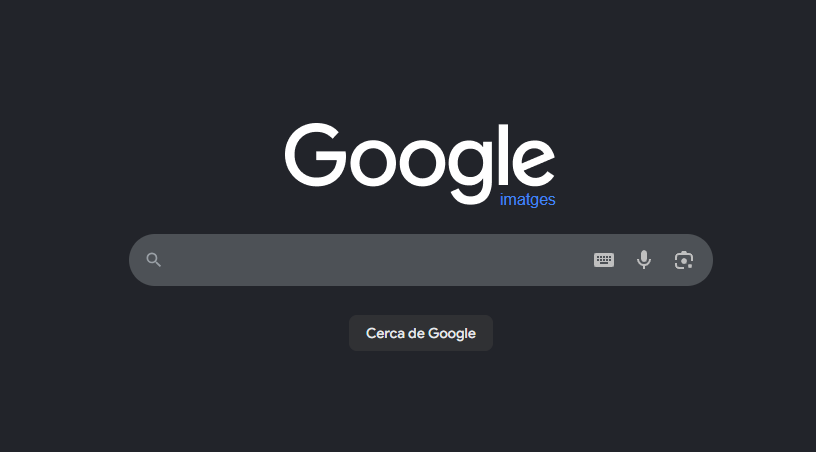
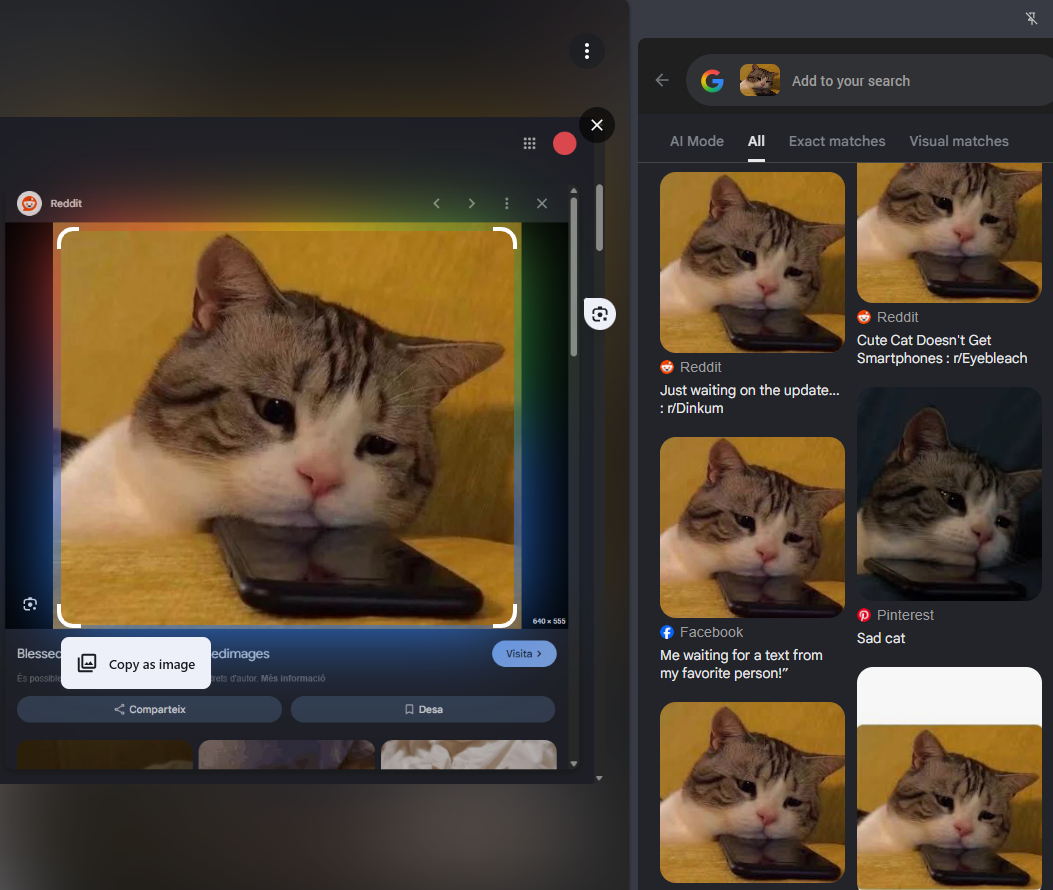
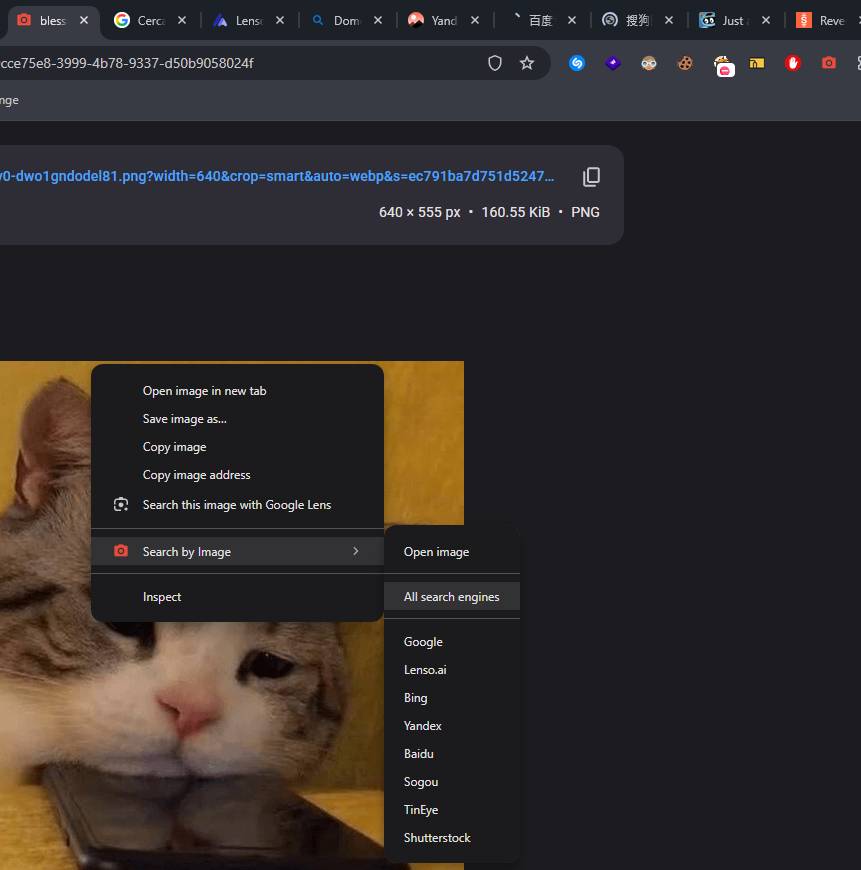
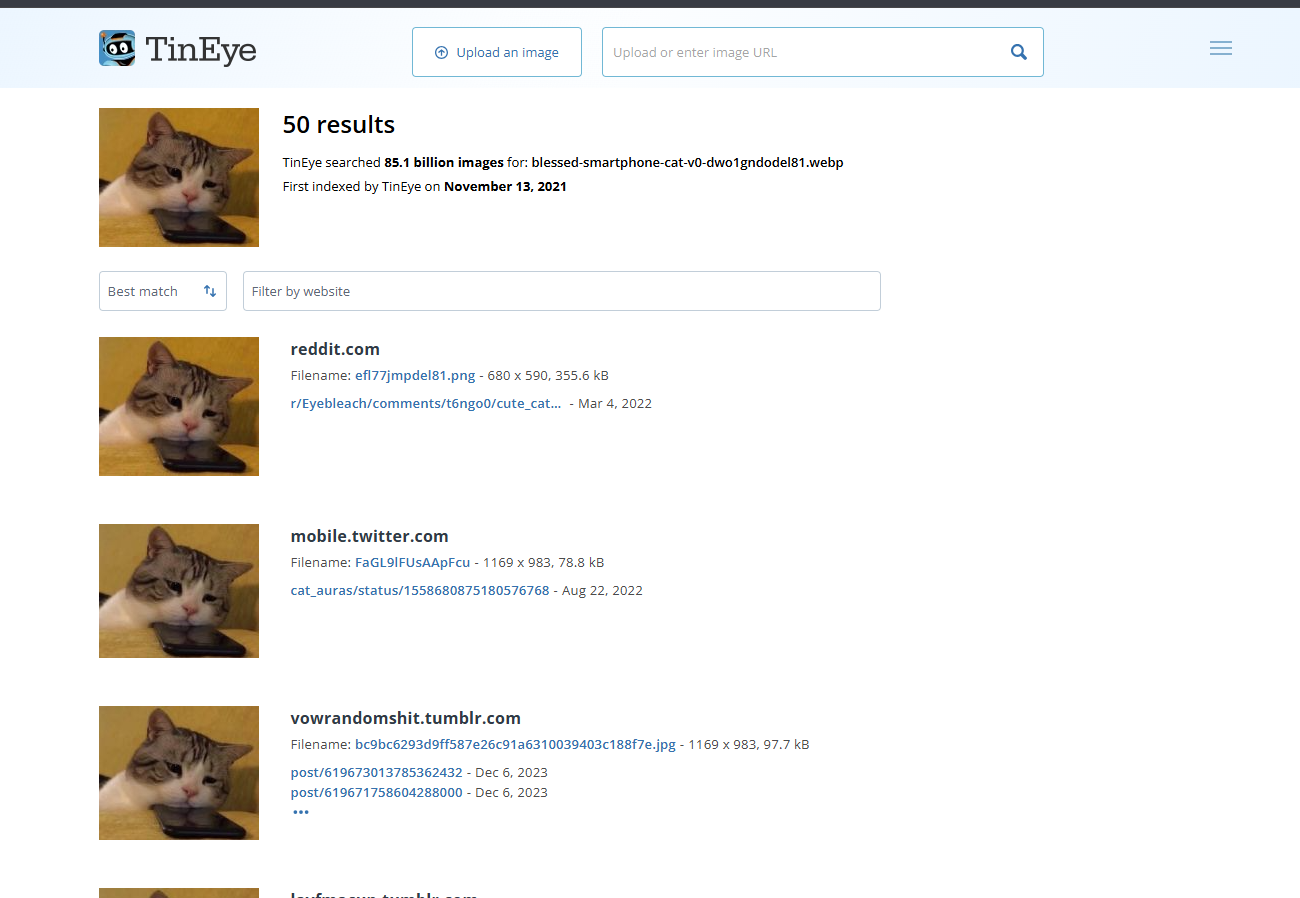
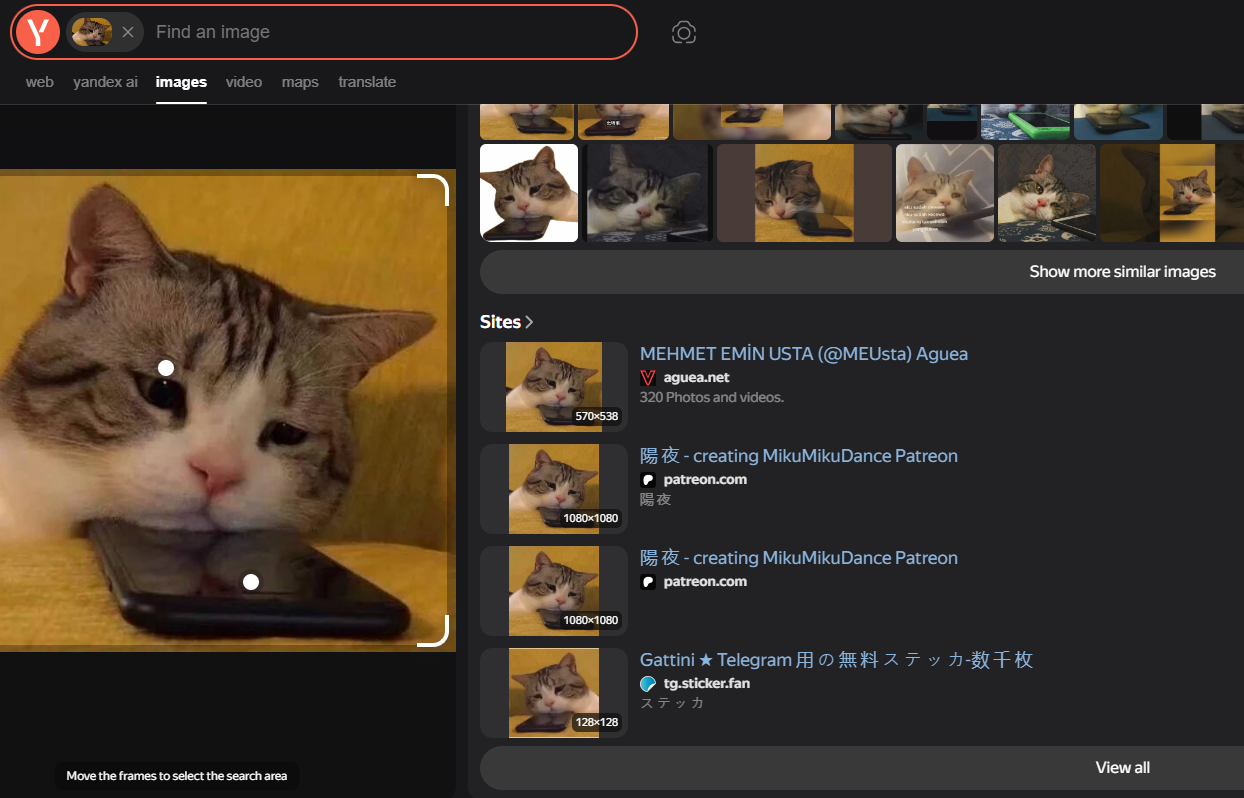
<table data-card-size="large" data-column-title-hidden data-view="cards" data-full-width="false" data-search="false"><thead><tr><th>名前</th><th>説明</th><th>公式リンク</th><th data-hidden data-card-cover data-type="image">カバー画像</th></tr></thead><tbody><tr><td><strong>Google Images</strong></td><td>類似画像やインデックス化された視覚的一致を見つけるための Google の画像検索インターフェース。</td><td><a href="https://images.google.com/">https://images.google.com/</a></td><td><a href="https://2001299964-files.gitbook.io/~/files/v0/b/gitbook-x-prod.appspot.com/o/spaces%2Fl4EVJpcOrsgjSGsLI7p2%2Fuploads%2Fgit-blob-89e26233fb3352c8baaeeefaba14366f2e2a17fb%2Fimage.png?alt=media">image.png</a></td></tr><tr><td><strong>Google Lens</strong></td><td>場所、物体、製品、類似画像を特定するための画像認識・視覚検索ツール。</td><td><a href="https://lens.google/">https://lens.google/</a></td><td><a href="https://2001299964-files.gitbook.io/~/files/v0/b/gitbook-x-prod.appspot.com/o/spaces%2Fl4EVJpcOrsgjSGsLI7p2%2Fuploads%2Fgit-blob-08b98073d5cf4c6d400e2ed009ea7ecf73e2ca06%2Fimage.png?alt=media">image.png</a></td></tr><tr><td><strong>RootAbout</strong></td><td>Internet Archive の資料を対象にした逆画像検索。</td><td><a href="http://rootabout.com/">http://rootabout.com/</a></td><td><a href="https://2001299964-files.gitbook.io/~/files/v0/b/gitbook-x-prod.appspot.com/o/spaces%2Fl4EVJpcOrsgjSGsLI7p2%2Fuploads%2Fgit-blob-c77c83ab879ad97fd287e51a0d8a5acad430e919%2Fimage.png?alt=media">image.png</a></td></tr><tr><td><strong>画像で検索</strong></td><td>複数の検索エンジンで画像を逆検索するためのブラウザー拡張機能。</td><td><a href="https://chromewebstore.google.com/detail/search-by-image/cnojnbdhbhnkbcieeekonklommdnndci">Chrome ウェブストア</a></td><td><a href="https://2001299964-files.gitbook.io/~/files/v0/b/gitbook-x-prod.appspot.com/o/spaces%2Fl4EVJpcOrsgjSGsLI7p2%2Fuploads%2Fgit-blob-741e03eb0e37a33feae73f31f9d8e2597af0d0d7%2Fimage.png?alt=media">image.png</a></td></tr><tr><td><strong>TinEye</strong></td><td>画像がオンラインのどこに表示されているかを見つけるための逆画像検索エンジン。</td><td><a href="https://tineye.com/">https://tineye.com/</a></td><td><a href="https://2001299964-files.gitbook.io/~/files/v0/b/gitbook-x-prod.appspot.com/o/spaces%2Fl4EVJpcOrsgjSGsLI7p2%2Fuploads%2Fgit-blob-5312f62e8e6a8bca573771be1c570aeb98241084%2Fimage.png?alt=media">image.png</a></td></tr><tr><td><strong>Yandex Images</strong></td><td>視覚的に類似した画像や自動画像説明を見つけるのに役立つ逆画像検索エンジン。</td><td><a href="https://yandex.com/images/">https://yandex.com/images/</a></td><td><a href="https://2001299964-files.gitbook.io/~/files/v0/b/gitbook-x-prod.appspot.com/o/spaces%2Fl4EVJpcOrsgjSGsLI7p2%2Fuploads%2Fgit-blob-c8ca10f905c96b95ad4e06676a79ab7439b29995%2Fimage.png?alt=media">image.png</a></td></tr></tbody></table>

## 顔と動画の分析

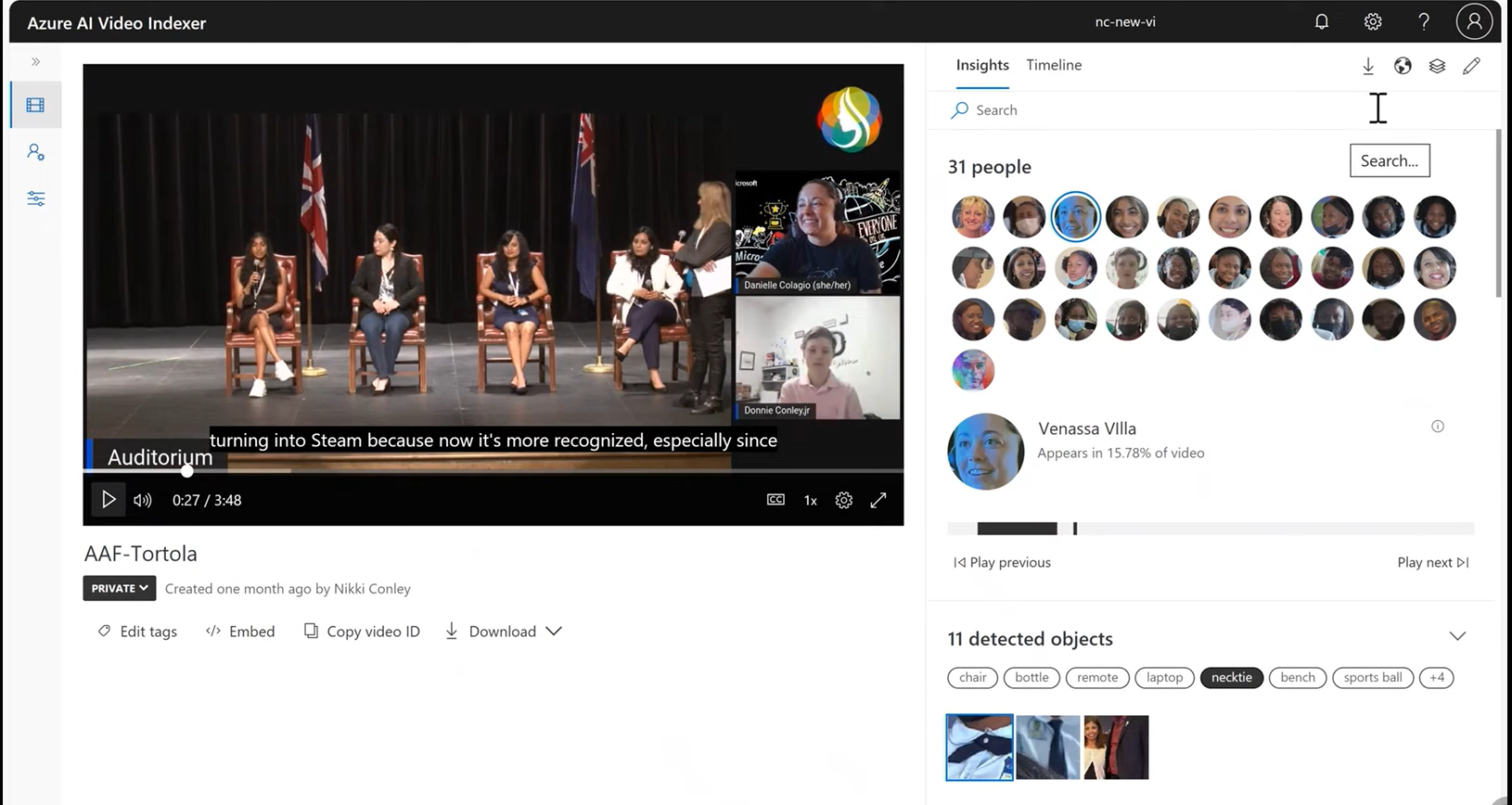
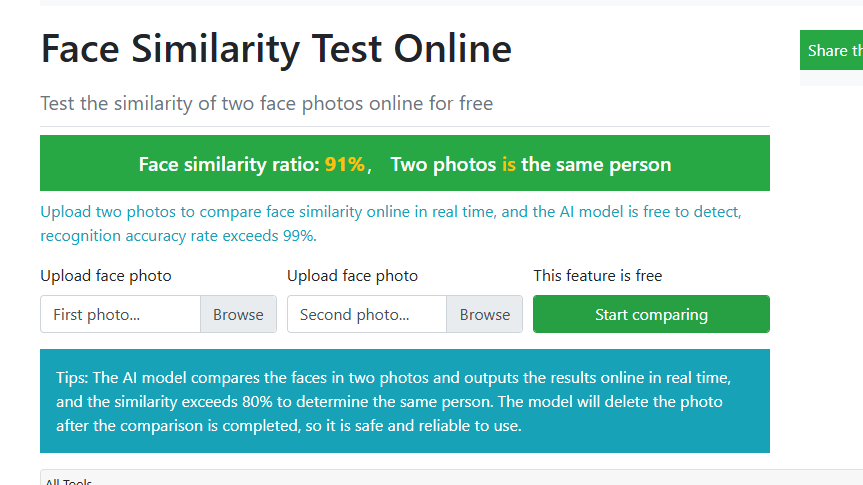
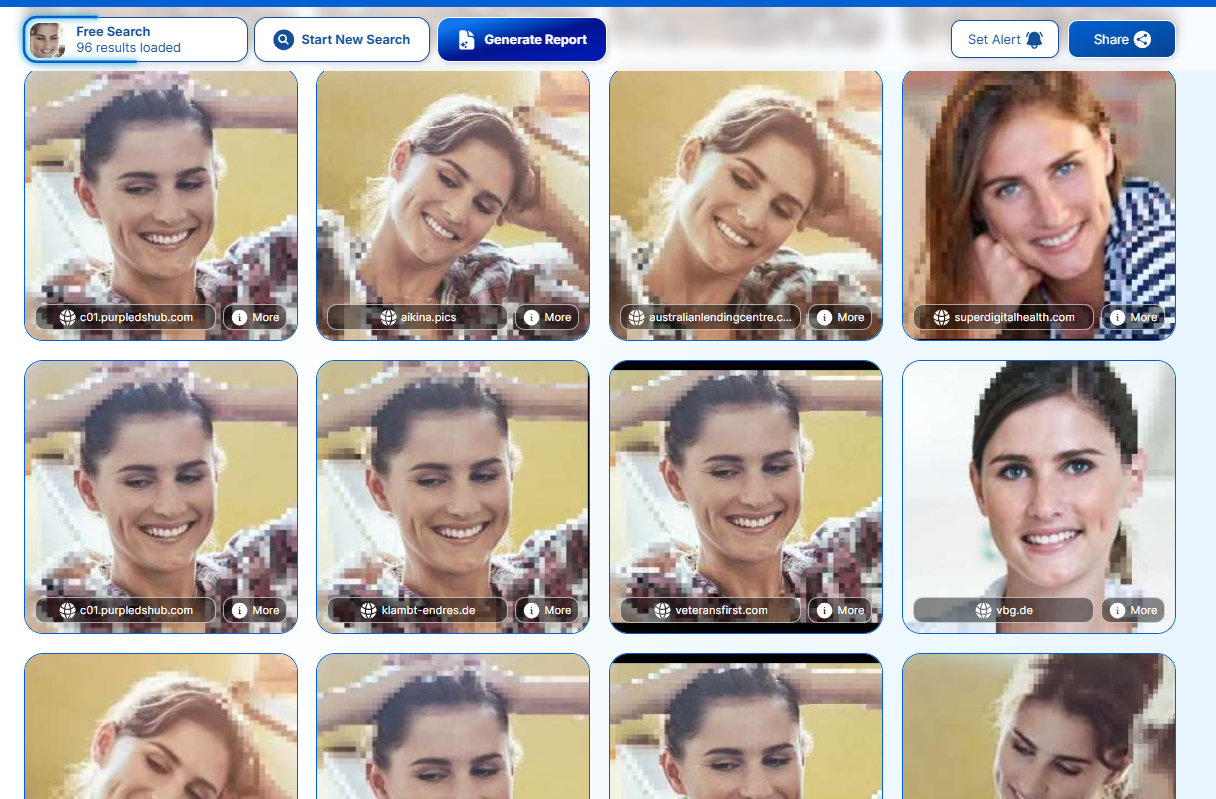
<table data-card-size="large" data-column-title-hidden data-view="cards" data-full-width="false" data-search="false"><thead><tr><th>名前</th><th>説明</th><th>公式リンク</th><th data-hidden data-card-cover data-type="image">カバー画像</th></tr></thead><tbody><tr><td><strong>Azure AI Video Indexer</strong></td><td>顔検出やその他のメディア分析を行う AI 動画分析プラットフォーム。</td><td><a href="https://vi.microsoft.com/en-us">https://vi.microsoft.com/en-us</a></td><td><a href="https://2001299964-files.gitbook.io/~/files/v0/b/gitbook-x-prod.appspot.com/o/spaces%2Fl4EVJpcOrsgjSGsLI7p2%2Fuploads%2Fgit-blob-0811b601e15e1fa8a36687a1fd21f101ac30273b%2Fimage.png?alt=media">image.png</a></td></tr><tr><td><strong>ToolPie による顔比較</strong></td><td>2枚の人物の顔写真を比較し、類似度を推定します。</td><td><a href="https://facecomparison.toolpie.com/">https://facecomparison.toolpie.com/</a></td><td><a href="https://2001299964-files.gitbook.io/~/files/v0/b/gitbook-x-prod.appspot.com/o/spaces%2Fl4EVJpcOrsgjSGsLI7p2%2Fuploads%2Fgit-blob-6124a5957284023f8db6134297ace34d9040903a%2Fimage.png?alt=media">image.png</a></td></tr><tr><td><strong>PimEyes</strong></td><td>オンラインで視覚的に類似した顔画像を見つけるための AI 搭載顔検索エンジン。</td><td><a href="https://pimeyes.com/en">https://pimeyes.com/en</a></td><td><a href="https://2001299964-files.gitbook.io/~/files/v0/b/gitbook-x-prod.appspot.com/o/spaces%2Fl4EVJpcOrsgjSGsLI7p2%2Fuploads%2Fgit-blob-963f57c3cfef2d77a28ec9bcee3cfd3998d25862%2Fimage.png?alt=media">image.png</a></td></tr></tbody></table>

## メタデータとフォレンジック

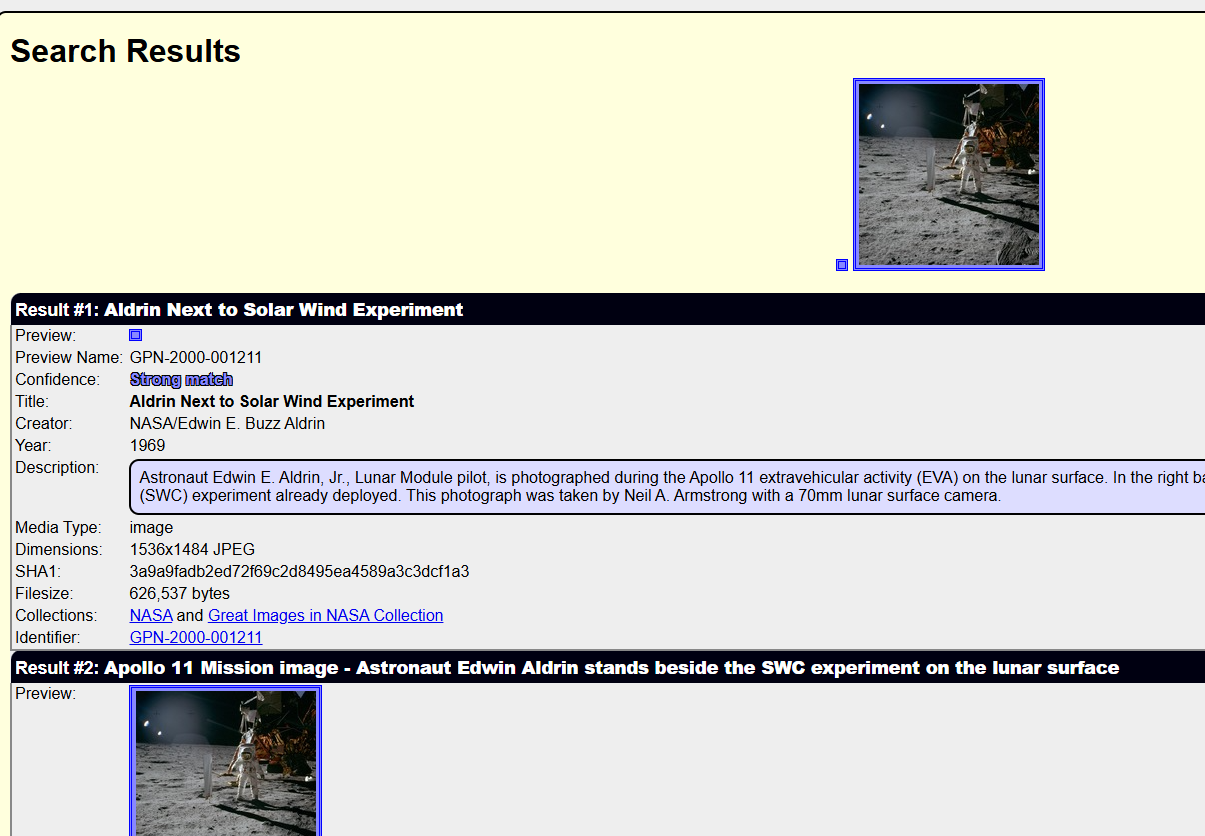
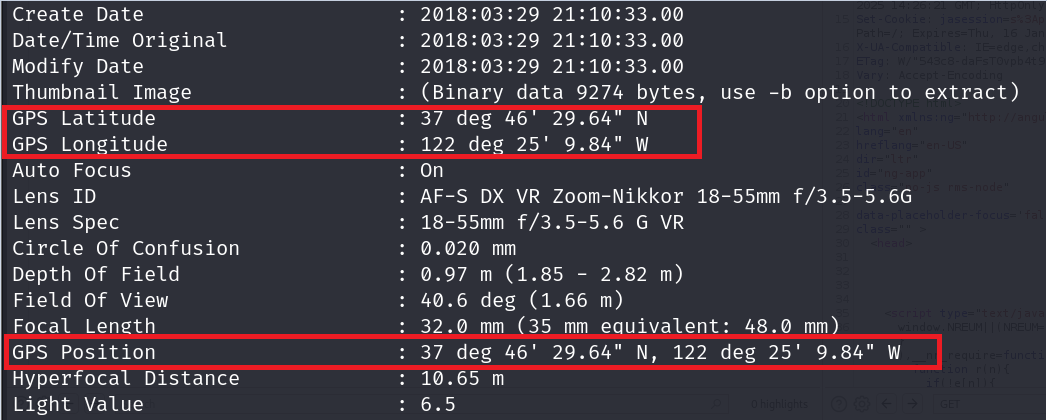
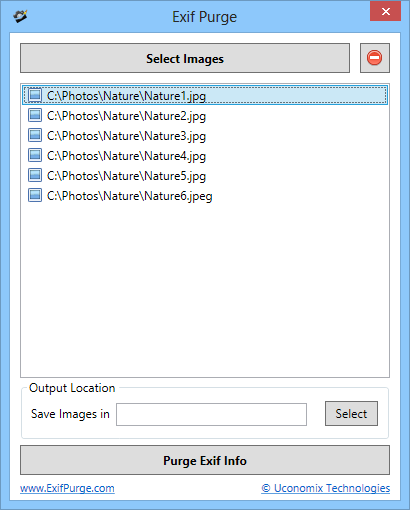
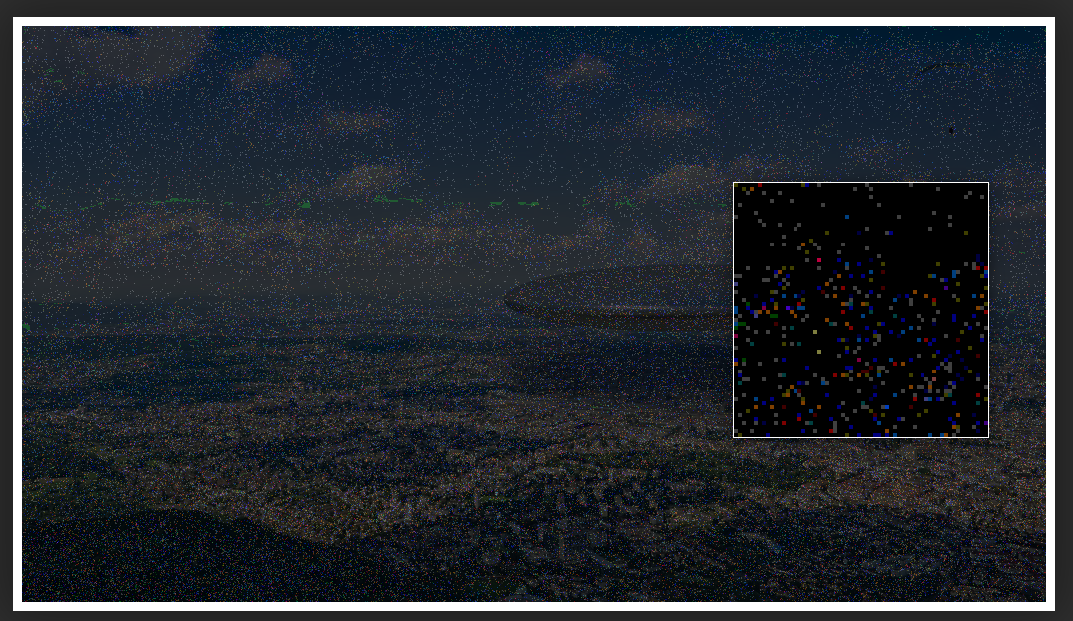
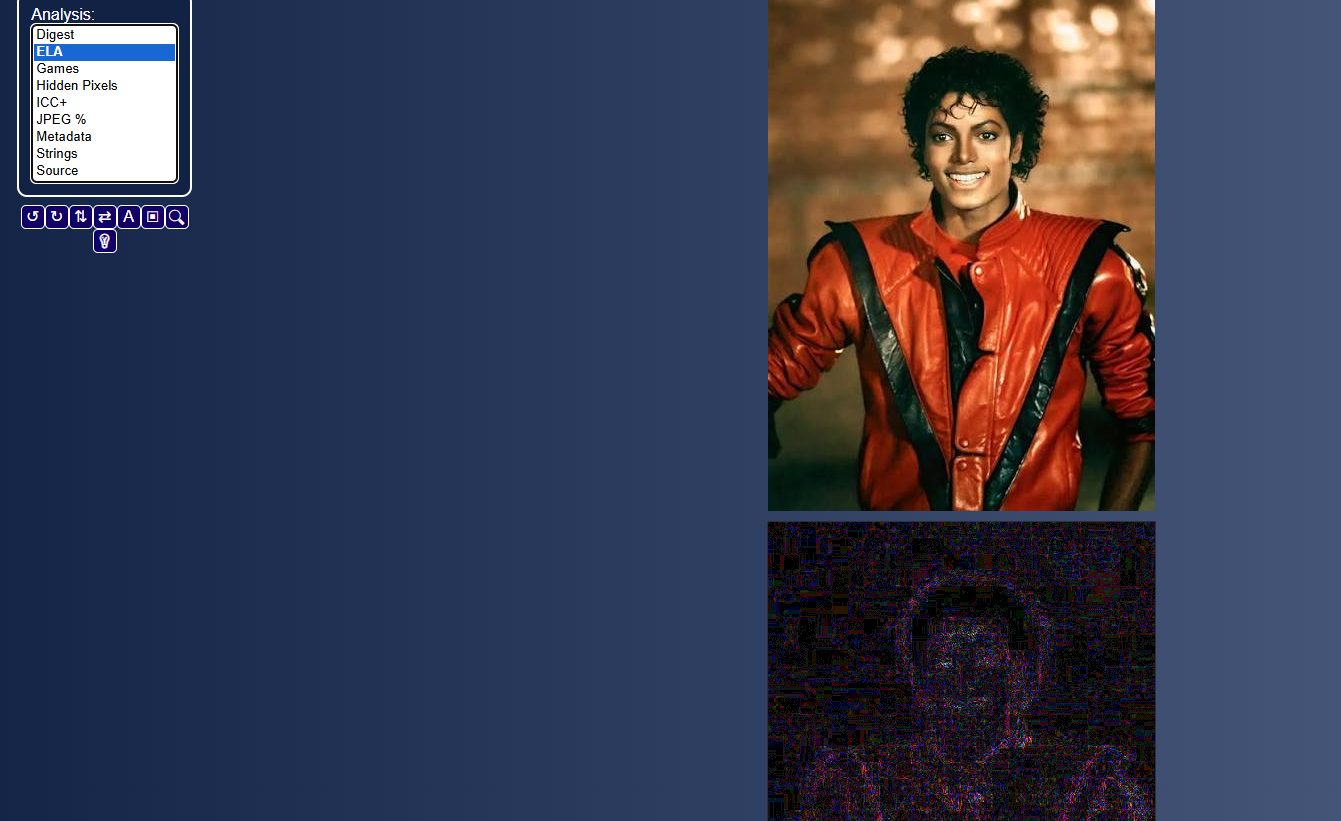
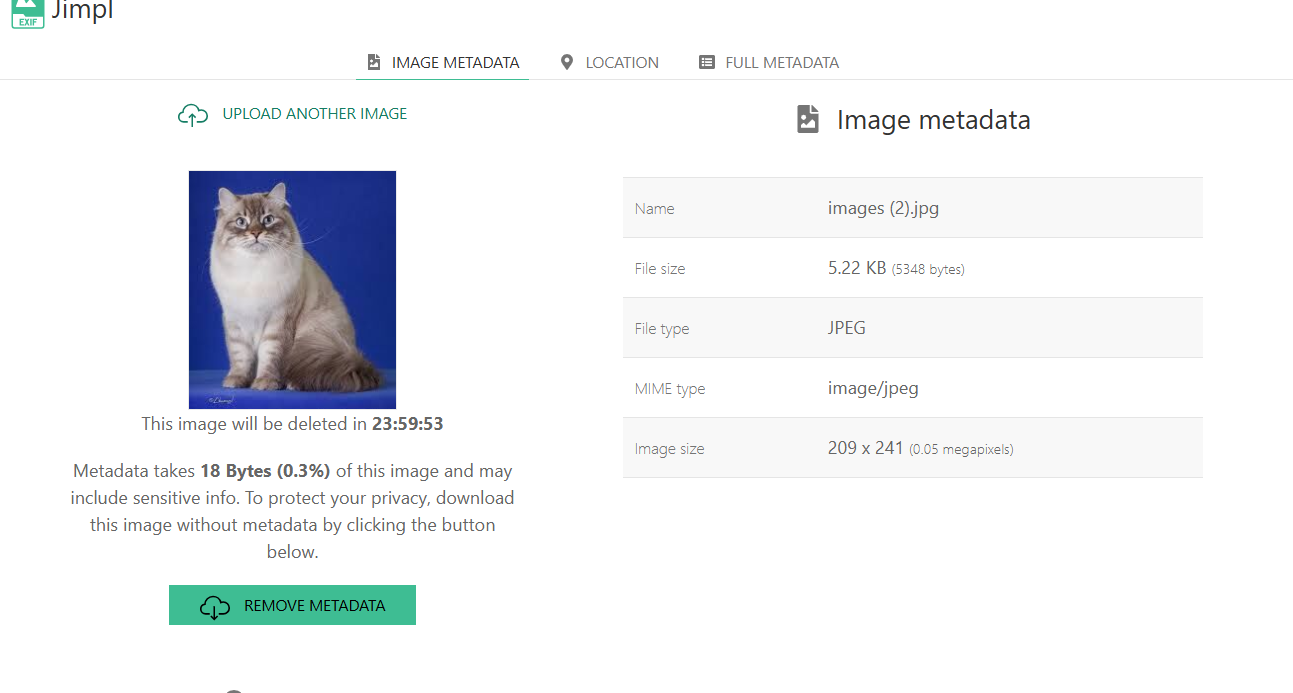
<table data-card-size="large" data-column-title-hidden data-view="cards" data-full-width="false" data-search="false"><thead><tr><th>名前</th><th>説明</th><th>公式リンク</th><th data-hidden data-card-cover data-type="image">カバー画像</th></tr></thead><tbody><tr><td><strong>ExifTool</strong></td><td>画像、文書、メディアファイルからメタデータを読み取り、書き込み、抽出するためのコマンドラインツール。</td><td><a href="https://github.com/exiftool/exiftool">https://github.com/exiftool/exiftool</a></td><td><a href="https://2001299964-files.gitbook.io/~/files/v0/b/gitbook-x-prod.appspot.com/o/spaces%2Fl4EVJpcOrsgjSGsLI7p2%2Fuploads%2Fgit-blob-06a3e54ff38539eda192e07b4a2170da185191b7%2Fimage.png?alt=media">image.png</a></td></tr><tr><td><strong>ExifPurge</strong></td><td>複数の画像から EXIF メタデータを一括で削除するためのポータブルアプリケーション。</td><td><a href="https://www.exifpurge.com/">https://www.exifpurge.com/</a></td><td><a href="https://2001299964-files.gitbook.io/~/files/v0/b/gitbook-x-prod.appspot.com/o/spaces%2Fl4EVJpcOrsgjSGsLI7p2%2Fuploads%2Fgit-blob-b68a3975c9ff16fa12f57d37e5e6ee953761fdc2%2FExifPurgeScreenshot.png?alt=media">ExifPurgeScreenshot.png</a></td></tr><tr><td><strong>Forensically</strong></td><td>編集、クローン、ノイズ、改ざんの可能性を分析するための Web ベースの画像フォレンジックツールキット。</td><td><a href="https://29a.ch/photo-forensics/">https://29a.ch/photo-forensics/</a></td><td><a href="https://2001299964-files.gitbook.io/~/files/v0/b/gitbook-x-prod.appspot.com/o/spaces%2Fl4EVJpcOrsgjSGsLI7p2%2Fuploads%2Fgit-blob-1b686b43c6b9fcfef23dae6fdd65e5a2422ee1e0%2Fimage.png?alt=media">image.png</a></td></tr><tr><td><strong>FotoForensics</strong></td><td>圧縮、メタデータ、および改ざんの可能性がある痕跡を分析するための画像フォレンジックサービス。</td><td><a href="https://fotoforensics.com">https://fotoforensics.com</a></td><td><a href="https://2001299964-files.gitbook.io/~/files/v0/b/gitbook-x-prod.appspot.com/o/spaces%2Fl4EVJpcOrsgjSGsLI7p2%2Fuploads%2Fgit-blob-a4970ee2721eca3ee12268fd13f74128f470dff3%2Fimage.png?alt=media">image.png</a></td></tr><tr><td><strong>Jimpl</strong></td><td>埋め込まれた画像メタデータを確認するためのオンライン EXIF ビューアー。</td><td><a href="https://jimpl.com/">https://jimpl.com/</a></td><td><a href="https://2001299964-files.gitbook.io/~/files/v0/b/gitbook-x-prod.appspot.com/o/spaces%2Fl4EVJpcOrsgjSGsLI7p2%2Fuploads%2Fgit-blob-c8eace5b7b24230be817c29fd131cb5013597cc2%2Fimage.png?alt=media">image.png</a></td></tr></tbody></table>


---

# Agent Instructions
This documentation is published with GitBook. GitBook is the documentation platform designed so that both humans and AI agents can read, navigate, and reason over technical content effectively. Learn more at gitbook.com.

## Querying This Documentation
If you need additional information that is not directly available in this page, you can query the documentation by asking a question.

Perform an HTTP GET request on the following URL with the `ask` and `goal` query parameters:

```
GET https://hacking-notes.jord4n.pro/ja/hacking-tools/osint/image-and-video-analysis.md?ask=<question>&goal=<user_goal>
```

`ask` is the immediate question: it should be specific, self-contained, and written in natural language.
`goal` is what the user is ultimately trying to achieve, the reason they need the answer. Sharing it helps GitBook give you a better, more relevant answer. A goal is most helpful when it describes the outcome the user wants rather than restating the question. For example, with `ask=how do I create an API token`, a goal like `automate deployments from our CI pipeline` lets GitBook tailor the answer to that use case.

The response will contain a direct answer to the question and relevant excerpts and sources from the documentation.

Use this mechanism when the answer is not explicitly present in the current page, you need clarification or additional context, or you want to retrieve related documentation sections.