> For the complete documentation index, see [llms.txt](https://hacking-notes.jord4n.pro/llms.txt). Markdown versions of documentation pages are available by appending `.md` to page URLs; this page is available as [Markdown](https://hacking-notes.jord4n.pro/ja/useful-resources/forensics/steganography-steghide.md).
# ステガノグラフィ - Steghide
画像や音声から隠しファイルを抽出し、パスフレーズをテストし、CTF 中に埋め込まれたデータを検証するための Steghide ステガノグラフィメモ。
{% hint style="info" %}
ステガノグラフィーは、一見無害なカバーメディアに機密情報を隠す技術であり、たとえ公然と存在していても疑いを招きません。正当な受信者だけが、そこに自分宛ての情報があることを知っています。
{% endhint %}
### **Steghideを使ったステガノグラフィー解析**
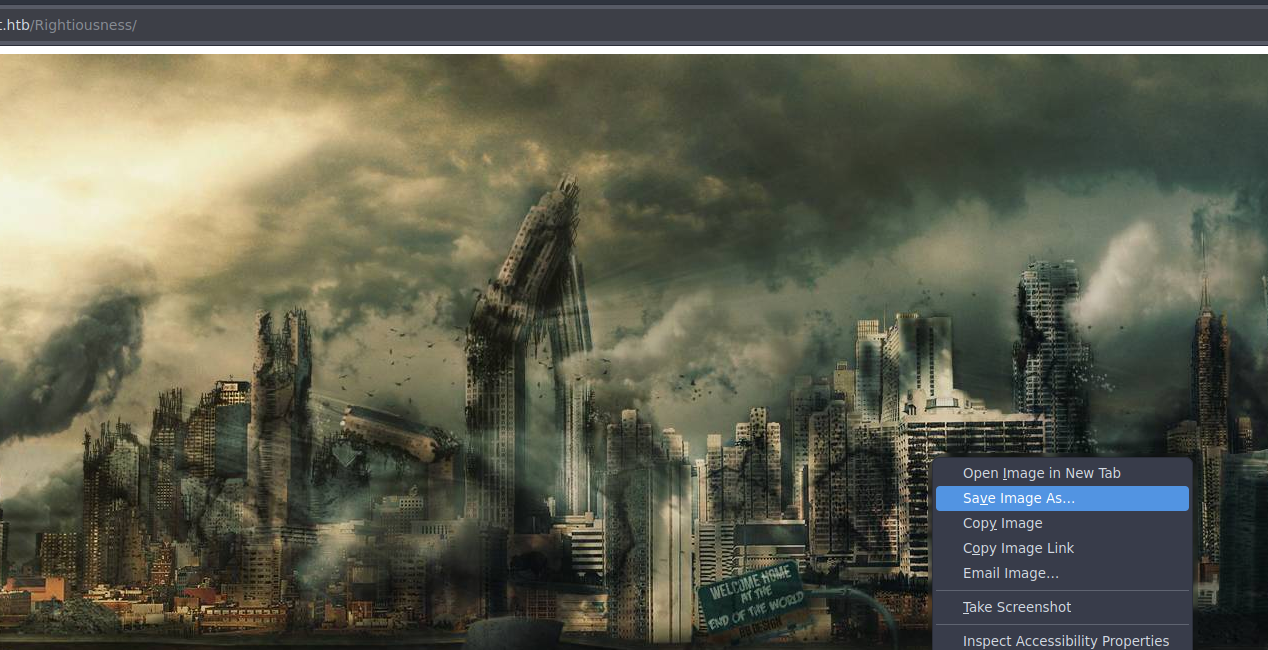
画像を保存して解析します:
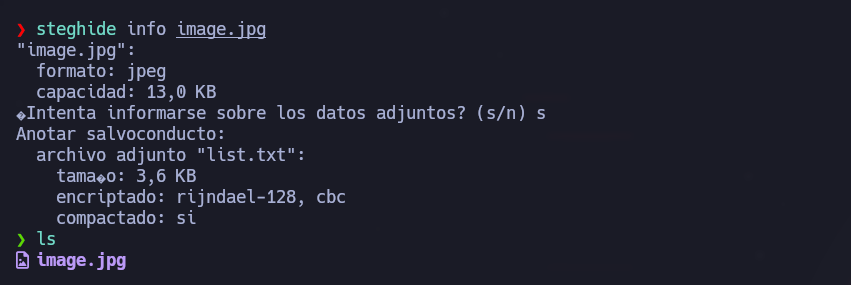
1. 画像に隠しデータが含まれているか確認します:
画像に隠しデータが含まれているか確認します:
```bash
steghide info image.jpg
```
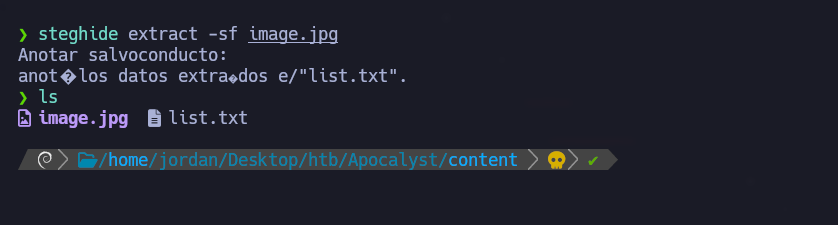
隠しデータの抽出:
```bash
steghide extract -sf image.jpg
```
---
# Agent Instructions
This documentation is published with GitBook. GitBook is the documentation platform designed so that both humans and AI agents can read, navigate, and reason over technical content effectively. Learn more at gitbook.com.
## Querying This Documentation
If you need additional information that is not directly available in this page, you can query the documentation by asking a question.
Perform an HTTP GET request on the following URL with the `ask` and `goal` query parameters:
```
GET https://hacking-notes.jord4n.pro/ja/useful-resources/forensics/steganography-steghide.md?ask=&goal=
```
`ask` is the immediate question: it should be specific, self-contained, and written in natural language.
`goal` is what the user is ultimately trying to achieve, the reason they need the answer. Sharing it helps GitBook give you a better, more relevant answer. A goal is most helpful when it describes the outcome the user wants rather than restating the question. For example, with `ask=how do I create an API token`, a goal like `automate deployments from our CI pipeline` lets GitBook tailor the answer to that use case.
The response will contain a direct answer to the question and relevant excerpts and sources from the documentation.
Use this mechanism when the answer is not explicitly present in the current page, you need clarification or additional context, or you want to retrieve related documentation sections.