> For the complete documentation index, see [llms.txt](https://hacking-notes.jord4n.pro/llms.txt). Markdown versions of documentation pages are available by appending `.md` to page URLs; this page is available as [Markdown](https://hacking-notes.jord4n.pro/ja/web/authentication/password-brute-force-via-password-change.md).
# パスワード変更機能を利用したパスワードブルートフォース
パスワード変更機能を利用したパスワードブルートフォースの PortSwigger Web Security Academy ラボ向けノート。攻撃フロー、ペイロードテスト、Burp Suite による検証、および是正策の文脈を含みます。
### パスワード変更を利用したパスワード総当たり攻撃
このラボでは、〜の機能に脆弱性が存在します **パスワード変更**、これにより〜による攻撃が可能になります **ブルートフォース**。/ 目的は〜のパスワードを特定することです **Carlos**、その後そのページ \*\* にアクセスすることです
**提供された認証情報:**
* ユーザー: `wiener`
* パスワード: `peter`
**対象ユーザー:**
* `carlos`
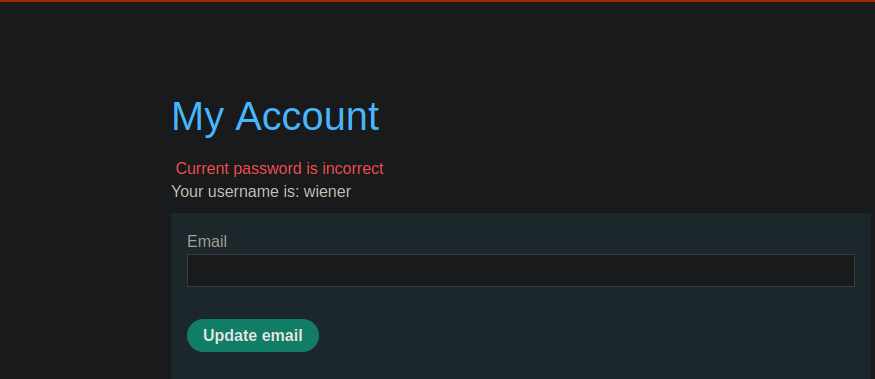
認証後にパスワードを変更できるセクションがあります。/ 不正な **現在のパスワード** が入力されると、アプリケーションは特定のエラーメッセージを返します。
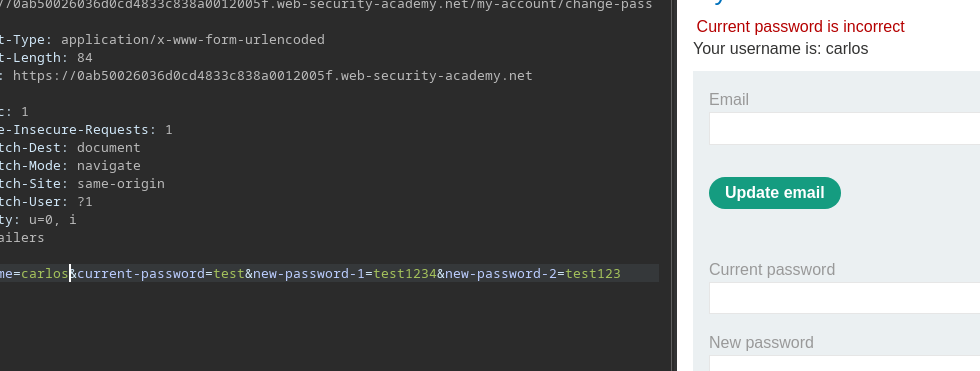
アプリケーションによって送信されるリクエストの例:
{% code overflow="wrap" %}
```bash
username=wiener¤t-password=test&new-password-1=test1234&new-password-2=test123
```
{% endcode %}
もし `current-password` フィールドが無効な場合、表示されるエラーは現在のパスワードが正しくないことを示します。
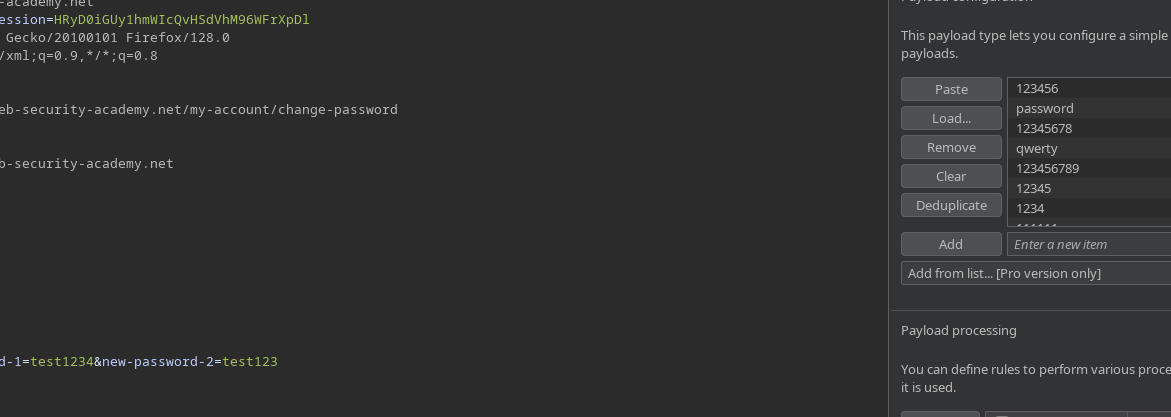
を置き換えると `wiener` を `carlos` クエリ内で、 **エラーメッセージは同じままです**、テストしたパスワードが正しいものでない限り。Burp Intruder 攻撃を設定します
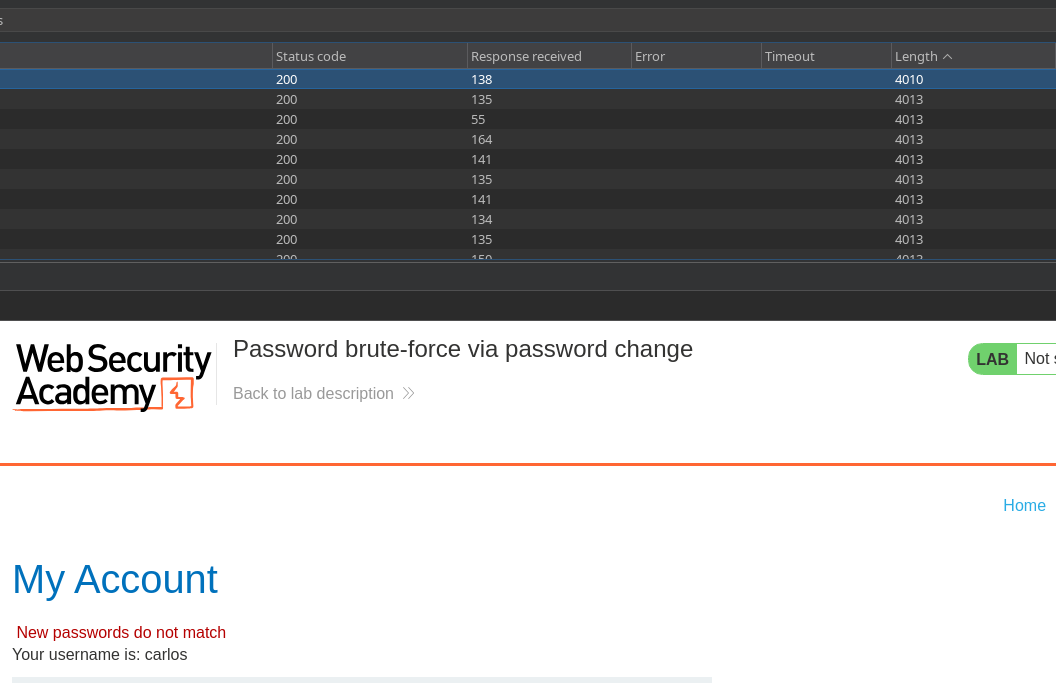
ただし、 **正しいパスワード**、エラーメッセージが変わります:/ 間違ったパスワードの代わりに、アプリケーションは **認証情報が一致しません**.
この応答の違いにより、私たちは **有効なパスワードと無効なパスワードを区別する**.
---
# Agent Instructions
This documentation is published with GitBook. GitBook is the documentation platform designed so that both humans and AI agents can read, navigate, and reason over technical content effectively. Learn more at gitbook.com.
## Querying This Documentation
If you need additional information that is not directly available in this page, you can query the documentation by asking a question.
Perform an HTTP GET request on the following URL with the `ask` and `goal` query parameters:
```
GET https://hacking-notes.jord4n.pro/ja/web/authentication/password-brute-force-via-password-change.md?ask=&goal=
```
`ask` is the immediate question: it should be specific, self-contained, and written in natural language.
`goal` is what the user is ultimately trying to achieve, the reason they need the answer. Sharing it helps GitBook give you a better, more relevant answer. A goal is most helpful when it describes the outcome the user wants rather than restating the question. For example, with `ask=how do I create an API token`, a goal like `automate deployments from our CI pipeline` lets GitBook tailor the answer to that use case.
The response will contain a direct answer to the question and relevant excerpts and sources from the documentation.
Use this mechanism when the answer is not explicitly present in the current page, you need clarification or additional context, or you want to retrieve related documentation sections.