> For the complete documentation index, see [llms.txt](https://hacking-notes.jord4n.pro/llms.txt). Markdown versions of documentation pages are available by appending `.md` to page URLs; this page is available as [Markdown](https://hacking-notes.jord4n.pro/ja/web/websockets/websocket-handshake-manipulation.md).
# WebSocketハンドシェイク操作
WebSocketハンドシェイク操作の PortSwigger Web Security Academy ラボ向けノート。攻撃フロー、ペイロードテスト、Burp Suite による検証、および是正策の文脈を含みます。
### WebSocket ハンドシェイクを操作して脆弱性を悪用する
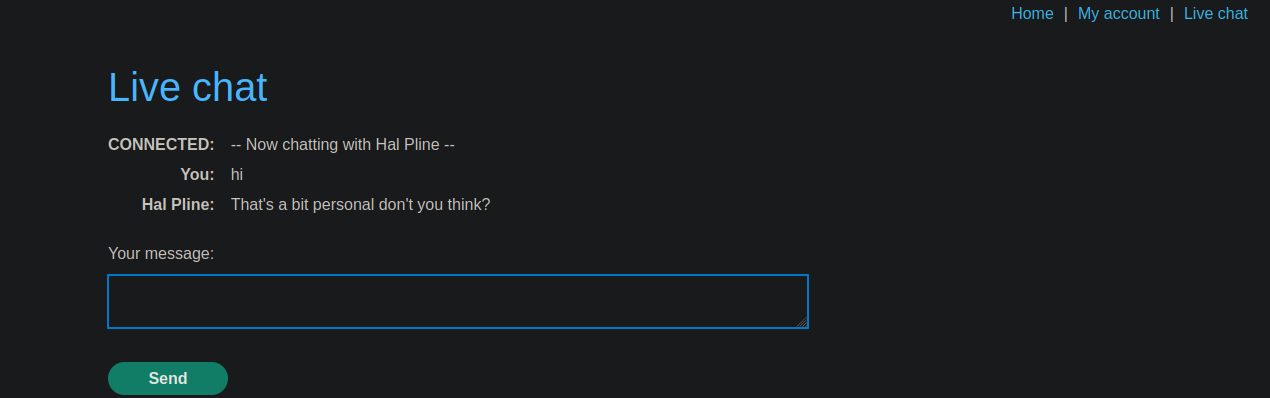
このオンラインショップには、リアルタイムチャット機能があります。基盤は **WebSocket**. / XSS フィルターは存在します。攻撃的ですが、悪用可能な欠陥があります。
チャット欄では、サポート担当者側でリアルタイムに表示されるメッセージを送信できます。
#### 初期 XSS フィルターテスト
次のペイロードをチャットに送信すると:
```javascript
```
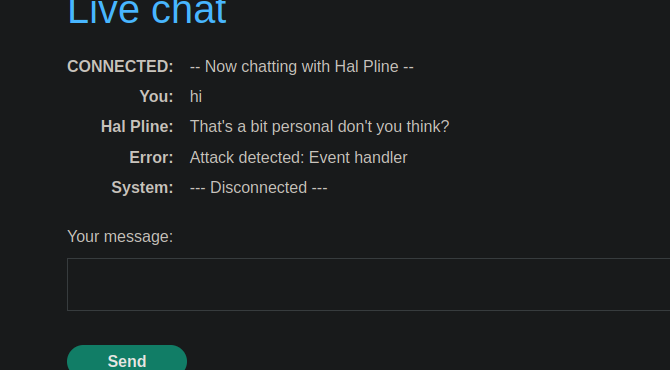
サーバーは次のメッセージで応答します:
* **攻撃を検知しました: イベントハンドラ**
* WebSocket 接続は即座に **切断されます**.
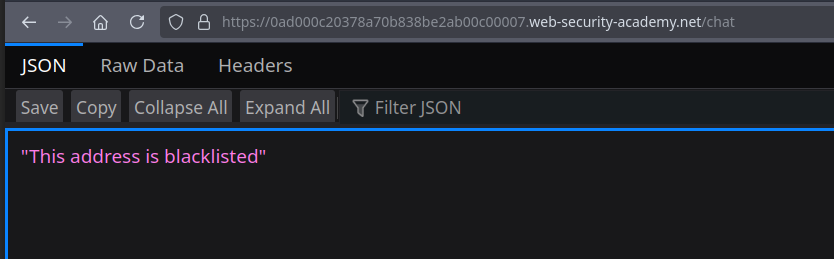
ページを単純に再読み込みすると、次のメッセージが表示されます:
* **このアドレスはブラックリストに登録されています**
したがって、IP アドレスは一時的にブロックされます。
#### ブラックリスト回避の工夫
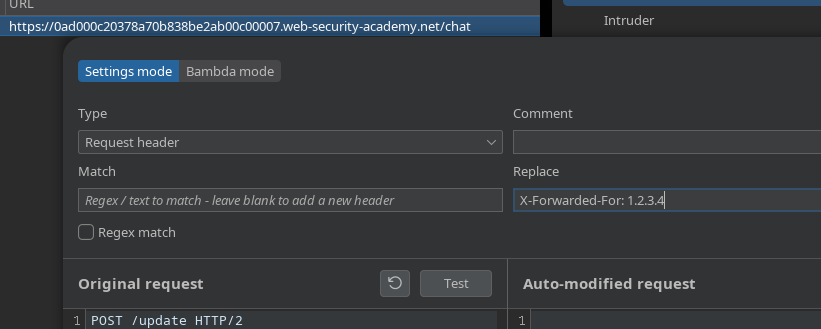
WebSocket ハンドシェイクを確立する際に、次の HTTP ヘッダーを追加する:
```http
X-Forwarded-For: 0.0.0.0
```
サーバーは再び接続を受け入れます。/ 毎回手動で追加する必要がないように、このヘッダーは **プロキシ内で永続的に**.
#### XSS フィルターの回避
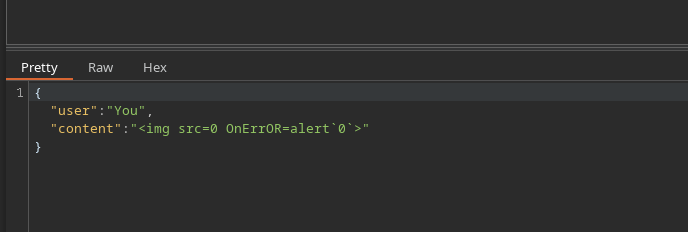
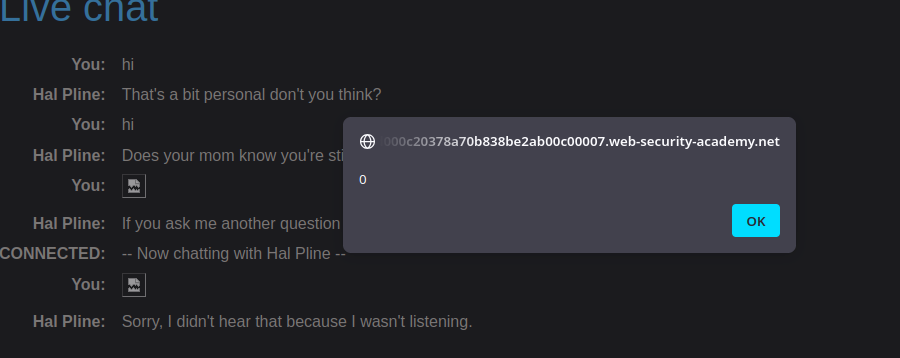
接続が復元されたら、フィルターを回避するためにペイロードを少し変更します:
```javascript
```
このように壊し方と構文を変えることで、検出を回避できます。
---
# Agent Instructions
This documentation is published with GitBook. GitBook is the documentation platform designed so that both humans and AI agents can read, navigate, and reason over technical content effectively. Learn more at gitbook.com.
## Querying This Documentation
If you need additional information that is not directly available in this page, you can query the documentation by asking a question.
Perform an HTTP GET request on the following URL with the `ask` and `goal` query parameters:
```
GET https://hacking-notes.jord4n.pro/ja/web/websockets/websocket-handshake-manipulation.md?ask=&goal=
```
`ask` is the immediate question: it should be specific, self-contained, and written in natural language.
`goal` is what the user is ultimately trying to achieve, the reason they need the answer. Sharing it helps GitBook give you a better, more relevant answer. A goal is most helpful when it describes the outcome the user wants rather than restating the question. For example, with `ask=how do I create an API token`, a goal like `automate deployments from our CI pipeline` lets GitBook tailor the answer to that use case.
The response will contain a direct answer to the question and relevant excerpts and sources from the documentation.
Use this mechanism when the answer is not explicitly present in the current page, you need clarification or additional context, or you want to retrieve related documentation sections.