> For the complete documentation index, see [llms.txt](https://hacking-notes.jord4n.pro/llms.txt). Markdown versions of documentation pages are available by appending `.md` to page URLs; this page is available as [Markdown](https://hacking-notes.jord4n.pro/pt-br/hacking-tools/windows.md).

# Ferramentas para Windows

Notas de ferramentas ofensivas para Windows para enumeração local, checagem de privilégios, mapeamento de caminhos de ataque do Active Directory, BloodHound, SharpHound, WinPEAS, PrivescCheck, LOLBAS, PowerUp, Invoke-Obfuscati

As ferramentas do Windows oferecem suporte à revisão de privilégios locais, mapeamento de relacionamentos do Active Directory, enumeração de endpoints e pós-exploração controlada. Use esta seção para escolher a ferramenta certa para a evidência de que você precisa: privilégios locais, serviços fracos, relacionamentos de domínio, caminhos de ataque ou referências de bypass de executáveis.

## Fluxo de trabalho de ferramentas do Windows

1. Enumere identidade local, privilégios, grupos, processos, serviços, sessões, estado de rede e software instalado.
2. Use WinPEAS, PrivescCheck, PowerUp ou comandos manuais para identificar configurações incorretas locais.
3. Colete relacionamentos do Active Directory com SharpHound ou BloodHound.py quando o contexto de domínio for importante.
4. Analise os caminhos do BloodHound para encontrar as rotas controladas mais curtas para admin local, grupos de alto valor ou comprometimento do domínio.
5. Faça uma verificação cruzada com LOLBAS e WADCom quando uma técnica depender de binários nativos do Windows ou da sintaxe de comandos do AD.

## Categorias de Ferramentas do Windows

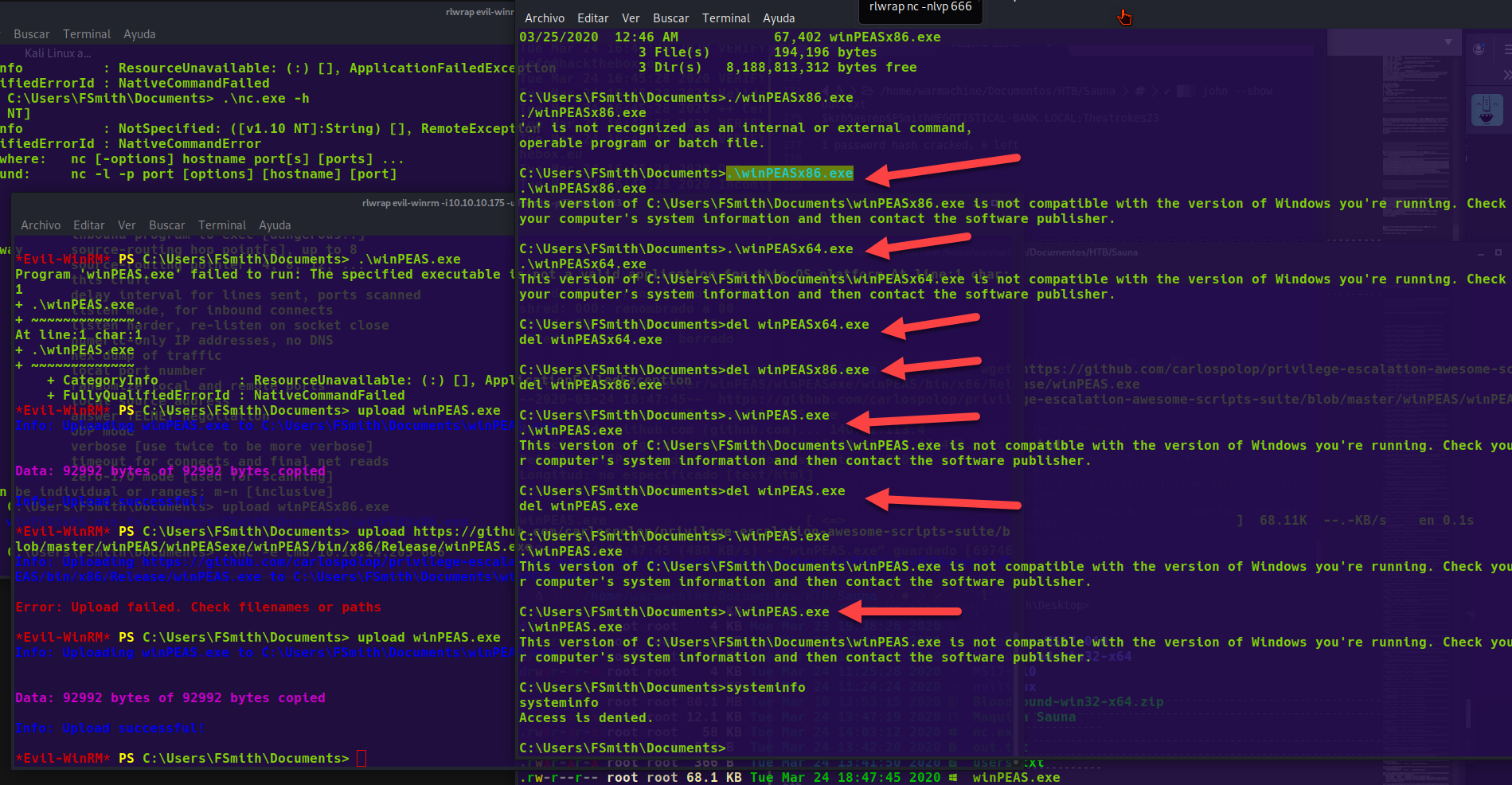
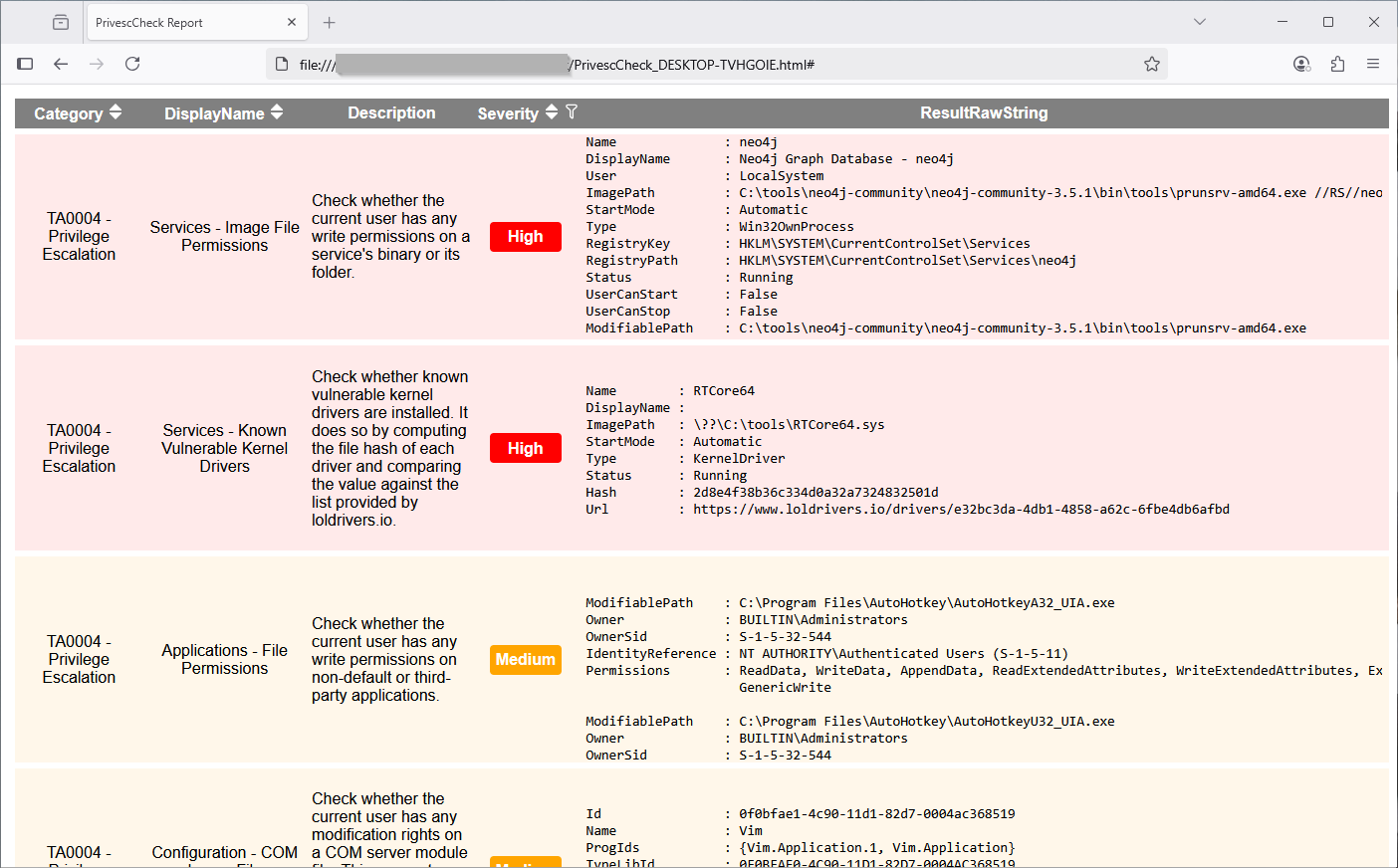
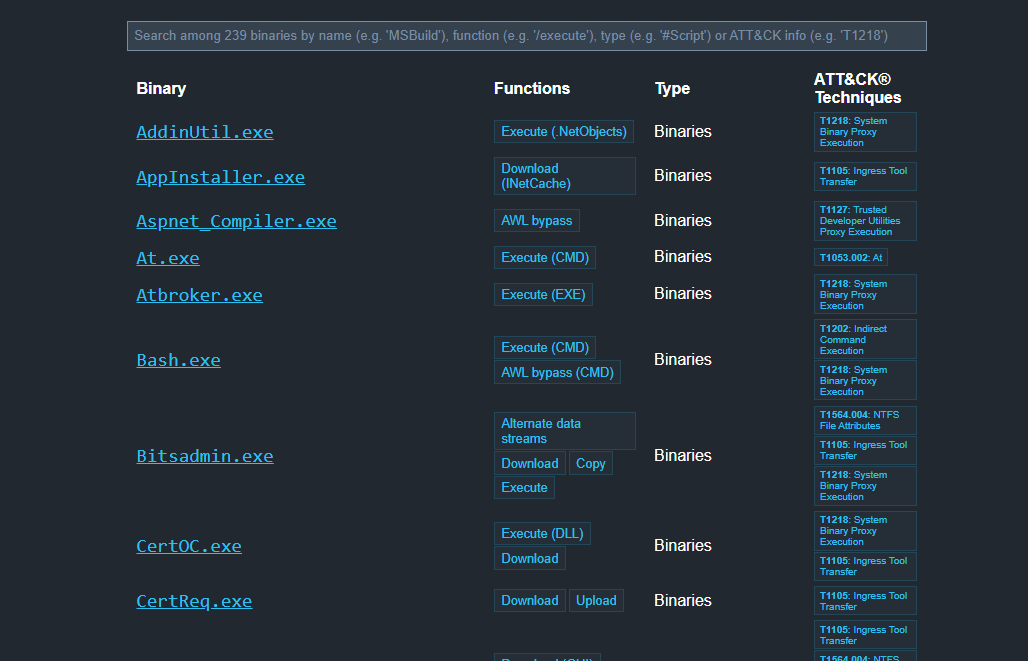
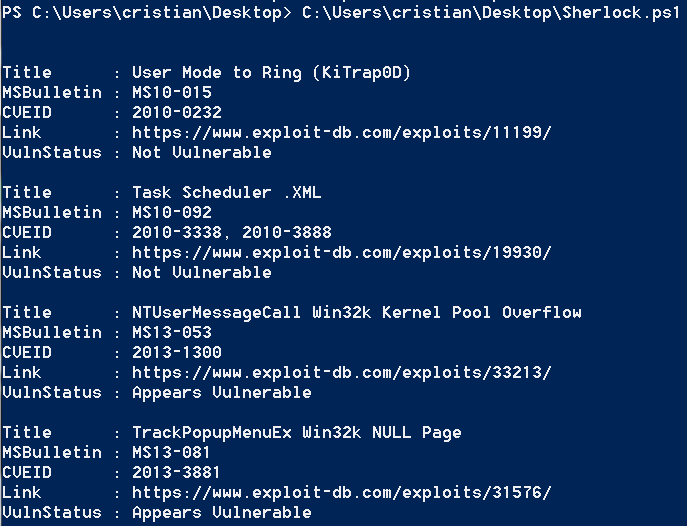
<table data-card-size="large" data-column-title-hidden data-view="cards" data-full-width="false" data-search="false"><thead><tr><th>Nome</th><th>Descrição</th><th>Link oficial</th><th data-hidden data-card-cover data-type="image">Imagem de capa</th></tr></thead><tbody><tr><td><strong>Enumeração do Windows</strong></td><td>Comandos e verificações locais para identificar privilégios, grupos e serviços.</td><td><a href="/pt-br/hacking-tools/windows/windows-enumeration.md">enumeração-windows</a></td><td></td></tr><tr><td><strong>BloodHound</strong></td><td>Mapeamento do Active Directory e descoberta de caminhos de ataque.</td><td><a href="/pt-br/hacking-tools/windows/bloodhound-tool.md">ferramenta-bloodhound</a></td><td></td></tr><tr><td><strong>WinPEAS</strong></td><td>Enumeração automatizada para elevação de privilégios no Windows.</td><td><a href="https://github.com/peass-ng/PEASS-ng/releases/tag/20241101-6f46e855">https://github.com/peass-ng/PEASS-ng/releases/tag/20241101-6f46e855</a></td><td><a href="https://783634792-files.gitbook.io/~/files/v0/b/gitbook-x-prod.appspot.com/o/spaces%2Fl4EVJpcOrsgjSGsLI7p2%2Fuploads%2Fgit-blob-6e9481e03ce9481535dee569ade2212fae6c6794%2Fimage.png?alt=media">image.png</a></td></tr><tr><td><strong>PrivescCheck</strong></td><td>Auditoria em PowerShell de configurações incorretas do Windows.</td><td><a href="https://github.com/itm4n/PrivescCheck">https://github.com/itm4n/PrivescCheck</a></td><td><a href="https://783634792-files.gitbook.io/~/files/v0/b/gitbook-x-prod.appspot.com/o/spaces%2Fl4EVJpcOrsgjSGsLI7p2%2Fuploads%2Fgit-blob-86db6e4d02451169c9883f216dde6051f684d851%2Fimage.png?alt=media">image.png</a></td></tr><tr><td><strong>LOLBAS</strong></td><td>Referência de binários do Windows que podem ser usados para bypasses ou execução.</td><td><a href="https://lolbas-project.github.io/">https://lolbas-project.github.io/</a></td><td><a href="https://783634792-files.gitbook.io/~/files/v0/b/gitbook-x-prod.appspot.com/o/spaces%2Fl4EVJpcOrsgjSGsLI7p2%2Fuploads%2Fgit-blob-aa91777110a6898c165b88a516317a3eb8cde4f2%2Fimage.png?alt=media">image.png</a></td></tr><tr><td><strong>Sherlock</strong></td><td>Descoberta de vulnerabilidades locais conhecidas no Windows.</td><td><a href="https://github.com/rasta-mouse/Sherlock">https://github.com/rasta-mouse/Sherlock</a></td><td><a href="https://783634792-files.gitbook.io/~/files/v0/b/gitbook-x-prod.appspot.com/o/spaces%2Fl4EVJpcOrsgjSGsLI7p2%2Fuploads%2Fgit-blob-fbcca3b2396274fea4a41da1ab0b8e0992ba3cfe%2Fimage.png?alt=media">image.png</a></td></tr></tbody></table>


---

# Agent Instructions
This documentation is published with GitBook. GitBook is the documentation platform designed so that both humans and AI agents can read, navigate, and reason over technical content effectively. Learn more at gitbook.com.

## Querying This Documentation
If you need additional information that is not directly available in this page, you can query the documentation by asking a question.

Perform an HTTP GET request on the following URL with the `ask` and `goal` query parameters:

```
GET https://hacking-notes.jord4n.pro/pt-br/hacking-tools/windows.md?ask=<question>&goal=<user_goal>
```

`ask` is the immediate question: it should be specific, self-contained, and written in natural language.
`goal` is what the user is ultimately trying to achieve, the reason they need the answer. Sharing it helps GitBook give you a better, more relevant answer. A goal is most helpful when it describes the outcome the user wants rather than restating the question. For example, with `ask=how do I create an API token`, a goal like `automate deployments from our CI pipeline` lets GitBook tailor the answer to that use case.

The response will contain a direct answer to the question and relevant excerpts and sources from the documentation.

Use this mechanism when the answer is not explicitly present in the current page, you need clarification or additional context, or you want to retrieve related documentation sections.