> For the complete documentation index, see [llms.txt](https://hacking-notes.jord4n.pro/llms.txt). Markdown versions of documentation pages are available by appending `.md` to page URLs; this page is available as [Markdown](https://hacking-notes.jord4n.pro/pt-br/web/csrf/samesite-strict-bypass-via-client-side-redirect.md).
# Bypass de SameSite Strict via Redirecionamento no Lado do Cliente
Notas sobre Bypass de SameSite Strict via Redirecionamento no Lado do Cliente para laboratórios da PortSwigger Web Security Academy, incluindo fluxo de exploração, teste de payloads, validação no Burp Suite e contexto de remediação.
### Bypass de SameSite Strict via redirecionamento do lado do cliente
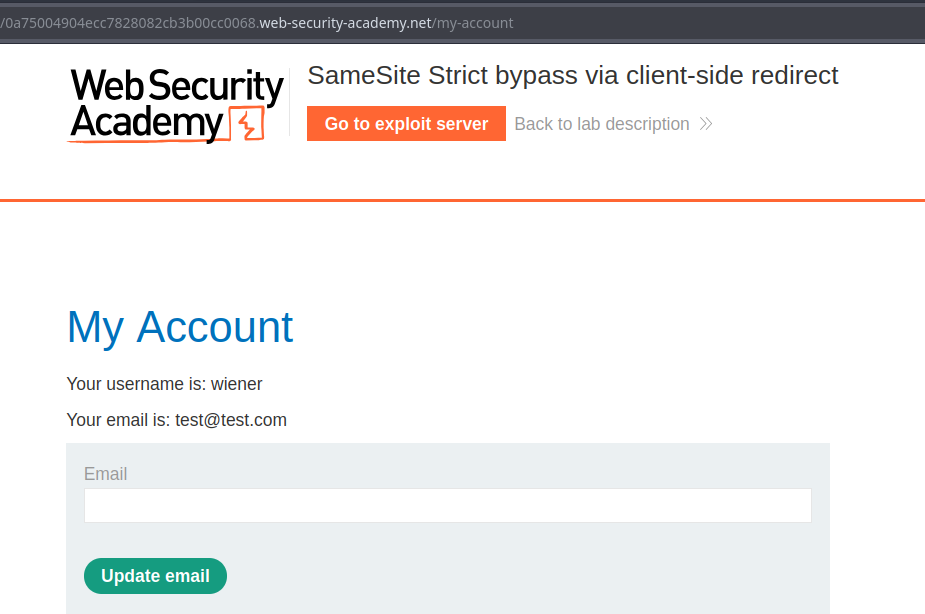
O formulário de alteração de e-mail do laboratório é vulnerável a CSRF. O objetivo é alterar o endereço de e-mail da vítima hospedando o exploit no servidor de exploit fornecido.
**Testar acesso**/ Conta usada no laboratório: `wiener:peter`
### Observações Principais
1. A funcionalidade de alteração de e-mail funciona por meio de uma solicitação GET deste tipo:
```
/my-account/change-email?email=test@test.com&submit=1
```
Ao enviar um redirecionamento JavaScript como este:
```javascript
```
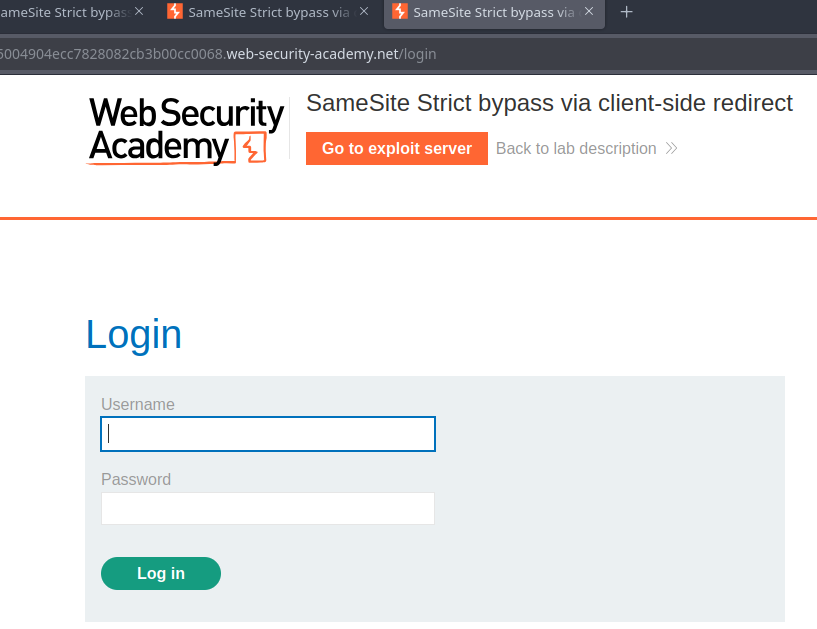
* a página solicita autenticação se o usuário não estiver autenticado — a consulta não leva o cookie de sessão quando vem de outro site.
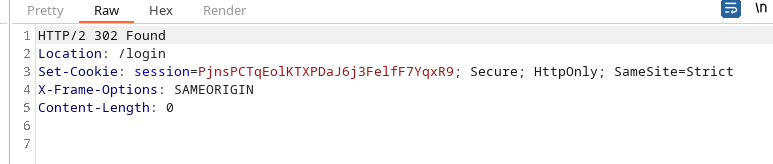
O `Set-Cookie` o cabeçalho contém `SameSite=Strict`, o que impede o envio do cookie de sessão quando a navegação é iniciada a partir de outro contexto (cross-site), bloqueando normalmente ataques clássicos de redirecionamento.
### Área explorada (comentários → Confirmação → Redirecionamento)
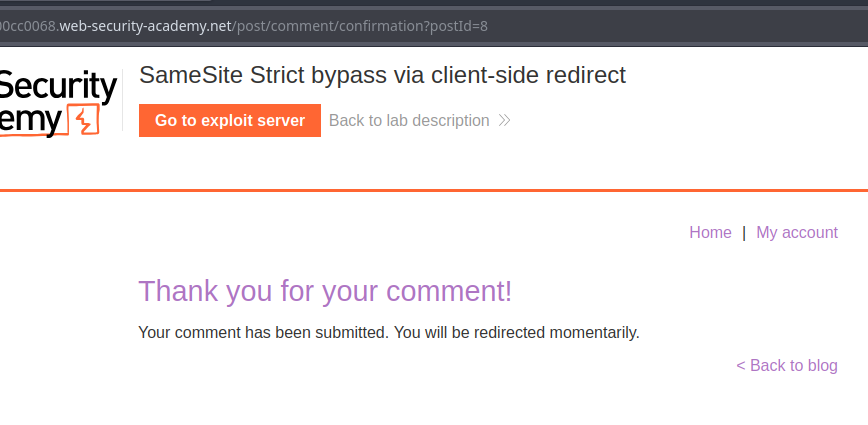
1. Há uma área de comentários que então redireciona para:
```
post/comment/confirmation?postId=8
```
Um script na página de confirmação extrai o `postId` parâmetro e redireciona após 3 segundos para a postagem correspondente:
```javascript
redirectOnConfirmation = (blogPath) => {
setTimeout(() => {
const url = new URL(window.location);
const postId = url.searchParams.get("postId");
window.location = blogPath + '/' + postId;
}, 3000);
}
```
```javascript
window.location = blogPath + '/' + postId;
```
```
window.location = blogPath + '/' + ../my-account;
```
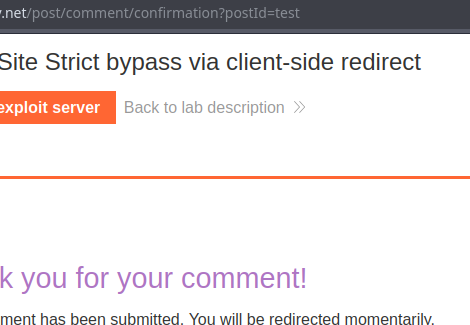
Observando esse comportamento, notamos que `postId` não é estritamente obrigatório: se seu valor for alterado (por exemplo, `test`), o redirecionamento vai para `.../test` sem validação aparente.
#### Contornando o SameSite Strict por meio de caminho manipulado
Ideia: substituir o redirecionamento para `blogPath + '/' + postId` por `postId` contendo segmentos `..` relativos para alcançar um caminho do site alvo (diretório anterior), por exemplo:
`/post/comment/confirmation?postId=../my-account`
* o redirecionamento então leva a um diretório superior sem bloquear o cookie de sessão.
Ao construir um `postId`mais específico, direcionamos diretamente a função de alteração do e-mail:
```
/post/comment/confirmation?postId=../../my-account/change-email?email=hack@jordann.com%26submit=1
```
Redirecionamento simples para a página de alteração de e-mail:
```javascript
```
---
# Agent Instructions
This documentation is published with GitBook. GitBook is the documentation platform designed so that both humans and AI agents can read, navigate, and reason over technical content effectively. Learn more at gitbook.com.
## Querying This Documentation
If you need additional information that is not directly available in this page, you can query the documentation by asking a question.
Perform an HTTP GET request on the following URL with the `ask` and `goal` query parameters:
```
GET https://hacking-notes.jord4n.pro/pt-br/web/csrf/samesite-strict-bypass-via-client-side-redirect.md?ask=&goal=
```
`ask` is the immediate question: it should be specific, self-contained, and written in natural language.
`goal` is what the user is ultimately trying to achieve, the reason they need the answer. Sharing it helps GitBook give you a better, more relevant answer. A goal is most helpful when it describes the outcome the user wants rather than restating the question. For example, with `ask=how do I create an API token`, a goal like `automate deployments from our CI pipeline` lets GitBook tailor the answer to that use case.
The response will contain a direct answer to the question and relevant excerpts and sources from the documentation.
Use this mechanism when the answer is not explicitly present in the current page, you need clarification or additional context, or you want to retrieve related documentation sections.